Quick Answer
Set up your 18 inch ring light directly behind your camera, slightly above eye level, and adjust brightness and color temperature to flatter your face without washing out the background.
Why an 18 Inch Ring Light Works for Video Calls
An 18 inch ring light provides even, soft illumination that reduces shadows on your face, making you look clearer and more professional on camera. Its size is large enough to light your face and shoulders without overwhelming your desk setup.
The ring light's adjustable height and angle let you fine-tune the light to match your environment, whether you're in a bright room or a dim home office. This flexibility is key to avoiding harsh shadows or glare on glasses.
While an 18 inch ring light is versatile, it may be overkill for very small spaces. If your desk is cramped, consider a smaller ring light or a clamp-style light, but for most home offices, this size offers the best balance of coverage and portability.
Step-by-Step Setup Guide
- Position the Light: Place the ring light directly behind your camera or laptop, slightly above eye level. This creates a flattering, even light on your face and reduces shadows under your eyes and chin. Check that the light is not too high, which can cast shadows under your eyes.
- Adjust Height and Angle: Use the adjustable stand to set the ring light so the center of the ring is at your eye level. Tilt it slightly downward toward your face to avoid glare on glasses and to fill in facial shadows. If you wear glasses, lower the light slightly to minimize reflections.
- Set Brightness and Color Temperature: Start with a mid-level brightness and a neutral color temperature (around 5000K). Adjust from there: increase brightness if your face looks too dark, or warm up the temperature if you look washed out. Avoid max brightness in a dark room—it can overexpose your face and make the background look black.
- Position Your Camera: Place your camera at eye level or slightly above, and ensure the ring light is directly behind it. This creates a 'catchlight' in your eyes and makes you look more engaged. If the light is off to the side, you'll get uneven lighting on one side of your face.
- Test and Adjust for Your Environment: Before your call, do a quick test video to check how you look. Adjust brightness, angle, and temperature based on your room's ambient light. If the background is too bright, close blinds or move the light closer. Use the preview mode in your video app to fine-tune the look in real time.
Product Spotlight
-
18 Inch Ring Light - Open Box: The Ring Light 18" allows you to customize height, angle, temperature, and brightness. This adjustability lets you tailor the light to your room and skin tone, ensuring you look your best on every call.
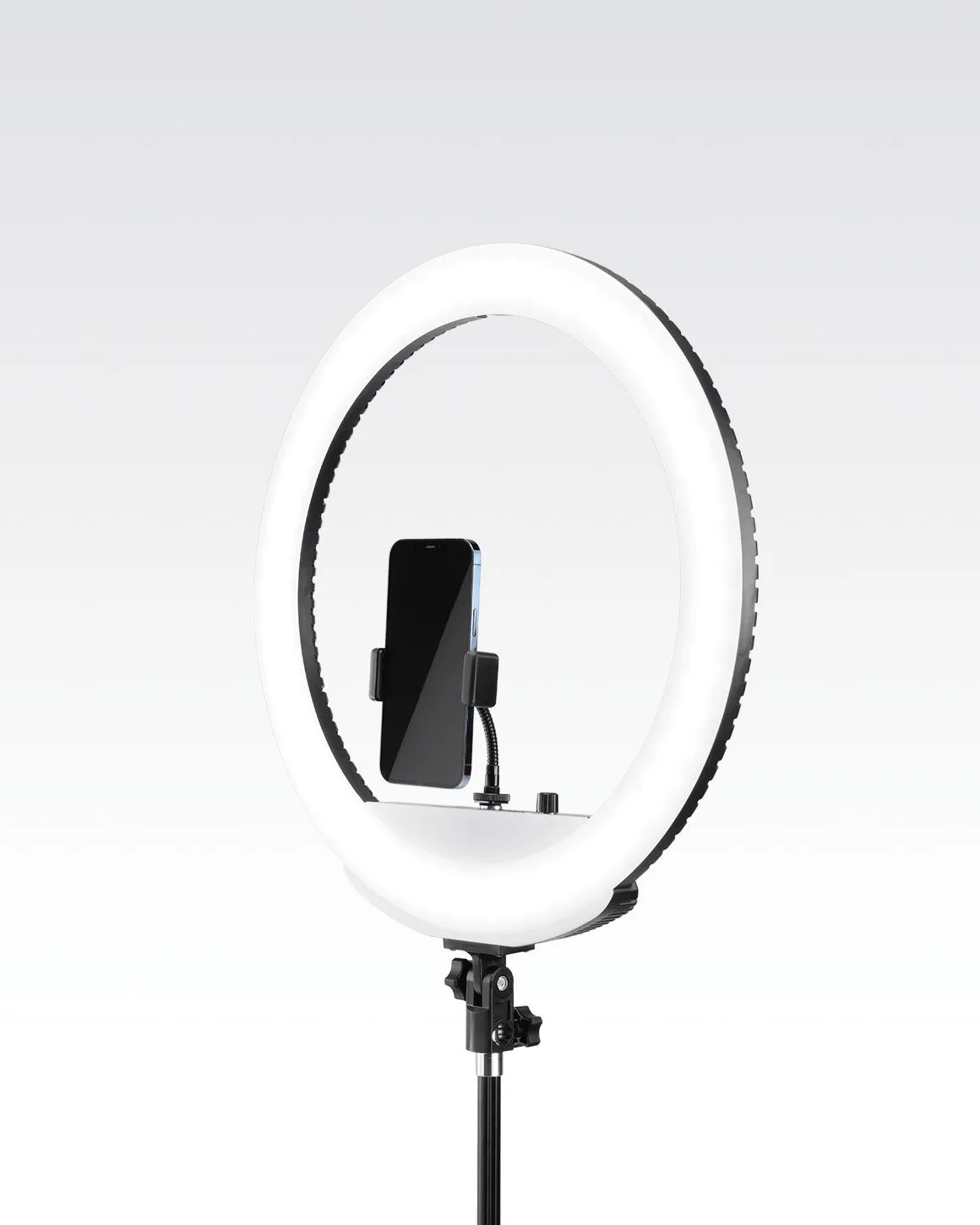
18 Inch Ring Light - Open Box
-
18 Inch Ring Light - Open Box: It is compatible with Sony NP batteries for a cordless option (batteries not included). Battery power means you can place the light anywhere without worrying about outlet proximity, ideal for temporary setups.


