Quick answer
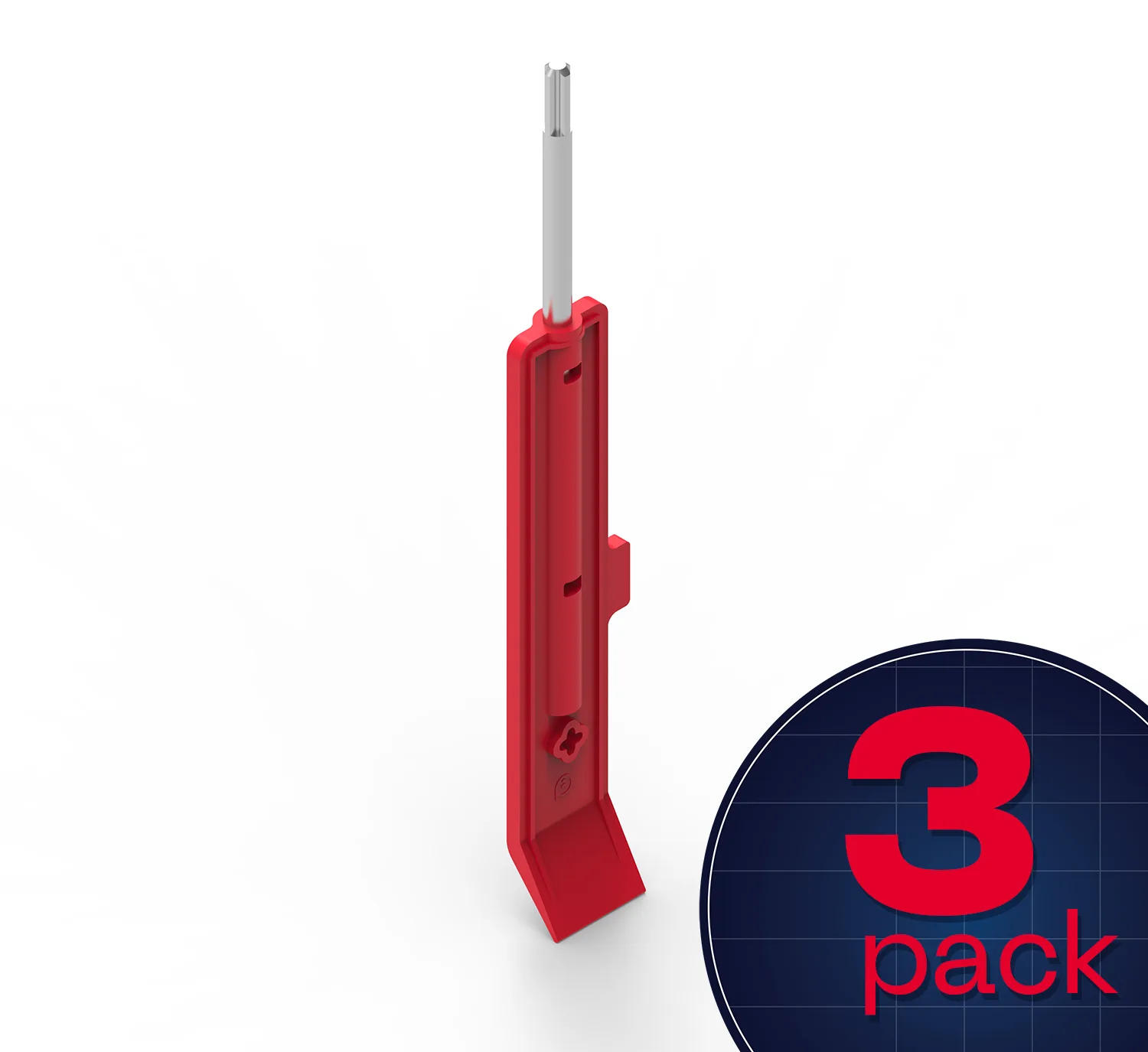
Use the Blueprint Removal Tool 3-Pack to help students quickly disassemble and adjust their Blueprint builds without frustration. The tool pries connectors, pushes shafts, and tightens collars.
Why a dedicated removal tool matters in class
When students build with Blueprint parts, they often need to take things apart to fix mistakes or reuse pieces. Fingers alone struggle with tight connectors and small shafts. The Removal Tool gives them a precise way to reverse their work, reducing breakage and keeping lessons moving.
Step-by-step classroom usage
- Pry connectors apart: Insert the flat end of the Removal Tool between two connected Blueprint Connectors. Gently twist the tool to separate them. Avoid prying at an extreme angle to prevent bending the tool. Common mistake: pulling connectors apart by hand can break the locking tabs. Always use the tool.
- Push shafts through gears and pulleys: Place the tip of the Removal Tool against the end of a shaft that is stuck inside a gear, pulley, or Connector. Push firmly and steadily until the shaft slides out the other side. Do not hammer the tool—use controlled pressure. Checkpoint: if the shaft does not move, verify you are pushing in the correct direction (toward the open end of the part).
- Tighten High Strength Shaft Collars: Fit the Removal Tool's slot over the set screw of a High Strength Shaft Collar. Turn clockwise to tighten the collar onto the shaft. Over-tightening can strip the screw, so stop when the collar feels snug. Common mistake: using a regular screwdriver may damage the collar. The Removal Tool fits the screw head exactly.
Product facts
-
Blueprint Removal Tool 3-Pack: The Blueprint Removal Tool 3-Pack is designed for prying Connectors, pushing shafts through gears, pulleys, or Connectors, and tightening High Strength Shaft Collars. Students can disassemble and adjust builds independently, which saves teacher time and reduces part damage.
Blueprint Removal Tool 3-Pack