Quick Answer
For clean plastic model cuts, use the Entry Grade Nipper (Blue) with a two-cut technique: first cut away from the part, then trim the remaining nub flush. This beginner-friendly tool's single-edged blade helps minimize stress marks.
Why the Entry Grade Nipper Works for Beginners
The Entry Grade Nipper (Blue) is designed with a single-edged blade, which makes it easier to control than double-edged cutters. This design is forgiving for newcomers who are still developing a steady hand, reducing the chance of accidentally gouging the plastic.
Its comfortable handling means you can maintain a firm grip without fatigue during longer sessions. This is especially important when you're cutting many parts from sprues, as a tired hand leads to shaky cuts and more cleanup work.
The Trade-Off: Nub Removal vs. Flush Cuts
A single-edged nipper is excellent for cutting parts from the sprue, but it is not designed to make perfectly flush cuts directly against the part surface. Attempting to cut too close in one go can stress the plastic and leave white marks.
Instead, use the nipper for the initial cut, leaving a small nub, then trim the nub in a second pass. This approach balances speed with surface quality, and for most model kits, the remaining nub can be sanded or scraped away with a hobby knife if you want a flawless finish.
Step-by-Step Guide to Clean Cuts
- Prepare your workspace: Set up a clean, well-lit area with your model kit, the Entry Grade Nipper (Blue), and a container for cut parts. Make sure the nipper's blade is free of dust or residue. A stable work surface prevents slips and ensures consistent cutting angles.
- Identify the cutting point: Examine the part on the sprue and locate the gate (the connection point). Cut at least 2-3 mm away from the part, not directly at the surface. Cutting too close in one go is the most common cause of stress marks.
- Make the first cut: Hold the nipper so the flat side of the blade faces the part. Squeeze the handles steadily, using the full length of the blade for a clean cut. Remove the part from the sprue. Avoid twisting the nipper, as this can tear the plastic and leave jagged edges.
- Trim the remaining nub: Position the nipper's blade flat against the part surface, with the nub centered between the blades. Gently squeeze to trim the nub flush, but do not force the cut. If you feel resistance, stop and reposition; forcing can crush the plastic and cause whitening.
- Inspect and clean up: Check the cut area for any remaining nub or stress marks. If needed, lightly sand with fine-grit sandpaper or scrape with a hobby knife to achieve a smooth finish. A quick inspection now saves time later during assembly and painting.
Product Spotlight
-
Entry Grade Nipper (Blue): The BANDAISPIRITS ENTRY NIPPER [BLUE] is a beginner-friendly tool designed for precision cutting of plastic model parts from sprues, featuring a single-edged blade and comfortable handling. Its single-edged blade gives you better control, making it ideal for learning the two-cut technique without the frustration of stress marks.
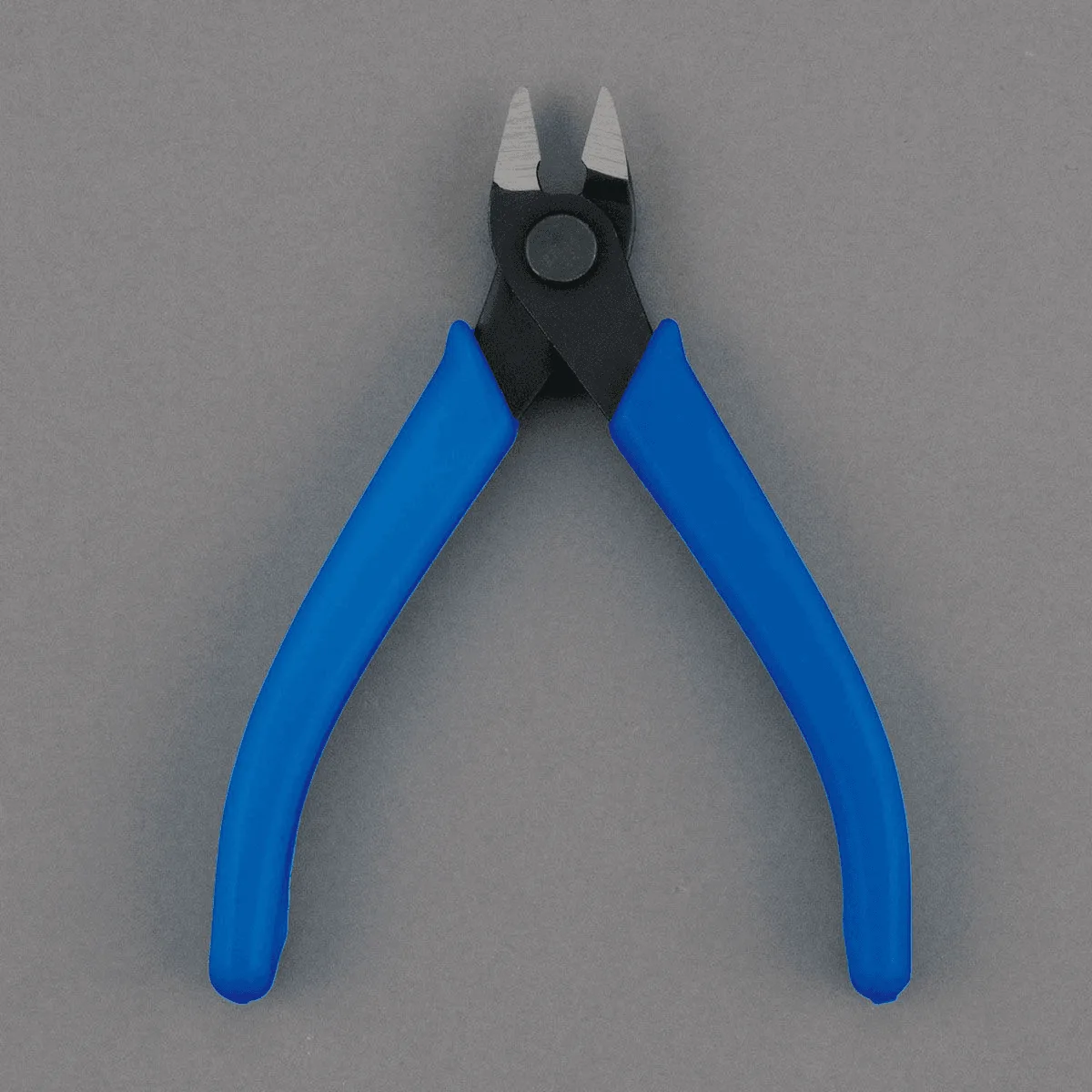
Entry Grade Nipper (Blue)