Quick answer
The Fleshjack Quickshot Quick Connect adapter lets you link two Quickshot sleeves together for extended length and combined textures. This guide walks you through setup, use, and a common pitfall to avoid.
Why use the Quick Connect adapter?
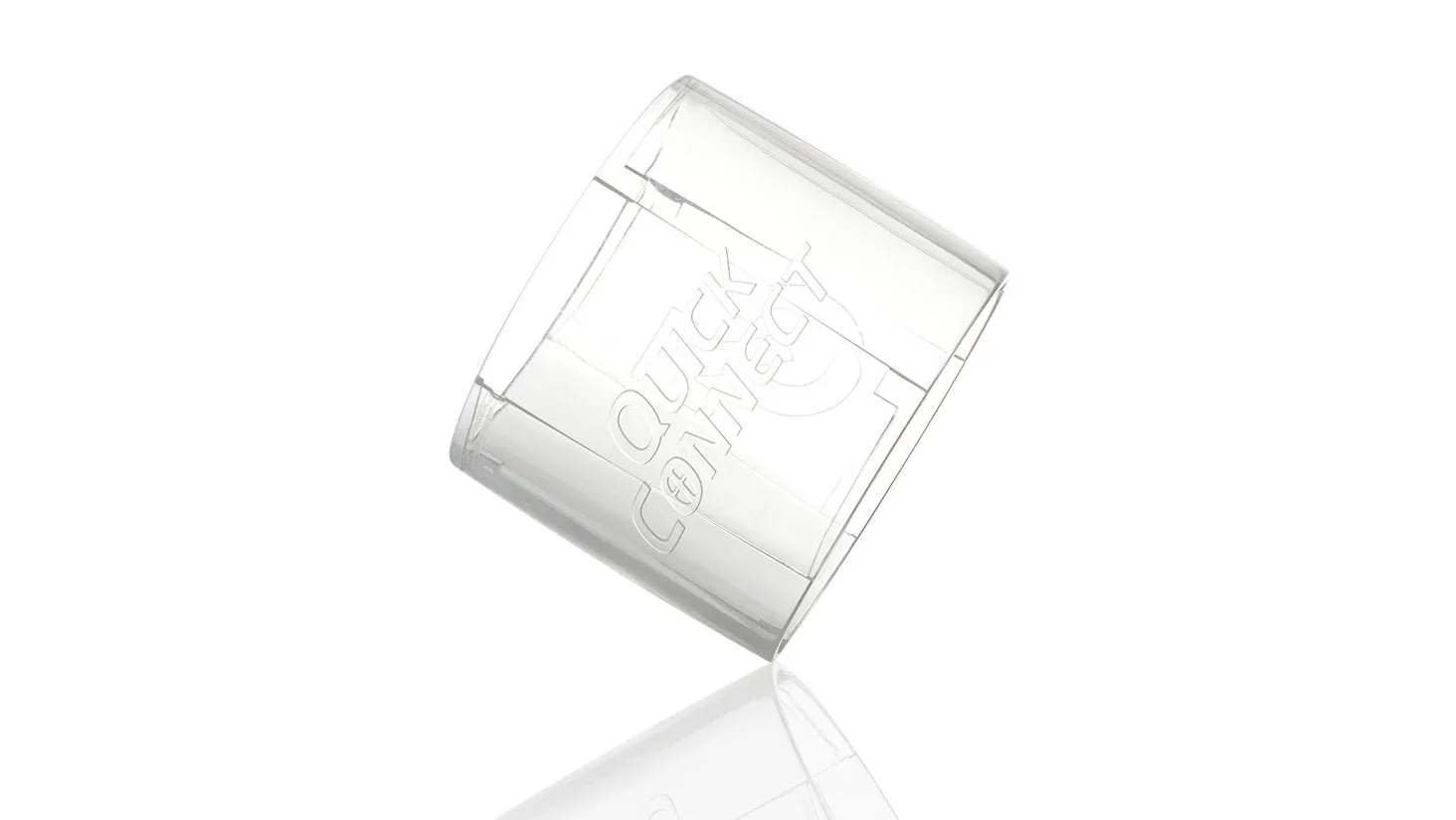
The Quick Connect is a small plastic ring that snaps onto the open end of a Quickshot sleeve, allowing you to attach a second Quickshot. This doubles the internal length and lets you experience two different textures in one session. It works for solo play or with a partner, and it's one of the most affordable ways to upgrade your Quickshot setup.
Step-by-step: Setting up the Quickshot Quick Connect
- 1. Attach the adapter to the first sleeve: Take one Quickshot sleeve and press the open end firmly into the Quick Connect ring until it snaps into place. The ring should sit flush against the sleeve's outer rim. Make sure the ring is fully seated; a loose connection can cause the sleeves to separate during use.
- 2. Connect the second sleeve: Align the open end of the second Quickshot sleeve with the other side of the Quick Connect ring and press it in until it snaps. Both sleeves should now be securely linked end-to-end. Check that both sleeves are equally tight on the ring. If one side feels loose, remove and reattach it.
- 3. Lubricate and use: Apply water-based lubricant inside both sleeves and on yourself. The connected sleeves can be used manually or with a partner. The open ends remain accessible for easy cleaning afterward. Do not use silicone-based lube with Fleshjack sleeves; it can damage the material over time.
Product facts
-
Quickshot Quick Connect: Upgrade your Quickshot experience by connecting two Quickshots together for double the fun. This small adapter transforms a single sleeve into a longer, more versatile toy without buying a completely new product.
Quickshot Quick Connect