Quick answer
To use the Gloomhaven Map Tile Archive, sort your map tiles into the folder's compartments by tile type or terrain, then store the folder on an IKEA Kallax shelf for easy access. This keeps your Gloomhaven map tiles organized and cuts setup time. Always open the folder slowly the first few times to loosen the strong velcro without damaging the flap.
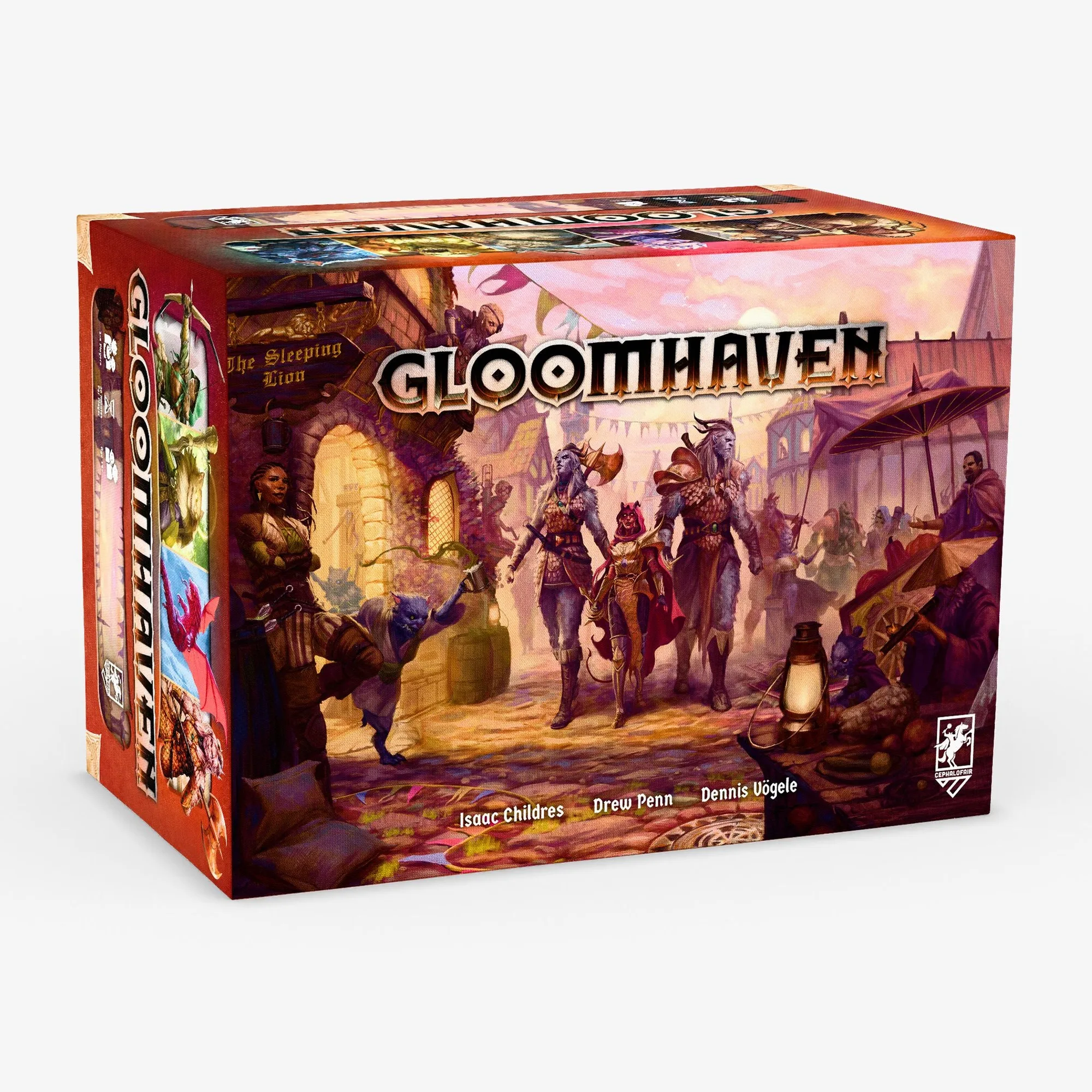
Gloomhaven
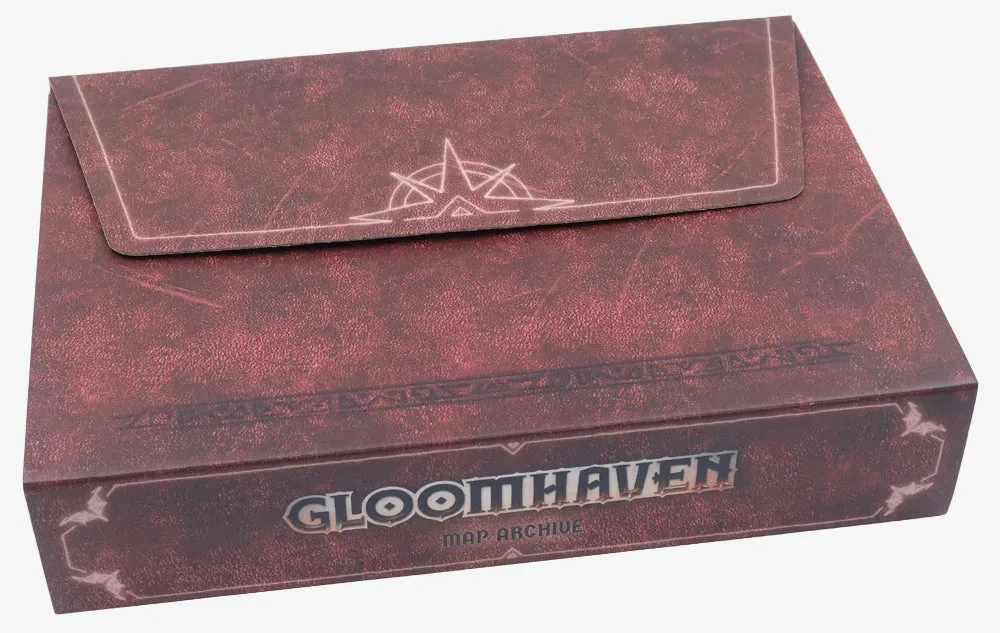
The Gloomhaven Map Tile Archive from Folded Space is a simple but effective storage solution for your map tiles. It requires no assembly and fits neatly on an IKEA Kallax shelf alongside your Gloomhaven box. But to get the most out of it, you need to use it consistently—not just as a bin, but as part of your setup and teardown routine.
This guide walks you through the exact steps to organize your Gloomhaven map tiles, from initial sorting to long-term maintenance. Whether you're a first-time owner or looking to improve your current system, these steps will help you speed up setup and keep your tiles in good condition.
Why the Map Tile Archive matters for Gloomhaven
Gloomhaven's map tiles are essential for every scenario, and digging through a messy pile can add minutes to your setup. The Map Tile Archive solves this by giving each tile a dedicated home. It's designed to fit on an IKEA Kallax shelf, so it integrates with common storage setups. Because it requires no assembly, you can start using it right away.
The archive also protects tiles from wear and tear. By keeping them flat and separated, you reduce the risk of bent corners or scratches. This is especially important if you plan to replay the campaign or resell your copy later. A little organization goes a long way in preserving your game.
- The archive is designed specifically for Gloomhaven map tiles, so fit is guaranteed.
- No assembly means you can organize your tiles the day it arrives.
Step-by-step: How to use the Map Tile Archive
Start by emptying all map tiles from your Gloomhaven box onto a large table. Group them by type: standard terrain tiles, corridor tiles, and special room tiles. This initial sort makes it easier to decide how to fill the archive's compartments. You might also separate tiles by the scenarios they appear in most often, but that's optional.
Next, place the tiles into the archive's slots. The archive has multiple compartments, so you can dedicate each to a category. For example, put all single-hex tiles in one section and multi-hex tiles in another. The goal is to make retrieval intuitive: when a scenario calls for a specific tile, you should know exactly where it is without flipping through the whole stack.
Once loaded, store the archive on your shelf. The IKEA Kallax compatibility means it slides in neatly. When you open the folder, do so gently—the velcro is quite strong out of the box. Folded Space suggests being careful the first few times to loosen it without separating the velcro from the flap. After a few openings, it will be easier to manage.
- Label compartments if you want extra clarity, but the archive's layout is already intuitive.
- Keep the archive away from direct sunlight to prevent any potential fading of tiles.
Common mistakes to avoid
One frequent mistake is overstuffing compartments. While it's tempting to fit as many tiles as possible, cramming them in can make it hard to remove tiles and may cause wear. Leave a little breathing room in each slot. Another mistake is ignoring the velcro warning: yanking the folder open can rip the velcro from the flap. Always open slowly and deliberately, especially in the first few uses.
Finally, don't treat the archive as a permanent storage solution for other game components. It's designed for map tiles, and mixing in tokens or cards can lead to clutter and confusion. Keep it dedicated to tiles to maintain its effectiveness.
- If the velcro feels too strong, you can press it down firmly before opening to redistribute the force.
- Avoid stacking heavy items on top of the archive to prevent compression.
Enhancing your game with the archive
Beyond organization, the Map Tile Archive can enhance your game by reducing setup and teardown time. When every tile has a place, you spend less time searching and more time playing. This is especially valuable for campaign sessions where you want to maximize playtime. The archive also makes it easy to transport your tiles if you play at a friend's house.
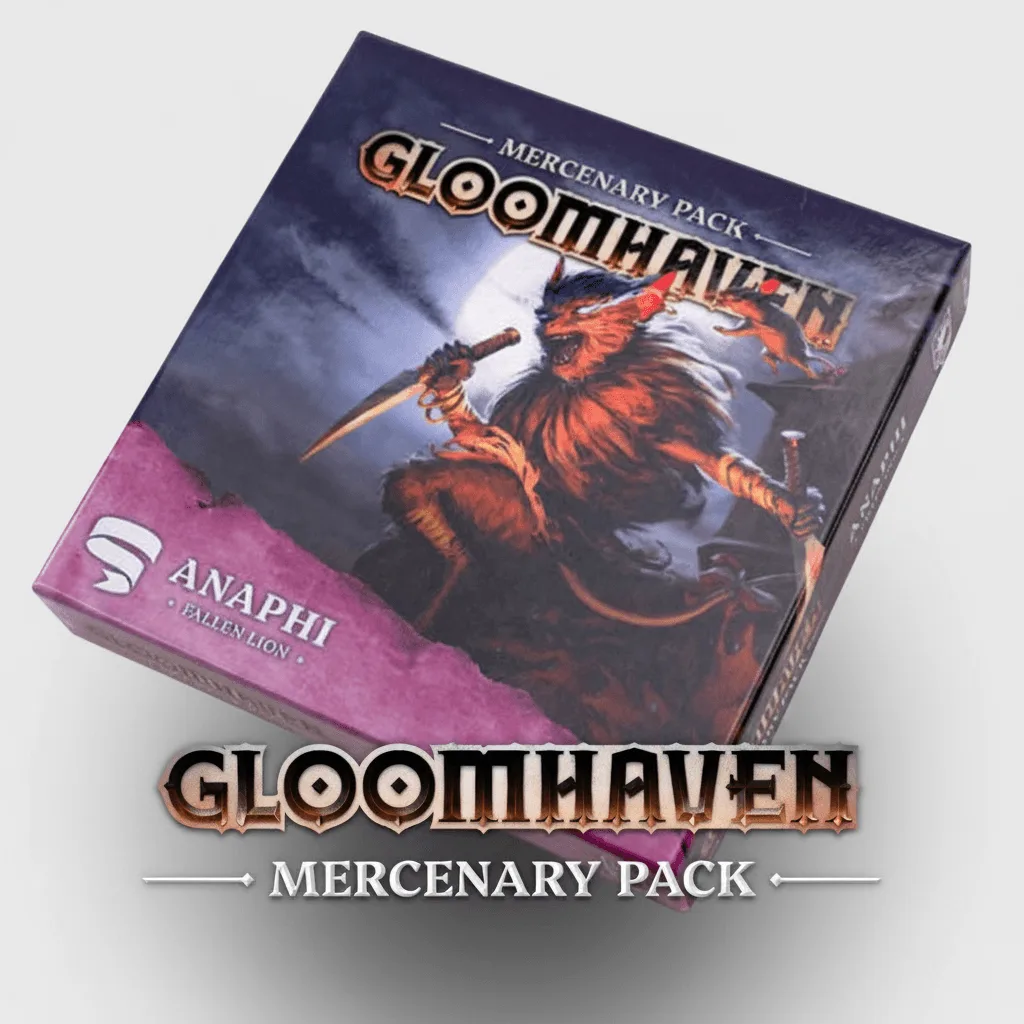
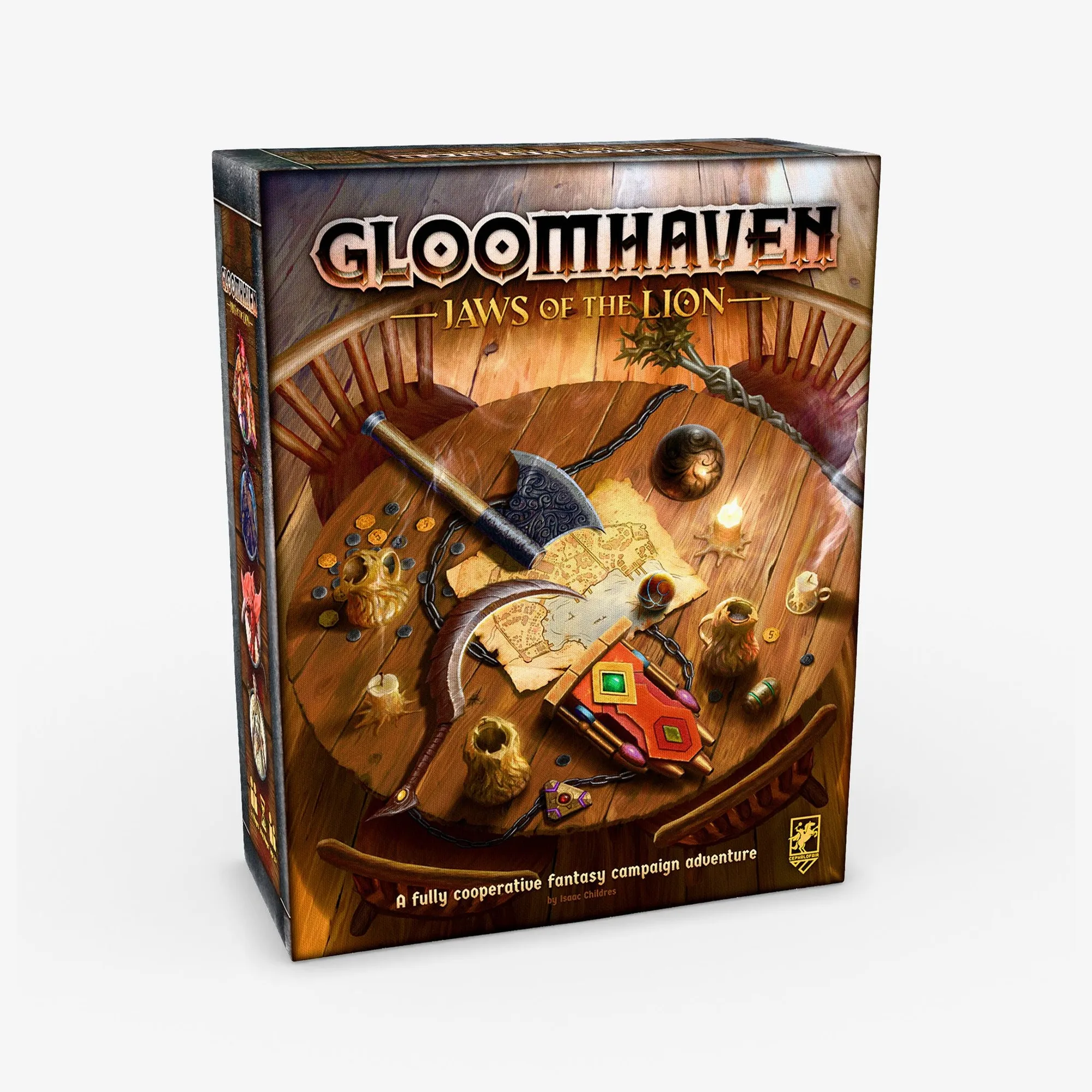
For an even smoother experience, consider pairing the archive with other Gloomhaven accessories. For example, the Gloomhaven: Jaws of the Lion Removable Sticker Set & Map can help you reset the standalone prequel campaign, and the Gloomhaven: Jaws of the Lion game itself is a great entry point. If you're looking to expand your collection, the Anaphi: Fallen Lion - Mercenary Pack adds a new mercenary to your roster. These products complement the archive by keeping your overall Gloomhaven experience organized and enjoyable.
- Use the archive as part of a consistent setup routine to build muscle memory.
- Consider a separate storage solution for tokens and cards to keep the archive focused.
Your step-by-step routine for using the Map Tile Archive
- Empty and sort your tiles: Remove all map tiles from your Gloomhaven box and group them by type or terrain on a large table. Checkpoint: You should have clear piles that make it easy to see how many of each type you own.
- Load the archive compartments: Place tiles into the archive's slots, dedicating sections to categories like single-hex or multi-hex tiles. Checkpoint: Tiles should fit without forcing; leave a little space for easy removal.
- Store the archive on your shelf: Slide the archive onto an IKEA Kallax shelf or similar storage area, keeping it flat and accessible. Checkpoint: The archive should sit securely without wobbling or being squeezed.
- Open the folder gently the first few times: The velcro is strong out of the box; open slowly to loosen it without separating it from the flap. Checkpoint: After a few openings, the velcro should be easier to manage without risk of damage.
- Use and return tiles consistently: After each game, return tiles to their designated compartments to maintain organization. Checkpoint: Setup time should decrease as you build the habit of putting tiles back immediately.
Product facts
- Gloomhaven: Map Tile Archive: Designed to fit on an IKEA Kallax shelf with Gloomhaven; no assembly needed. It integrates with common shelving and is ready to use immediately, saving you time and effort.
- Gloomhaven: Jaws of the Lion Removable Sticker Set & Map: Contains 30 vinyl, non-transferring adhesive stickers for clean removal. Allows you to reset, replay, or resell your copy of Jaws of the Lion without damaging components.
- Anaphi: Fallen Lion - Mercenary Pack: Anaphi is a vermling mercenary wielding augments and summoning pests. Adds a new playable character to your Gloomhaven campaign, expanding gameplay options.
The Gloomhaven Map Tile Archive is a straightforward way to organize your map tiles and speed up setup. By following these steps and avoiding common mistakes, you'll keep your game ready for every session.