Quick Answer
To use a ground level adapter, replace your tripod's center column with the adapter, mount your camera, and shoot from a stable low position. This setup gives you rock-solid stability for macro, landscape, and creative low-angle shots.
Why Use a Ground Level Adapter?
A ground level adapter lets you drop your camera to near-ground level without sacrificing stability. This is essential for macro photography, shooting through grass or flowers, or capturing reflections in puddles. Unlike flipping your tripod legs or using a beanbag, an adapter provides a secure, repeatable platform that keeps your camera level and protected.
The main trade-off is that you lose the ability to adjust height quickly and must work closer to the ground, which can be uncomfortable for long shoots. But for the creative payoff, many photographers find it worth the effort.
Aluminum vs. Carbon Fiber Adapters
Ground level adapters come in different materials, each with its own benefits. Aluminum adapters are affordable and durable, making them a great choice for occasional use. Carbon fiber adapters are lighter and more expensive, but they offer better vibration damping—useful for sharp images in windy conditions or when using longer lenses.
Choose based on your budget and how often you'll shoot at ground level. If you're a frequent low-angle shooter, the weight savings and vibration control of carbon fiber may be worth the extra cost.
Step-by-Step: Using a Ground Level Adapter
- Remove the center column: Loosen the center column lock on your tripod and slide the column out completely. Keep it in a safe place—you'll need it for normal-height shooting later. Check that the lock is fully released before pulling to avoid damaging the threads.
- Attach the ground level adapter: Insert the adapter into the tripod's center column socket and tighten the lock securely. Ensure it's seated firmly—a loose adapter can cause camera shake or even damage. Give the adapter a gentle tug to confirm it's locked before mounting your camera.
- Mount your camera: Attach your camera or quick-release plate to the adapter's mounting screw. Tighten it snugly, but avoid over-tightening, which can strip threads. Double-check that the camera is level using the built-in bubble level or your camera's electronic level.
- Set up your composition: Lower the tripod legs to get the desired height, then compose your shot using the live view or viewfinder. Adjust the legs independently to level the camera on uneven ground. Use a remote shutter release or the camera's self-timer to minimize vibration.
- Shoot and review: Take your shot, then review it on the LCD screen. Zoom in to check sharpness and adjust focus or settings as needed. Don't be afraid to reposition the tripod for a better angle. If the image is blurry, re-check the adapter lock and camera mount before trying again.
Ground Level Adapter Options
-
ProMaster XC-M 522 Ground Level Adapter (Aluminum): Aluminum construction with a catalog price of USD 8.29 (compare at USD 12.95). An affordable, sturdy option for photographers who want to try low-angle shooting without a big investment.
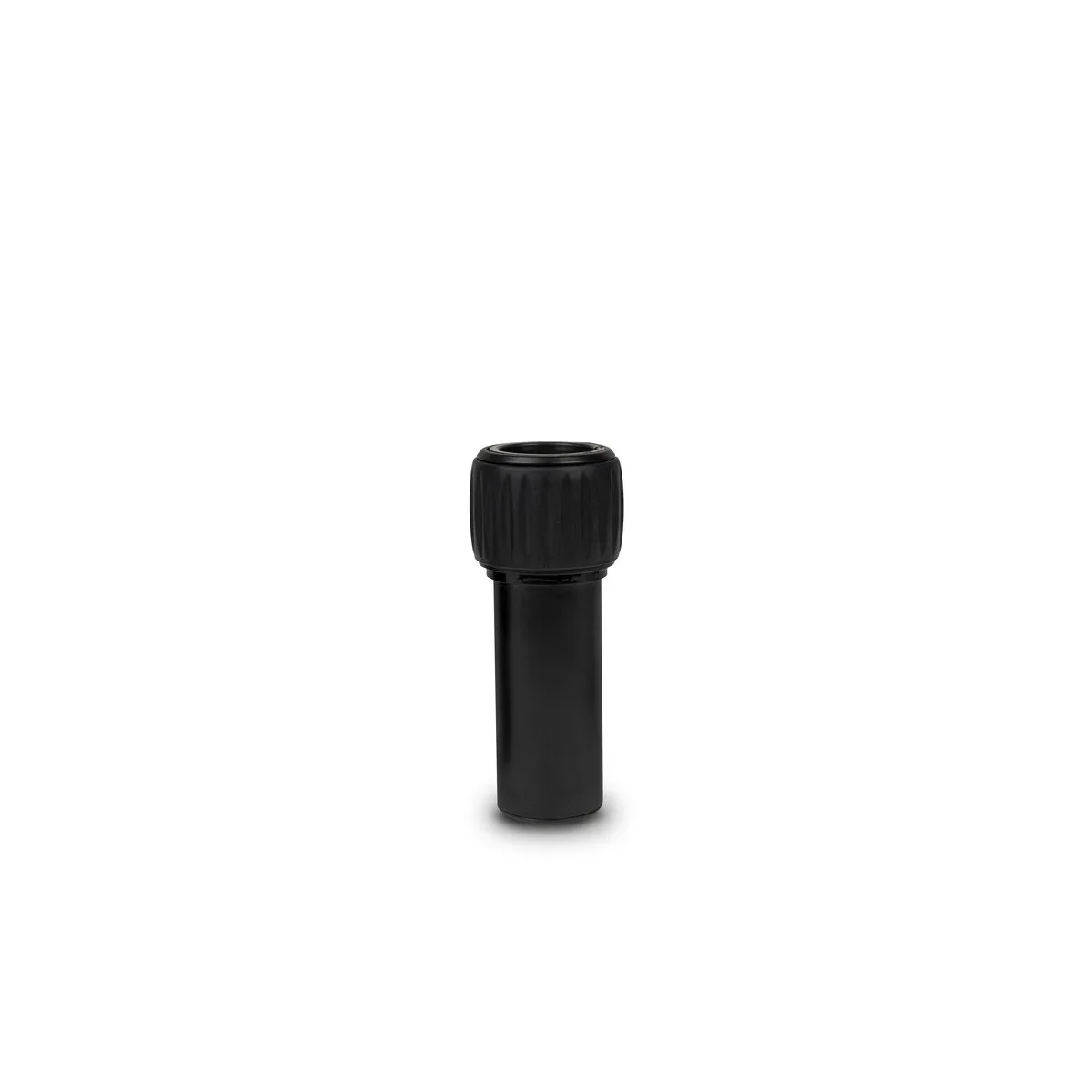
ProMaster XC-M 522 Ground Level Adapter (Aluminum)
-
ProMaster XC-M 525 & XC-M 528 Ground Level Adapter – Carbon Fiber: Carbon fiber construction with a catalog price of USD 12.77 (compare at USD 19.95). Lighter and better at damping vibrations, ideal for sharp images in the field, especially with longer lenses.
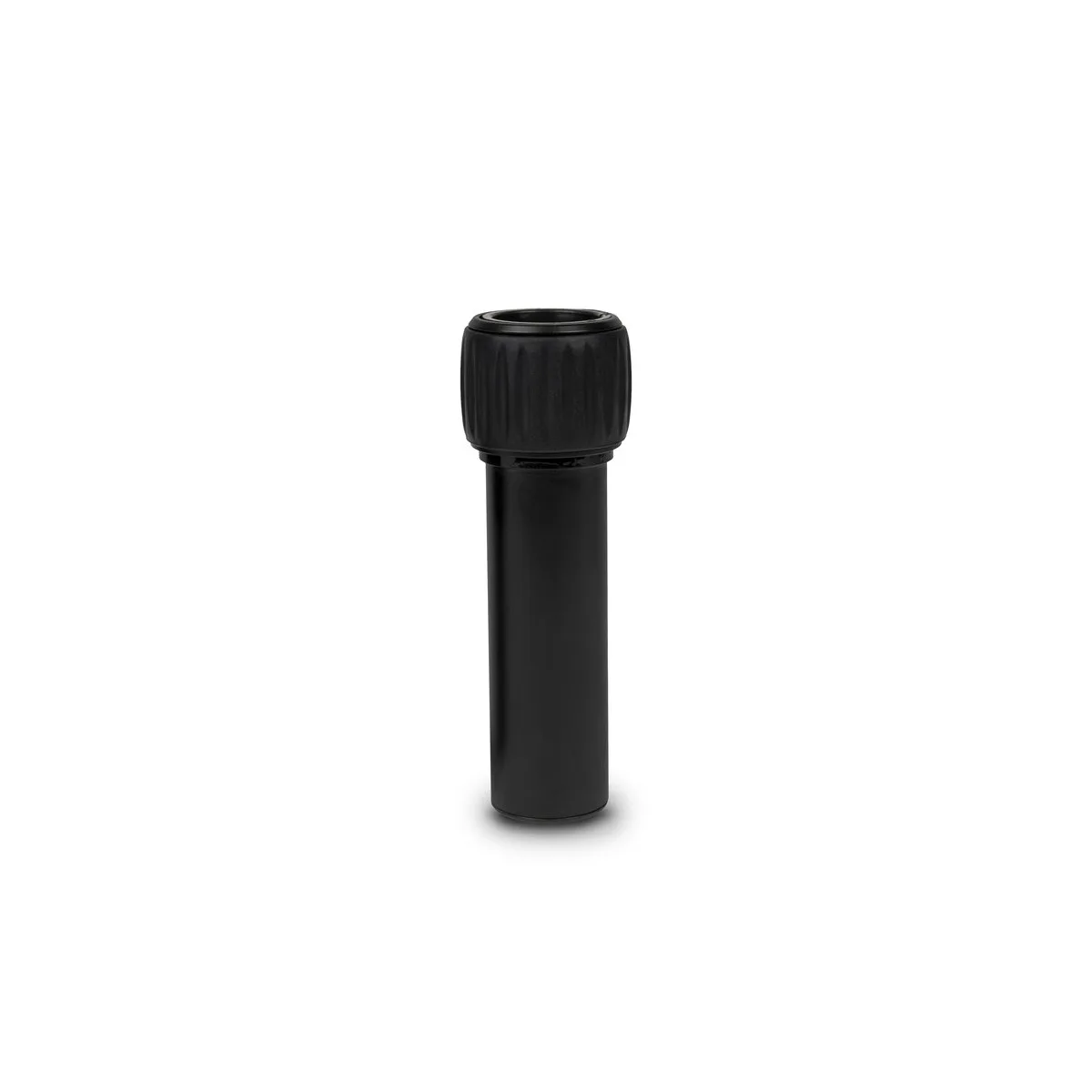
ProMaster XC-M 525 & XC-M 528 Ground Level Adapter – Carbon Fiber


