Quick answer
A motion dolly lets you add smooth, controlled camera movement to iPhone video without a gimbal or slider. Here's how to set it up and get the best results.
Why a manual dolly for iPhone?
Unlike motorized gimbals, a manual motion dolly gives you direct tactile control over speed and direction. It's ideal for close-up tabletop shots, product demos, and low-angle pans where you want a subtle, cinematic drift rather than a fast sweep.
The main trade-off is that you need a flat surface and a steady hand. Uneven floors or shaky pushes can introduce unwanted bumps. Practice on a smooth table or countertop first.
Step-by-step: Shooting smooth video with a motion dolly
- 1. Set up on a stable, level surface: Place the dolly on a clean, flat table or floor. Uneven surfaces cause jerky movement. For tabletop work, a kitchen counter or desk works well. Check for wobble before attaching your iPhone.
- 2. Mount your iPhone securely: Attach your iPhone to the dolly's mounting plate. Make sure the phone is balanced—off-center weight can tilt the shot. Use a phone case or a rubber shim if needed. Test the balance by gently rocking the dolly before you start recording.
- 3. Plan your camera move: Decide on the path: a straight pan, an arc around a subject, or a pull-back reveal. Mark start and end points with tape or objects. For parallax shots, move the dolly sideways while keeping the subject in frame.
- 4. Push the dolly slowly and steadily: Apply even pressure with one hand on the dolly frame. Avoid sudden starts or stops. A gentle acceleration and deceleration gives a professional feel. Common mistake: pushing too fast. Slow down—half the speed you think you need is usually right.
- 5. Review and adjust: Play back the footage. If you see bumps or uneven motion, check the surface again or adjust your push technique. Re-shoot until smooth. If the video still looks shaky, try filming at 60fps and slowing it down in editing.
Product used in this guide
-
Motion Dolly - iPhone: Quad-wheel design unlocks fluid 360° arcs, parallax motion, and smooth pans for close-range shots. This means you can achieve complex camera moves like circular orbits around a subject, which a standard slider cannot do.
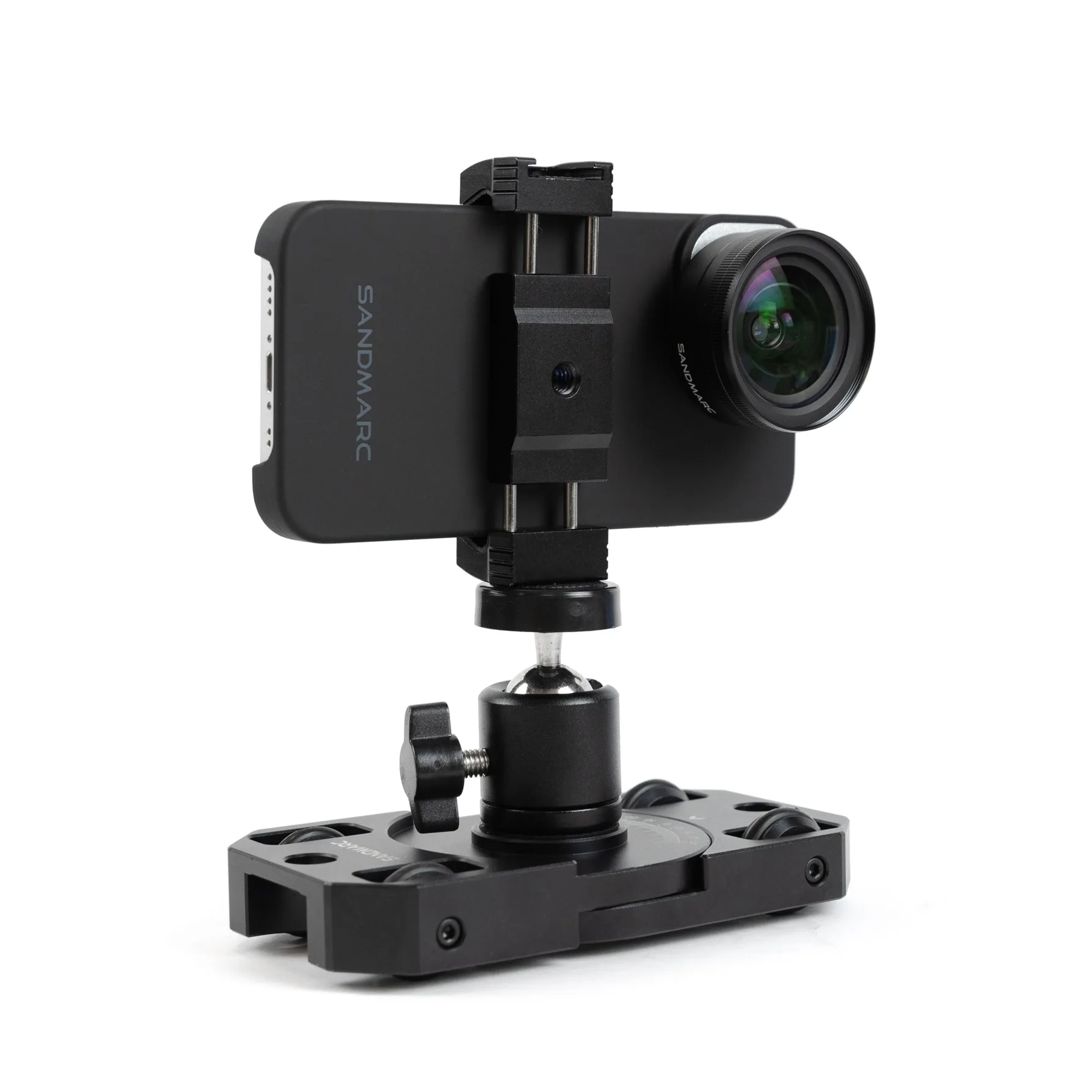
Motion Dolly - iPhone