Quick Answer
Set up your Peak Design Slide camera strap by attaching the quick release anchors to your camera's strap lugs, then threading the strap through the anchor connectors and adjusting the length for your preferred carry style.
Why the Peak Design Slide Stands Out
The Slide strap uses internally-padded nylon webbing that is smooth on one side for gliding over clothing in sling mode and grippy on the other to prevent slipping in shoulder mode. This dual-surface design lets you switch between a sling, neck, or shoulder strap without changing hardware.
Because the anchors are quick-release, you can detach the strap entirely in seconds when you want to shoot handheld or mount the camera on a tripod. The adjustability also means the strap fits comfortably over bulky winter jackets or a thin t-shirt.
How to Set Up and Use the Peak Design Slide Strap
- Attach the quick release anchors to your camera: Thread the small loop of each anchor through your camera's strap lug, then pass the anchor body through the loop and pull tight. Ensure the anchor is seated flush against the lug. Common mistake: threading the loop incorrectly can cause the anchor to loosen. Double-check that the loop is fully seated around the lug.
- Connect the strap to the anchors: Press the metal release button on the anchor connector and slide it onto the anchor until it clicks. Repeat on the other side. The strap is now securely attached. Always listen for the click and give a gentle tug to confirm the connection is locked before hanging your camera.
- Adjust the strap length for your carry style: Pull the adjustment buckle to lengthen or shorten the strap. For a sling carry, make it long enough to go diagonally across your body. For a neck strap, shorten it so the camera rests at your chest. A common mistake is setting the length before wearing the camera. Adjust while the strap is over your shoulder to get the perfect fit.
- Switch between smooth and grippy sides: Twist the strap 180 degrees to change which side contacts your clothing. Use the smooth side for sling mode (glides easily) and the grippy side for shoulder mode (prevents slipping). If the strap slides off your shoulder, simply flip it so the grippy side is against your clothing.
- Detach the strap quickly when not needed: Press the release button on each anchor connector and slide the strap off the anchors. The small anchors remain on your camera, ready for reattachment. Keep the anchors on your camera even when the strap is off – they are low-profile and allow instant reconnection.
Product Fact
-
Peak Design Slide Black Adjustable Camera Strap with Quick Release Anchors: The Slide Strap is the original Peak Design flagship camera strap with internally-padded nylon webbing that has a smooth side and a grippy side. You can wear it as a sling for quick access or as a shoulder strap that stays put, without swapping straps.
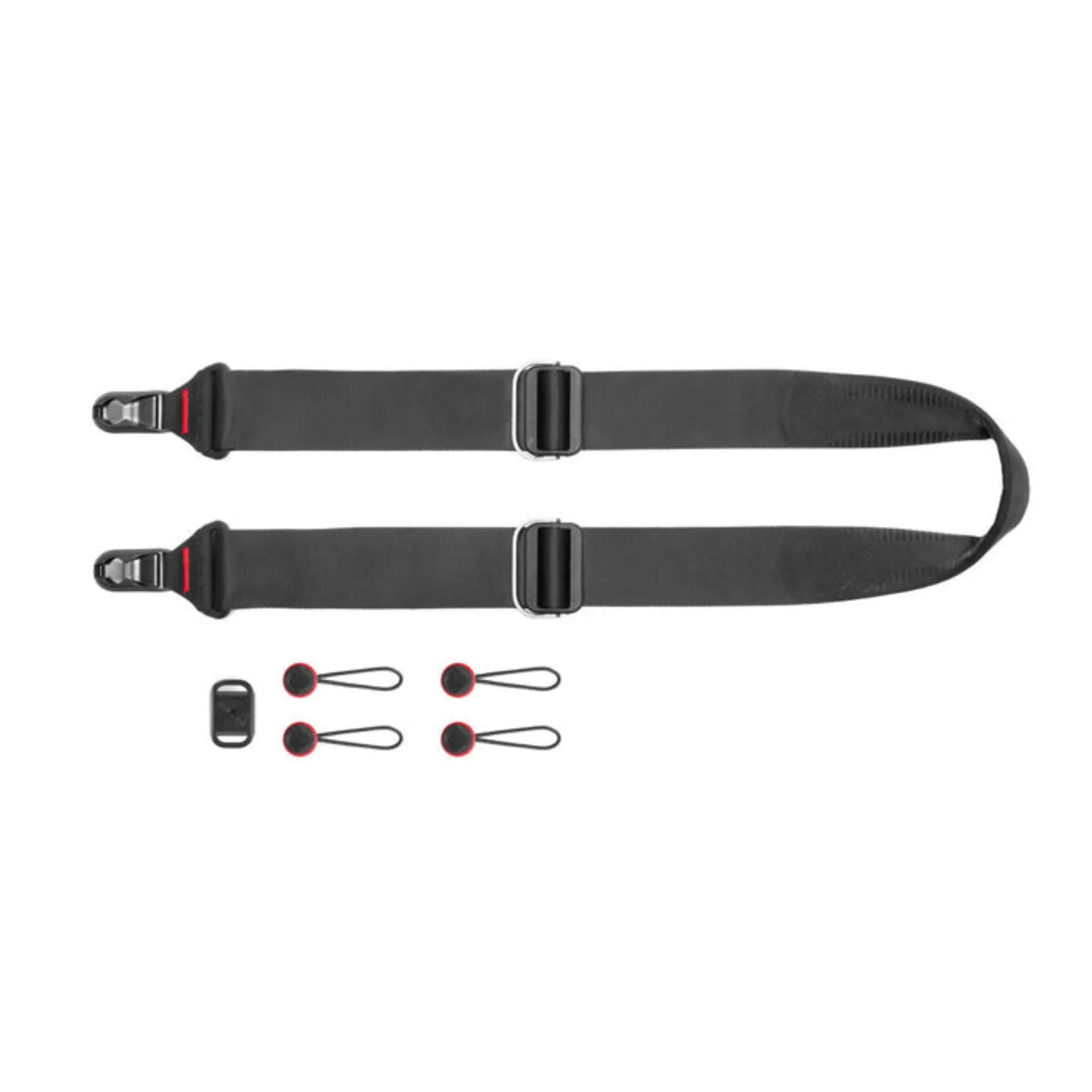
Peak Design Slide Black Adjustable Camera Strap with Quick Release Anchors


