Quick answer
To use the SlumberPod TOP Fan Pouch Kit safely, you must attach it to the top of a SlumberPod 1.0 or 2.0 canopy—opposite the monitor pouch—and have it professionally sewn in place. Never attempt a DIY installation if you lack sewing skills, and always verify the pouch is securely attached before each use.
Why the top fan pouch requires professional installation
The SlumberPod TOP Fan Pouch Kit is designed to add a second airflow point at the top of the canopy, opposite the monitor pouch. This lets you direct fresh air directly onto your little one while freeing the original bottom fan pouch for a sound machine. However, because the kit requires sewing into the canopy fabric, installation is not a simple clip-on or snap-in process. A professional tailor ensures the pouch is aligned correctly and stitched securely, which is essential for both performance and safety.
Attempting to install the pouch yourself without proper sewing skills can result in a loose or misaligned pouch that may not hold a fan securely. That could create a falling hazard or reduce airflow effectiveness. If you are not confident in your sewing abilities, it is better to have the installation done professionally. The kit is only compatible with SlumberPod 1.0 and 2.0 models, so always double-check your model before purchasing.
Step-by-step safe installation and use
- Confirm your SlumberPod model: Check the label or product documentation to verify you own a SlumberPod 1.0 or 2.0. The TOP Fan Pouch Kit is not compatible with other models, so using it on an incompatible canopy could damage the fabric or void your warranty. If you are unsure of your model, contact SlumberPod support before buying the kit.
- Take the kit to a professional tailor: Bring the kit and your SlumberPod to a tailor who can sew the fan pouch onto the top of the canopy, opposite the monitor pouch. Do not attempt to glue or tape the pouch on—it will not hold securely and could become a safety hazard. Ask the tailor to reinforce the stitching around the pouch edges for extra durability.
- Position the fan pouch correctly: After installation, visually inspect the pouch to ensure it sits flat against the canopy and is centered at the top. The opening should face inward so airflow is directed onto your little one. A misaligned pouch may reduce airflow or cause the fan to point away from the sleeping area. Test the pouch with the fan before use to confirm the airflow direction is correct.
- Insert the fan securely: Place your fan into the pouch, ensuring it fits snugly and does not wobble. If the pouch has a closure (such as a zipper or flap), secure it fully. A loose fan can shift during the night, potentially reducing airflow or creating noise. Check the fan is firmly seated before every use, especially after travel.
- Use the bottom pouch for a sound machine: With the top fan pouch in place, the original bottom fan pouch is now free for a sound machine. Insert your sound machine there, making sure it is secure and does not obstruct the fan airflow. This setup maximizes comfort and sleep quality. Position the sound machine away from the fan to avoid any interference.
- Inspect the pouch regularly: Before each trip, check the stitching and fabric around the top fan pouch for any signs of wear, loose threads, or tears. If you notice any damage, stop using the pouch and have it repaired by a professional before the next use. If the canopy fabric shows stress around the pouch, consider having the pouch repositioned or reinforced.
Product facts
-
SlumberPod TOP Fan Pouch Kit 1.0-2.0 Compatible (Professional Tailor Required): The SlumberPod TOP Fan Pouch Kit is compatible only with SlumberPod 1.0 and 2.0 models and requires professional tailoring for installation. This ensures you get the right kit for your SlumberPod and that the pouch is securely sewn in place, preventing any risk of the fan falling or the canopy being damaged.
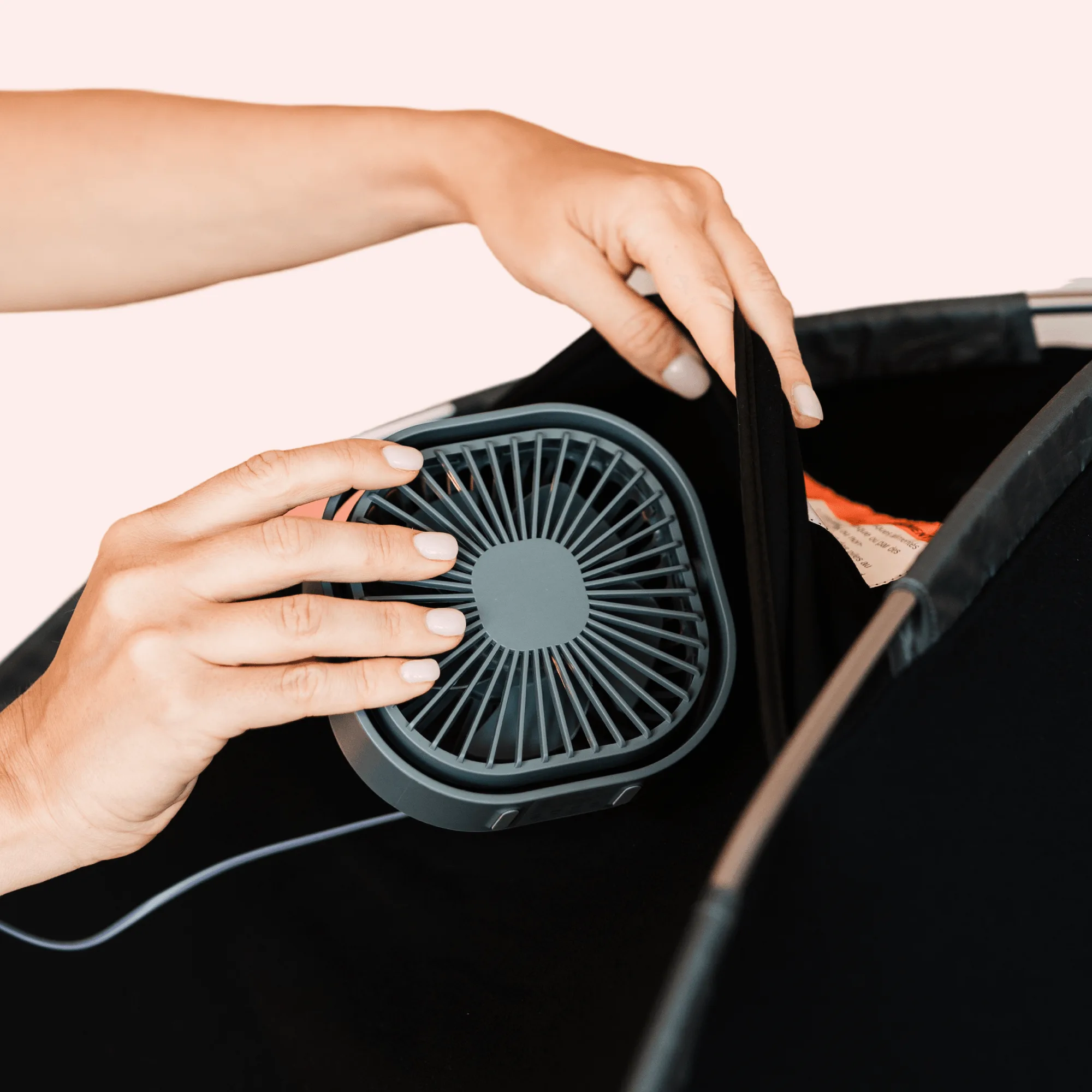
SlumberPod TOP Fan Pouch Kit 1.0-2.0 Compatible (Professional Tailor Required)