Quick Answer
To monitor energy with the Zendure Smart Plug Pro, plug it into a wall outlet, connect it to the Zendure app via Wi-Fi, and use the app's energy monitoring feature to view usage reports and set schedules.
Why Energy Monitoring Matters
Understanding which devices consume the most electricity is the first step to reducing your energy bill. The Smart Plug Pro provides detailed usage reports, helping you identify energy hogs and adjust your habits accordingly.
Beyond monitoring, the plug supports scheduling and timers, so you can automate devices to run only when needed, further optimizing your home energy management.
What the Smart Plug Pro Can Track
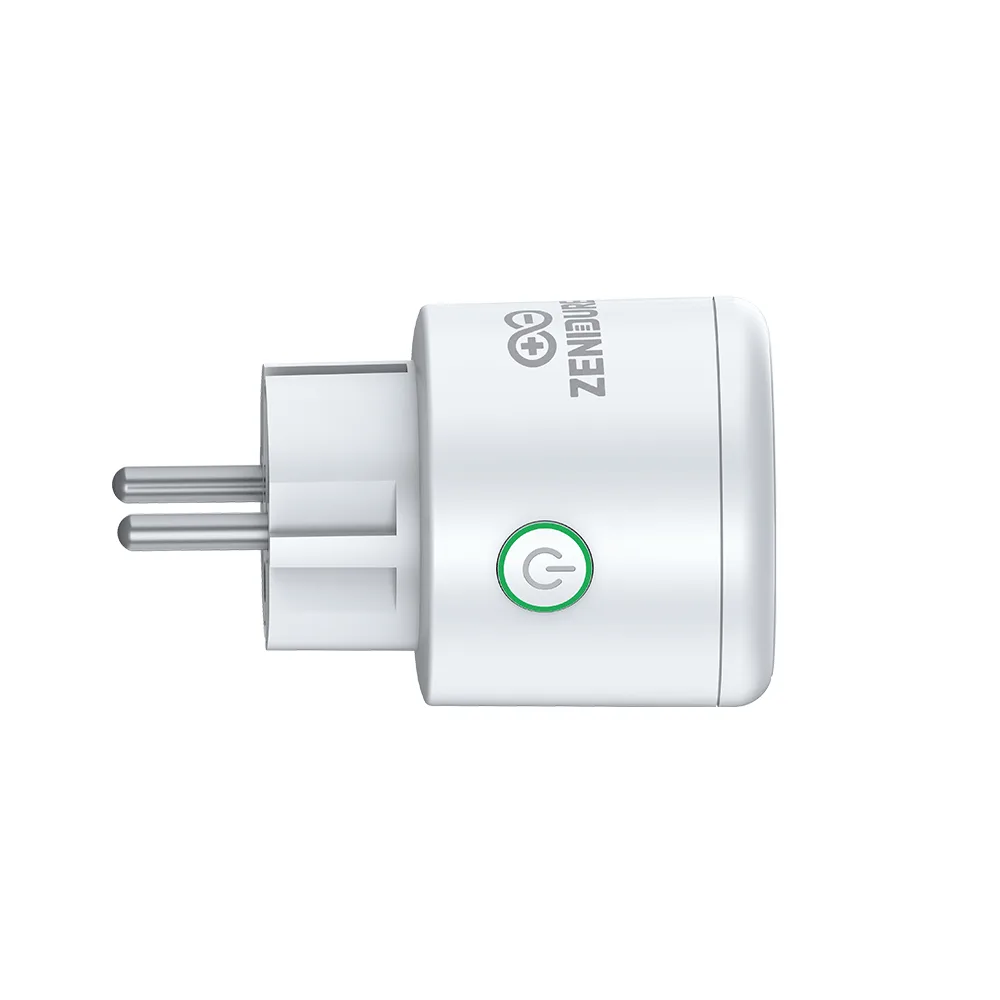
The Smart Plug Pro measures real-time power consumption and tracks energy usage over time. It also supports remote control, so you can turn devices on or off from anywhere using the Zendure app.
Note that while the plug provides valuable usage data, it does not measure voltage fluctuations or power quality. For that level of detail, you would need a more advanced energy monitor.
Step-by-Step Setup and Use
- Plug In and Power Up: Insert the Smart Plug Pro into a wall outlet near the device you want to monitor. Ensure the outlet is not controlled by a wall switch, as this could cut power to the plug. Check that the outlet is always powered to avoid losing connection.
- Download and Connect: Download the Zendure app, create an account, and add the Smart Plug Pro. Follow the in-app instructions to pair via Bluetooth, then connect to your 2.4G Wi-Fi network. If pairing fails, confirm your phone is on a 2.4G network, not 5G.
- Set Up Energy Monitoring: In the app, select the Smart Plug Pro and navigate to the energy monitoring section. Here you can view real-time power usage and historical reports. Review usage reports weekly to spot trends and identify high-consumption devices.
- Create Schedules and Timers: Use the scheduling feature to set specific on/off times for your appliances. For example, schedule a space heater to turn off at night or a lamp to turn on at sunset. Double-check your time zone settings in the app to ensure schedules run correctly.
- Use Remote Control: From the app, you can turn connected devices on or off from anywhere. This is handy for forgetting to turn off an iron or wanting to pre-cool a room before arriving home. Make sure your home Wi-Fi is stable for reliable remote access.
Product Facts
-
Smart Plug Pro: The Smart Plug Pro supports energy monitoring and usage reports, and it connects via 2.4G Wi-Fi and Bluetooth. You can view detailed energy consumption data in the Zendure app and control the plug remotely, making it easy to track and manage your devices.
Smart Plug Pro