Quick answer
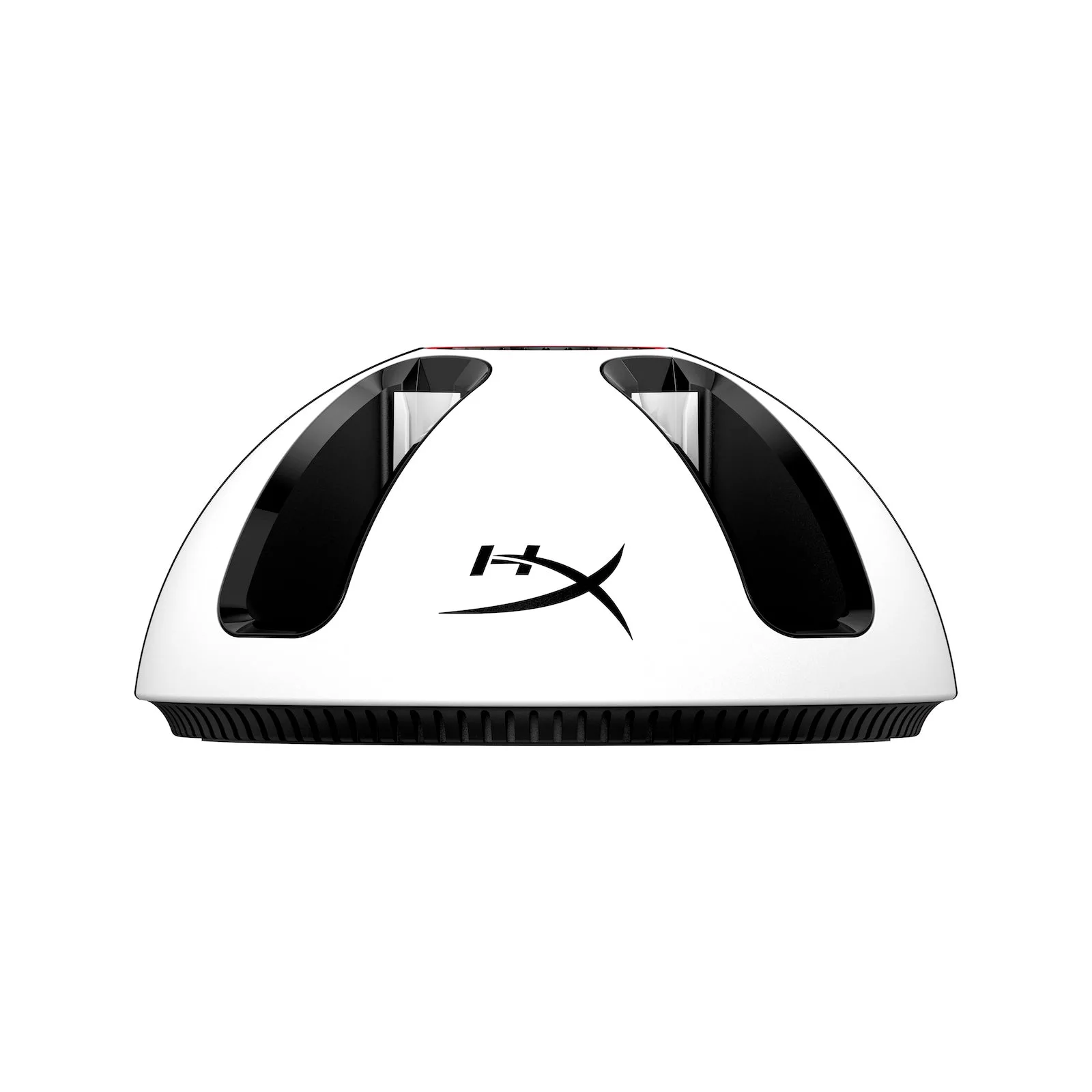
Set the HyperX ChargePlay Quad 2 on a stable, ventilated surface near your console, connect its power cable, and slide each Joy-Con into an empty slot until the battery status indicator shows charging. The dock can fully charge four controllers in about 3.5 hours, so start a session well before game night and use the indicators to spot any controller that isn't seated correctly.
Why a Dedicated Charging Station Beats Cable Swapping
Charging Joy-Con one at a time with a console cable works until four people show up for a party game. A four-slot dock like the ChargePlay Quad 2 removes the guesswork: every controller has a home, and the base shows battery status so you can see which ones are ready. That visibility matters more than raw speed, because a controller that looks charged but wasn't seated properly will die mid-match.
Where to Put the Dock for Daily Use
Place the ChargePlay Quad 2 on a hard, level surface within reach of a power outlet and close to where you store your controllers. Avoid stacking it under papers or behind the TV where heat can build up, and keep it away from drink cups. If you use a TV stand with a closed cabinet, leave the door open while charging so the dock and controllers stay cool.
Reading the Battery Status Indicators Correctly
The ChargePlay Quad 2 has battery status indicators on the base. Treat them as a seating check first and a charge gauge second: if a slot shows no activity after you insert a controller, pull it out and reseat it before assuming the battery is full. Check the indicators once when you dock the controllers and once again about an hour later, which catches a loose controller early.
Your ChargePlay Quad 2 Charging Routine, Step by Step
- Place and power the dock: Set the ChargePlay Quad 2 on a hard, level surface near your play area and plug it in. Keep the area around it clear so air can move. Checkpoint: the dock should sit flat and not wobble when you insert a controller.
- Seat each Joy-Con firmly: Slide one controller into each empty slot until it stops. Don't force it; if it doesn't settle easily, lift it out and try again. Common mistake: leaving a controller half-seated, which can prevent charging.
- Confirm the status indicators: Look at the base indicators after docking all four controllers. Any slot without activity needs the controller reseated. Checkpoint: all four slots should show charging activity before you walk away.
- Allow up to 3.5 hours for a full charge: Start charging after you finish playing, or at least 3.5 hours before the next session. The dock charges four controllers at once, so you don't need to stagger them. Common mistake: docking controllers only 30 minutes before guests arrive and expecting full batteries.
- Remove controllers after charging: Once the indicators show the controllers are ready, take them out and store them in a dry place. Leaving them docked indefinitely isn't necessary for battery health. Next step: keep a small cloth nearby to wipe finger oils off the rails before docking.
Product facts that shape your routine
- HyperX ChargePlay Quad 2: The ChargePlay Quad 2 can simultaneously charge up to four Joy-Con controllers and fully charge four controllers in 3.5 hours. You can dock every controller after a session and have them all ready for the next game night without rotating cables.
- HyperX ChargePlay Quad 2: Battery status indicators are built into the base. Use them to confirm each controller is seated and charging, rather than discovering a dead controller mid-game.