Quick answer
To install a screen protector on your iPhone 17 Pro Max without bubbles, work in a steamy bathroom to reduce dust, clean the screen thoroughly, align the protector using a hinge or frame, and squeegee from the center outward. If a bubble persists, lift the nearest corner with tape and re-lay it.
A bubble-free screen protector on your iPhone 17 Pro Max comes down to three things: a dust-free surface, precise alignment, and steady pressure. Most bubbles are caused by trapped dust or misalignment, not the protector itself.
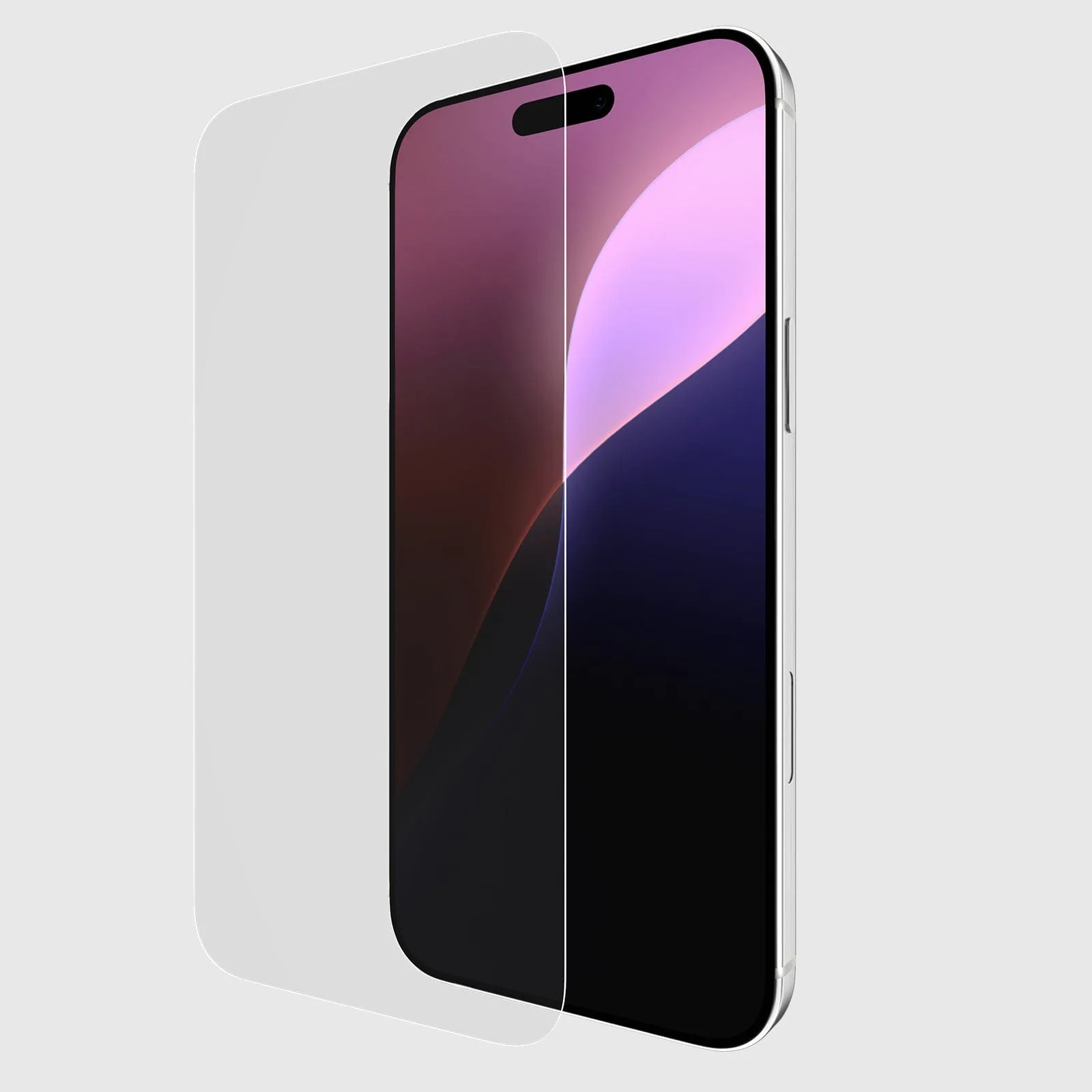
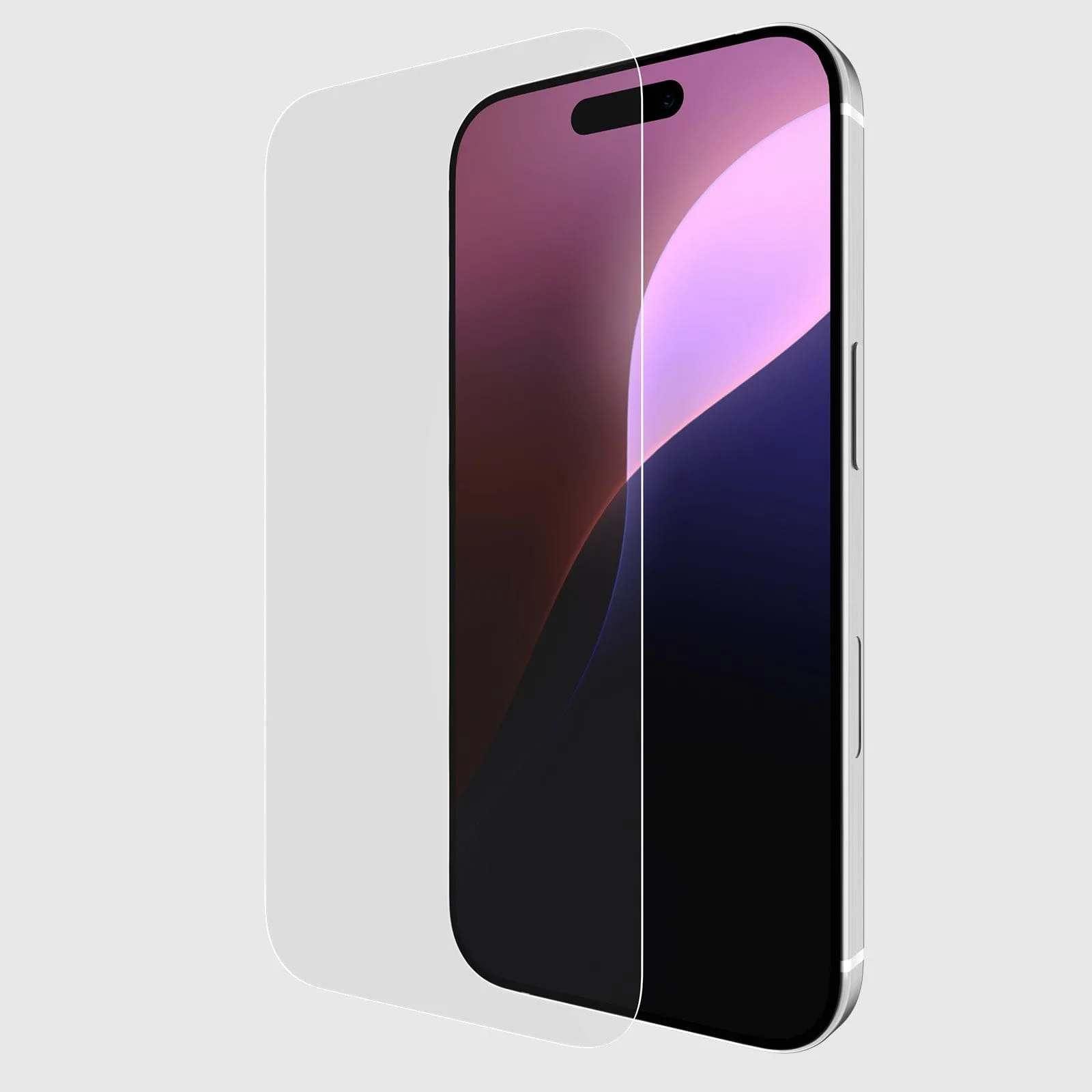
This guide walks you through each step, including how to avoid common mistakes. You’ll also see which accessories from Case-Mate can make the process easier, like the Glass Screen Protector for iPhone 16 Plus (the same technique applies to your 17 Pro Max).
Prepare your workspace and materials
Before you touch the screen, set up a clean, well-lit area. A bathroom after a hot shower works well because steam settles dust. Gather your screen protector, a microfiber cloth, alcohol wipe, dust removal sticker, squeegee card, and tape. If your protector came with an alignment frame or hinge, keep it handy.
Wash your hands and avoid lotion. Oils transfer easily to glass. Work over a soft surface like a towel so a dropped protector doesn’t crack. Have your iPhone 17 Pro Max powered off so you can see dust and bubbles clearly without screen glare.
- Common mistake: skipping the steamy room and working near a fan or open window.
Clean the screen thoroughly
Use the alcohol wipe to remove fingerprints and oils, then dry with a microfiber cloth. Hold the phone up to a light and look at an angle—any speck will become a bubble later. If you see dust, use a dust removal sticker or a piece of tape to lift it off; don’t wipe it around.
For a deep clean, a Cleaning Kit can help, but a basic microfiber and alcohol wipe are enough. Avoid household glass cleaner, which can leave residue. Once clean, try not to touch the screen again.
- Checkpoint: the screen should look streak-free and speck-free under direct light.
Align the protector correctly
Alignment is where most bubbles start. If your protector has a hinge or frame, use it. Otherwise, peel back only the top protective film and line up the cutouts for the speaker and camera. Lower the protector slowly, keeping it parallel to the phone.
For a perfect screen protector fit, focus on the top edge first. Once the top is aligned, let the rest drop naturally. If you’re off by a millimeter, lift the protector with tape and try again—don’t slide it once it touches the screen.
- Common mistake: peeling the entire backing at once, which increases the chance of misalignment and dust.
Squeegee out bubbles from the center
Starting at the center, use a squeegee card or your thumb wrapped in a cloth to push air outward toward the edges. Use firm, overlapping strokes. Small bubbles often disappear within 24–48 hours as the adhesive settles.
If a bubble won’t move, it’s likely a dust particle. Lift the nearest corner with tape, use a dust sticker to remove the particle, and lay the protector back down. Don’t press hard on a trapped particle—you can scratch the protector or the screen.
- Checkpoint: after squeegeeing, only tiny edge bubbles should remain; they usually vanish on their own.
Finish and check the edges
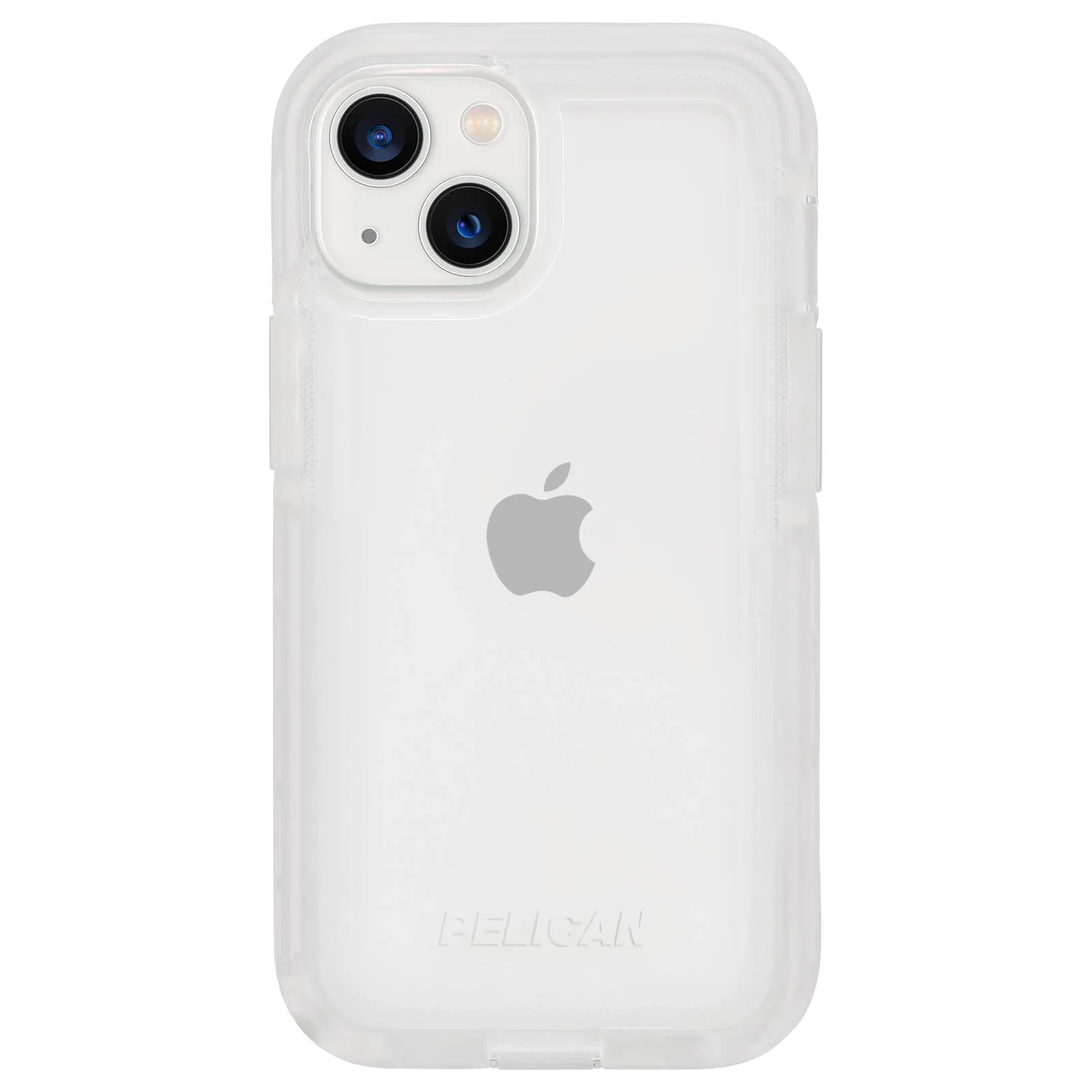
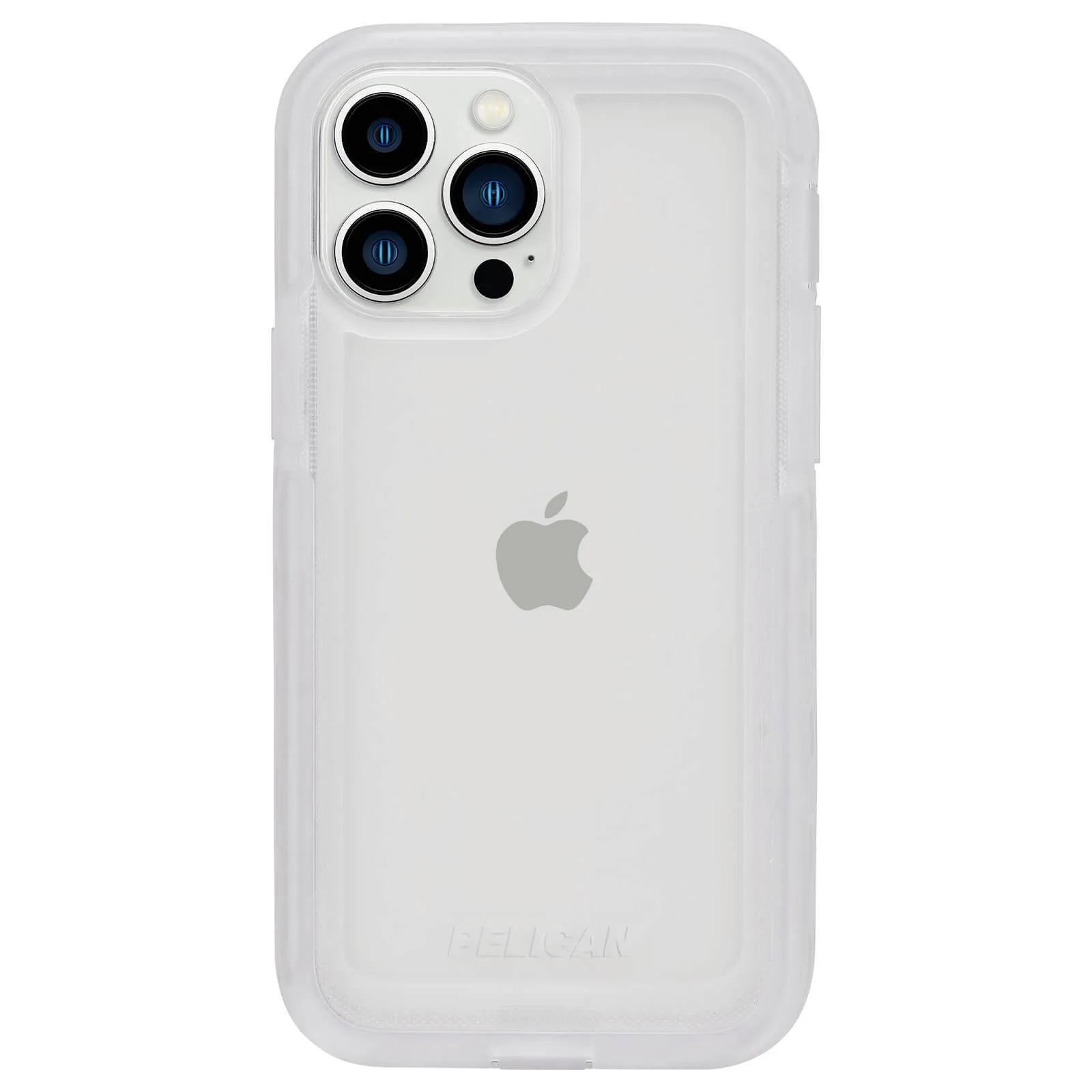
Run your finger along all edges to ensure the protector is fully adhered. If you see lifting, apply gentle pressure. For the best protection, pair your screen protector with a case that has a raised lip, like the Pelican Voyager (Clear) for iPhone 13 Pro—the same principle applies to 17 Pro Max cases.
Wait a few hours before putting your phone in a pocket or bag. Most adhesives cure within a day. If you used a wet-install protector, follow its specific wait time.
- Common mistake: putting a case on immediately, which can lift the protector’s edges.
Step-by-step bubble-free installation
- Set up a dust-controlled space: Run a hot shower to steam the bathroom, then work there with the door closed. Turn off fans and close windows. Checkpoint: if you see floating dust in the air, wait a few minutes for it to settle.
- Clean and dry the screen: Wipe with an alcohol wipe, then buff dry with a microfiber cloth. Use a dust sticker to lift any remaining specks. Common mistake: using a paper towel, which leaves lint behind.
- Peel and align the protector: Remove the backing film and align the top edge with the speaker cutout. Use a hinge or frame if provided, and lower the protector slowly. Checkpoint: the cutouts should line up perfectly before the protector touches the screen.
- Squeegee from the center out: Press with a squeegee card or cloth-wrapped thumb, pushing air toward the edges in overlapping strokes. If a bubble resists, lift the corner with tape and remove the dust particle.
- Let it settle and add a case: Wait 24 hours for the adhesive to cure, then put on a case with a raised lip for extra protection. Checkpoint: edge bubbles should disappear within two days; if not, press them down gently.
Case-Mate products that help
- https://case-matemiu.com/products/glass-screen-protector-iphone-16-plus-5bc4be03b1aad2b8f410f2de-1353826Glass Screen Protector - iPhone 16 Plus: Easily apply, bubble-free, for an ultra-high clarity tempered glass that shields your screen from accidental bumps and scrapes. Your scrolling experience is better with the tough sensitivity that fits most phone cases. This protector is designed for bubble-free application and works with most cases, so you can protect your screen without sacrificing case compatibility.
- https://case-matemiu.com/products/pelican-voyager-clear-iphone-13-pro-920d8d0c140677ec8a5c7231-1353715Pelican Voyager (Clear) - iPhone 13 Pro: The Pelican Voyager case for the iPhone 13 Pro protects against impact, shock, and more. Four layers of rigid polycarbonate and energy-absorbing TPR and PU rubber disperse impact energy, and we’ve tested it to military specifications to survive multiple drops. A rugged case like this adds drop protection, and its raised edges can help prevent screen protector lifting—choose a similar style for your iPhone 17 Pro Max.
With a dust-free setup, careful alignment, and a steady squeegee, you can get a bubble-free screen protector on your iPhone 17 Pro Max on the first try. If you need a new protector, the Glass Screen Protector for iPhone 16 Plus uses the same bubble-free adhesive technology that works well on the 17 Pro Max.