Quick answer
Install a tempered glass screen protector on your Nintendo Switch 2 by cleaning the screen thoroughly, aligning the protector carefully, and pressing from the center outward to avoid bubbles.
Why use a tempered glass screen protector?
The Nintendo Switch 2 screen is exposed to scratches from the dock, fingers, and storage cases. A tempered glass protector adds a hard layer that absorbs impacts and guards against daily wear.
Models with a blue light filter, like the Belkin TemperedGlass Blue Light Filter Screen Protector, also reduce eye strain during long gaming sessions without affecting touch sensitivity.
Step-by-step installation guide
- Prepare your workspace: Choose a dust-free room with good lighting. Avoid carpeted areas. Wash your hands and gather the screen protector, cleaning cloth, dust removal stickers, and a flat surface. Static from carpets attracts dust; work on a table or hard floor.
- Clean the screen thoroughly: Use the included alcohol wipe to remove oils, then dry with the microfiber cloth. Check for dust specks under bright light. Use a dust removal sticker to lift any remaining particles. Skipping this step causes bubbles; a single dust speck can ruin the alignment.
- Peel and align the protector: Hold the protector by its edges (or use the pull tab). Remove the backing film. Hover it above the screen, lining up the edges with the console's bezels. Lower it gently from one side. If it touches the screen off-center, lift it immediately with a sticky tab—do not slide it.
- Press from the center outward: Use your thumb or a squeegee to push air bubbles toward the edges. Work slowly from the middle to each corner. For stubborn bubbles, lift the nearest edge and re-press. Small bubbles near the edge often disappear within 24 hours; don't force them.
- Final check and cure: Inspect under light for dust or misalignment. Gently press down any lifted edges. Let the adhesive cure for at least 30 minutes before using the console or placing it in a case. Immediate use can shift the protector; wait an hour for best adhesion.
Product facts
-
TemperedGlass Blue Light Filter Screen Protector for Nintendo Switch 2: Precision-designed for Nintendo Switch 2 with a blue light filter that helps reduce eye strain. You get a perfect fit that doesn't interfere with the console's bezels or touchscreen, plus added comfort for extended play.
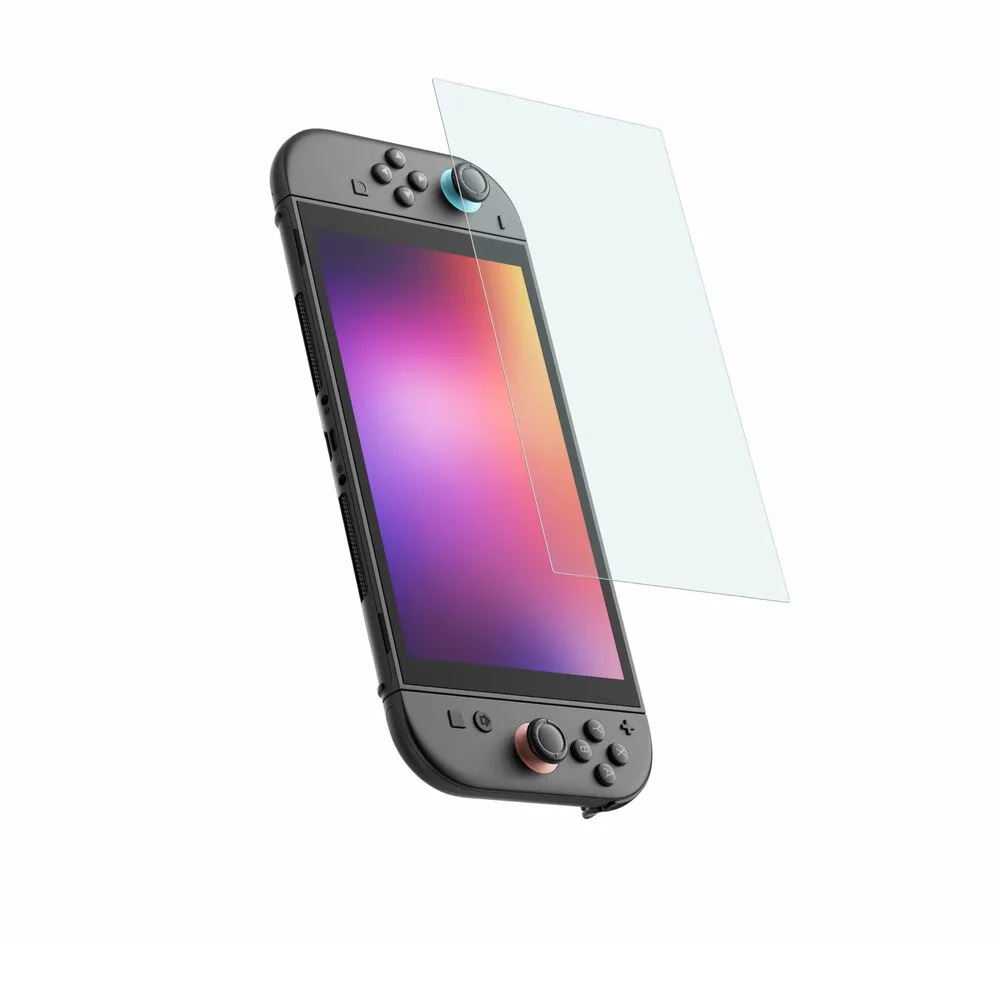
TemperedGlass Blue Light Filter Screen Protector for Nintendo Switch 2