Quick Answer
To install an ignitiON Controls button box, choose your mounting method (VESA or custom), secure the enclosure, route cables without kinking, and test all inputs before final tightening.
Which ignitiON Button Box Fits Your Rig?
The NA2 RR E6_V4 features a larger 100 x 155 mm enclosure with six premium mechanical buttons and red ring LEDs. It lacks VESA mounting, so you will need a flat surface or an adapter plate. The MINI RR E4 J is smaller, has four buttons, and includes built-in VESA 75 x 75 mm threaded inserts for direct monitor or arm mounting. Choose based on available space and whether you want a lower-profile setup.
Installation Steps
- Choose Mounting Location and Method: Select a spot within easy reach of your driving position. For the MINI RR E4 J, use the VESA inserts to attach directly to a monitor arm or plate. For the NA2 RR E6_V4, use a flat surface and secure with screws or heavy-duty adhesive (not included). Check that the surface is flat and clean before attaching—any debris will cause wobble.
- Route the USB Cable: Connect the button box to your PC using the supplied USB cable. Route it away from pedals and moving parts. Leave a little slack near the enclosure so the connector isn't strained. A common mistake is pulling the cable too tight—this can damage the internal connector over time.
- Secure the Enclosure: For VESA mounts, use M4 screws (not included) and tighten by hand until snug. For non-VESA, use screws into pre-drilled holes or strong double-sided tape rated for electronics. Do not over-tighten. Over-tightening can crack the plastic enclosure or strip the threads.
- Test All Buttons and Encoders: Open your sim software's control panel and press each button. Verify that every press registers and that rotary encoders (if present) sweep smoothly. Check that the red ring LEDs light up as expected. If a button doesn't respond, reseat the connector inside the enclosure before assuming a defect.
- Final Cable Management and Adjust Angle: Use zip ties or Velcro straps to bundle any excess cable. Tilt the enclosure so the buttons face you at a comfortable angle. Tighten all fasteners one last time. Angle the box so you can reach all buttons without stretching your arm—your shoulder will thank you during long sessions.
Product Facts
-
ignitiON Controls NA2 RR E6_V4 Button Box: The NA2 RR E6_V4 has a 100 x 155 mm non-VESA enclosure with extra-large mechanical buttons and fixed red ring LEDs. You need a flat mounting surface or a separate adapter; it won't attach directly to a monitor arm.
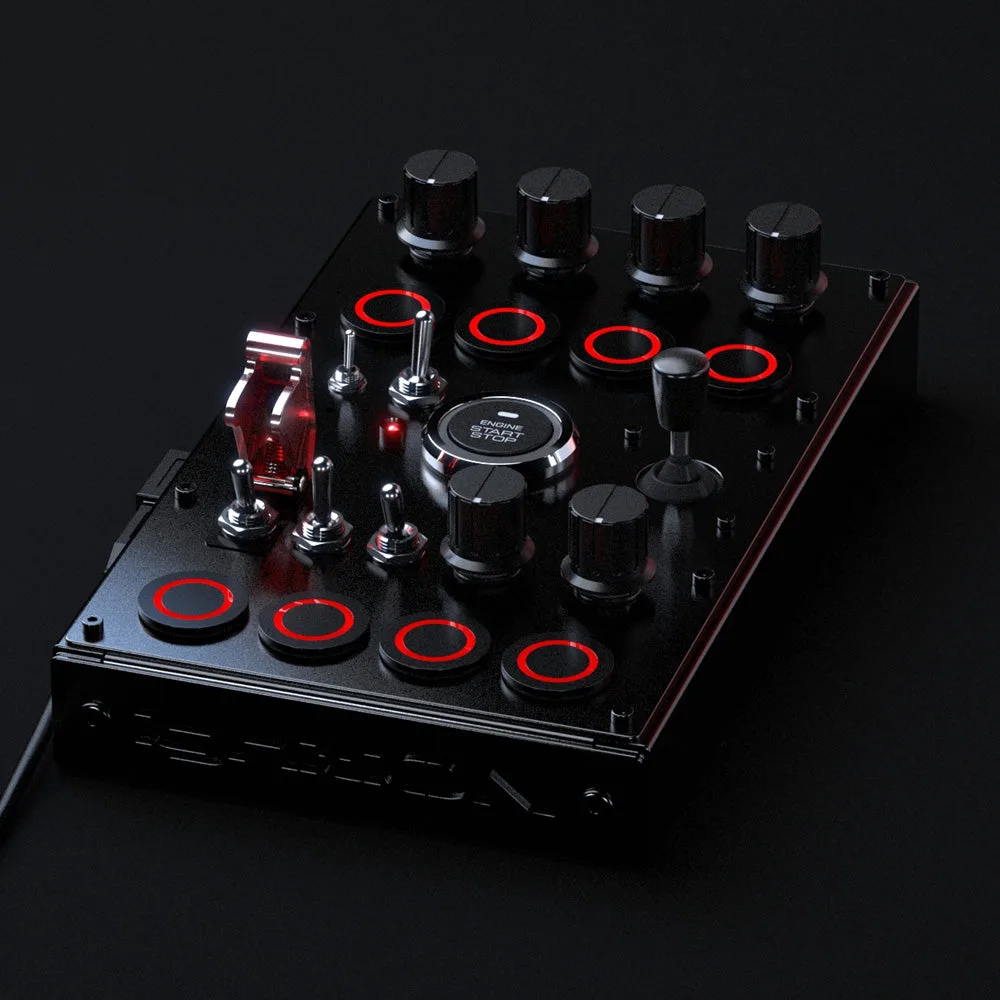
ignitiON Controls NA2 RR E6_V4 Button Box
-
ignitiON Controls MINI RR E4 J: The MINI RR E4 J includes VESA 75 x 75 mm M4 threaded inserts and a lower-profile enclosure. It can mount directly to most monitor arms or VESA plates, saving space and simplifying installation.
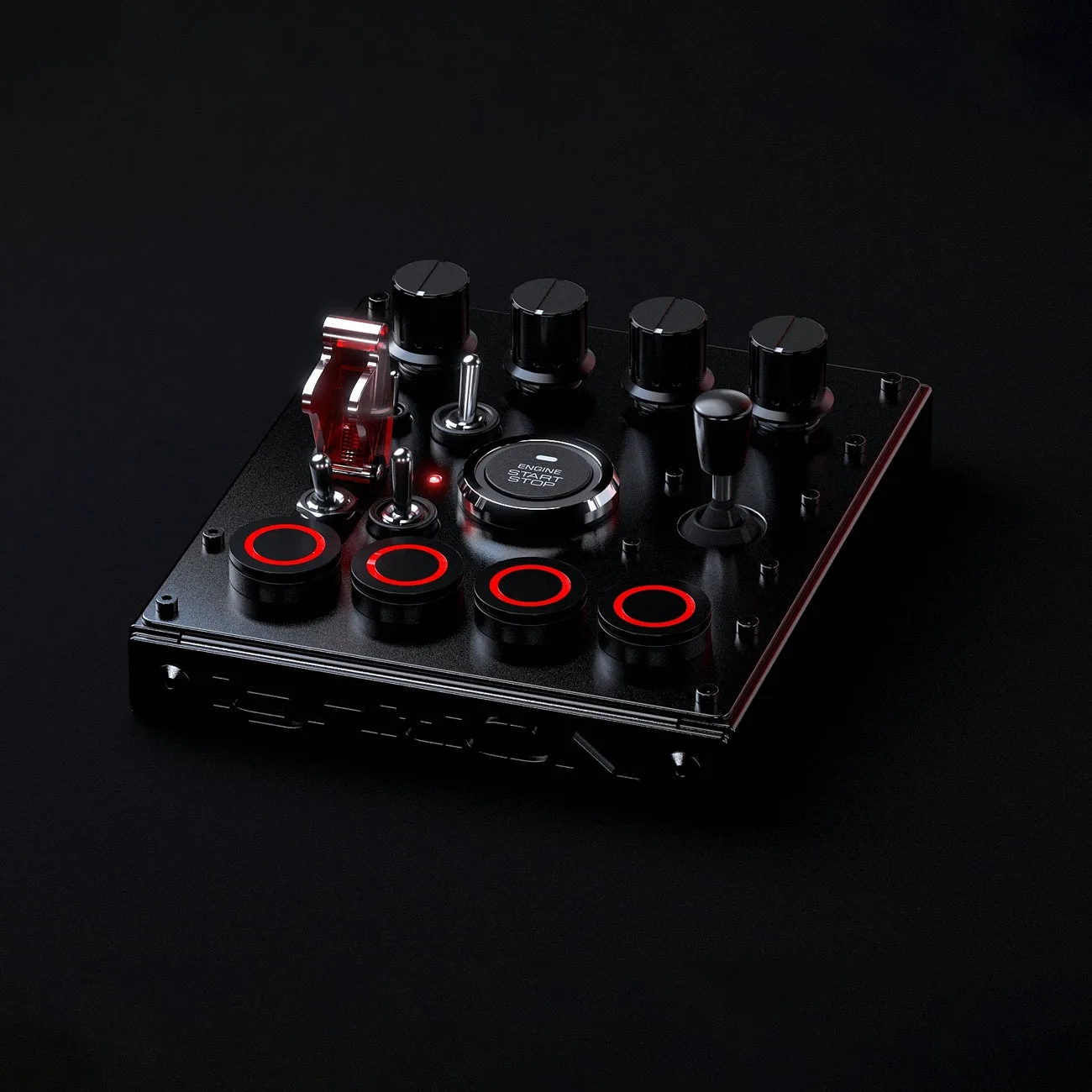
ignitiON Controls MINI RR E4 J