Quick answer
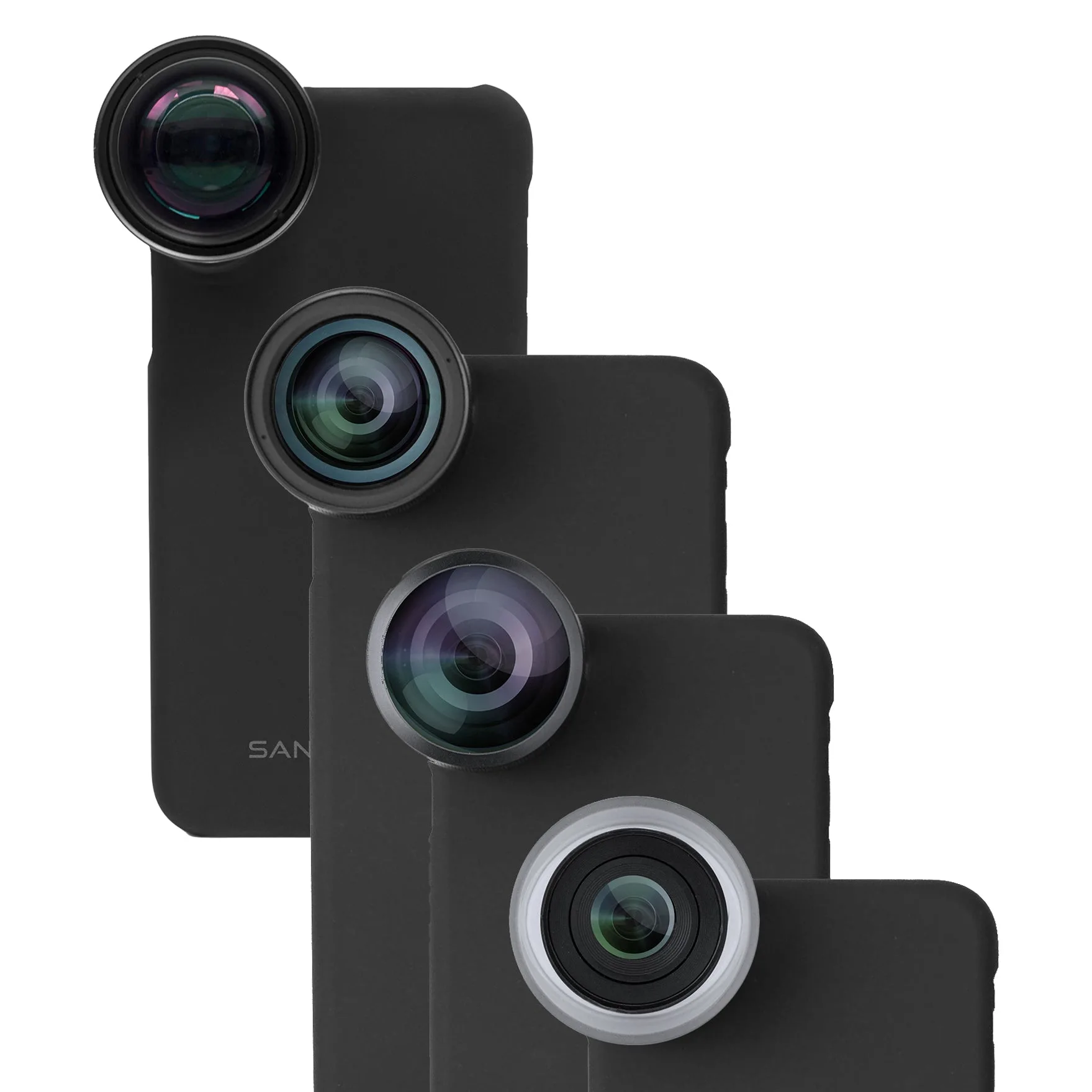
Store each iPhone lens filter in its own padded slot or pouch so glass never touches glass, and clean it only after a blower removes loose grit. If you shoot with a multi-lens kit such as the Pro Edition for iPhone 8 Plus / 7 Plus, keep every filter paired with the lens it was bought for so nothing rattles loose in a bag. Scratches come from contact and grit, not from age.
Why filters scratch so easily in a pocket or bag
A filter's coating is thin, and the glass sits close to the rim. Any loose object in the same pocket — keys, a coin, a second filter — can slide across the surface and leave a hairline mark that shows up as flare in bright scenes. Grit is worse than metal: a single grain of sand trapped between two filters grinds both surfaces every time the pouch moves.
The fix is separation, not extra padding alone. Each filter needs its own compartment, cap, or sleeve, and the pouch itself should stay closed so debris cannot settle on the glass between shoots.
A storage routine that actually holds up
Dedicate one small pouch or hard case to filters only, and give each filter a labeled slot. Keep the case in a bag pocket that does not also hold keys, cables, or loose batteries. When you swap a filter outdoors, put the removed filter straight into its slot rather than a jacket pocket, where lint and grit collect.
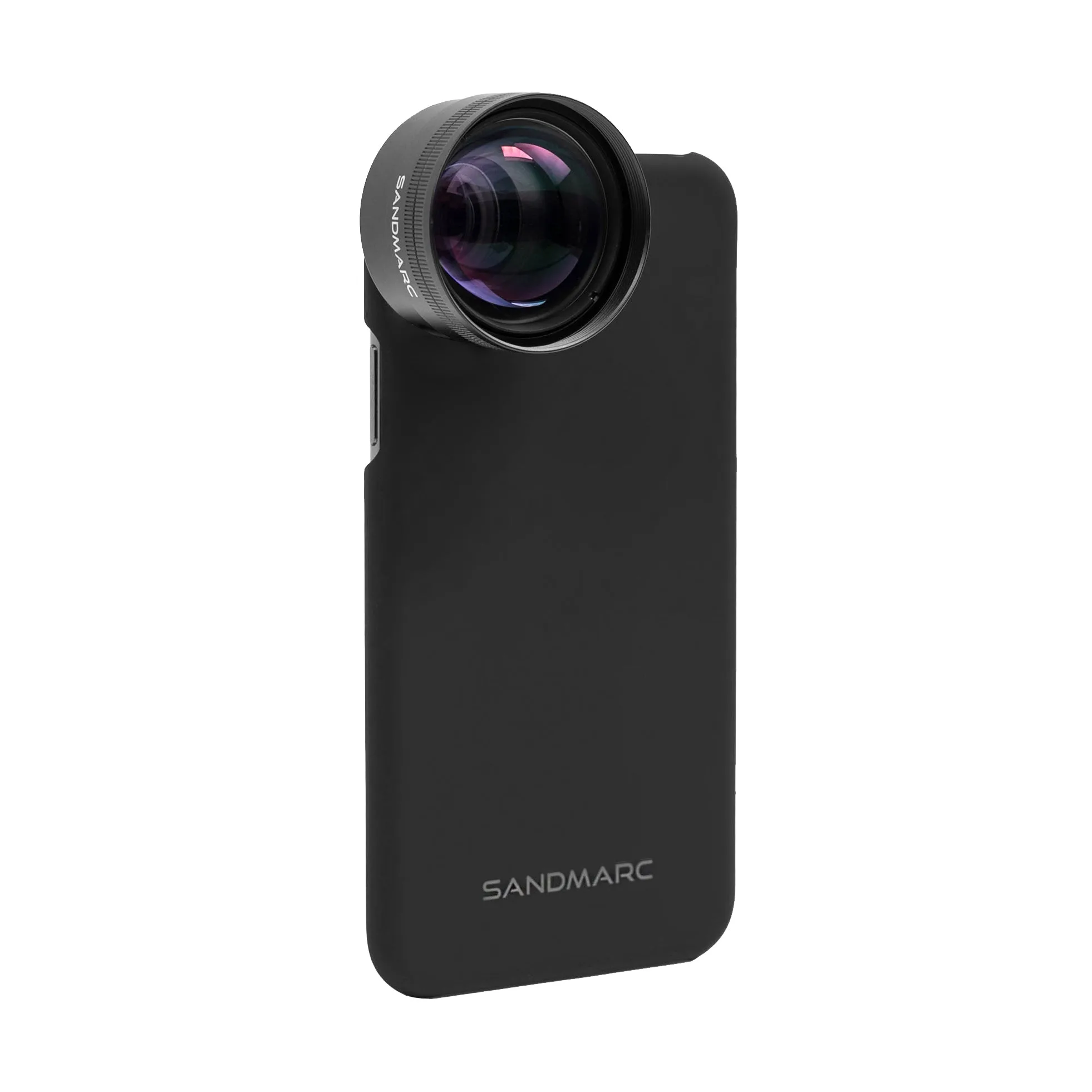
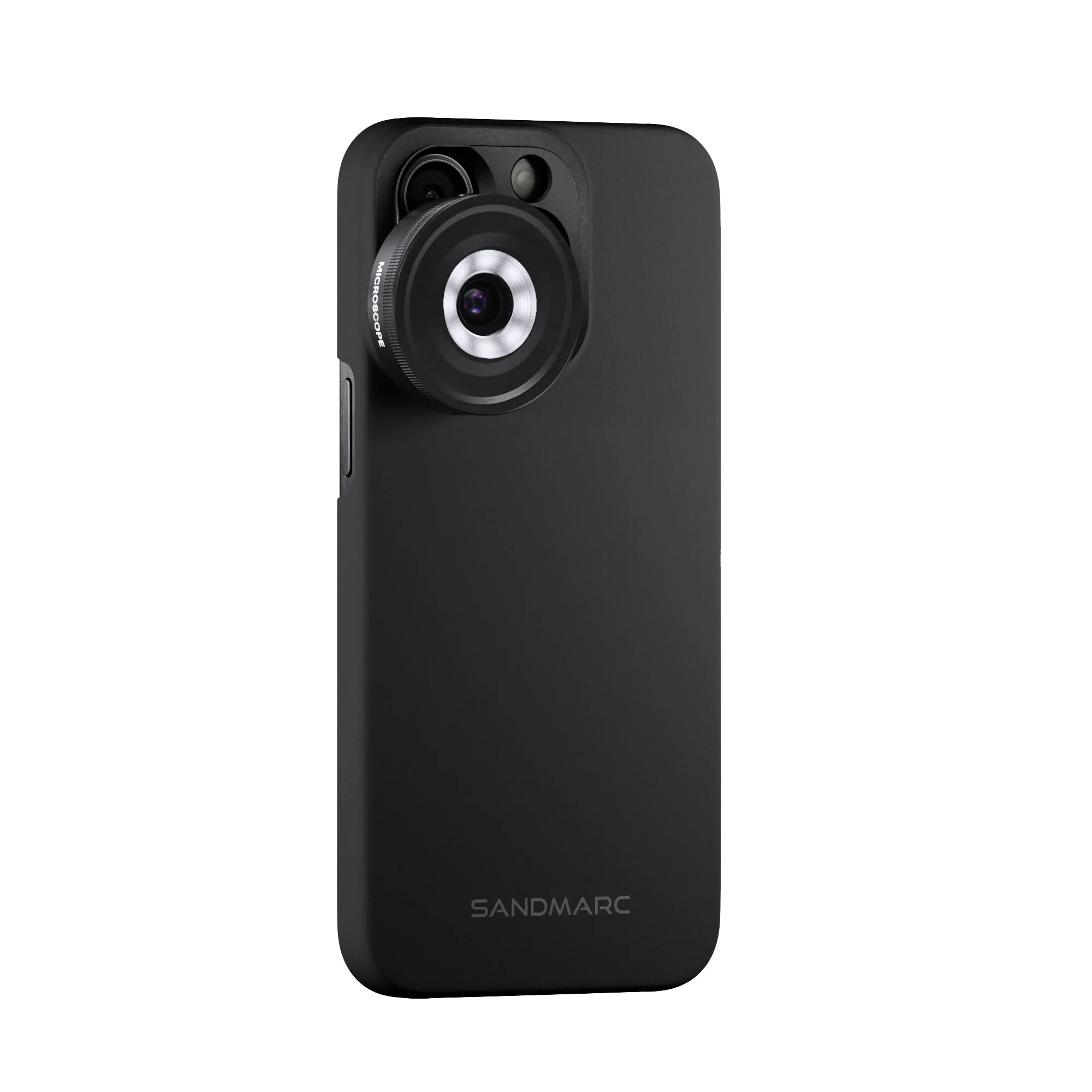
If you carry a full kit, store filters with the lens they belong to. SANDMARC kits ship each lens with a dedicated case and clip mount, so the simplest habit is to return the filter to that same case after every use — it keeps the set together and prevents cross-contact between glass elements.
Cleaning order matters more than the cloth
Start with a blower or soft brush to lift dust. Only then use a microfiber cloth, and use a fresh section of the cloth each time so you are not redistributing grit. For fingerprints or smudges, breathe lightly on the glass and wipe in one direction rather than scrubbing in circles.
Avoid paper towels, shirt hems, and any cloth that has been used on a phone screen without washing. If a mark will not lift after two gentle passes, stop — more pressure risks removing coating rather than dirt.
When to stop cleaning and replace the filter
If a scratch is visible when you hold the filter up to a light and it still shows in test shots as haze or flare, replacement is the honest answer. Polishing compounds and home remedies remove coating, which makes the problem worse. A filter that is merely dusty is a cleaning job; a filter with a scored surface is a replacement.
This is also the point to check whether the filter still fits your current phone. If you have moved to a newer iPhone, an older filter set may no longer align with the camera array, and no amount of care will fix a mismatch.
Filter problem diagnosis
- Symptom: fine lines or haze in bright light: Likely cause: a scratch or coating wear from glass-on-glass storage or grit in a shared pocket. Corrective action: inspect under a light; if the mark remains after a blower and one microfiber pass, stop cleaning and replace the filter. Do not polish a scored filter — you will remove more coating.
- Symptom: smudges that reappear after wiping: Likely cause: oil from fingers or sunscreen transferred by a dirty cloth. Corrective action: wash or replace the microfiber, use a blower first, then wipe once with light breath and a clean cloth section. If two gentle passes do not clear it, the cloth is the problem, not the filter.
- Symptom: filter no longer sits flat or aligns: Likely cause: the filter was designed for a different iPhone camera layout. Corrective action: check compatibility before buying a replacement; storage care cannot fix a physical mismatch. Choose a filter set made for your current iPhone model.
Filter-friendly kits worth knowing
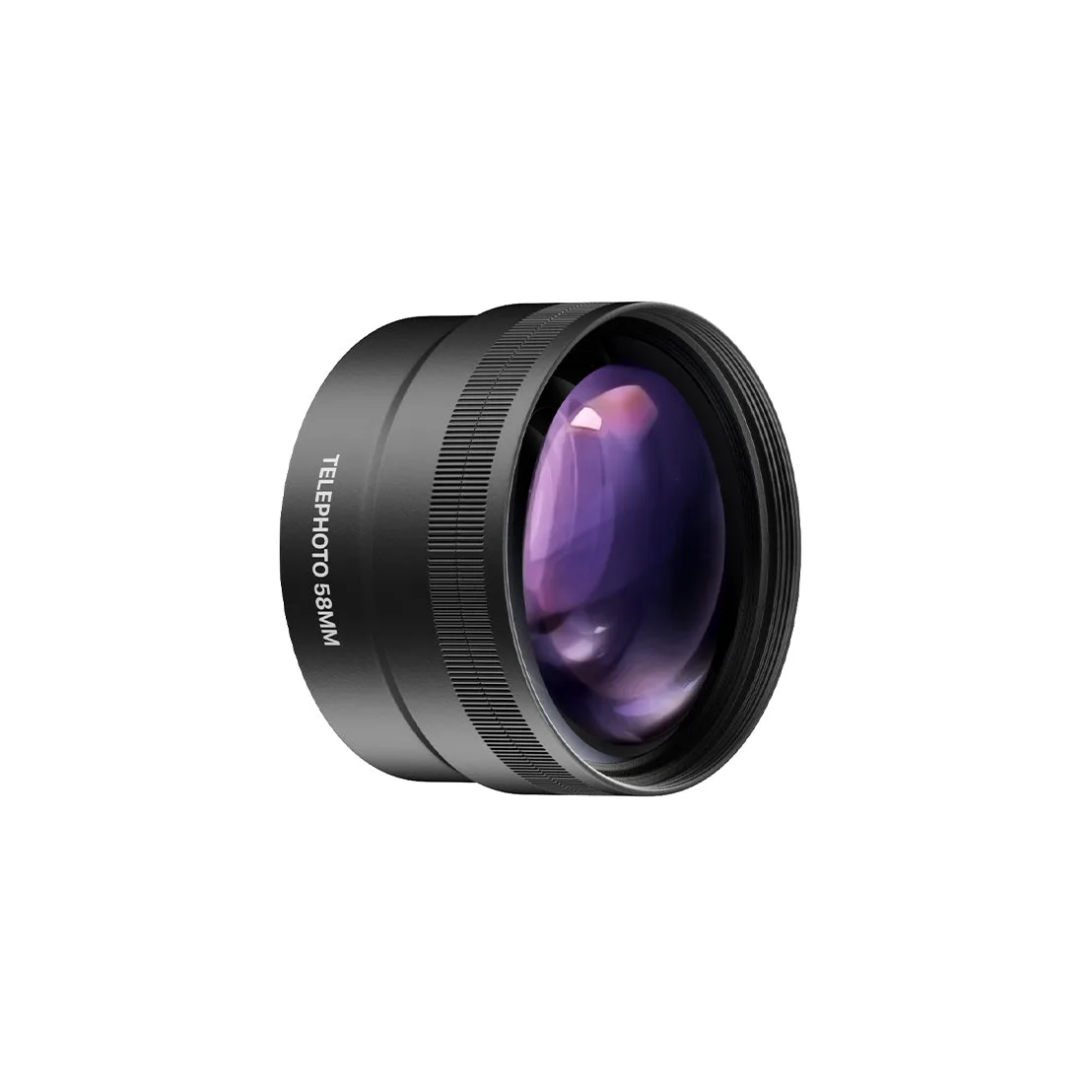
- Pro Edition - iPhone 8 Plus / 7 Plus: The Pro Edition for iPhone 8 Plus / 7 Plus includes Telephoto, Wide, Macro, and Fisheye lenses, each supplied with a dedicated case and clip mount. Because every lens has its own case, you can store each filter or lens separately and avoid the glass-on-glass contact that causes most scratches.
- Telephoto 2x Lens Edition - iPhone SE / 8 / 7: The Telephoto 2x Lens Edition for iPhone SE / 8 / 7 uses multi-coated glass and includes the world's thinnest lens case plus a clip-on for use with your own case or no case. The clip-on option means you can keep your everyday case on and still attach the lens, but it also means the lens needs its own protected slot when not in use.