Quick answer
Most KitchenAid blenders that stop blending are dealing with one of three things: the jar or lid is not fully seated on the base, the blade assembly is jammed or worn, or the motor has tripped its overload protection. Unplug the blender, reseat the jar until it clicks, check the blade for stuck food or damage, and let an overheated motor cool for 15 to 20 minutes before restarting. If the blade still will not spin with a properly seated jar and a cool motor, stop using it and contact support rather than forcing it.
Start with the jar and lid seating
A blender jar that is not seated will not let the motor engage, even if everything looks aligned. Remove the jar, check the base for crumbs or liquid, and set it back on the collar. Twist until you feel it lock; many KitchenAid models have a small tab or mark that lines up. Press the lid down firmly as well, because some models will not run with a loose lid. If the blender starts after reseating, the problem was the connection, not the motor.
- Unplug the blender before checking the jar.
- Wipe the base collar and jar threads with a damp cloth.
- Seat the jar, then the lid, and test with a short pulse.
Check whether the blade assembly is the problem
If the motor hums but the blade does not turn, the blade assembly may be stuck or the drive coupling may be stripped. Unplug the blender, remove the jar, and turn the blade by hand with a spoon handle, not your fingers. If it will not move, soak the jar in warm soapy water to loosen packed food, then try again. If the blade spins freely by hand but not when the jar is on the base, the coupling between the motor and blade may be worn, and that is a repair rather than a cleaning fix.
- Never reach into the jar with your hand while the blade is installed.
- Look for cracks or missing pieces on the blade assembly.
- A blade that turns by hand but not under power points to a drive issue.
When the motor is overheating
Blenders are built for short bursts, not continuous running. If the motor is hot to the touch, smells warm, or shuts off mid-blend, it has likely hit its thermal protection. Unplug it and let it cool completely, usually 15 to 20 minutes, before trying again. To avoid a repeat, blend in smaller batches, add liquid first, and pulse instead of running continuously. If the blender shuts down again after cooling on a light load, the motor may be failing and should be serviced.
- Let the motor cool fully before restarting.
- Reduce batch size and add liquid before solids.
- Repeated shutdowns on light loads mean it is time to stop and get help.
Simple checks before you assume the worst
Confirm the outlet works by plugging in another small appliance. Check that the speed dial is not stuck between settings and that the power cord is fully inserted into the base. If your model has a fuse or reset button, follow the manual for its location. These steps take a minute and rule out the easy causes before you consider a repair or replacement.
- Test the outlet with another appliance.
- Move the speed dial through its full range and back to off.
- Check the manual for a reset button or fuse specific to your model.
Diagnosis: match the symptom to the fix
- Nothing happens when you press start: The jar or lid is probably not fully seated, or the outlet has no power. Reseat the jar until it locks, press the lid down, and test the outlet with another appliance. If it still will not start with a seated jar and a working outlet, stop and contact support.
- Motor runs but the blade does not spin: The blade assembly may be jammed by food or the drive coupling may be worn. Unplug, remove the jar, and turn the blade by hand with a spoon handle. Soak to loosen packed food, then retest. A blade that turns freely by hand but not under power needs a repair, not more blending.
- Blender shuts off during use: The motor has likely hit thermal protection. Unplug and let it cool for 15 to 20 minutes. Blend smaller batches and pulse instead of running continuously. If it shuts down again on a light load after cooling, stop using it and arrange service.
A related tool that handles heavy mixing
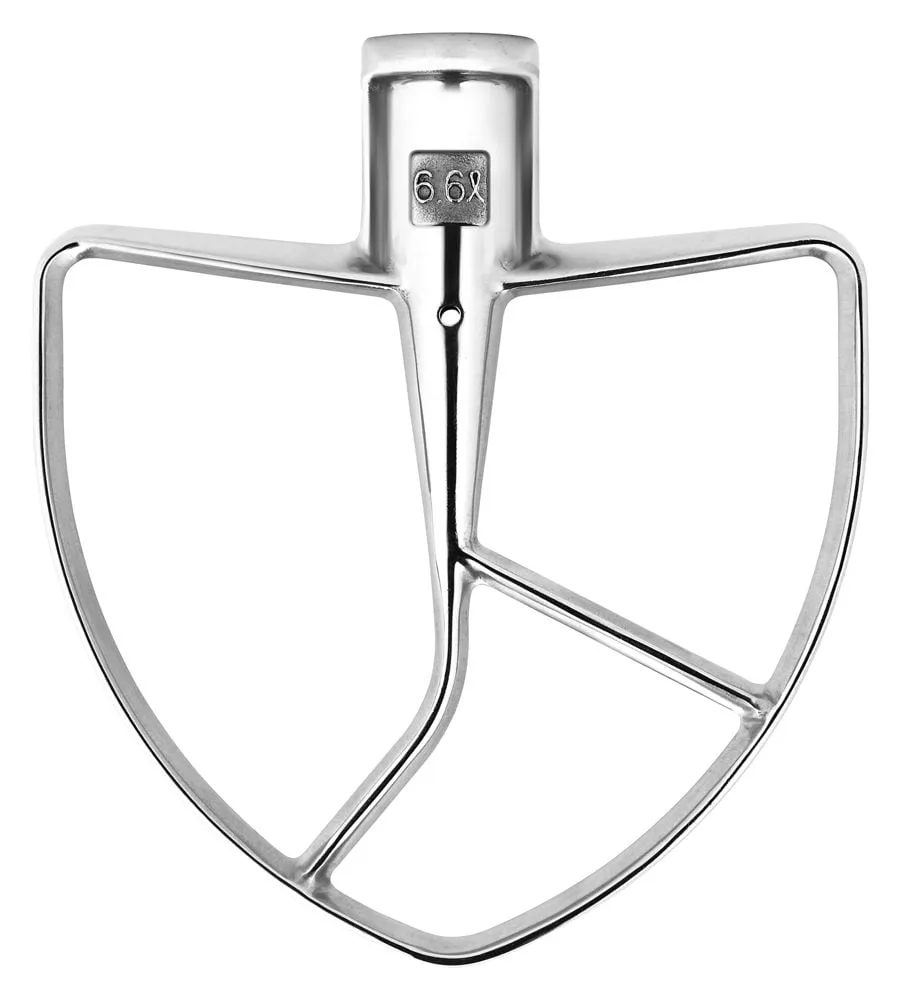
- KitchenAid® 5.5 Quart Bowl-Lift Stand Mixer: The KitchenAid 5.5 Quart Bowl-Lift Stand Mixer is a bowl-lift model with a 5.5-quart https://kitchenaidshops.com/products/stainless-steel-76025https://kitchenaidshops.com/products/stainless-steel-76534https://kitchenaidshops.com/products/stainless-steel-76535https://kitchenaidshops.com/products/stainless-steel-76536stainless steel bowl designed for large batches of dough or batter. If your blender keeps overheating on thick dough or heavy batter, a bowl-lift stand mixer is built for that job and takes the load off the blender.