Quick answer
Start with the simplest cause: confirm the outlet works and the cord is fully seated, then let the mixer cool for 15 to 30 minutes if it shut off mid-mix. If it still won't start, check the speed control is at 0 and test the outlet with another appliance. Stop and arrange service if the cord is damaged, the motor smells burnt, or the mixer trips a breaker.
Work through the power path before opening anything
Unplug the mixer and plug a lamp or phone charger into the same outlet. If that device also fails, the problem is the outlet or breaker, not the mixer. If it works, plug the mixer back in firmly and try a different outlet on another circuit. A loose plug or a switched outlet is a common reason a stand mixer not turning on seems like a motor failure.
Check the speed control lever. Many KitchenAid stand mixers will not start unless the lever is at 0, and a lever nudged to a low speed during storage can make the mixer appear dead. Move it firmly to 0, then to speed 2. If the mixer hums but the head does not move, stop immediately and unplug it; that points to a mechanical or gear issue rather than power.
Thermal reset: the fix most people miss
If the mixer cut out during a heavy dough or double batch, the thermal protector likely tripped. Unplug it, remove the bowl and attachments, and let the unit cool for 15 to 30 minutes in a well-ventilated spot. Do not put it in the refrigerator or pour water on it. After cooling, plug it in and run it empty at speed 2 for 30 seconds.
If it starts and runs normally, the mixer overheated rather than failed. Reduce batch size, use speed 2 for dough instead of higher speeds, and give the motor a rest between batches. If it cuts out again on a light task like whipping cream, the protector or motor is failing and the mixer needs service.
Cord, switch, and attachment hub checks
Inspect the cord along its full length for cuts, kinks, or a loose strain relief where it enters the body. A damaged cord is a stop-now condition: do not tape it and keep using it. Unplug the mixer before checking anything near the cord or the attachment hub.
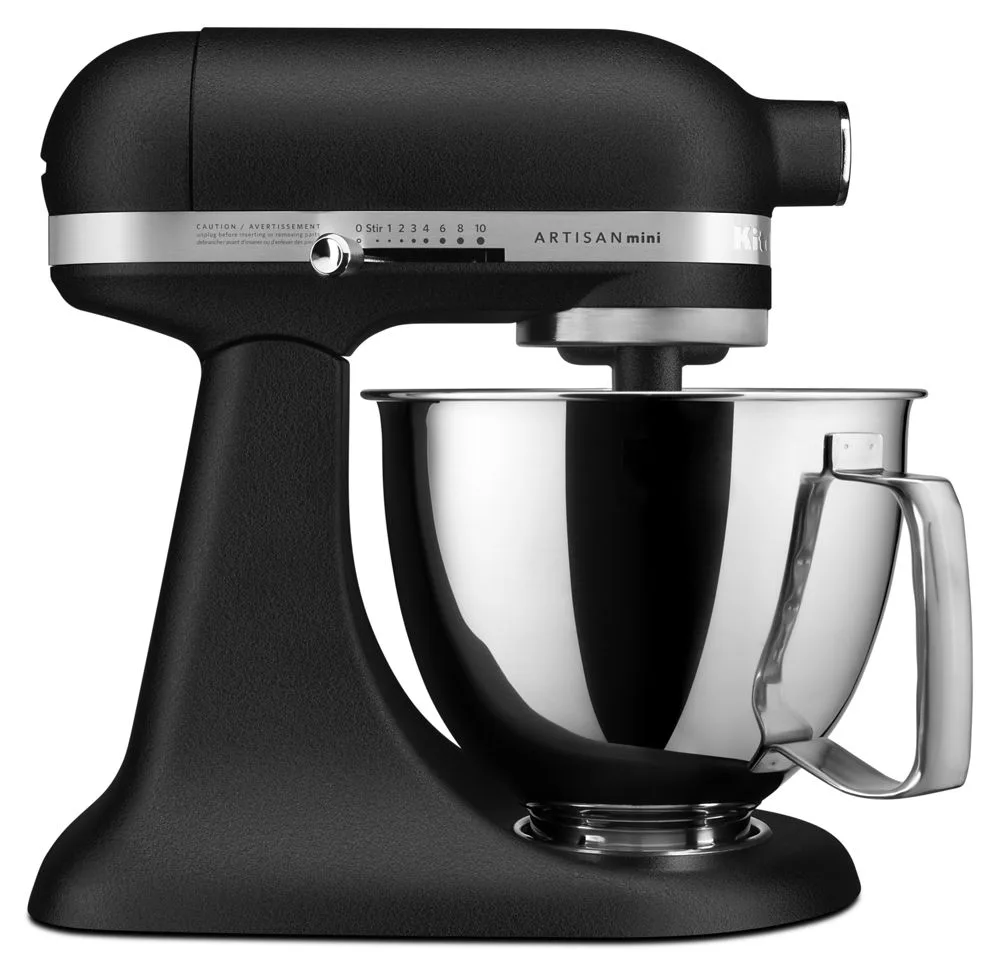
If your mixer uses a hub cover or attachment hub, reseat it fully. A hub that is not seated can prevent the mixer from running on some models. The https://kitchenaidshops.com/products/onyx-black-76011https://kitchenaidshops.com/products/onyx-black-76036https://kitchenaidshops.com/products/onyx-black-76080https://kitchenaidshops.com/products/onyx-black-76091Onyx Black Attachment Hub fits all models except 6, 7, and 8 quart models with chrome knobs, so verify your model before ordering a replacement hub. If the hub area is cracked or the cover will not stay on, that is a service issue rather than a user fix.
When to stop and choose another option
Stop and contact KitchenAid service or a qualified repair technician if you see any of these: a burning smell, smoke, sparking, a tripped breaker that resets and trips again, a cord that is hot to the touch, or a mixer that hums without moving. These signs point to motor, wiring, or switch failure that is not a user-serviceable fix.
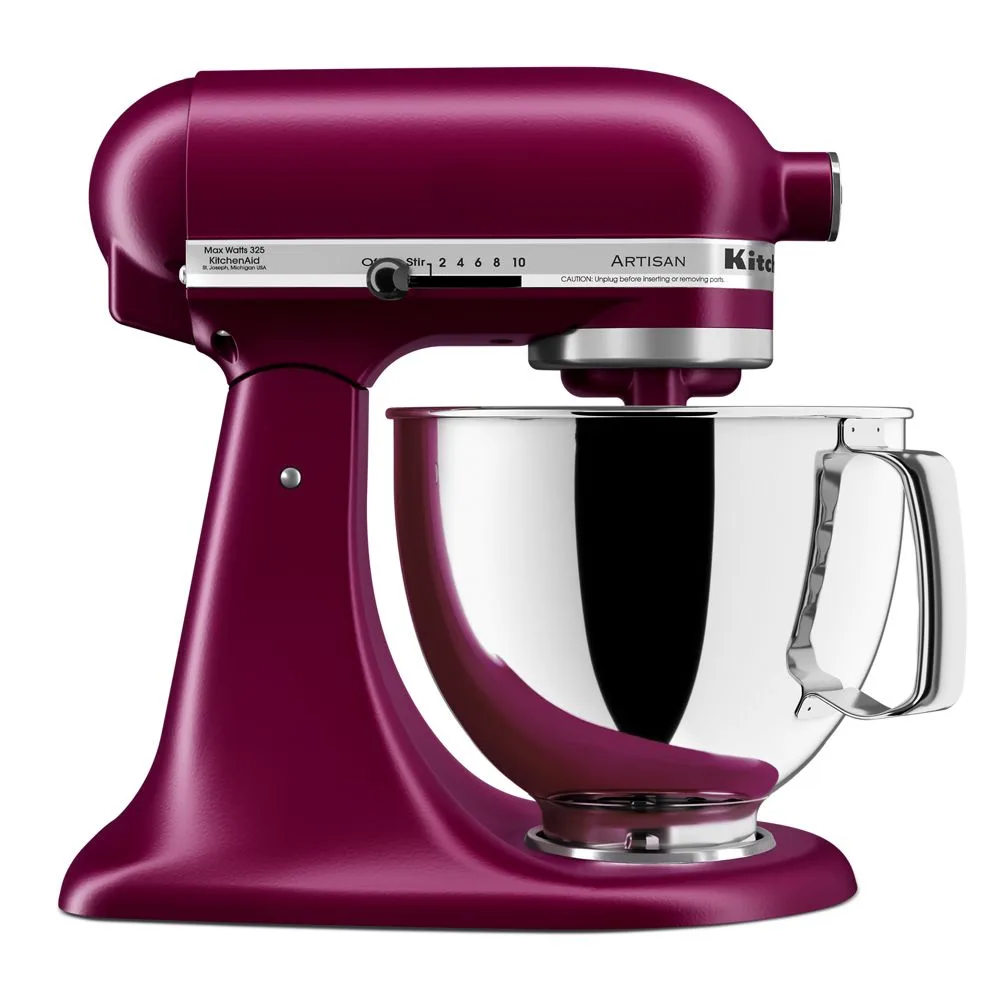
If the mixer is under warranty, do not open the housing; that can void coverage. If it is out of warranty and the repair estimate is high, compare it against a replacement. A new Empire Red or Cherry Tomato stand mixer may be the more practical choice than a major motor repair, especially if you rely on the mixer weekly.
Symptom-to-action diagnosis
- No sound, no movement, no lights: Test the outlet with another device, confirm the plug is fully seated, and check that the speed control is at 0. If the outlet works and the lever is at 0, move to the thermal reset step.
- Mixer ran, then stopped mid-batch: Unplug and let it cool 15 to 30 minutes, then run empty at speed 2 for 30 seconds. If it restarts, reduce batch size and use speed 2 for dough. If it stops again on a light task, get service.
- Hums but head or beaters do not move: Unplug immediately. This indicates a mechanical or gear problem, not a power problem. Do not keep running it. Arrange service or repair.
- Burning smell, smoke, sparks, or hot cord: Stop using the mixer and unplug it. Do not attempt a DIY fix or tape a damaged cord. Contact KitchenAid service or a qualified technician.
- Breaker trips when the mixer is plugged in: Try a different circuit. If the breaker trips again with only the mixer connected, the mixer has an internal fault. Stop and get service. Do not keep resetting the breaker.
Products that may be relevant if repair is not the answer
- Empire Red: The Empire Red Stand Mixer is part of the All Stand Mixers category and is designed to handle a wide range of mixing tasks with ease. If your current mixer has a failed motor and the repair cost is high, this model is a direct replacement option for everyday mixing, kneading, and whipping.
- Cherry Tomato: The Cherry Tomato Stand Mixer is part of the All Stand Mixers category and is described as suitable for mixing, kneading, and whipping with ease. A replacement mixer in a bold color makes sense when the old unit is out of warranty and the repair quote approaches the price of a new mixer.
- Onyx Black Attachment Hub (Fits all models except 6, 7, and 8 Qt models with chrome knobs): The Onyx Black Attachment Hub fits all stand mixer models except 6, 7, and 8 quart models with chrome knobs. If your mixer will not run because the attachment hub is missing or damaged, confirm your model size before ordering this hub, since it does not fit those larger chrome-knob models.