Quick answer
Look for landscape presets that offer vibrant color enhancement, natural contrast, and compatibility with both Lightroom Desktop and the free Lightroom Mobile app.
Why color and contrast matter in landscape presets
Landscape photography often relies on rich, natural colors and balanced contrast to bring out the drama of a scene. Presets that oversaturate or crush shadows can look unnatural, especially in skies and foliage. The best presets enhance without overpowering, keeping greens, blues, and earth tones true to life.
Desktop and mobile compatibility
Many photographers edit on the go using Lightroom Mobile. Presets that work seamlessly on both desktop and mobile save time and ensure consistency across devices. Look for collections that explicitly support both platforms so you can start editing immediately, whether you're at home or in the field.
Ease of use and one-click editing
The value of a preset is in its simplicity. A good landscape preset should transform your photo with a single click, requiring only minor tweaks. If a preset needs heavy manual adjustments to look right, it may not be the best fit for your workflow.
How to choose landscape presets: Decision rules
- Check color accuracy: Look for presets that enhance greens, blues, and earth tones without making them look artificial. Test with a sample photo that includes sky, grass, and water. Avoid presets that make skies cyan or grass neon.
- Confirm platform support: If you edit on both desktop and mobile, choose presets that explicitly support Lightroom Desktop and the free Lightroom Mobile app. This ensures a consistent look across devices.
- Evaluate one-click results: Apply the preset to a raw or JPEG landscape photo. If it requires more than a few slider adjustments to look good, consider a different collection. The best presets work with minimal tweaking. A preset that needs heavy manual correction defeats the purpose of using presets.
- Look for variety in the collection: A good landscape preset collection includes multiple options for different lighting conditions—sunset, overcast, golden hour, and blue hour—so you have flexibility. Seven or more presets give you room to experiment without buying multiple packs.
Product highlights
-
Landscape Preset Collection: Designed for both Lightroom Desktop and the free Lightroom Mobile app. You can edit landscape photos on your computer or phone without buying separate presets, making it convenient for travel and fieldwork.
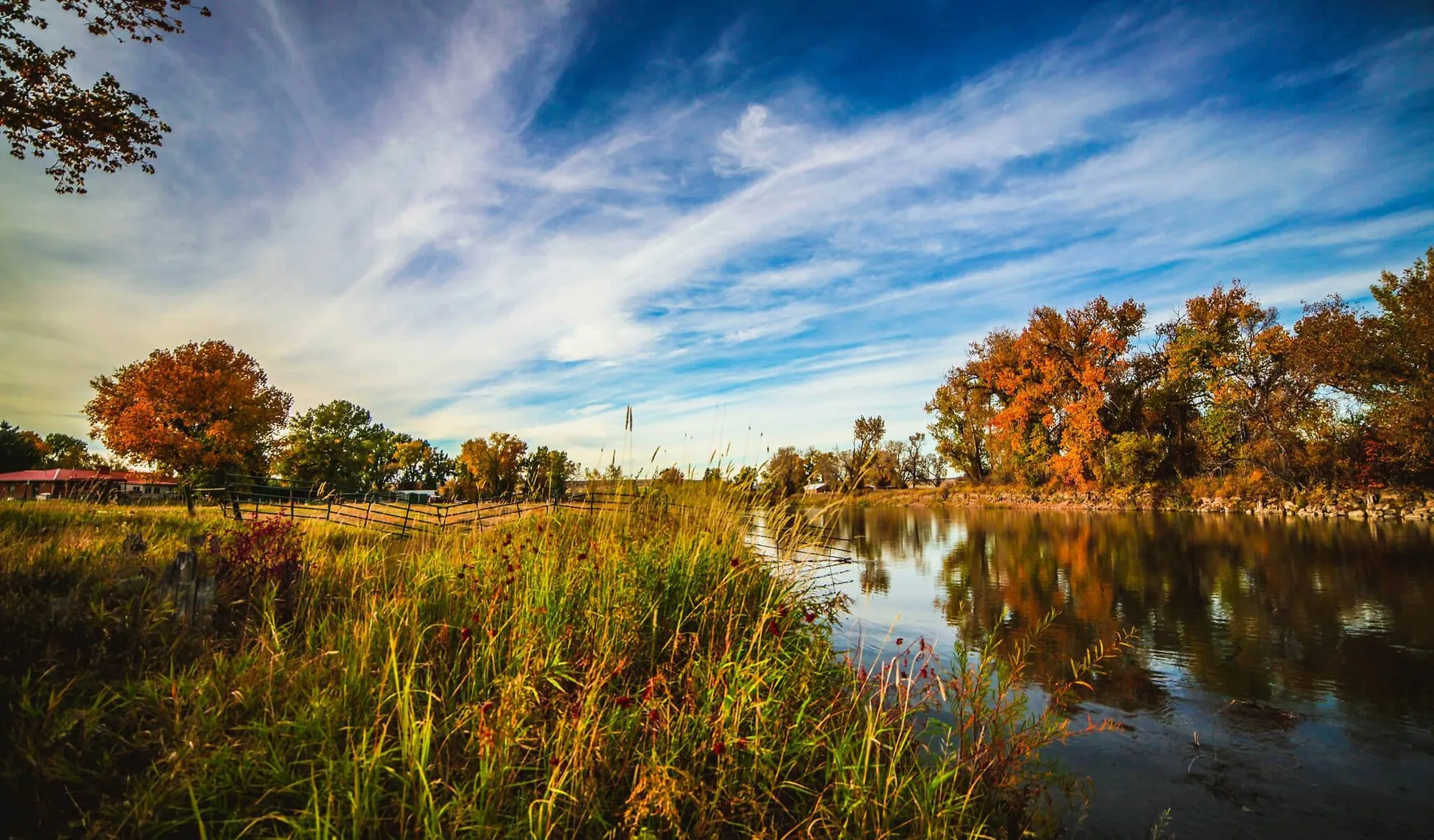
Landscape Preset Collection
-
Landscape Preset Collection: Infuses photos with vibrant colors and perfect contrast with a single click. Saves editing time while delivering the rich, natural look that landscape photographers want.
Is this for you?
Best for
- Landscape photographers who want vibrant, natural-looking edits with minimal effort
- Photographers who edit on both desktop and mobile and need cross-platform consistency
Not for
- Portrait or macro photographers who need skin-tone presets or close-up detail presets
- Users who want fully automatic editing without any manual adjustments