Quick answer
Set up the Litter-Robot 4 Insights Bundle by connecting the unit to the Whisker app and activating the included Whisker+ membership, then check the insights dashboard daily for trends in visits, weight, and litter use. The feature is designed to help you notice changes in your cat's routine, not to diagnose illness, so use it as a monitoring tool alongside your vet's guidance.
The Litter-Robot 4 Insights Bundle pairs the Litter-Robot 4 self-cleaning litter box with an included Whisker+ membership, which is what unlocks the deeper insights layer in the app. If you have already unboxed the unit, you are a few setup steps away from seeing daily patterns in your cat's litter box visits.
This guide walks through the process in order, from confirming your bundle contents to reading the insights dashboard without overreacting to a single data point. Each step includes a checkpoint so you know whether you are ready to move on.
What the Insights Bundle actually includes
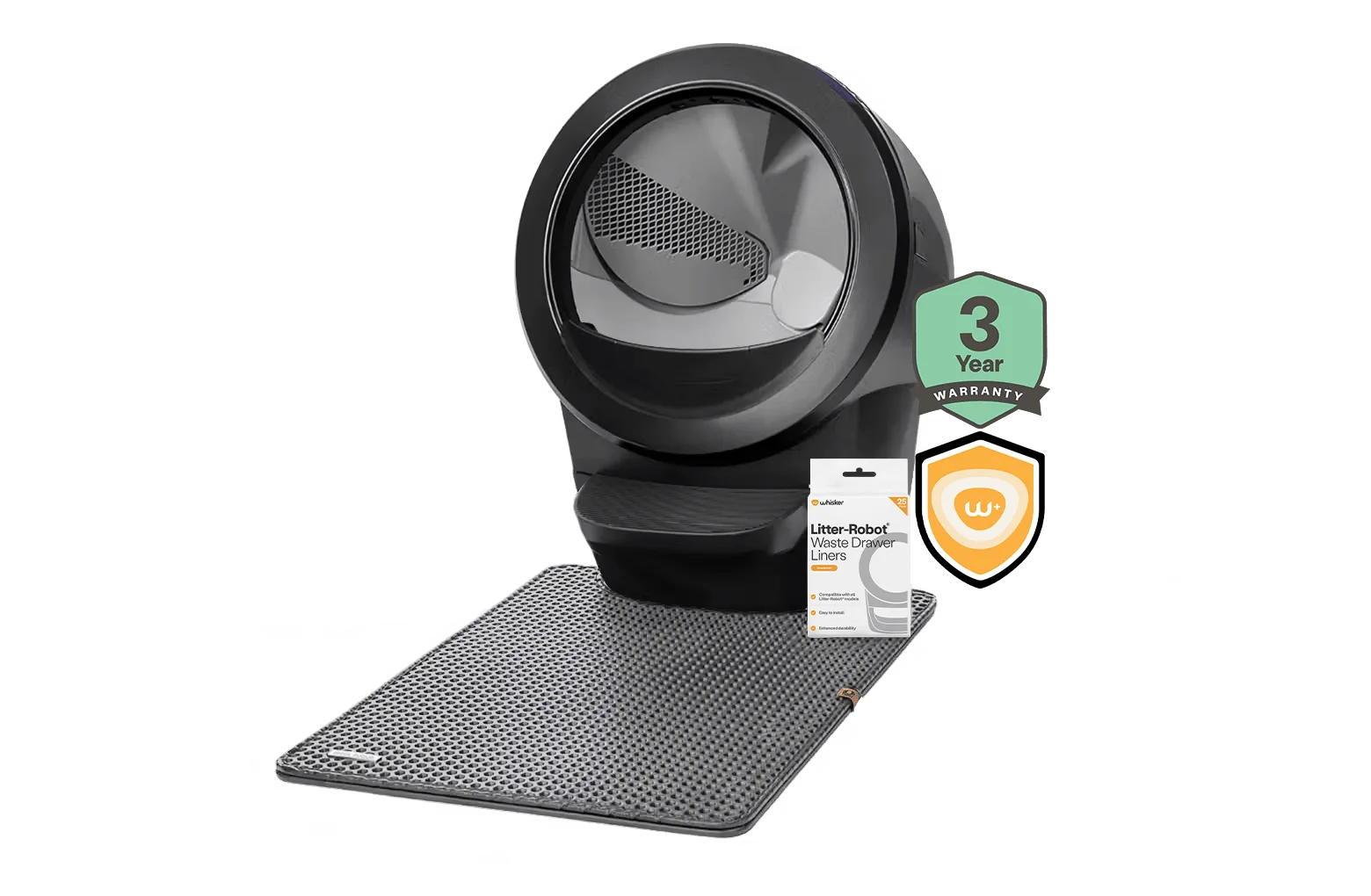
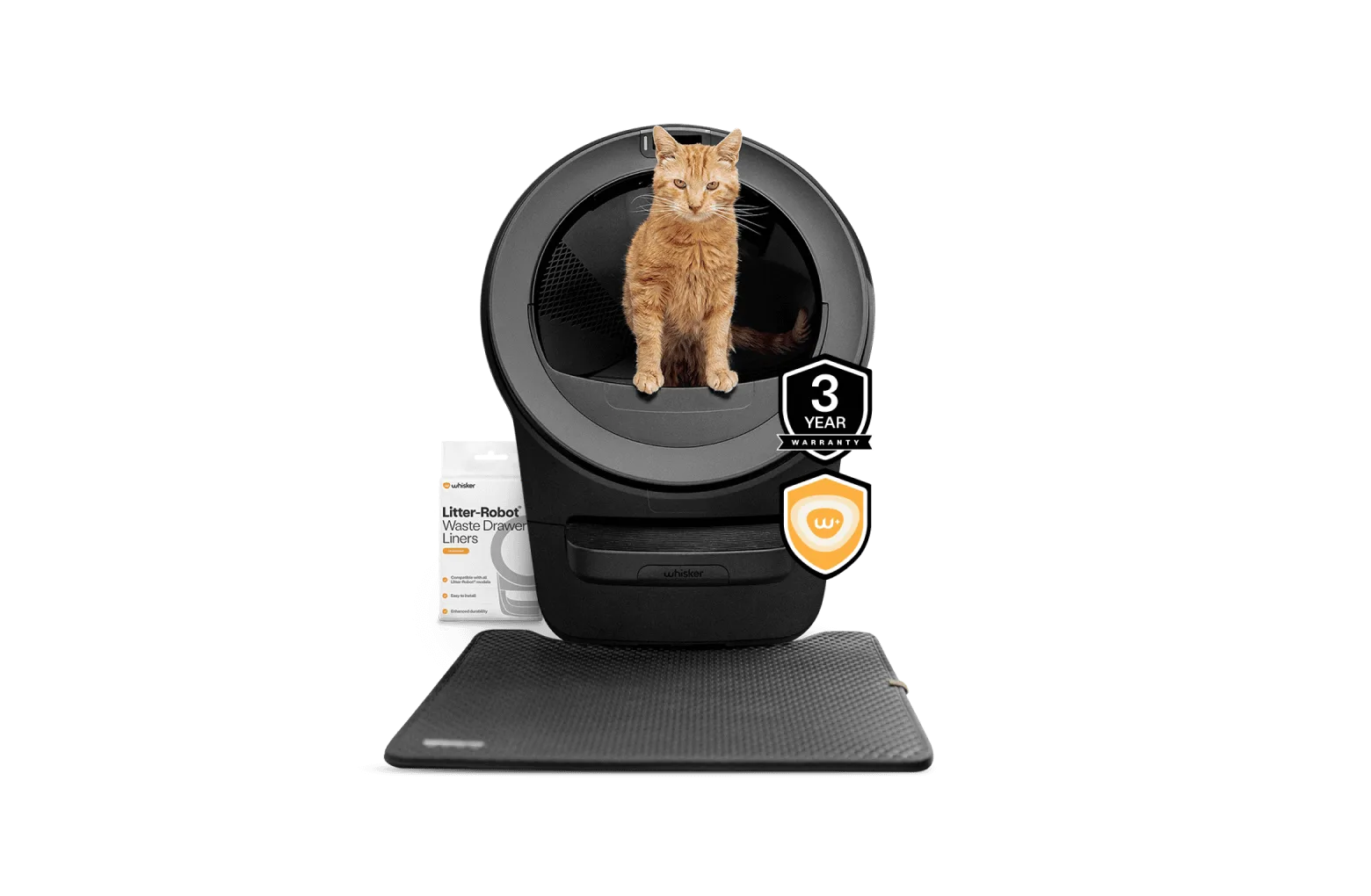
The Litter-Robot 4 Insights Bundle from Whisker pairs the Litter-Robot 4 self-cleaning litter box with an included Whisker+ membership for access to advanced insights. The self-cleaning design helps you stop scooping, and the membership is the part that adds the deeper view of your cat's activity over time.
That distinction matters during setup. The litter box itself handles the cleaning cycle, but the insights view lives in the Whisker app and depends on your membership being active. If you skip activation, you will still have a working self-cleaning box, but you will not see the trend data the bundle is named for.
- Checkpoint: confirm the Whisker+ membership is included and activated before you expect insights to appear.
- Common mistake: assuming insights are built into the hardware alone rather than tied to the membership.
Step 1: Get the litter box online first
Before you think about insights, get the Litter-Robot 4 connected to your home Wi-Fi and linked to your Whisker account. The app needs a stable connection to record visits and sync them to your dashboard. Place the unit where the signal is reliable, then follow the in-app pairing flow.
A weak connection is the most common reason people see gaps in their data later. If the unit drops offline, visits during that window may not be recorded, which makes the trends look incomplete rather than meaningful.
- Checkpoint: the unit shows as online in the app and completes a cleaning cycle on its own.
- Common mistake: pairing the box in a basement or far corner, then wondering why insights are patchy.
Step 2: Activate the Whisker+ membership
Once the box is online, activate the included Whisker+ membership through the app. This is the step that unlocks the advanced insights view rather than just the basic status screen. Follow the prompts in your account settings and confirm the membership shows as active.
If the membership does not appear, check that you are signed into the same account you used during pairing. A second account is a quiet but frequent cause of missing features, because the membership is tied to one login.
- Checkpoint: your account shows an active Whisker+ membership.
- Common mistake: creating a new account at activation instead of using the one already linked to the litter box.
Step 3: Let the box collect a baseline
Insights are only useful once there is something to compare against. Give the Litter-Robot 4 several days of normal use before you read anything into the numbers. During this period, keep your cat's routine as close to normal as possible so the baseline reflects real behavior.
This is also the time to make sure your cat is actually using the box consistently. If your cat is still adjusting to the self-cleaning design, the early data will reflect that adjustment rather than a health trend.
- Checkpoint: you have at least several days of visits recorded before drawing conclusions.
- Common mistake: panicking over day-one numbers when the box has no baseline yet.
Step 4: Read the dashboard for trends, not snapshots
Open the insights view and look at patterns across days and weeks: how often your cat visits, how those visits are distributed, and whether anything has shifted from the baseline. A single unusual day is noise; a sustained change is the signal worth paying attention to.
Use the app to compare recent activity against earlier periods. The value of cat health monitoring with a Litter-Robot comes from seeing direction over time, which is exactly what a manual scooping routine cannot show you.
- Checkpoint: you can describe your cat's normal pattern in one or two sentences.
- Common mistake: treating one outlier day as a medical event instead of a data point.
Step 5: Act on changes with your vet, not the app alone
If the insights show a sustained change, such as fewer visits, more frequent visits, or a shift in weight trends, note the dates and bring that summary to your veterinarian. The app gives you a timeline; your vet provides the diagnosis. That combination is far more useful than either one alone.
Keep in mind that the insights feature is a monitoring aid. It is not a diagnostic tool, and it cannot tell you why a pattern changed. Its job is to help you notice sooner and describe more precisely.
- Checkpoint: you have a dated summary ready if you need to call your vet.
- Common mistake: waiting weeks to act on a clear, sustained change because the app did not tell you what it means.
Setup sequence at a glance
- Connect the litter box: Pair the Litter-Robot 4 to Wi-Fi and your Whisker account, then confirm it completes a cycle on its own. No stable connection, no reliable insights.
- Activate Whisker+: Turn on the included membership in the app using the same account you paired with. This is the step that unlocks the advanced insights view.
- Build a baseline: Let the box run normally for several days before interpreting the data. Trends need a starting point to mean anything.
- Watch for sustained changes: Review the dashboard for shifts across days and weeks rather than single-day spikes. Direction over time is the useful signal.
- Loop in your vet: Bring a dated summary of any clear change to your veterinarian for interpretation. The app notices; your vet diagnoses.
Bundle facts worth knowing
- Litter-Robot® 4 Insights Bundle: The Litter-Robot 4 Insights Bundle from Whisker pairs the Litter-Robot 4 self-cleaning litter box with an included Whisker+ membership for access to advanced insights. The membership is the part that unlocks the insights view, so activation is a required setup step, not an optional extra.
- Litter-Robot® 5 Insights Bundle: Litter-Robot 5 is the most advanced automatic, self-cleaning litter box for cats, and the bundle includes access to deeper cat insights with a Whisker+ membership. If you are still choosing between generations, the insights workflow is similar, but the Litter-Robot 5 is positioned as the more advanced option.
The Litter-Robot 4 Insights Bundle is most useful when you treat it as a routine: keep the box online, leave the membership active, and check trends rather than single days. Do that, and the insights feature gives you something scooping never could, a clear picture of your cat's normal pattern and a faster way to notice when it changes.