Quick answer
Use the littleBits i12 temperature sensor to build circuits that respond to temperature changes. This guide walks you through three simple projects for classroom STEM activities.
Why the i12 temperature sensor works for classroom projects
The littleBits i12 temperature sensor detects heat around its probe and sends a stronger signal as temperature rises. This makes it ideal for demonstrating cause-and-effect in science experiments without needing to code or solder.
Because the sensor is modular, students can swap it into different circuits to test how temperature affects motors, lights, or sound. The main tradeoff is that it responds to ambient air temperature rather than contact heat, so it works best for open-air experiments.
Step-by-step projects
- Project 1: Temperature-controlled fan: Connect the i12 temperature sensor to a power Bit, then attach a DC motor Bit with a fan. Hold the sensor probe near a warm object (like a cup of hot water) and watch the fan spin faster. Move it away or cool it with ice to slow the fan. Make sure the fan is not obstructed and that students do not touch the hot water directly.
- Project 2: Heat-activated LED bar graph: Use the temperature sensor with a number of LED Bits in sequence. As the sensor warms up, more LEDs light up in order. This visually shows how signal strength increases with temperature. Use a dimmer Bit between the sensor and LEDs to adjust sensitivity if the response is too fast or too slow.
- Project 3: Sound pitch thermometer: Connect the temperature sensor to a speaker Bit. As the sensor detects higher temperatures, the speaker emits a higher-pitched tone. Students can map pitch to temperature readings for a simple auditory science demo. Keep the speaker volume low to avoid distracting other groups. The pitch change may be subtle, so test the range beforehand.
Product fact
-
littleBits i12 temperature sensor: The temperature sensor responds to the temperature surrounding its probe. The higher the temperature it senses, the more signal it sends out. This means students can see immediate feedback — a fan spins faster or an LED gets brighter — as they warm or cool the sensor with their hands or a heat source.
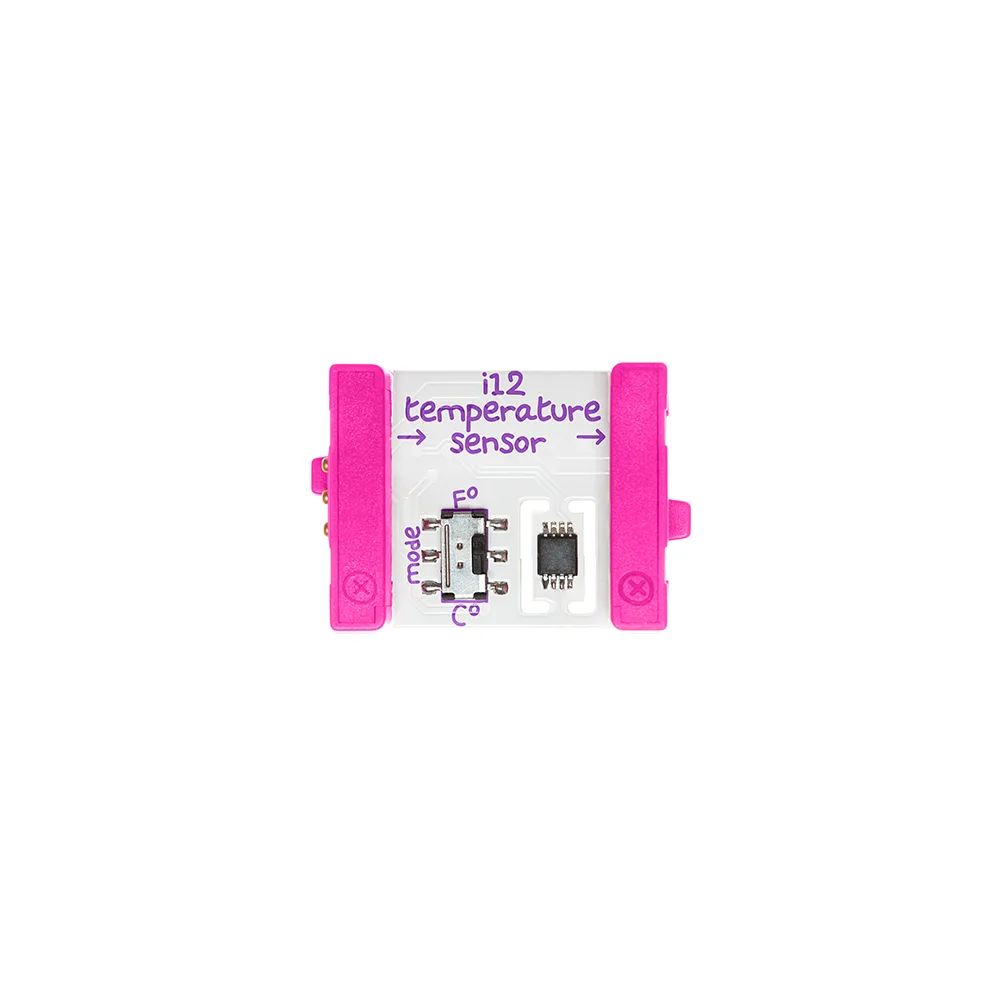
littleBits i12 temperature sensor