Quick answer
Care for a magnetic power bank by keeping it cool, clean, and correctly aligned on the phone. For the UGREEN MagFlow Air, snap it on so the magnets seat fully, remove thick or metal-backed cases, and avoid charging it in direct sun or under a pillow. Recharge the bank before it hits empty, and store it around half charge when you will not use it for weeks.
Why magnetic charging needs a different care routine
Wireless magnetic charging loses efficiency when the coil gap grows or when heat builds up between the phone and the bank. A case that is too thick, a misaligned snap, or a bank left on a hot car dashboard all push the MagFlow Air to work harder, which shows up as slower top-ups and warmer surfaces. The steps below treat alignment, heat, and charge level as the three things you can actually control.
Everyday habits that protect wireless speed
Use the magnetic snap as your alignment check. When the MagFlow Air seats properly, the magnets pull it into one position and it should not slide when you lift the phone. If you have to hunt for the sweet spot, the case is probably interfering. Remove metal plates, magnetic car mounts, and wallets before charging, because they redirect the magnetic field and can cause the bank to throttle.
Heat is the main enemy of any lithium battery, and wireless charging adds a little heat by design. Take the bank off when the phone reaches your usual full level rather than leaving it attached for hours. If the bank feels hot to the touch, stop charging, unplug anything else, and let both devices cool at room temperature. Do not put the bank in the fridge or freezer to speed this up; condensation is worse than the heat.
Storage and long-term battery care
If you will not use the MagFlow Air for a month or more, charge it to roughly half, power it off, and keep it in a cool, dry drawer. A full or empty battery stored for months ages faster than a half-full one. Check it every few months and top it back to about half if it has drifted. Avoid leaving it plugged into a charger indefinitely on a desk, and do not store it in a hot car or a damp bathroom.
Your MagFlow Air care steps
- Step 1: Check the case and back of the phone: Remove metal plates, magnetic wallets, and cases thicker than a standard MagSafe-compatible shell. Wipe the back of the phone and the bank's charging surface with a dry, soft cloth to clear grit that can create a gap. Checkpoint: the bank should snap into one clear position with no sliding.
- Step 2: Align the magnets before you walk away: Place the MagFlow Air centered on the phone's coil area and give it a gentle press. Do not stack it on top of another wireless charger or a metal stand, and do not use it while the phone is in a thick rugged case. Mistake to avoid: charging through a metal plate, which can trigger heat and slow the 15W output.
- Step 3: Manage heat during every charge: Charge on a hard, open surface rather than under a pillow, blanket, or in a pocket. If the bank or phone feels hot, stop, disconnect, and let both cool at room temperature before resuming. Checkpoint: warm is normal, hot means stop and cool down.
- Step 4: Recharge the bank before it is empty: Top up the 10000mAh bank when it drops to around 20-30 percent instead of running it to zero every cycle. Use a reputable USB-C charger and cable, and unplug the bank once it is full. Mistake to avoid: leaving the bank plugged in for days at a time.
- Step 5: Store it at about half charge: For long breaks, power the bank off at roughly 50 percent and keep it in a cool, dry place away from direct sun. Recheck every few months and top back to half if needed. Next step: label a calendar reminder so storage checks do not get forgotten.
MagFlow Air specs that shape your care routine
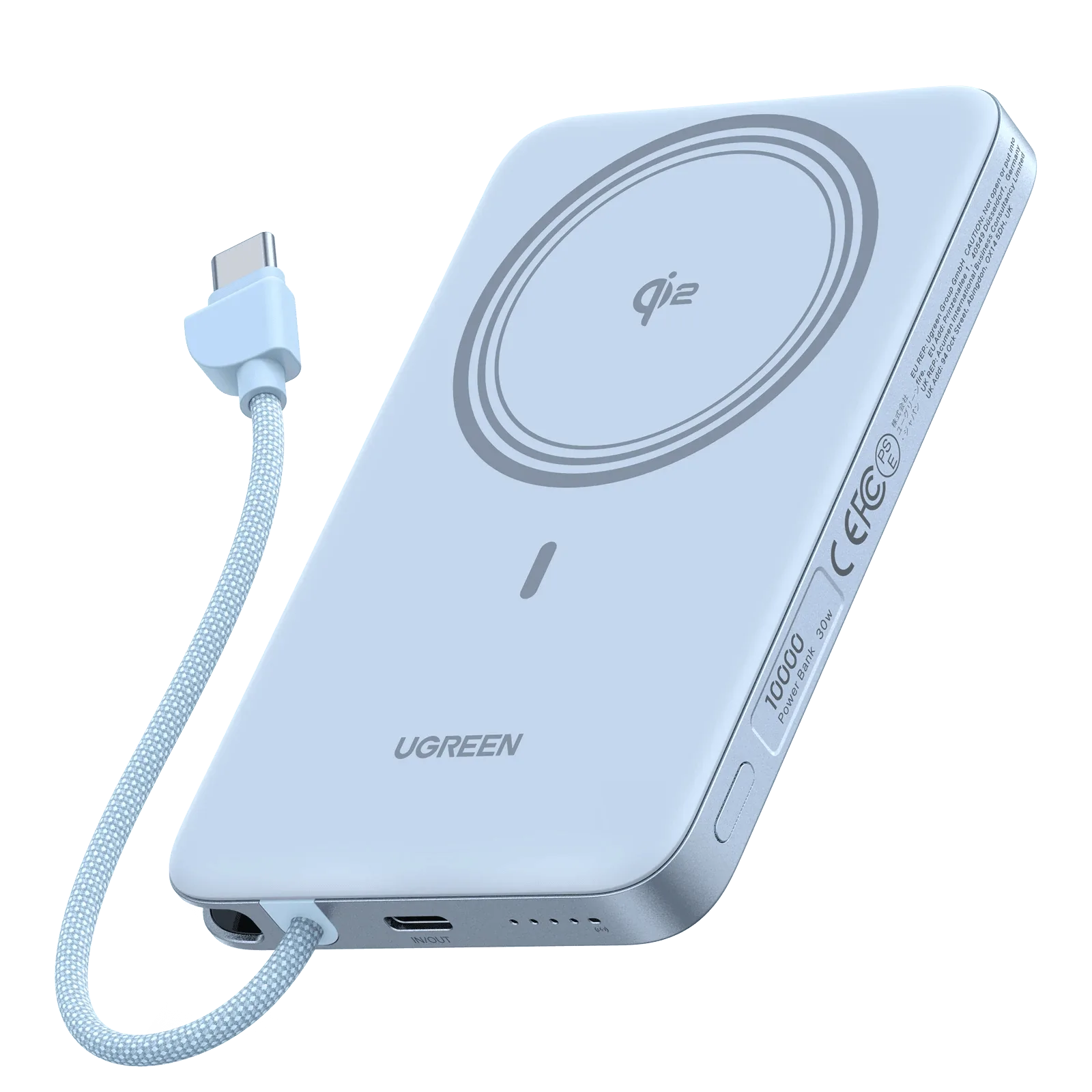
- UGREEN MagFlow Air Magnetic Power Bank 10000mAh 15W Starlight Blue: https://ugreenetv.com/products/ph-65839-53295733d2d8e03fd3527d3b-1310724https://ugreenetv.com/products/my-65839-3e082c3491ae9be398b4d349-1311265UGREEN MagFlow Air Magnetic Power Bank 10000mAh 15W in Starlight Blue, with 10000mAh capacity and 15W wireless output. The 10000mAh size is small enough to stay attached during use, but 15W wireless charging makes heat management and alignment the two habits that most affect real-world speed.
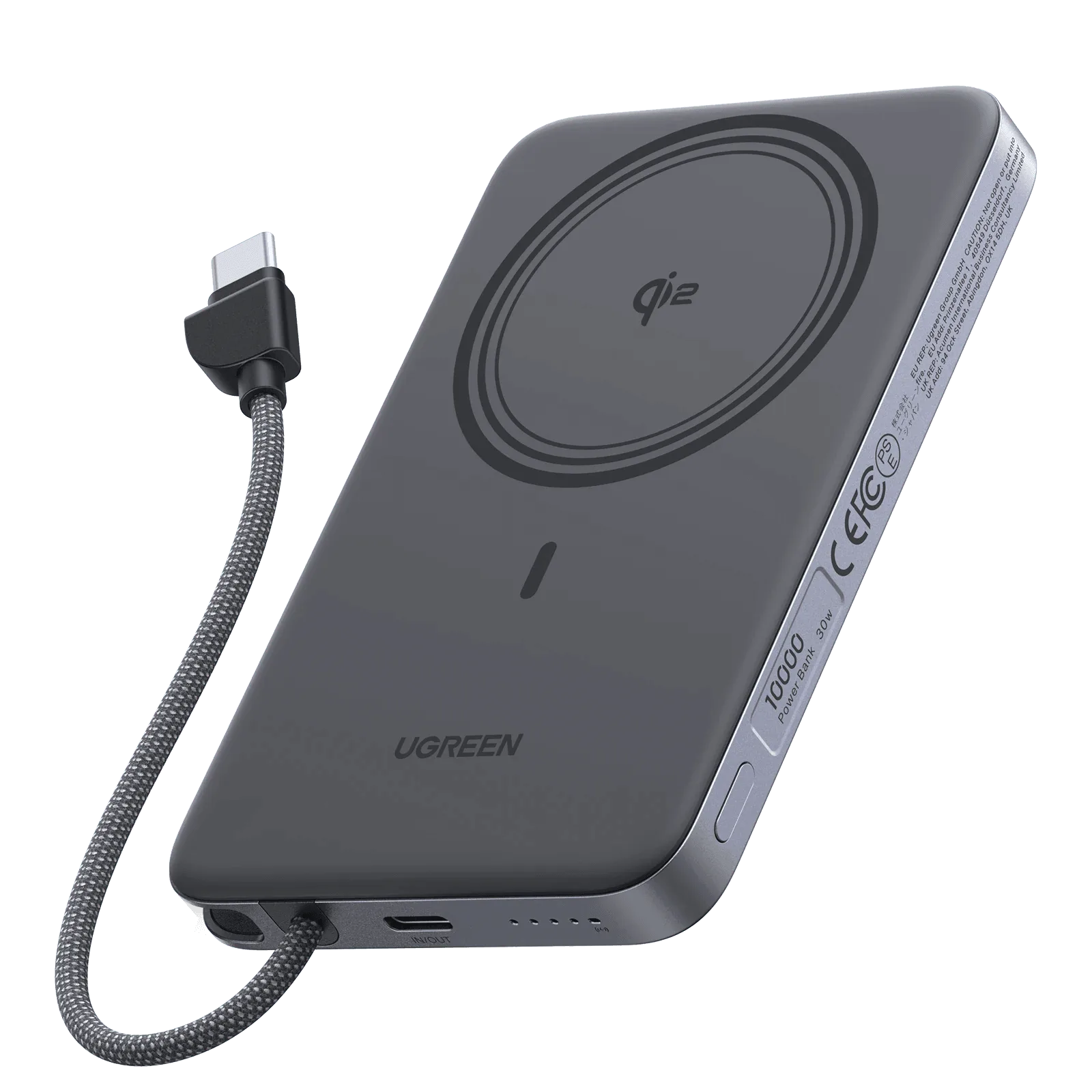
- UGREEN MagFlow Air Magnetic Power Bank 10000mAh 15W Space Gray: UGREEN MagFlow Air Magnetic Power Bank 10000mAh 15W in Space Gray, with magnetic attachment and color options including Space Gray, Starlight Blue, and Lunar White. Color choice does not change care, but the magnetic attachment design is what makes case thickness and metal accessories the first things to check when charging feels slow.