Quick answer
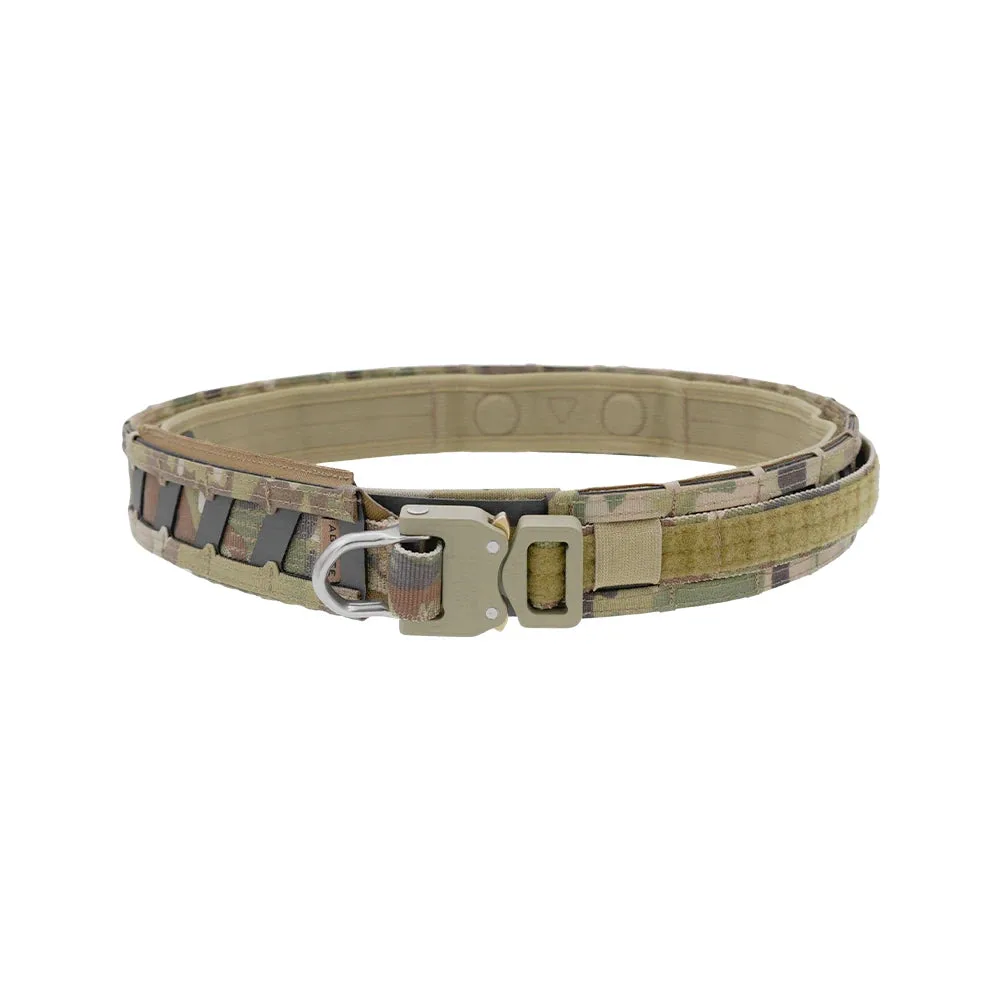
Set up your Magnetix Battle Belt by centering the heaviest pouches over your hip bones, keeping the front clear for movement, and aligning the inner and outer belts before tightening. Use the Agilite Magnetix Battle Belt's design to reduce shifting, and add accessories like the Quick-Release Buckle for fast donning. Test your load with a few dry draws and adjust until the belt stays put without pressure points.
Start with a clean belt and plan your loadout
Before attaching anything, lay out all pouches, holsters, and accessories you plan to carry. Decide what must be on the belt versus your plate carrier or pockets. A common mistake is overloading the belt with items you rarely use, which adds weight and bulk. Aim for a loadout that supports your primary mission or range session without unnecessary gear.
Position the inner belt and outer belt for alignment
Put on the inner belt so it sits snugly around your waist, then position the outer belt over it. The Magnetix Battle Belt is designed to keep the upper and lower belts aligned, but you still need to check that the outer belt's hook-and-loop or magnetic sections line up with the inner belt. A common mistake is rushing this step, which leads to the outer belt shifting during movement. Take a moment to press the belts together evenly.
Place the heaviest pouches over your hips
Attach your heaviest items—such as a holster, magazine pouches, or a dump pouch—directly over your hip bones. This puts the weight on your skeletal structure rather than your lower back or stomach. For example, if you carry a pistol, position the holster on your dominant side hip. Keep the front of the belt relatively clear to allow for bending and sitting. A common mistake is placing a heavy pouch at the small of your back, which can cause discomfort when sitting or lying down.
Balance left and right sides
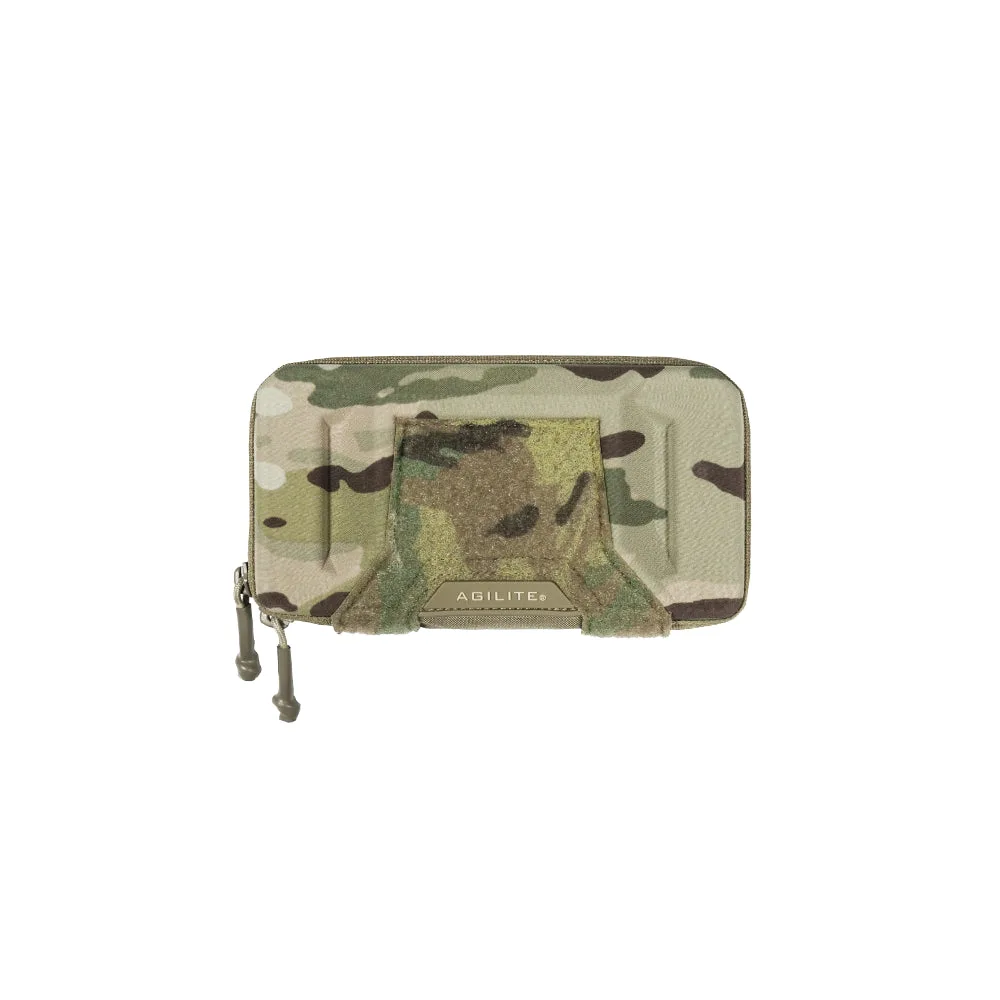
Distribute weight evenly between left and right. If you have a heavy holster on the right, balance it with magazine pouches or a utility pouch on the left. This prevents the belt from rotating or sagging to one side. Use the Magnetix Battle Belt's adjustable sizing to fine-tune the fit, and consider adding the Battleshell Universal EUD/Phone Pouch on the side opposite your holster for quick access to a phone or EUD without unbalancing the load. A common mistake is ignoring side-to-side balance until you feel fatigue after a few hours.
Integrate quick-release and other accessories
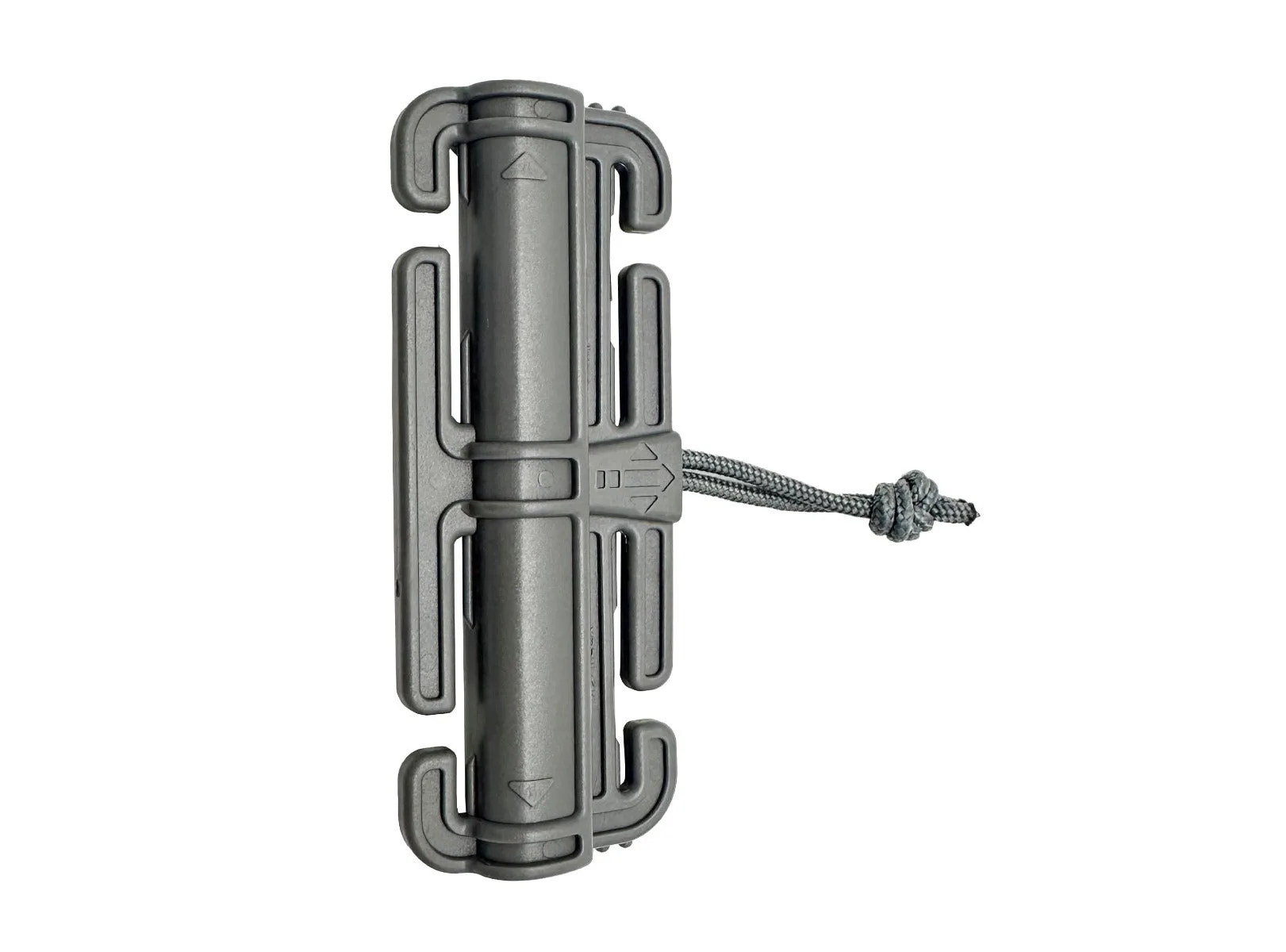
If you use a Quick-Release Buckle, attach it to your cummerbund or belt according to the instructions. This allows you to don and doff your plate carrier or belt quickly, which is especially useful when you need to switch gear or take a break. Ensure the buckle is positioned where you can reach it with one hand. A common mistake is placing the buckle where it interferes with pouch placement or your range of motion. Test the release with your gear on to confirm it works smoothly.
Test and adjust your setup
With your full loadout attached, put on the belt and move around: walk, squat, kneel, and simulate drawing your primary weapon and accessing pouches. Check for any shifting, hot spots, or restricted movement. Adjust pouch positions or belt tension as needed. The Magnetix Battle Belt's design aims to eliminate common issues like misalignment, but personal fit is key. A common mistake is skipping this test and only discovering problems in the field.
Step-by-step setup
- Prepare your belt and gear: Lay out the Magnetix Battle Belt, inner belt, and all pouches. Decide which items go on the belt based on priority and weight. Checkpoint: Avoid overloading; if you haven't used an item in the last three range sessions, leave it off.
- Put on the inner belt and align the outer belt: Wear the inner belt snugly, then place the outer belt over it. Ensure the magnetic or hook-and-loop sections align evenly around your waist. Checkpoint: The outer belt should not twist or bunch; smooth it out with both hands.
- Attach heaviest pouches over hips: Mount your holster, magazine pouches, and any heavy utilities directly over your hip bones. Keep the front center clear. Checkpoint: If a pouch digs into your stomach or back when you sit, move it.
- Balance left and right: Place similar-weight items on opposite sides. For example, if you have a heavy holster on the right, add a balanced pouch on the left. Checkpoint: Stand in front of a mirror; the belt should sit level, not tilted.
- Add quick-release buckle and accessories: Install the Quick-Release Buckle where you can reach it with one hand. Attach the Battleshell EUD/Phone Pouch on a side that helps balance the load. Checkpoint: Test the buckle release with gear on; it should open smoothly without snagging.
- Test and fine-tune: Wear the full setup and perform movements: walk, squat, kneel, and simulate drawing your weapon and accessing pouches. Adjust positions or tension as needed. Checkpoint: After 10 minutes of movement, check for any shifting or discomfort; readjust before heading out.
Product facts
- Magnetix™ Battle Belt: The Agilite Magnetix Battle Belt was designed to be the best battle belt system on the market, validated downrange in intense combat. It addresses the issue of aligning upper and lower belts, especially under pressure. This design reduces the chance of your belt shifting or becoming uncomfortable during movement, so you can focus on the task at hand.
- Quick-Release Buckle: The Quick-Release Buckle allows you to put on and take off your plate in seconds, with single-hand operation and self-cleaning ports. Adding this buckle to your setup speeds up donning and doffing, which is useful for quick changes or emergency situations.
- Battleshell™ Universal EUD/Phone Pouch: The Battleshell Universal EUD/Phone Pouch is a pouch designed to hold electronic devices or phones. Mounting this pouch on your belt gives you quick access to your device without digging through pockets, and it can be positioned to help balance your load.