Quick Answer
The Micro Scooter Light wraps around your handlebars or T-bar in seconds. Choose constant, flash, or rapid flash to match your ride.
Why Add a Light to Your Scooter?
A scooter light is the simplest way to be seen by others after dark. The Micro Scooter Light uses flexible silicone that grips securely without tools, so you can move it between scooters or remove it when not needed.
Its three settings let you adapt to different conditions: steady for well-lit streets, flash for attention, and rapid flash for maximum visibility in low light.
Installation and Safety Steps
- 1. Choose the Mounting Spot: Wrap the silicone band around your scooter’s handlebars or T-bar. Pick a spot where the light faces forward and won't block your grip or brake lever. A common mistake is mounting too low — keep it at eye level for cars.
- 2. Secure the Light: Stretch the silicone loop over the light body until it snaps into place. Give it a gentle tug to confirm it won’t slide off during bumps. Check that the band is flat and not twisted — a twisted band can loosen over time.
- 3. Select Your Light Mode: Press the button once for constant, twice for flash, three times for rapid flash. Test each mode before you ride. Rapid flash uses more battery — switch to constant or flash to extend runtime on longer rides.
- 4. Ride with Awareness: Even with a light, assume drivers may not see you. Ride defensively, avoid dark patches, and use hand signals when turning. The light makes you visible, but it doesn’t replace watching for cars pulling out.
Product Spotlight
-
Micro Scooter Light: Made of flexible silicone to easily wrap around handlebars or T-bar. No tools or permanent attachment needed — you can install it in seconds and switch it between scooters.
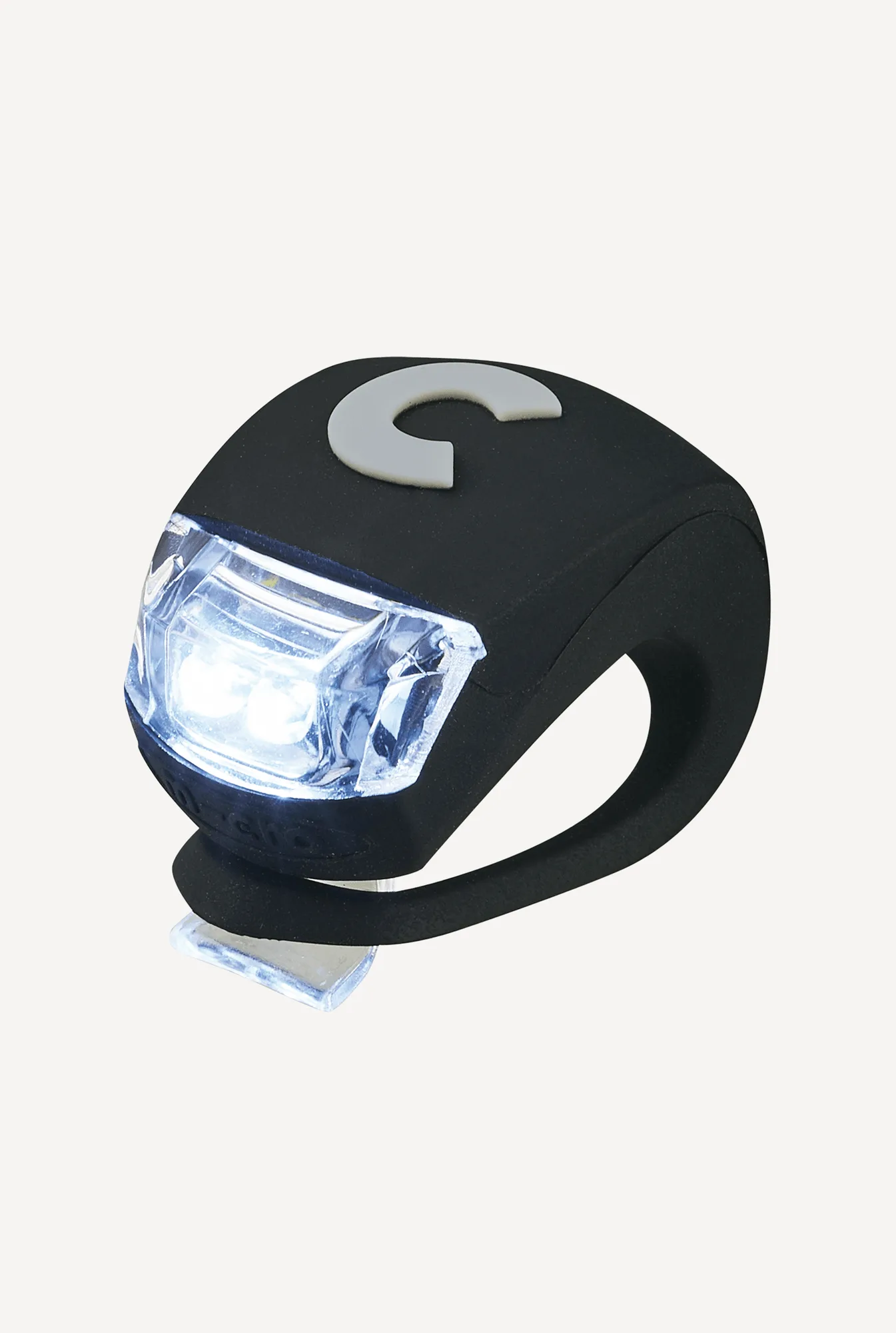
Micro Scooter Light
-
Micro Scooter Light: Choose from constant, flash, or rapid flash settings. Pick the mode that matches your environment, from steady light on a bike path to rapid flash on busy roads.