Quick answer
The Mini Activity Kit is a self-contained kids coding activity kit: you get a clear-shelled Sphero Mini robot, a construction set, 15 STEM-inspired activity cards, bowling pins, and cones. Start by charging the Mini, then open the Sphero Play app for driving and games or the Sphero Edu app for coding and challenges. Work through the cards in order before inventing your own mazes.
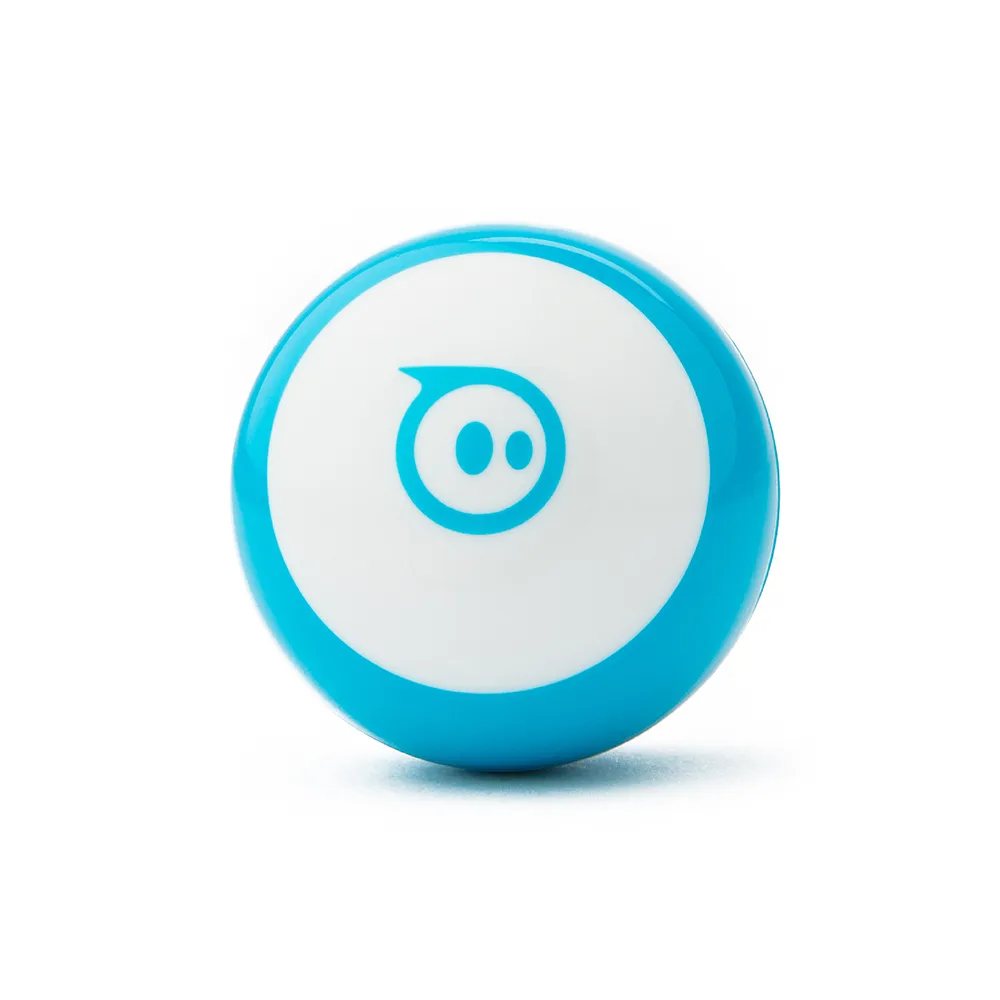
Mini
What comes in the box
Every kit ships with the same core pieces: a clear-shelled Sphero Mini, a construction set, 15 STEM-inspired activity cards, bowling pins, and cones. The pins and cones are not filler—they are the physical targets and obstacles the activity cards ask kids to set up, so keep them with the robot rather than in a general toy bin.
How to set it up the first time
Charge the Mini fully before the first session, then download the Sphero Play app for driving and games or the Sphero Edu app for coding and learning. Pair the robot once, confirm it responds to a simple drive command, and only then introduce the activity cards. Doing a five-minute drive test first separates setup problems from coding problems later.
Which app to use, and when
The Sphero Play app is the faster on-ramp: kids drive the Mini and play games with immediate feedback. The Sphero Edu app is where coding and structured learning happen. A workable sequence is Play first for a week to build steering confidence, then Edu for the activity cards. Switching too early to Edu can make the robot feel like homework.
Age range and adult involvement
The catalog does not list a specific age range for this kit, so treat age fit as a judgment call rather than a published spec. What the contents do tell you is the intended progression: simple driving, then card-based challenges, then open-ended building. Younger children generally need an adult to read the cards and reset the pins; older kids can run the sequence independently.
What to add later
Once the 15 cards are finished, the kit's own construction set and cones are meant to be reused for custom mazes. If you want to extend the electronics side, a littleBits i16 pulse Bit makes other Bits turn on and off in a steady rhythm and is often used to make LEDs blink—useful if your kids start asking how to add lights to a build. For Blueprint Engineering users, shaft collar and spacer packs help keep mechanical assemblies secure and precisely spaced when projects grow beyond the kit.
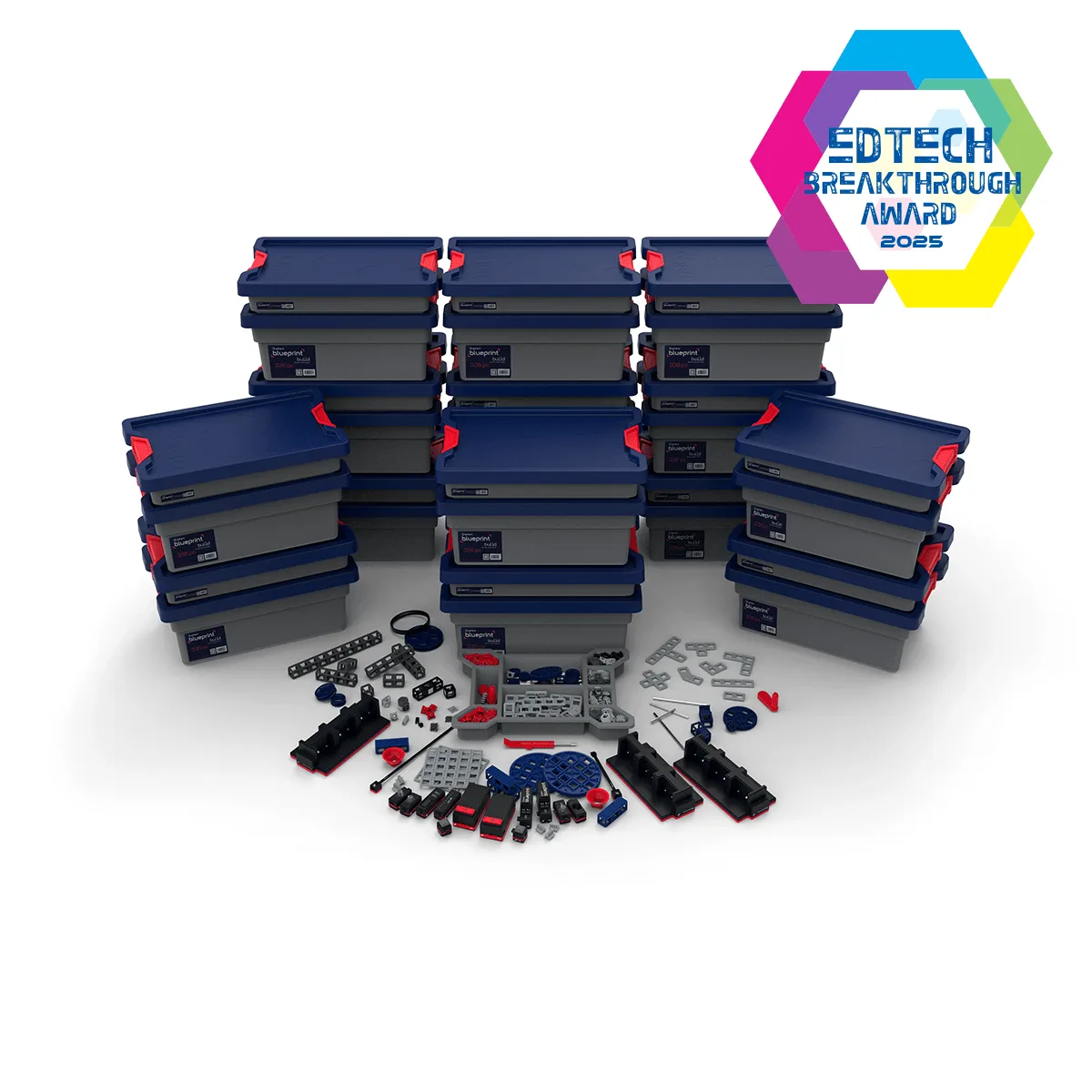
Blueprint Engineering
Mini Activity Kit FAQ
What is in the Mini Activity Kit?
A clear-shelled Sphero Mini, a construction set, 15 STEM-inspired activity cards, bowling pins, and cones. Everything needed for the first 15 challenges is in the box.
What age is it for?
No age range is listed in the catalog. Judge by reading level and hand-eye coordination: younger kids need an adult to read cards and reset pins. Plan for shared play below roughly age 8.
Do I need a tablet or phone?
Yes. You use the Sphero Play app to drive and play games, or the Sphero Edu app to code and learn. Install the app before the first session to avoid setup frustration.
How long does setup take?
Charge the Mini, install the app, and pair the robot. A five-minute drive test confirms everything works before you open the activity cards. Test driving first, then start card one.
What do we do after all 15 cards?
Reuse the construction set, cones, and pins to design your own mazes and games—the kit is built for that extension. Treat the cards as a starting sequence, not the finish line.
Product facts
- Mini Activity Kit - Kids Coding Activity Kit: Each Kit comes with a clear-shelled Sphero Mini, construction set, 15 STEM-inspired activity cards, bowling pins, and cones to build mazes. You do not need extra props to run the first 15 challenges; the pins and cones are the course.
- littleBits i16 pulse: The pulse Bit makes other Bits turn on and off in a steady rhythm and is great for making LEDs blink. A low-cost way to add a blinking-light behavior once kids outgrow the card challenges.
- Blueprint Shaft Collar & Spacer Packs: Shaft Collar and Spacer Packs help fine-tune mechanical assemblies and keep Blueprint Engineering builds secure and precisely spaced. Relevant only if your child moves into Blueprint Engineering builds; skip it for the Mini kit itself.