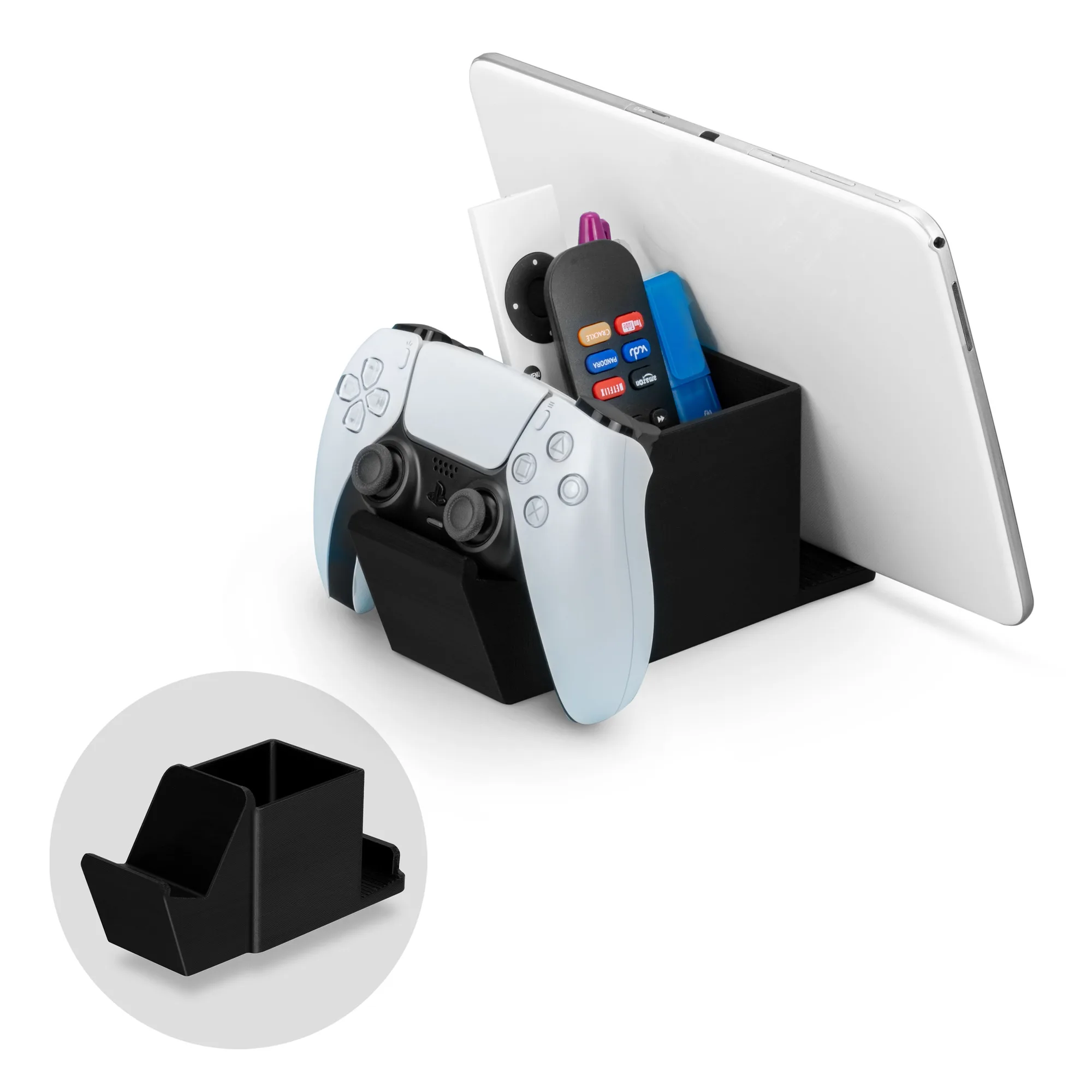
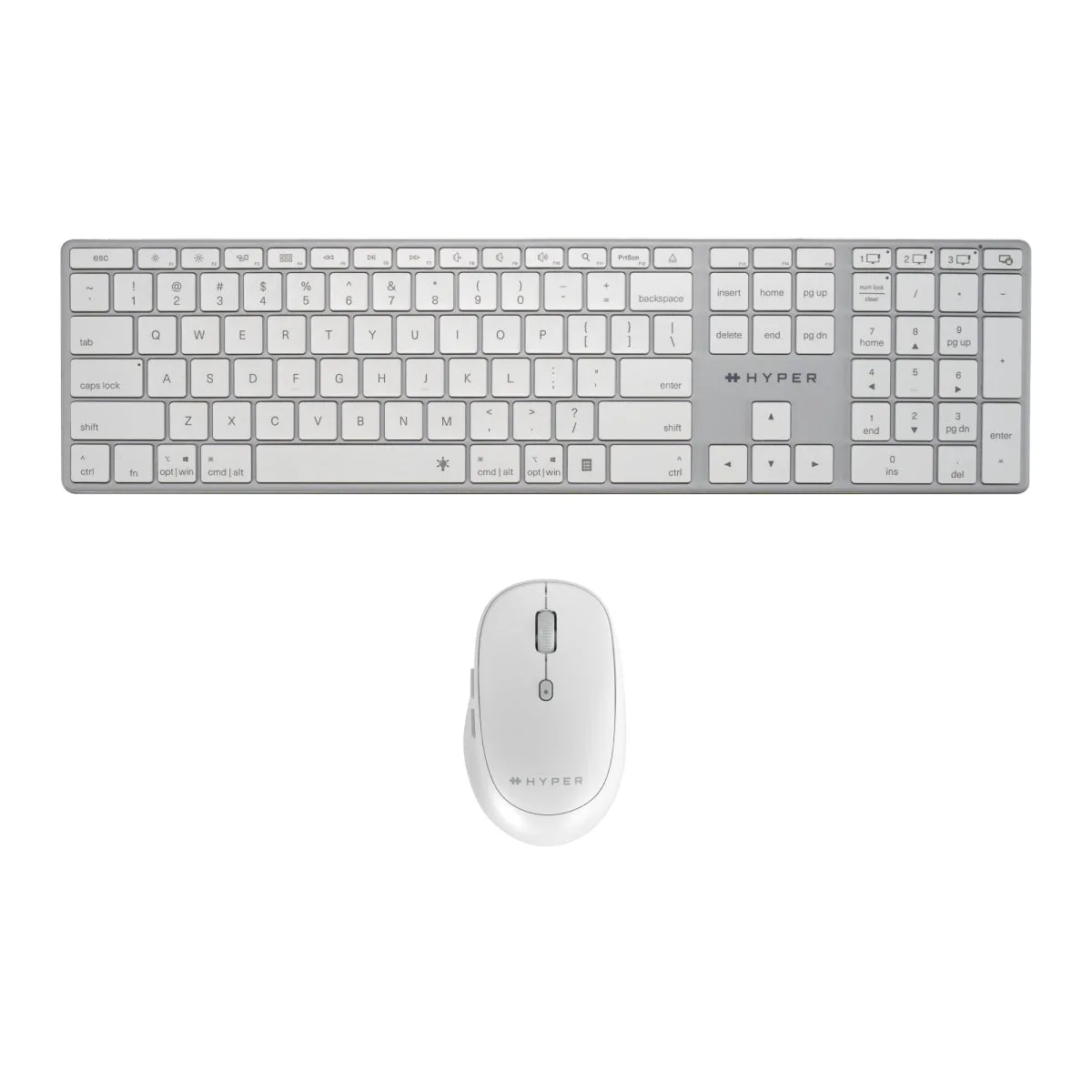
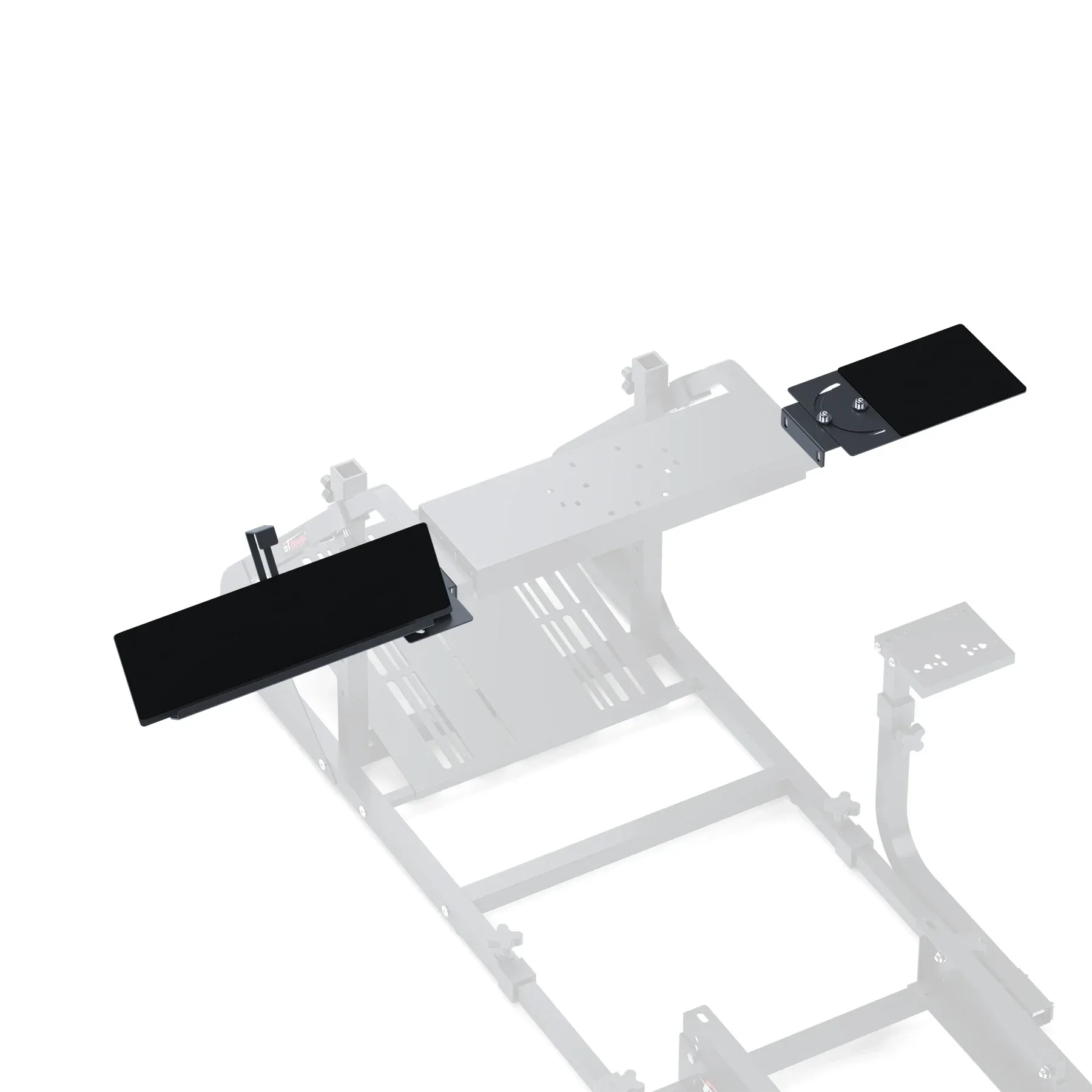
Start with what is actually taking up desk space
A mouse stand and a two-tier keyboard stand solve different clutter problems. The mouse stand gives one mouse a dedicated parking spot; the keyboard stand adds two stacked storage slots for keyboards and small accessories. If your desk is crowded by a single mouse sliding around, the smaller holder is the direct fix. If you rotate between a gaming board and a work board, or want to display a keyboard collection, the two-tier stand addresses the larger footprint.
Neither product is a full desk overhaul. They are compact organizers, so the right choice depends on which item is causing the mess and how much room you can give up to contain it.
What each organizer is built to hold
- Brainwavz Desktop Mouse Stand Holder (1704772): A stadium-style holder for gaming or office mice. The catalog states it is compatible with almost any style of mice from brands such as Logitech, Microsoft, Corsair, Razer and Cooler Master, and can securely hold mice of almost any size and shape.
- Brainwavz 2-Tier Desktop Keyboard Stand (DK02, 1704774): A low-profile stand with two storage slots. It is designed for keyboards of all sizes, from mini mechanical gaming boards to full-size 104-key office keyboards, and the catalog notes it may not suit curved or ergonomic-style boards.
Evidence behind the keyboard stand's two-slot design
-
2-Tier Desktop Keyboard Stand & Holder Display, Organize Your Desk, Reduce Clutter, Suitable for All Size & Styles of Keyboards (DK02): Two storage slots are intended for storing a specialist gaming keyboard alongside a practical day-to-day work board; one slot can also hold a wrist rest, game controller, phone or other small device. This is the main reason to choose the keyboard stand over a single-purpose holder: it can consolidate more than one item into a compact footprint.
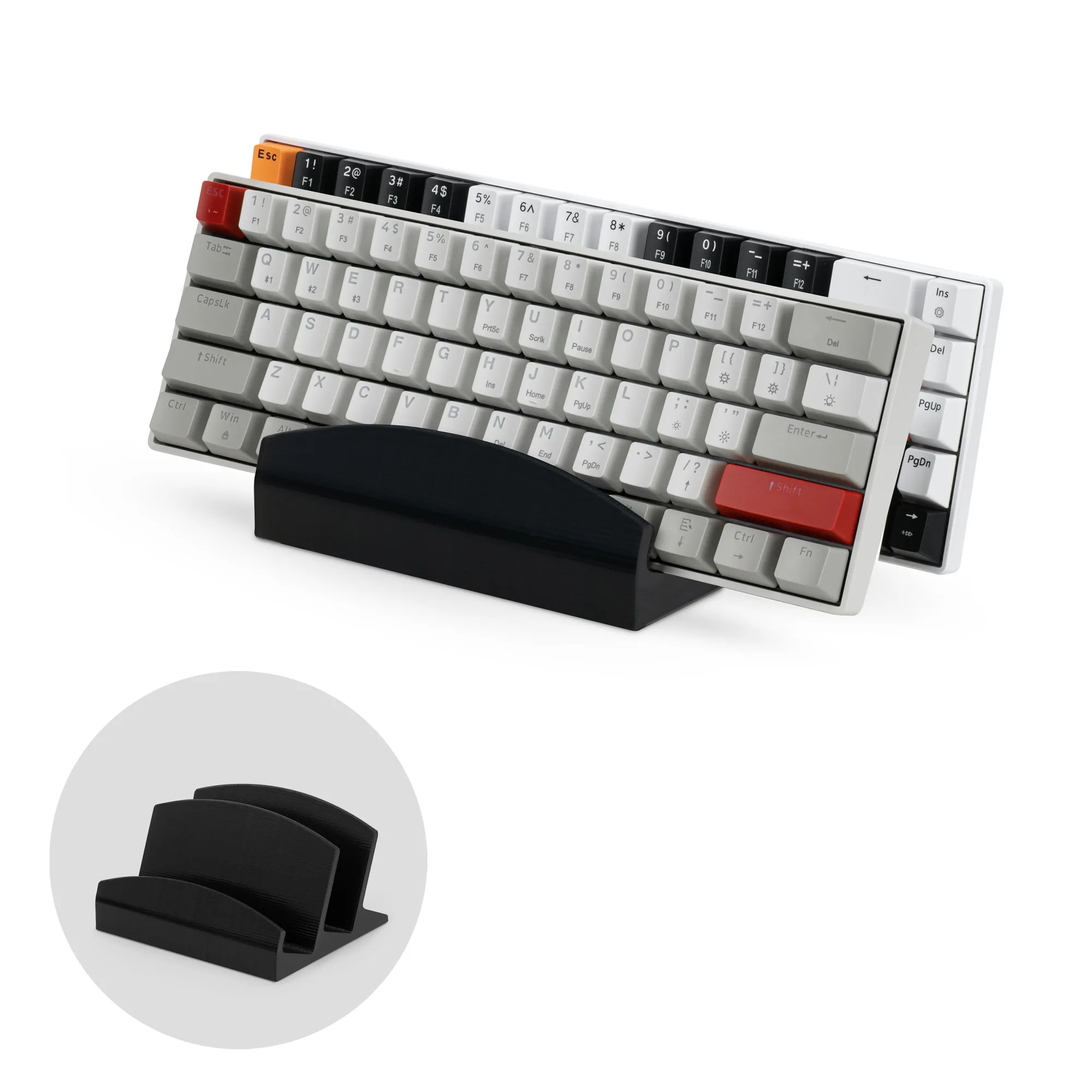
2-Tier Desktop Keyboard Stand & Holder Display, Organize Your Desk, Reduce Clutter, Suitable for All Size & Styles of Keyboards (DK02)
-
2-Tier Desktop Keyboard Stand & Holder Display, Organize Your Desk, Reduce Clutter, Suitable for All Size & Styles of Keyboards (DK02): The stand is described as suitable for keyboards of all sizes, from mini mechanical gaming boards to full-size 104-key office keyboards, with a caveat that curved or ergonomic-style boards may not be suitable. Check your keyboard type first. A standard straight board is the intended use; an ergonomic or curved board is the one case the catalog explicitly flags as a possible mismatch.
Evidence behind the mouse stand's fit and surface protection
-
Desktop PC Mouse Stand Holder for Gaming & Office Mice like Logitech, Razer, Corsair & More: The catalog describes the mouse stand as compatible with almost any style of mice from leading brands including Logitech, Microsoft, Corsair, Razer and Cooler Master, and able to securely hold gaming and office mice of almost any size and shape. If you own one mouse and simply want it off the desk surface, this broad fit claim is the relevant buying point rather than keyboard capacity.
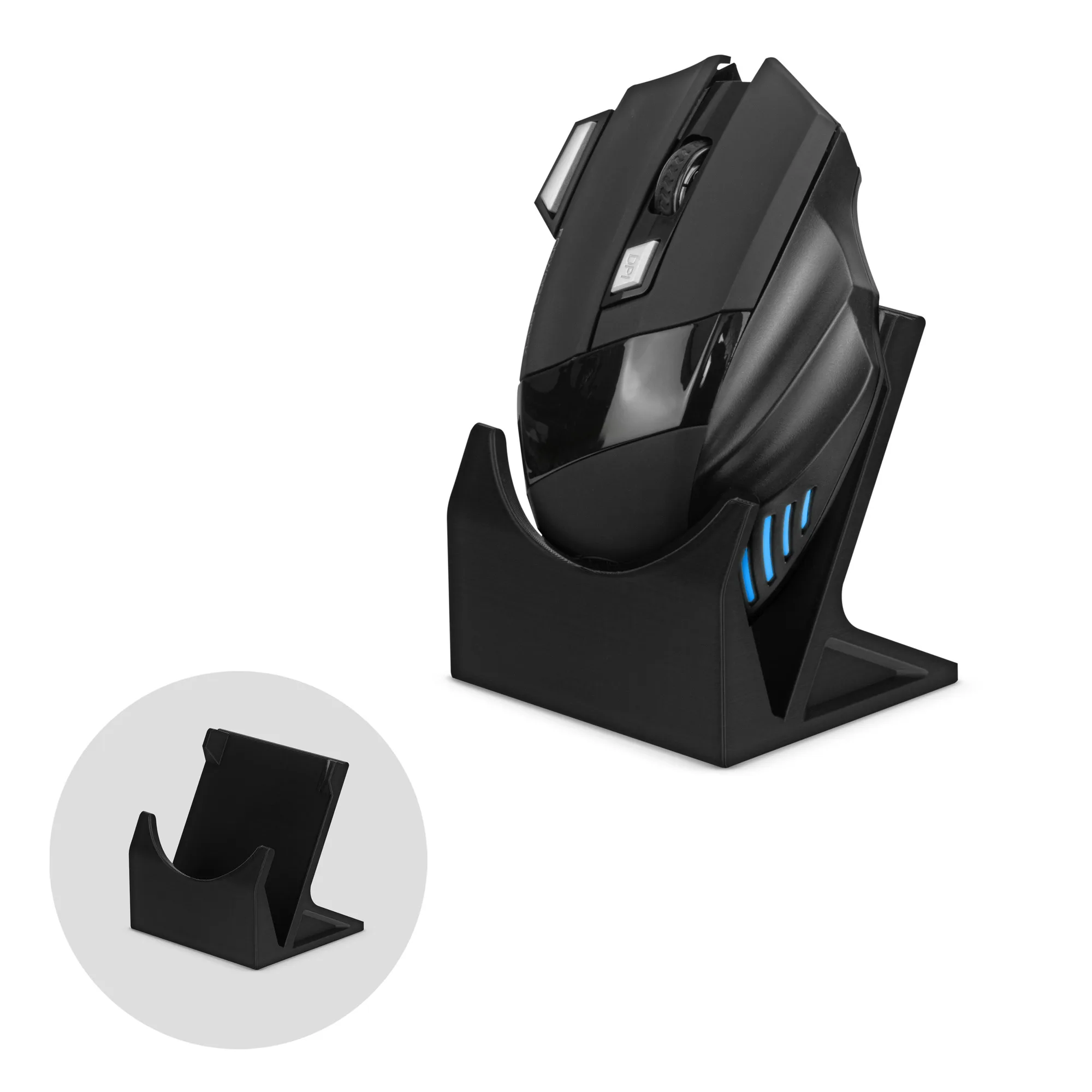
Desktop PC Mouse Stand Holder for Gaming & Office Mice like Logitech, Razer, Corsair & More
-
Desktop PC Mouse Stand Holder for Gaming & Office Mice like Logitech, Razer, Corsair & More: Included felt pads help keep the stand in place and protect surfaces from damage. Surface protection matters on a finished or gaming desk, and the felt pads are a supplied part of the product rather than an assumed extra.
How to decide between the two
Use the item that matches the clutter you can see, not the one with the larger capacity by default.
- Choose the mouse stand if one mouse is the problem: It is a single-purpose holder for gaming or office mice. It makes sense when you want a defined parking spot for one mouse and do not need to store a keyboard off the desk.
- Choose the 2-tier keyboard stand if you swap keyboards: Two slots let you keep a gaming board and a work board in one place, or use the second slot for a wrist rest, controller or phone. This is the stronger desk clutter organizer comparison winner when keyboards are the main source of mess.
- Choose both if the clutter is mixed: The two products are complementary rather than competing: one handles a mouse, the other handles keyboards and small accessories. Buying both only makes sense if both types of clutter exist.
- Check curved or ergonomic keyboards before buying the stand: The keyboard stand's catalog compatibility note says curved or ergonomic-style boards may not be suitable. If that describes your board, the keyboard stand is not a confirmed fit.
Where the supplied information stops
The supplied records do not include measured slot depth or overall stand dimensions beyond the catalog's dimension fields, so this comparison does not quote a slot size. They also do not state weight limits, cable-routing features or assembly steps for either organizer. Treat those as unconfirmed rather than as missing features, and check the product pages for any details you need before ordering.
Both organizers are display-style holders rather than charging docks or drawers. If your goal is to hide cables or store many small items, neither product is positioned as that kind of storage.