Quick answer
You can adjust the difficulty on your Ms. PAC-MAN Micro Player Pro by pressing the Menu button during gameplay and navigating to the Difficulty option. This lets you change settings like starting level, ghost speed, and number of lives.
Why change difficulty settings?
The Ms. PAC-MAN Micro Player Pro brings the classic 1982 arcade experience to a portable handheld. While the default settings match the original arcade cabinet, adjusting difficulty can make the game more accessible for new players or more challenging for veterans.
Changing settings like ghost speed and starting level directly affects how quickly the ghosts chase you and how many mazes you need to clear before the pace increases. This lets you tailor the game to your skill level without changing the core gameplay.
Steps to change difficulty settings
- Start a game: Turn on your Ms. PAC-MAN Micro Player Pro and press the Start button to begin a game. You must be actively playing to access the settings menu. Do not press Start from the title screen while holding the Menu button—this may skip the menu.
- Press the Menu button: During gameplay, press the Menu button (the one with the gear icon) on the front of the device. This pauses the game and opens a small on-screen menu. If the menu does not appear, ensure you are pressing the correct button and not the Start or Select buttons.
- Navigate to Difficulty: Use the joystick or directional pad to scroll down to the Difficulty option in the menu. It is usually listed below options like Sound or Display. The menu text is small but clearly labeled—move slowly to avoid selecting the wrong option.
- Select your preferred difficulty: Press the A button to enter the Difficulty submenu. You will see options like Easy, Normal, Hard, and Expert. Use the joystick to highlight your choice and press A to confirm. Easy mode gives you more lives and slower ghosts, while Expert mode increases ghost speed and starting level. Choose based on your comfort.
- Resume the game: After selecting your difficulty, press the Menu button again or select the Resume option to return to gameplay. Your new settings take effect immediately for the current game. Settings are saved only for the current session. To make permanent changes, you must repeat these steps each time you play.
Product details
-
Ms.PAC-MAN Micro Player Pro: Ms. PAC-MAN is the iconic arcade game that took the world by storm in 1982. With its simple yet addictive gameplay, Ms. PAC-MAN is a game that everyone can enjoy. Because the game is designed for broad appeal, the Micro Player Pro includes difficulty options that help both beginners and experts enjoy the same classic mazes.
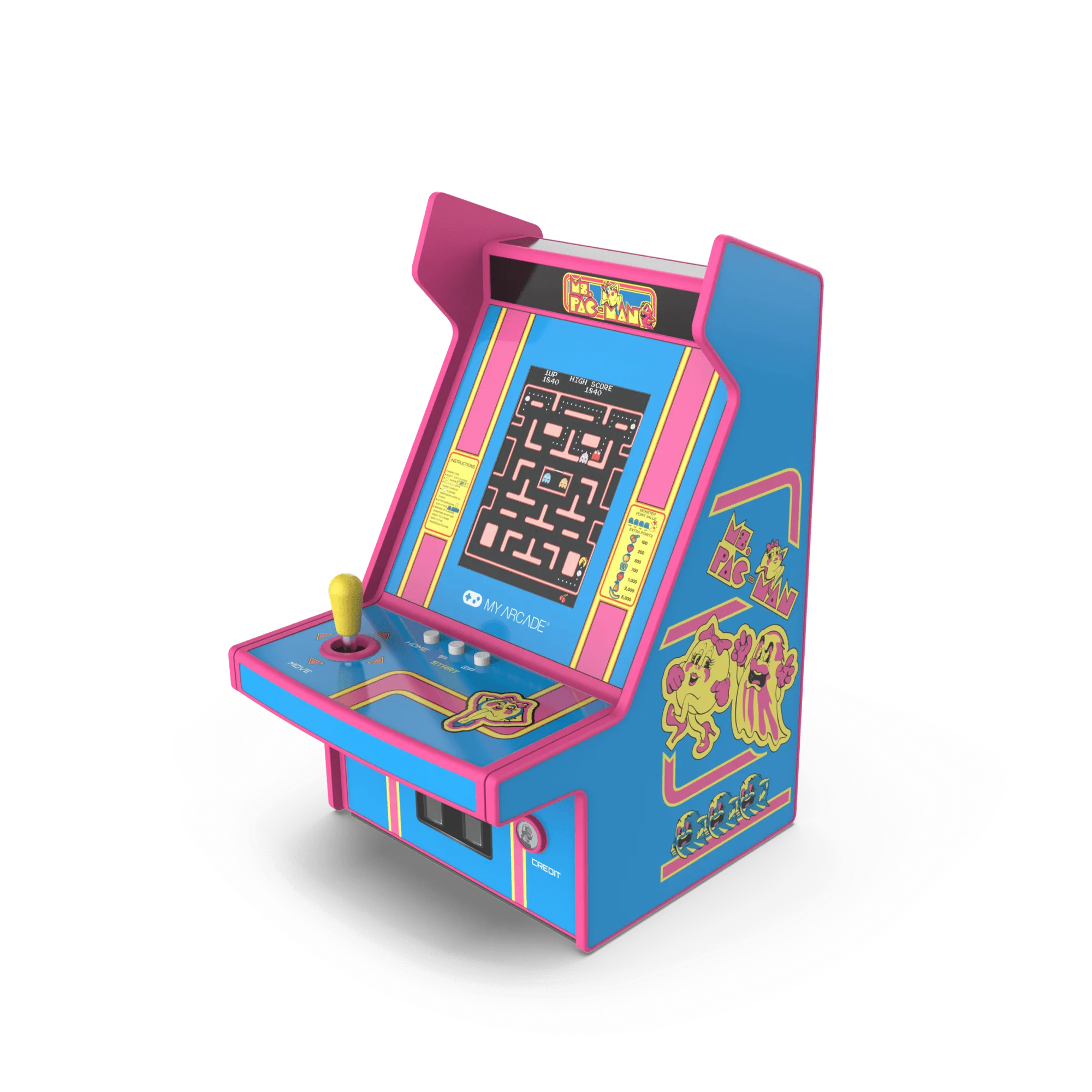
Ms.PAC-MAN Micro Player Pro