Quick answer
Powr Up Gaming's Nintendo NES send-in repair service covers a range of console modifications and repairs, with a straightforward pay-once, ship-in process. Start by reviewing the available add-on modifications, then prepare your console for shipping to ensure a smooth repair.
What the NES service covers
The NES send-in service is designed for owners who want to upgrade or fix their original console. The catalog lists specific add-on modifications, such as the NESRGB by Tim Worthington, which enables RGB output for better video quality on modern displays. Each add-on is described in detail so you can choose the right combination for your setup.
Because the service is modular, you only pay for the modifications you select. This keeps costs predictable and lets you prioritize the upgrades that matter most to you, whether that's video output, audio, or overall console health.
Trade-offs to consider
One limitation is that the service requires you to ship your console, which means you'll be without it for the duration of the repair. Factor in shipping time when planning your project. Also, the catalog notes that return shipping is calculated at checkout, so the final cost includes both directions.
Another consideration: the service uses your console's existing hardware. If your NES has severe damage or missing parts, it's a good idea to contact the team beforehand to confirm the service can handle it. The catalog doesn't list specific repair options for broken shells or missing components, so clarifying upfront avoids surprises.
How to prepare your NES for send-in repair
- Review the add-on modifications: Visit the NES Services listing and read the description of each add-on modification to decide which ones you need. Check the catalog for details like the NESRGB mod for RGB output. Make a list of the mods you want before contacting the store.
- Confirm your console's condition: Inspect your NES for obvious damage or missing parts. If anything seems off, reach out to Powr Up Gaming to confirm the service can handle it. This avoids delays or unexpected issues. Take clear photos of your console's condition for your records.
- Prepare your console for shipping: Pack your NES securely with adequate padding to prevent damage in transit. Include only the console itself unless the service instructions say otherwise. Use a sturdy box and label it clearly. Use a trackable shipping method and keep the tracking number.
- Ship and pay once: Ship your console to the address provided after checkout. The service is pay-once: you pay for the service and return shipping at checkout, and your console will be shipped back when the work is complete. Confirm the return shipping cost is included in your total before shipping.
- Track your repair and return: Keep an eye on the tracking information for both the outbound and return shipments. If you haven't heard back within a reasonable time, contact Powr Up Gaming for a status update. Set a reminder to check in if you don't receive updates within a week.
NES service details
-
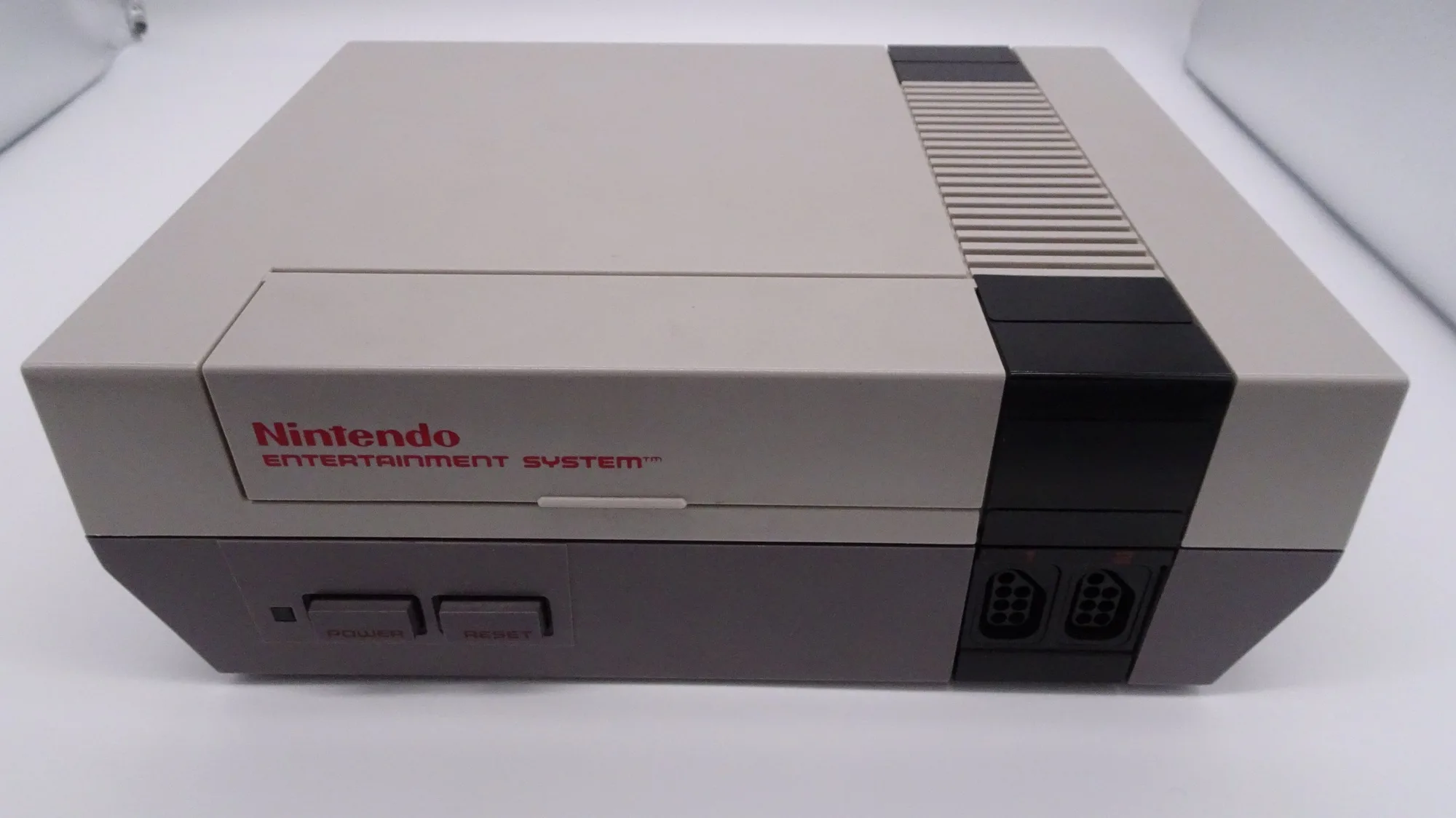
Nintendo NES Services: The Nintendo NES Services listing includes console modification with add-on options like the NESRGB by Tim Worthington, and return shipping is calculated at checkout. This means you can customize your repair to your video output needs, and the total cost will be clear before you commit.
Nintendo NES Services