Quick Answer
For HDR landscapes, use the NiSi 100mm Explorer Collection GND8 to balance bright skies and dark foregrounds in a single exposure, and switch to the ND64 when you want to blur motion while maintaining color accuracy.
Why the Explorer Collection suits HDR work
The Explorer Collection is built for active photographers who shoot outdoors. The hardened glass is less prone to accidental damage, so you can carry it in a pack without worrying as much about knocks. The Nano IR coating on both sides repels water and oil, which means less time cleaning and fewer spots in your final image.
Unlike traditional HDR bracketing, using a graduated neutral density filter lets you capture the full dynamic range in a single frame. This avoids ghosting from moving clouds or water and saves time in post-processing. The Explorer GND8 (0.9) is a 3-stop filter that reduces the sky exposure while keeping the foreground natural.
Trade-off: GND vs. ND for HDR
A graduated ND filter only darkens part of the frame, so it works best when the horizon is relatively straight. If your scene has mountains or buildings that protrude into the sky, the hard-edged GND8 can create a visible line. In those cases, you might need to reposition the filter or use bracketing instead.
The ND64 (6-stop) is a solid filter that darkens the whole frame. It is not for balancing exposure, but it lets you use longer shutter speeds to smooth water or clouds. For HDR landscapes, you often combine both: first compose with the GND8 to balance the scene, then add the ND64 if you want motion blur.
Step-by-Step HDR Landscape Setup
- Compose and meter the scene: Set your camera on a tripod and compose the shot. Meter the brightest part of the sky and the darkest part of the foreground separately. Note the difference in stops to decide if you need a GND filter. If the difference is more than 3 stops, you may need to bracket or use a stronger ND.
- Position the GND8 filter: Attach the NiSi 100mm holder and slide the GND8 into the slot. Adjust the height so the transition line sits just above the horizon. For scenes with mountains, use the medium transition to avoid a visible line on the peaks. Check the transition line in live view; it should not cut through bright highlights.
- Take a test shot and check histogram: Capture a test exposure and review the histogram. The sky should not be clipped, and the foreground should retain detail. Adjust the filter position or exposure compensation as needed. If the foreground is too dark, you may need to use exposure bracketing instead.
- Add the ND64 for long exposures: If you want to blur water or clouds, replace the GND8 with the ND64 (or stack if your holder allows). Use a remote shutter and calculate the new shutter speed based on the 6-stop reduction. Use a timer or remote to avoid camera shake during long exposures.
- Review and adjust in post: Import the images and make minor adjustments to contrast and color. The Explorer filters are designed to be true to life with no color cast, so you should not need heavy color correction. If you notice a color cast, check that the filter is clean and seated properly.
Filters in this guide
-
NiSi Explorer Collection 100x150mm Nano IR Medium Graduated Neutral Density Filter – GND8 (0.9) – 3 Stop: The NiSi Explorer Collection 100x150mm Nano IR Medium Graduated Neutral Density Filter – GND8 (0.9) – 3 Stop is perfect to balance the exposure when buildings, small mountains, and other elements protrude into the skyline. The medium transition helps you use it in scenes with uneven horizons without a harsh line.
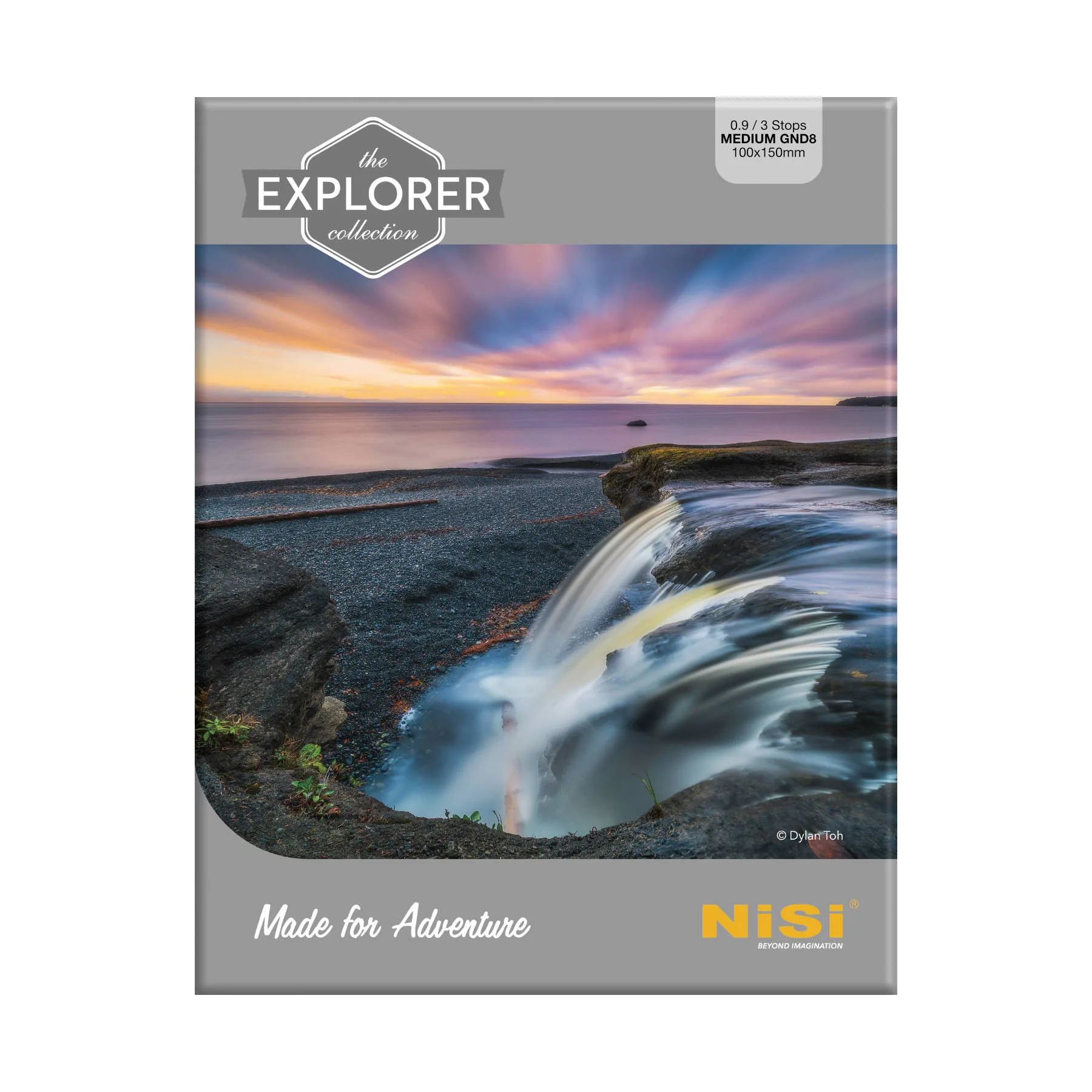
NiSi Explorer Collection 100x150mm Nano IR Medium Graduated Neutral Density Filter – GND8 (0.9) – 3 Stop
-
NiSi Explorer Collection 100x100mm Nano IR Neutral Density filter – ND64 (1.8) – 6 Stop: The NiSi Explorer Collection 100x100mm Nano IR Neutral Density filter – ND64 (1.8) – 6 Stop provides a 6-stop light reduction and no vignetting. It allows long exposures for smooth water or clouds while keeping the frame clear edge-to-edge.
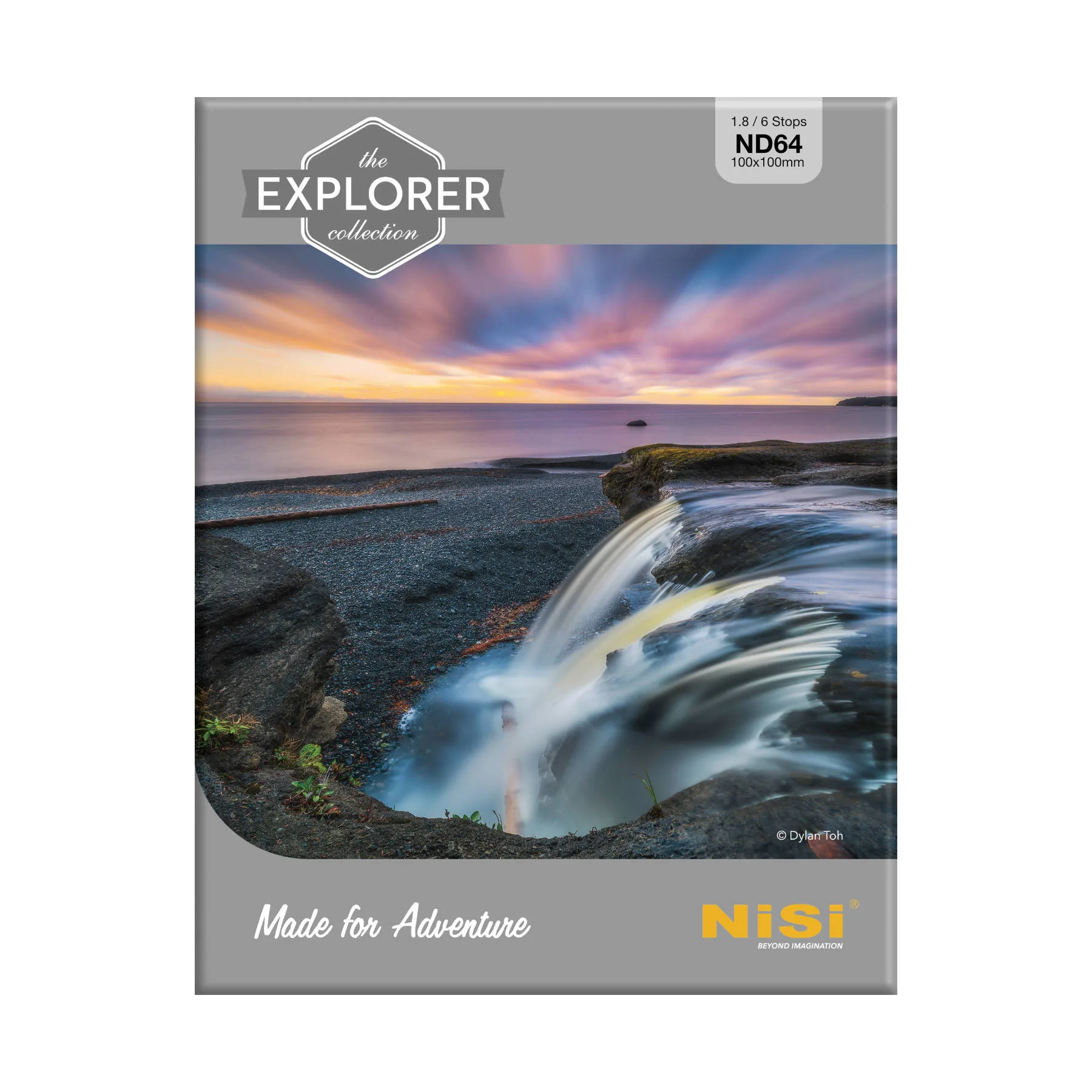
NiSi Explorer Collection 100x100mm Nano IR Neutral Density filter – ND64 (1.8) – 6 Stop
-
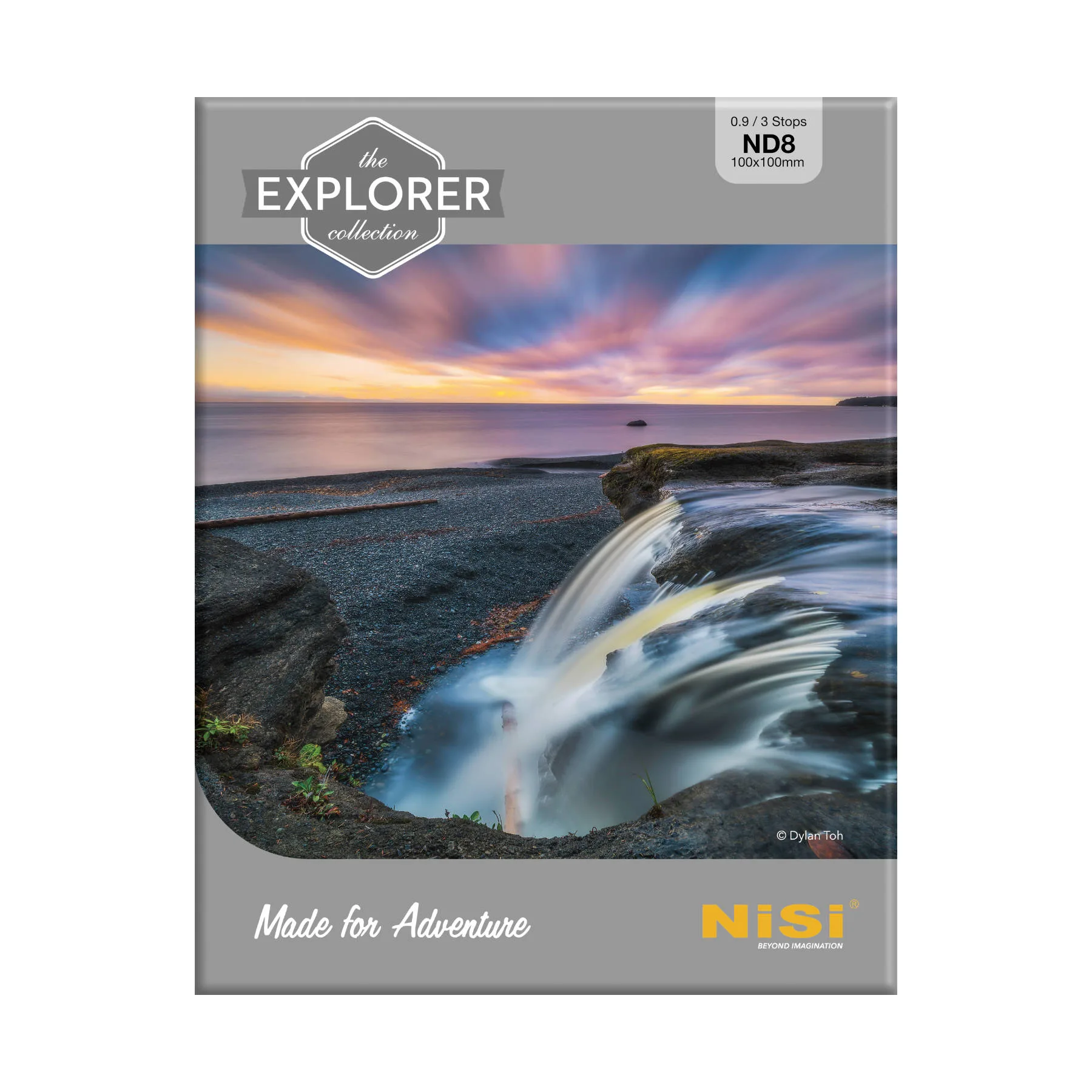
NiSi Explorer Collection 100x100mm Nano IR Neutral Density filter – ND8 (0.9) – 3 Stop: The NiSi Explorer Collection 100x100mm Nano IR Neutral Density filter – ND8 (0.9) – 3 Stop provides a 3-stop light reduction and no vignetting. It is a versatile choice for moderate motion blur without overly long shutter speeds.