Quick Answer
The NiSi ND8 3-stop filter reduces light by three stops, letting you use slower shutter speeds for motion blur effects while keeping colors natural thanks to its Nano IR coating.
Why Choose a 3-Stop ND Filter for Long Exposures
A 3-stop neutral density filter like the NiSi ND8 cuts light by a factor of 8, which is ideal for softening water or cloud motion in bright conditions without requiring extremely long exposures. Unlike a 10-stop filter, the ND8 still allows you to shoot handheld in many situations, making it more versatile for everyday use.
The NiSi HUC Pro Nano IR coating also minimizes infrared light contamination, which can cause unwanted red or magenta color casts in long exposures. This means less time correcting colors in post-processing.
How to Shoot Long Exposures with the NiSi ND8 Filter
- 1. Mount the Filter Correctly: Screw the NiSi ND8 filter onto the front of your lens. Ensure it is clean and free of dust to avoid soft spots. Use a lens hood if possible to block stray light. Check that the filter is snug but not overtightened to prevent it from getting stuck.
- 2. Set Your Camera to Manual Mode: Switch to manual exposure mode (M) to control shutter speed and aperture independently. Start with your desired aperture (e.g., f/8 for sharpness) and ISO 100. If the scene is very bright, your camera's meter may indicate overexposure — that's normal; the ND8 will bring it back in range.
- 3. Calculate the Shutter Speed: Without the filter, meter the scene and note the shutter speed. With a 3-stop ND filter, multiply that speed by 8. For example, 1/125 sec becomes 1/15 sec. Use a shutter speed calculator app for precision. Avoid using auto-exposure modes; the filter can confuse the meter and lead to inconsistent results.
- 4. Focus Before Attaching the Filter: Autofocus may struggle through the dark filter. Compose your shot, focus manually or use AF, then switch to manual focus to lock it. Only then attach the ND8 filter. If you forget to lock focus, the camera may hunt and miss the shot entirely.
- 5. Use a Tripod and Remote Shutter: A sturdy tripod is essential for sharp long exposures. Use a remote shutter release or the camera's self-timer to avoid shake from pressing the shutter button. Even a slight breeze can cause blur at slow shutter speeds — weigh down your tripod if needed.
- 6. Check for Infrared Color Cast: Review your first shot on the LCD. If you see a red or magenta tint, the NiSi HUC Pro Nano IR coating minimizes this, but in extreme conditions, a custom white balance or slight desaturation in post may help. Shoot in RAW to have the most flexibility for correcting any color shift later.
Product Facts
-
NiSi 82mm HUC PRO Nano IR Neutral Density Filter ND8 (0.9) 3 Stop: Preserve true-to-life colors and exceptional image quality The Nano IR coating reduces color casts, so your long exposures retain natural tones without heavy editing.
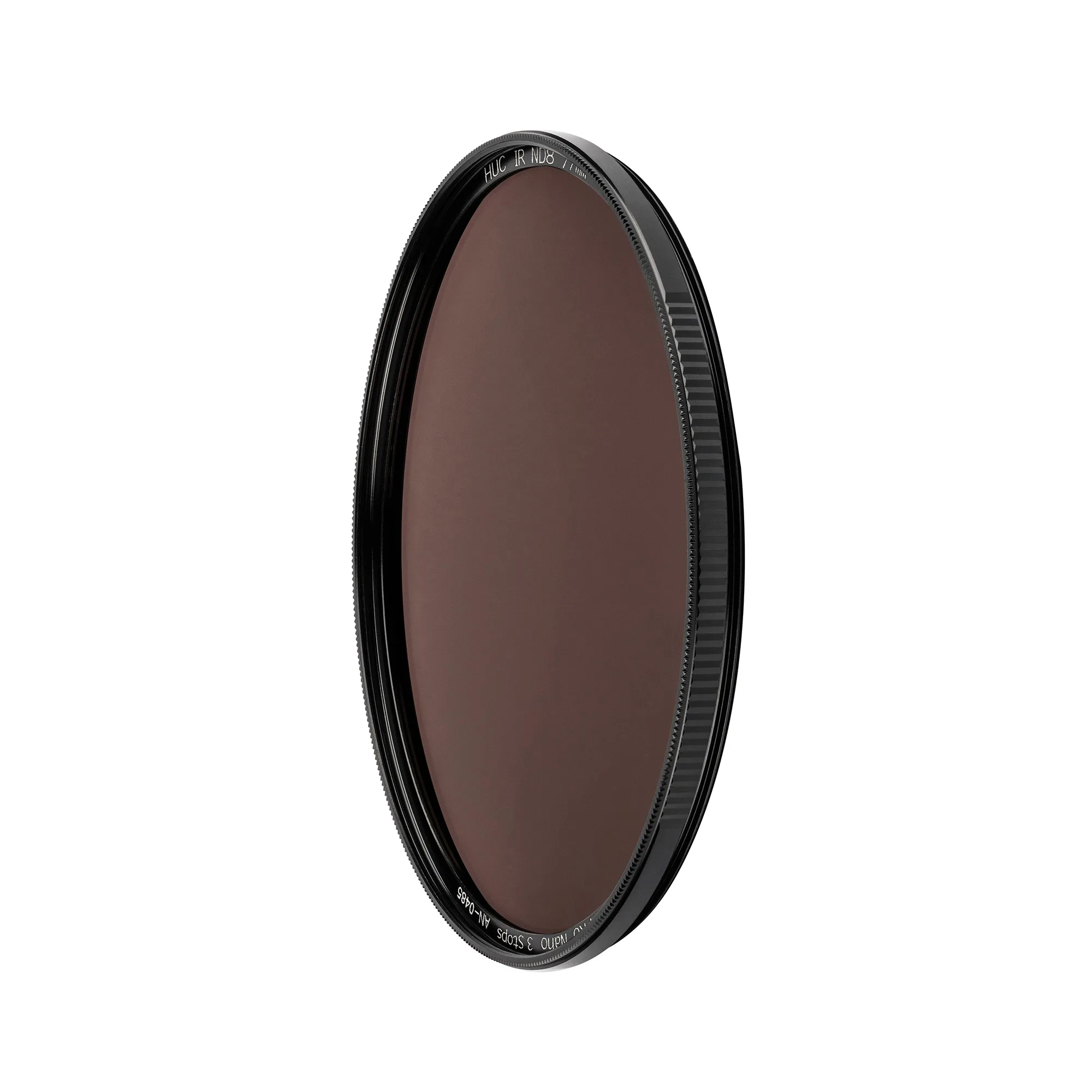
NiSi 82mm HUC PRO Nano IR Neutral Density Filter ND8 (0.9) 3 Stop