Quick answer
The NZXT C850 Gold ATX 3.1 is a strong fit if your build centers on a modern high-power GPU and you want one 12V-2x6 cable instead of a bundle of adapters. It is a poor fit if your GPU needs more than 600 watts through that connector, if your case cannot clear a 135 mm fan PSU, or if you are still running a low-draw system where a smaller unit would do.
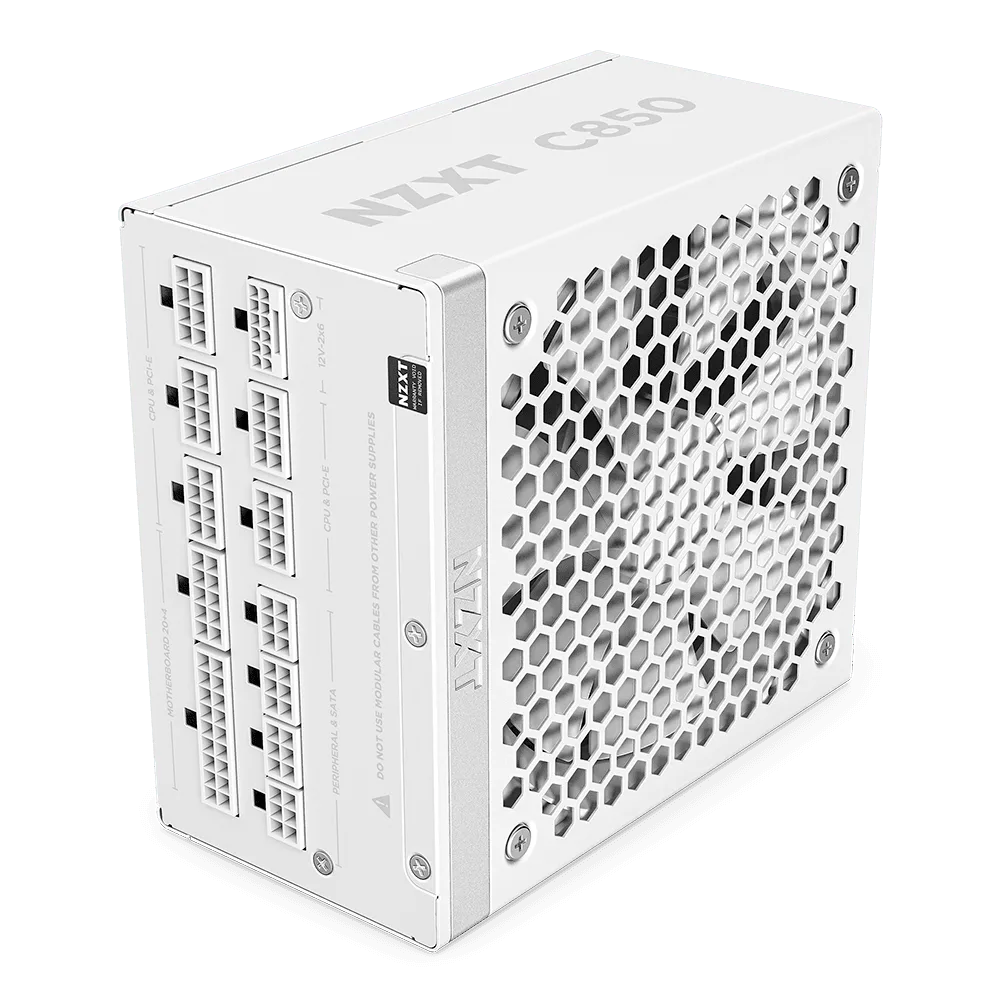
C850 Gold ATX 3.1
Most PSU buying mistakes happen after the wattage decision. You pick 850 watts, then discover the GPU wants a 12V-2x6 connection, your case has a shallow cable channel, or the cables you already own do not match the new standard. The C850 Gold ATX 3.1 is built to remove several of those problems at once, but only if your build actually uses the features you are paying for.
This guide walks through the NZXT C850 Gold ATX 3.1 connectors and cables, then gives decision rules for matching the unit to your GPU, case, and upgrade plans. It also covers when a prebuilt like https://nzxtgom.com/products/player-one-prime-ca3268efafe4f49d21bbb87e-1702138Player One Prime or https://nzxtgom.com/products/player-two-prime-e5c3e2de0eb7576201280d26-1702140Player Two Prime is the simpler path, and when a spare packaging kit matters more than another cable.
What the ATX 3.1 label changes for your cables
ATX 3.1 is a power supply standard, not a cable style. It sets expectations for stability, efficiency, and resistance to short power spikes, which is why NZXT describes the C850 Gold ATX 3.1 as ready for top-tier GPUs and CPUs. For you, the practical result is fewer surprises when a modern graphics card briefly pulls far more than its rated wattage.
The headline connector is the durable, heat-resistant 12V-2x6, which pumps up to 600 watts to NVIDIA GeForce RTX 50 Series graphics cards. If your GPU uses that connection, you run one cable instead of multiple 8-pin adapters. If your GPU uses traditional 8-pin PCIe power, the ATX 3.1 compliance still helps with spike resistance, but the 12V-2x6 advantage goes unused.
- Check your GPU's power connector before buying, not after.
- A 600 W connector rating is a ceiling, not a target; leave headroom for transient spikes.
- If you are unsure which cable your card needs, the card manual is the only reliable source.
NZXT C850 cables and case fit
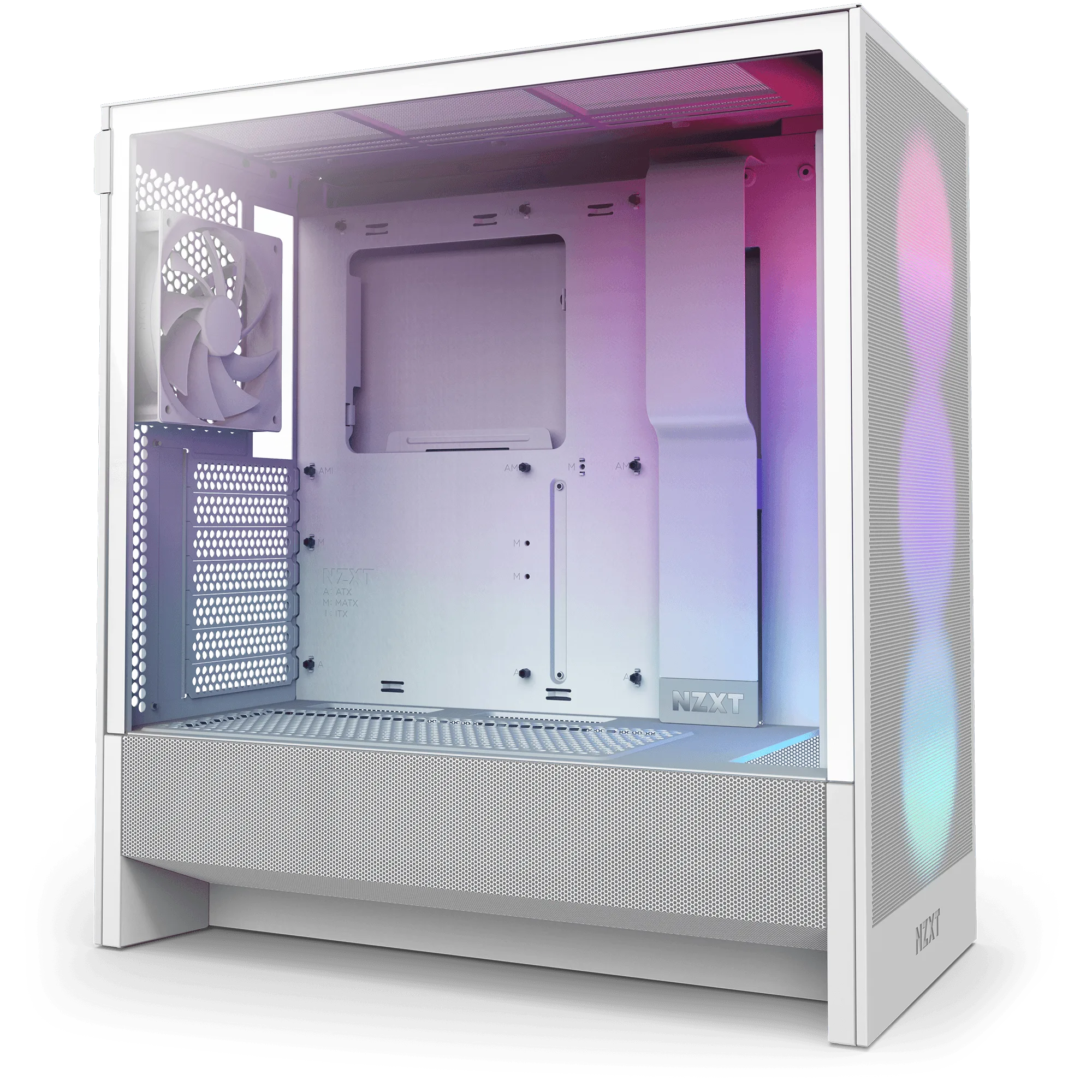
The C850 Gold ATX 3.1 uses a 135 mm fluid dynamic bearing fan, and NZXT positions the unit for maximum performance with minimal noise. That fan size is the number that matters for case clearance. In compact cases, a 135 mm fan PSU can sit closer to the bottom intake or shroud than a smaller unit, so measure before you commit.
Cable routing is the second fit issue. The 12V-2x6 cable is thicker and less flexible than a single 8-pin, and it needs a gentle bend radius behind the motherboard tray. Cases with deep cable channels and a dedicated GPU power cutout make this easy. Shallow channels force tight bends, which is exactly what you want to avoid on a high-power connector.
- Measure PSU bay length and depth, not just wattage.
- Plan the 12V-2x6 route before you mount the motherboard.
- If your case has a narrow channel, route the GPU cable first and build around it.
Matching wattage to your actual build
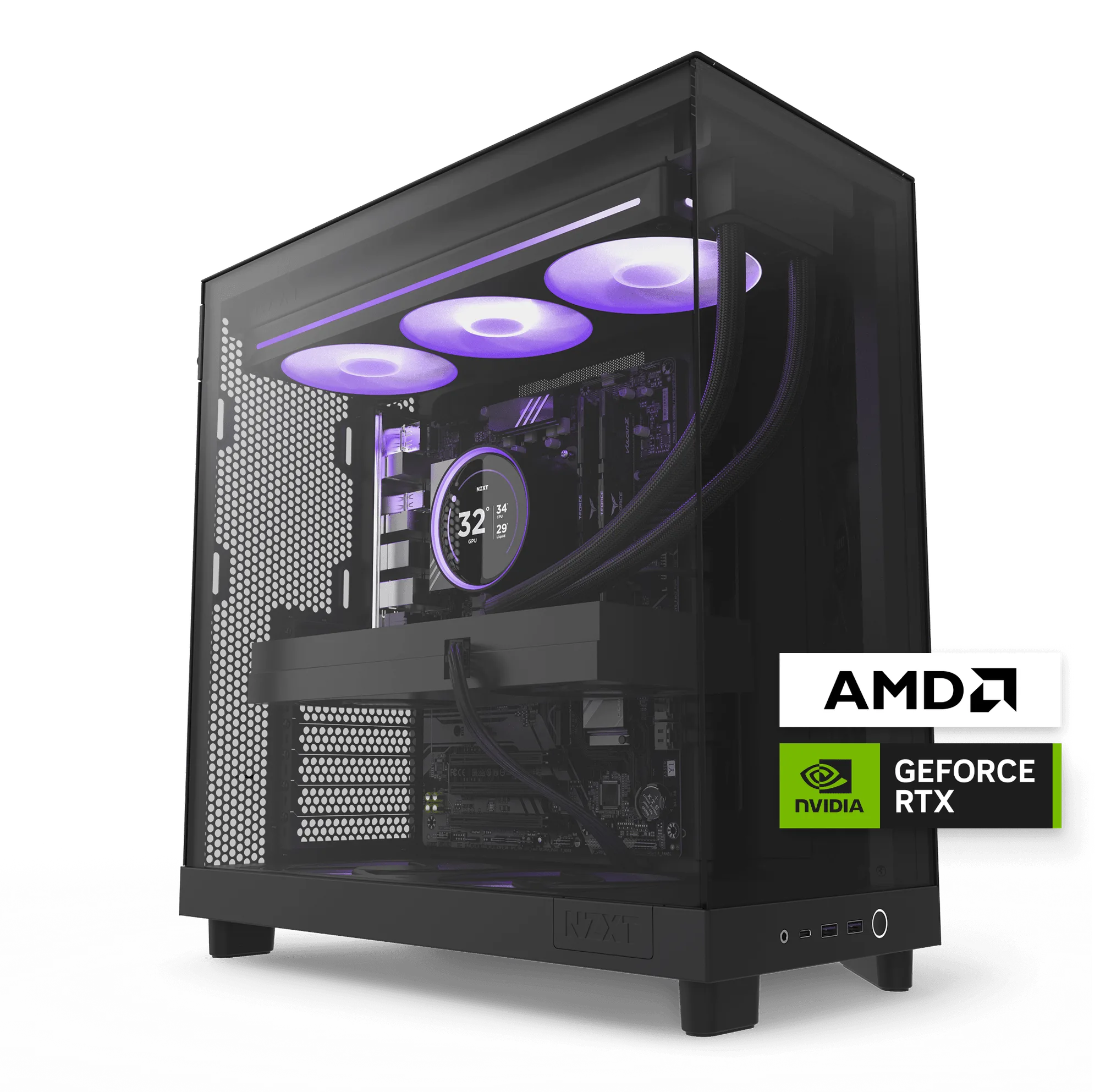
850 watts is a comfortable target for a single modern GPU plus a mainstream or enthusiast CPU, which is the profile of both Player One Prime and Player Two Prime. Player One Prime pairs a Ryzen 5 9600X with an RTX 5060 Ti and 16 GB of DDR5, while Player Two Prime steps up to a Ryzen 9 9900X, an RTX 5070 Ti with 16 GB, and 32 GB of DDR5. Neither configuration needs more than 850 watts.
The honest tradeoff is that 850 watts is not a future-proof number for every upgrade path. If you plan to move to a flagship GPU later, or you run heavy sustained CPU and GPU loads at the same time, a higher-capacity unit is the safer buy. If you stay in the 1440p or 1080p range these prebuilds target, the C850 Gold ATX 3.1 has room to spare.
- Add up GPU and CPU peak draw, then leave 20 to 30 percent headroom.
- Do not buy 850 watts just because it is a common number; match it to your parts.
- If your upgrade plan is uncertain, size for the GPU you actually intend to buy.
When a prebuilt already solves the cable problem
If cable planning is the part you dislike, a prebuilt removes it. Player One Prime is built for higher frame rates at 1080p and high-refresh displays, and Player Two Prime targets 1440p with high frame rates and quick reactions. Both ship as complete systems, so the PSU, connectors, and routing are already handled.
The tradeoff is flexibility. A prebuilt locks you into its PSU and cable layout until you open it up, and swapping a PSU later means redoing cable management. If you enjoy choosing your own power supply and routing cables, buying the C850 Gold ATX 3.1 separately gives you that control. If you would rather plug in and play, the prebuilt is the faster route.
- Prebuilts are the better value when your time matters more than part choice.
- A standalone PSU is the better value when you already own most of a build.
- Either way, confirm the GPU connector type before you buy.
Do not forget the practical extras
One item that gets overlooked until it is needed is the RMA packaging kit. NZXT notes that packaging materials similar to these kits are required for all warrantable RMA procedures, and the H5 Series kit is designed as a safe shipping solution for your PC. The H9 2023 Series kit holds up to 50 lbs and meets shipping carrier requirements.
These are not glamorous purchases, and all sales are final on the H9 2023 Series kit. But if you ever need to ship a system for service, having the right box and foam on hand saves a scramble. Treat it as insurance, not an accessory.
- Keep the original packaging if you have space; it doubles as RMA protection.
- Check the weight rating before shipping a full tower.
- Buy the kit that matches your case series.
Decision rules for the C850 Gold ATX 3.1
- Buy it if your GPU uses 12V-2x6: The heat-resistant 12V-2x6 connector is rated to pump up to 600 watts to NVIDIA GeForce RTX 50 Series cards, so you run one cable instead of adapters. Confirm the connector on your specific card before ordering.
- Skip it if your GPU needs more than 600 watts through one connector: 600 watts is the connector's ceiling. A card that exceeds it needs a different power plan, not a bigger cable. Check the GPU's power specification first.
- Measure your PSU bay before you buy: The 135 mm fluid dynamic bearing fan makes this a full-size ATX unit. Compact cases may not clear it without moving a shroud or drive cage. If clearance is tight, choose a smaller PSU or a larger case.
- Match wattage to your real parts, not to a number: A Ryzen 5 9600X with an RTX 5060 Ti, or a Ryzen 9 9900X with an RTX 5070 Ti, both sit well under 850 watts. A future flagship GPU may not. Size for the GPU you will actually run.
- Buy the prebuilt if cable routing is the blocker: Player One Prime and Player Two Prime arrive assembled, so the PSU, connectors, and cable management are already done. Choose the standalone PSU only if you want control over the build.
- Add an RMA packaging kit if you ship your PC: Packaging materials similar to the H5 Series and H9 2023 Series kits are required for warrantable RMA procedures, and the H9 2023 Series kit holds up to 50 lbs. Buy the kit that matches your case series before you need it.
Product facts that affect your decision
- C850 Gold ATX 3.1: Compliant with the ATX 3.1 standard to fuel high-performance PC components with stability, efficiency, and power spike resistance, with a durable, heat-resistant 12V-2x6 connector that pumps up to 600 watts to NVIDIA GeForce RTX 50 Series graphics cards. If your GPU uses the 12V-2x6 connection, you avoid adapter clutter and get a connector rated for the card's peak draw. If it does not, you are paying for a feature you will not use.
- C850 Gold ATX 3.1: Designed for maximum performance with minimal noise, with a 135 mm fluid dynamic bearing fan. The 135 mm fan is a fit constraint as much as a noise feature. Measure your PSU bay before buying, especially in compact cases.
- Player One Prime: Delivers higher frame rates for 1080p gameplay that feels fluid and responsive, with Windows 11 Home, an AMD Ryzen 5 9600X 6-Core 3.9GHz CPU, NVIDIA GeForce RTX 5060 Ti, and 16GB (2 x 8GB) DDR5. This is the build profile where 850 watts is more than enough. If this is your target, a prebuilt removes the cable and fit decisions entirely.
- Player Two Prime: Takes 1440p gaming further with high frame rates and quick reactions, with Windows 11 Home, an AMD Ryzen 9 9900X 12-Core 4.4GHz CPU, NVIDIA GeForce RTX 5070 Ti (16GB), and 32GB (2 x 16GB) DDR5. A higher-draw CPU and GPU pair still sits comfortably under 850 watts, so the C850 Gold ATX 3.1 is a sensible match if you build this configuration yourself.
Who the C850 Gold ATX 3.1 is for
Best for
- Builders pairing a modern NVIDIA GeForce RTX 50 Series GPU that uses the 12V-2x6 connector
- Gamers targeting 1080p or 1440p high-refresh play with a single-GPU system
- Anyone who wants ATX 3.1 power spike resistance without stepping up to a larger unit
- DIY builders who want to choose and route their own cables
Not for
- Builds with a GPU that needs more than 600 watts through one connector
- Compact cases that cannot clear a 135 mm fan power supply
- Multi-GPU or sustained heavy-load workstations that need more than 850 watts
- Buyers who would rather not plan cable routing at all and should choose a prebuilt instead
The C850 Gold ATX 3.1 earns its place when your GPU uses the 12V-2x6 connector, your case has room for a 135 mm fan unit, and 850 watts matches your parts. Check those three things first. If any of them fails, a prebuilt or a different PSU will serve you better than forcing the fit.