Quick Answer
If your Oral-B toothbrush isn't charging, first check the power outlet and charger connection, then clean the metal contacts on the handle and the charger. If it still won't charge, the battery may need replacement, especially if the brush is several years old.
Few things are more frustrating than reaching for your electric toothbrush and finding it dead. Before you assume the worst, know that most charging problems have simple fixes you can try at home. This guide covers the most common reasons an Oral-B toothbrush won't charge and what you can do about them.
We'll walk through each symptom—from a brush that doesn't turn on to one that charges intermittently—and give you a clear action plan. If you have an Oral-B iO model, we'll also address specific quirks of that lineup.
Check the Obvious: Power Source and Charger
Start with the basics. Plug the charger into a different outlet, ideally one you know works, like the one powering your phone charger. If the outlet is controlled by a wall switch, make sure the switch is on. Some Oral-B chargers have a small indicator light; if it's not lit, the charger may not be receiving power.
Inspect the charger base and the toothbrush handle for any damage. A cracked or bent charger can prevent a proper connection. Also, ensure the handle is seated correctly on the charger—it should sit flat and not wobble.
- Try a different wall outlet to rule out outlet issues.
- Check if the charger's indicator light (if present) is on.
- Make sure the toothbrush handle is placed firmly on the charger.
Clean the Charging Contacts
Dirt, toothpaste, and moisture can build up on the metal contacts at the bottom of the handle and on the charger prongs. This layer can block the electrical connection, so the brush doesn't charge even though it's on the base.
Unplug the charger, then use a dry cotton swab or a soft cloth to gently wipe the contacts. You can also use a slightly damp cloth, but make sure everything is completely dry before plugging the charger back in. This simple step resolves many 'not charging' issues.
- Clean contacts monthly to prevent buildup.
- Avoid using abrasive cleaners that could scratch the metal.
Battery Age and Replacement
If your toothbrush is more than two years old and the battery no longer holds a charge, the battery may be nearing the end of its life. Most Oral-B handles use a rechargeable battery that can be replaced, but the process varies by model.
For many Oral-B Pro and iO models, you can find replacement batteries online. However, replacing the battery often requires disassembling the handle, which may void the warranty. If your brush is still under warranty (typically two years from purchase), contact Oral-B customer service for a replacement.
If you're not comfortable opening the handle, or if the battery is not user-replaceable (like in some iO models), the practical solution is to purchase a new toothbrush. Consider a twin pack to have a backup ready.
- Check your warranty status before attempting any battery replacement.
- If you buy a new brush, a twin pack can be a cost-effective option for households with multiple users.
Oral-B iO Charging Problems
The Oral-B iO series uses a magnetic charger that snaps onto the back of the handle. If your iO brush isn't charging, first ensure the charger is properly aligned—the magnets should pull the charger into place. A misaligned charger may not make full contact.
Also, the iO charging base has a small LED that indicates charging status. If the light is off, the charger may not be connected to power. Try a different USB port or power adapter if you're using a travel case charger.
Some users report that the iO brush doesn't charge when the handle is very hot from recent use. Let the brush cool down for 30 minutes before placing it on the charger.
- Ensure the magnetic charger clicks into place.
- Allow the handle to cool before charging if it feels warm.
Diagnosis Guide: From Symptom to Solution
- Symptom: Brush won't turn on at all: Check if the handle has any charge by placing it on the charger for at least 15 minutes. If it still doesn't respond, the battery may be completely drained or dead. If a full charge doesn't help, the battery likely needs replacement.
- Symptom: Brush charges but dies quickly: This usually indicates an aging battery that can no longer hold a full charge. Try a full 16-hour charge, but if the runtime is still short, the battery is failing. Consider battery replacement or a new toothbrush.
- Symptom: Charger light is off: The charger may not be receiving power. Test the outlet, check the charger cable for damage, and clean the contacts. If the charger still doesn't work, you may need a new charger.
- Symptom: Brush turns on but stops mid-brushing: This could be a temporary battery or motor issue. Let the brush rest for a few minutes, then try again. If it repeats, the battery may be failing. If the problem persists, it's time to service or replace the brush.
Products That Can Help
- Pro 1000 Rechargeable Electric Toothbrush Twin Pack, White and Turquoise: Over 24 million Oral-B electric toothbrushes sold in the US; #1 dentist-recommended toothbrush brand, worldwide. If your current brush is beyond repair, this twin pack gives you two reliable brushes at a value price, so you always have a backup.
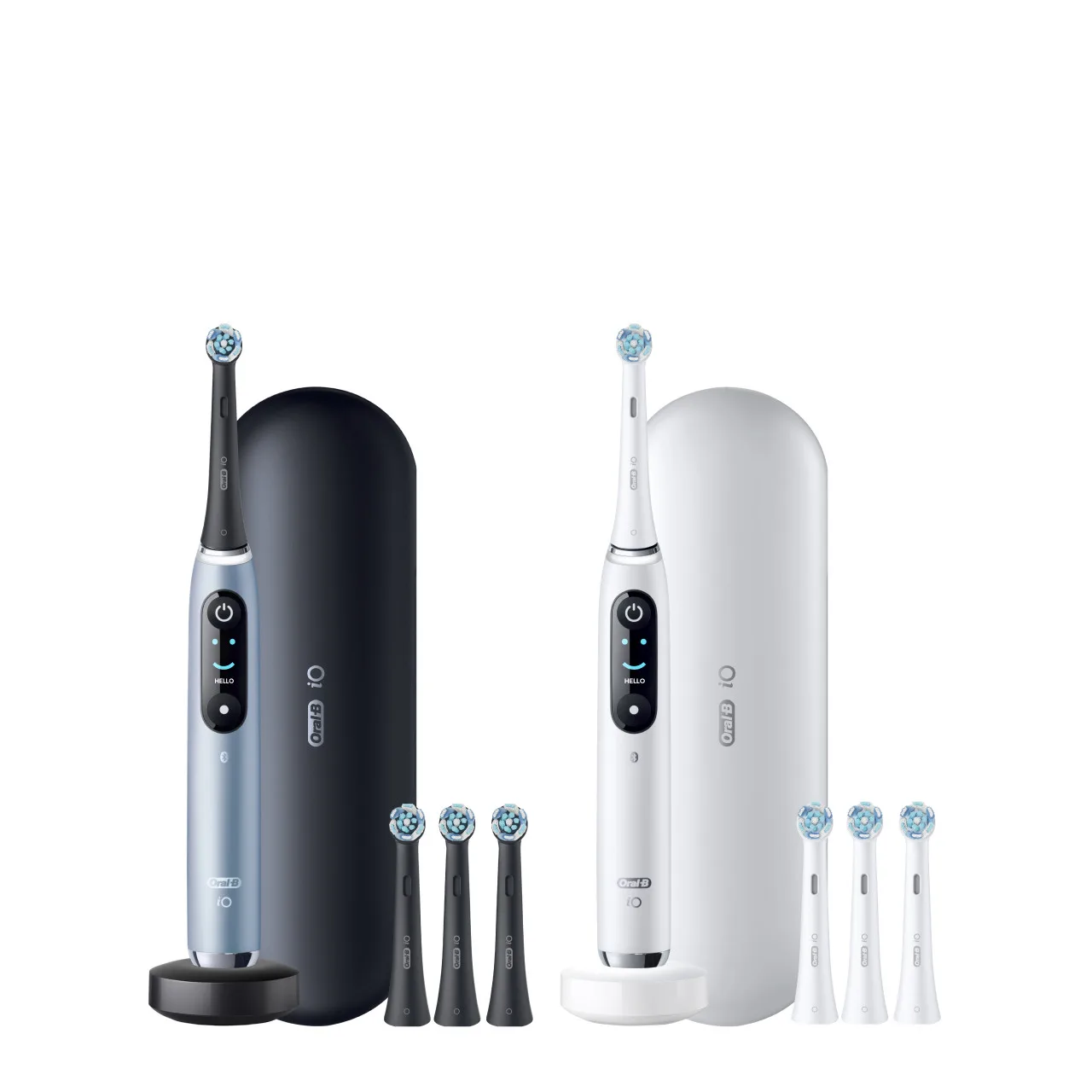
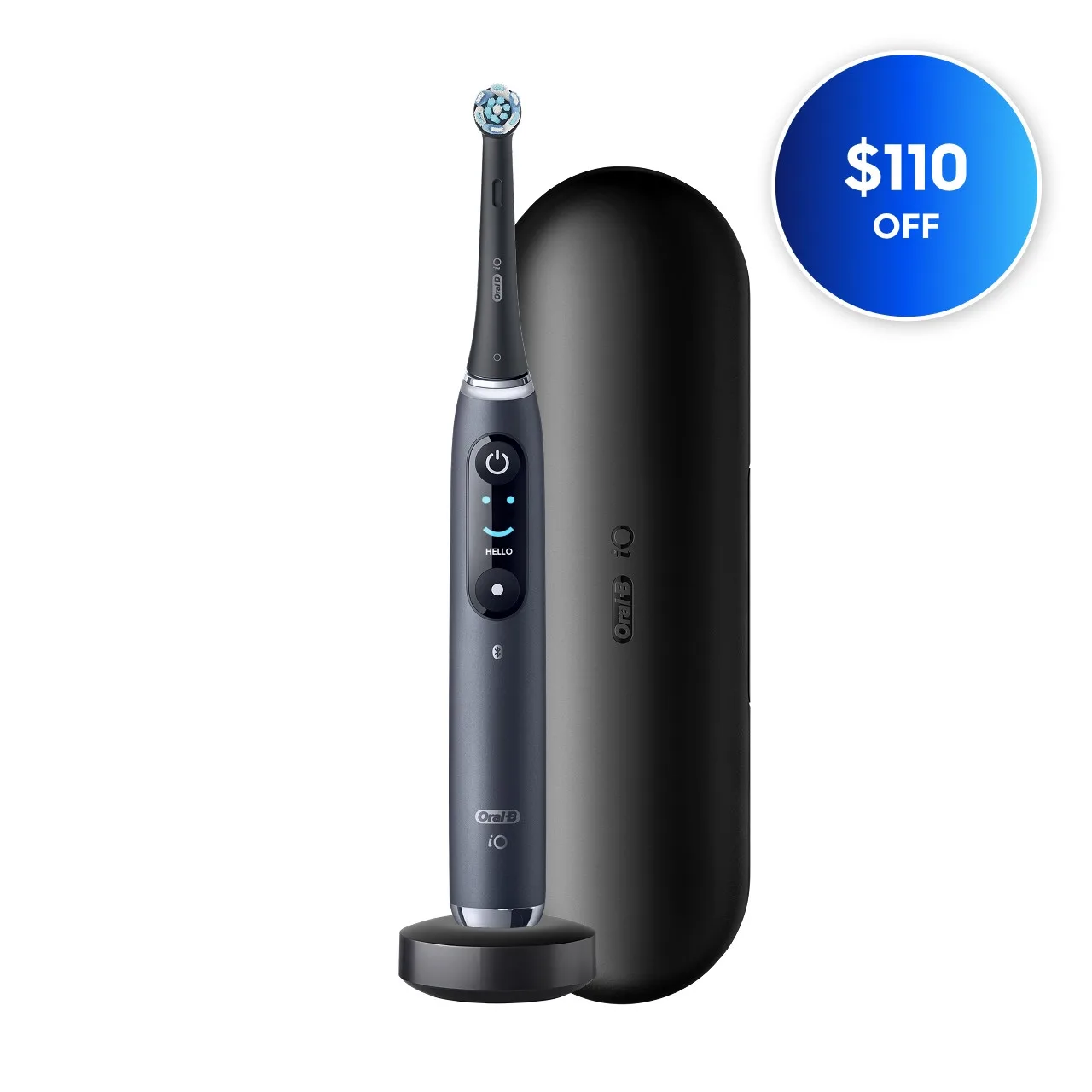
- Oral-B iO Series 9 Rechargeable Electric Toothbrush, Black Onyx: Replacement Brush Heads: As color fades, cleaning fades—get back to 100% cleaning power with a fresh brush head every 3 months. If you're upgrading from an older model, the iO Series 9 offers advanced features, but remember to replace brush heads regularly to maintain performance.
Most charging problems with Oral-B toothbrushes are easy to fix with a bit of cleaning or a new charger. If your brush is old and the battery is failing, replacing it is often more cost-effective than repairing. And when you do upgrade, consider a twin pack so you're never caught without a working toothbrush.