Quick answer
To set up your Original Nintendo DS Electric Blue, charge the console fully, insert a game card, and calibrate the touch screen using the built-in setup tool.
What to expect from a refurbished unit
The Original Nintendo DS Electric Blue (NRT-001) you receive is fully refurbished, cleaned, and tested. It may show minor cosmetic wear depending on the condition you selected, but the internals are guaranteed to work. Do not compare it to a brand-new unit—expect a nostalgic, functional handheld that may need a few minutes of setup.
Power and charging notes
The DS uses a proprietary AC adapter (not included in all bundles). If your bundle does not include one, you will need a Nintendo DS charger (model NTR-002). The battery is internal and may need a full charge cycle before holding a charge properly. A blinking orange light means low battery; solid orange means charging; no light means fully charged or no connection.
Setup steps
- Charge the console: Connect the AC adapter to the DS and plug it into a wall outlet. The orange charge light will turn on. Let it charge for at least 3–4 hours before first use. Do not play while charging—the battery may not hold a full charge if interrupted. If the light does not come on, check the adapter connection or try a different outlet.
- Insert a game card: Open the game card slot cover on the top of the DS. Insert a Nintendo DS game card label-side up until it clicks. Close the cover. The DS will automatically detect the game and show its icon on the top screen. Game Boy Advance cartridges fit in the lower slot only. Do not force a DS card into the GBA slot.
- Calibrate the touch screen: Turn on the DS. The first time you start a game, a calibration screen may appear. Use the stylus to tap the four corners of the touch screen as instructed. This ensures accurate touch response during gameplay. If calibration is skipped, you can redo it later from the system settings menu.
- Adjust screen brightness and volume: Press the Start button during any game to open the menu. Use the slider to adjust the top and bottom screen brightness. Use the volume wheel on the left side of the console to set sound level. The DS has no internal speaker mute—turn the wheel all the way down to silence it. Brightness settings are saved per game, not globally.
- Set the date and time: From the DS main menu, tap the clock icon on the bottom screen. Use the on-screen keyboard to enter the current date and time. This is required for game save timestamps and some in-game events. The DS does not have a persistent battery-backed clock. You may need to reset the date if the console is unplugged for a long time.
Product details
-
Original Nintendo DS Launch Electric Blue Handheld Console (NRT-001): The Original Nintendo DS Launch Electric Blue Handheld Console (NRT-001) is fully refurbished, cleaned, tested, and guaranteed to work. You can trust that the console is functional out of the box, but you should still run the built-in calibration to ensure the touch screen and buttons respond correctly.
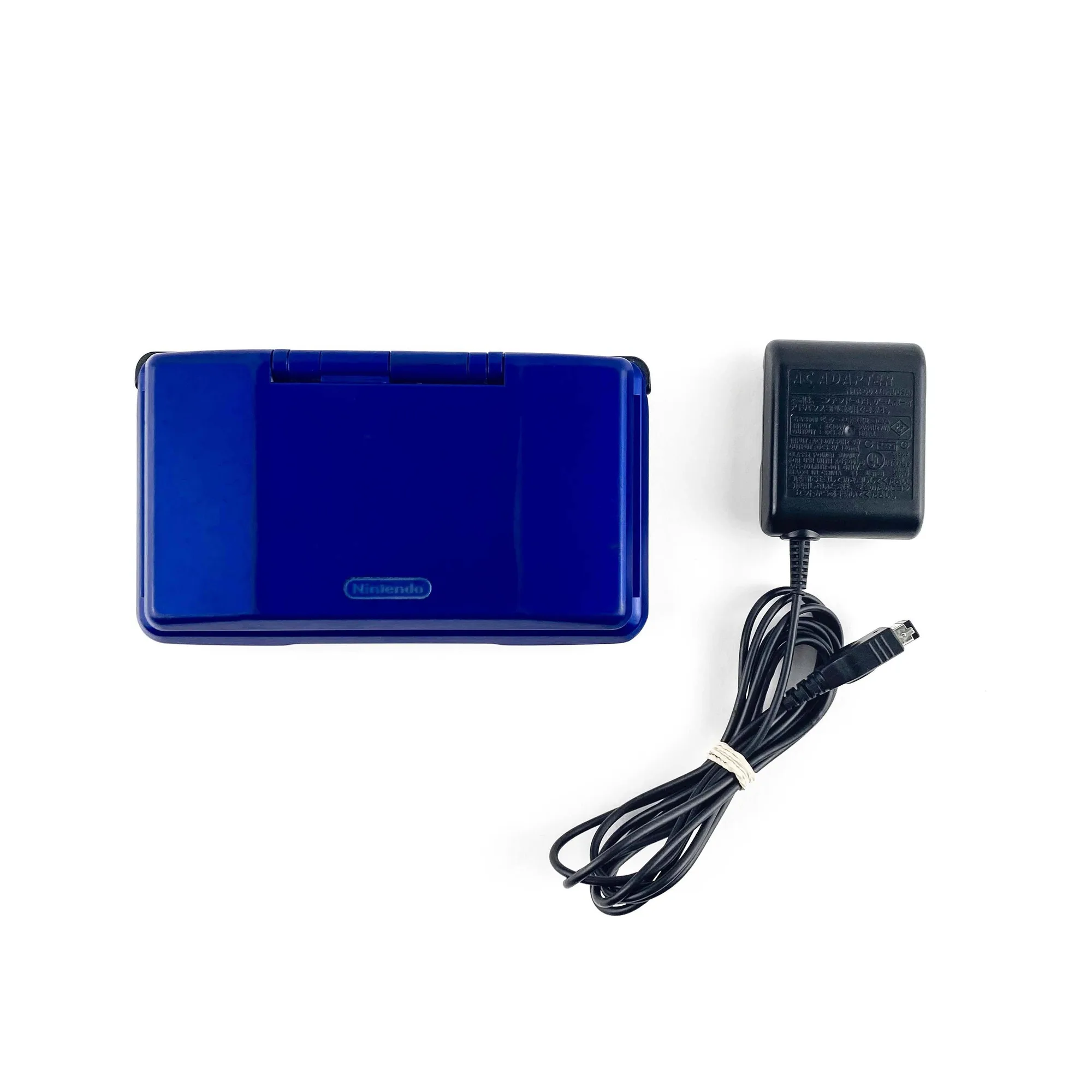
Original Nintendo DS Launch Electric Blue Handheld Console (NRT-001)