Quick Answer
To set up your PAC-MAN Joystick Player, insert batteries or connect USB power, turn on the device, and use the joystick and buttons to navigate the menu and start playing PAC-MAN.
What You Get in the Box
The PAC-MAN Joystick Player comes as a self-contained unit with a joystick, action buttons, and a high-resolution 3.5-inch full-color vertical display. It is designed for tabletop play and does not require connection to a TV or external monitor. The artwork on the cabinet is inspired by the original PAC-MAN arcade machine, adding a nostalgic touch to your game room or office.
Power Options and Display Considerations
The device can be powered by batteries or via USB. Battery life depends on usage and battery type, so having a USB cable handy can extend play sessions. The vertical display is optimized for the classic PAC-MAN maze layout, but viewing angles may vary if you place the unit too high or low. Position it at eye level for the best experience.
Step-by-Step Setup and Play Guide
- Power On the Device: Insert 3 AA batteries (not included) or connect the included USB cable to a power source. Flip the power switch to ON. The screen will light up and show the game menu. If the screen does not turn on, check battery polarity or USB connection. Do not force the power switch.
- Navigate the Menu: Use the joystick to move up or down through the menu options. Press the action button (usually Button 1) to select 'Start Game' or 'High Scores'. The joystick also controls PAC-MAN during gameplay. If the menu seems unresponsive, ensure the joystick is centered before moving it. Avoid pressing multiple buttons at once.
- Start Playing PAC-MAN: Once in the game, move the joystick to guide PAC-MAN through the maze. Collect dots and power pellets while avoiding ghosts. Use the action buttons to pause or start a new game as needed. Remember that ghosts change behavior after you eat a power pellet. Use this to your advantage to clear the maze faster.
- Adjust Volume and Settings: Look for volume buttons or a small switch on the side or back of the unit. Some versions allow you to adjust sound effects and music. Refer to the manual if you cannot find the controls. If the sound is too loud or too quiet, check the volume setting before assuming a hardware issue. Not all models have a mute option.
Product Details
-
PAC-MAN Joystick Player: Officially licensed PAC-MAN game with a high-resolution 3.5-inch full-color vertical display and artwork inspired by the original arcade cabinet. The vertical screen and authentic artwork recreate the feel of the original arcade machine, making it ideal for collectors and nostalgic players.
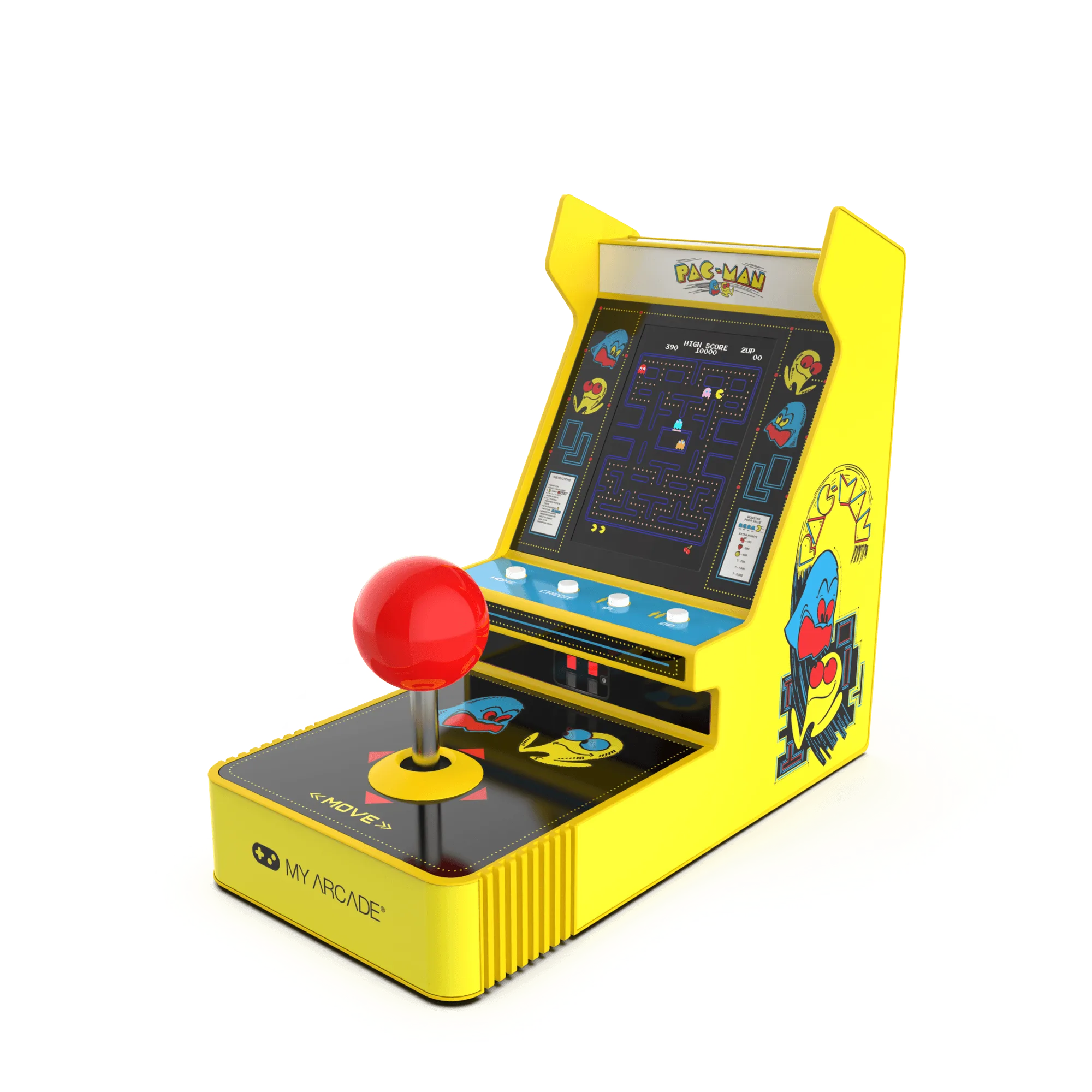
PAC-MAN Joystick Player


