Quick answer
Buy a front panel that matches your exact MG-1 version first, then choose the look you want. For most builds, prioritize a panel that keeps front intake open enough for your fans or radiators, and confirm your motherboard header layout before you commit to a design. If you are unsure between the All-new MG-1 and Classic MG-1, check your model before ordering.
Why the front panel is more than a cosmetic choice
The front panel is the part of your case you touch, look at, and pull air through. It holds the ports you use daily, shapes how easily front fans breathe, and hides the cable bundle that runs to your motherboard. A panel that looks right but blocks airflow or forces awkward cable bends will annoy you long after the novelty wears off.
This guide is for people choosing or swapping a front panel for a MAINGEAR MG-1. It covers version fit, port expectations, airflow trade-offs, and the cable routing decisions that matter before you buy.
Match the version before anything else
The single most common front panel mistake is ordering the wrong version. MAINGEAR offers several panels in two versions: All-new MG-1 and Classic MG-1. The mounting and fit differ between them, so the version you select must match your system. If you are not sure which MG-1 you own, check your order details or the case itself before adding a panel to your cart.
Once the version is correct, the rest of the decision is about look, airflow, and how you use your ports.
Front panel ports explained: what you actually use
Front panel I/O typically includes power and reset buttons, USB-A ports, audio jacks, and sometimes USB-C. The exact port set is determined by your case and motherboard, not by the decorative front panel itself. When you swap a front panel, you are usually changing the outer face, not the internal I/O board, so your existing ports stay the same unless your case design says otherwise.
That matters because many buyers assume a new panel adds USB-C. It usually does not. If USB-C is a priority, confirm your case or motherboard already provides a USB-C front panel header and port before buying a panel for its looks.
- Check which ports your current case exposes before assuming a new panel changes them.
- If you need USB-C, verify the motherboard has the matching front panel header.
- Label your front panel connectors before unplugging anything so reconnection is faster.
Front panel airflow: open, filtered, or closed
Front panels sit on a spectrum from fully open mesh to solid decorative faces. Open designs let front fans pull air with less resistance, which helps CPU and GPU temperatures in sustained loads. Solid or heavily layered designs can look cleaner and dampen noise, but they may restrict intake unless your case has side or bottom ventilation.
If you run high-wattage components or overclock, favor a panel that does not choke your front fans. If your build is modest or you prioritize a specific look, a more closed panel can be a reasonable trade-off. The key is to decide which you value more before you buy, not after.
Front panel cable routing: plan before you plug in
Front panel connectors are small, easy to misread, and often tucked behind the motherboard tray. Before removing a panel, photograph the existing connections. Route the front panel bundle through the nearest grommet and behind the motherboard tray, then bring it out near the header. Avoid pulling cables tight across fan blades or pinching them between the panel and chassis.
If your panel includes artwork or a layered finish, handle it by the edges and keep the cable bundle clear of the decorative face so it does not press against the panel when installed.
- Photograph the front panel header before unplugging anything.
- Route the bundle behind the motherboard tray, not across the main chamber.
- Leave a small service loop so the panel can be removed again without stress.
When a limited-edition panel is worth it
Limited-edition panels trade airflow flexibility for a specific look. If you want a build that reflects a particular artist or theme, that trade-off can be worth it. If you need maximum intake or you swap hardware often, a simpler panel is usually the better long-term choice.
Decision rules for buying an MG-1 front panel
- Rule 1: Version first: Confirm whether you have an All-new MG-1 or Classic MG-1 before choosing any panel. The version determines fit. If you cannot confirm your model, stop and check before ordering.
- Rule 2: Airflow versus look: Choose a more open panel if you run hot components or overclock. Choose a more closed or layered panel if your build runs cool and you value a specific finish. Decide which trade-off you can live with for the life of the build.
- Rule 3: Ports are usually unchanged: A new front panel typically changes the face, not the internal I/O. If you need USB-C, verify your motherboard has the front panel header for it. Do not buy a panel expecting new ports unless the case design explicitly adds them.
- Rule 4: Route before you close: Photograph the front panel connectors, route the bundle behind the tray, and leave a service loop before reinstalling the panel. A five-minute routing plan prevents pinched cables and fan contact.
MG-1 front panel options
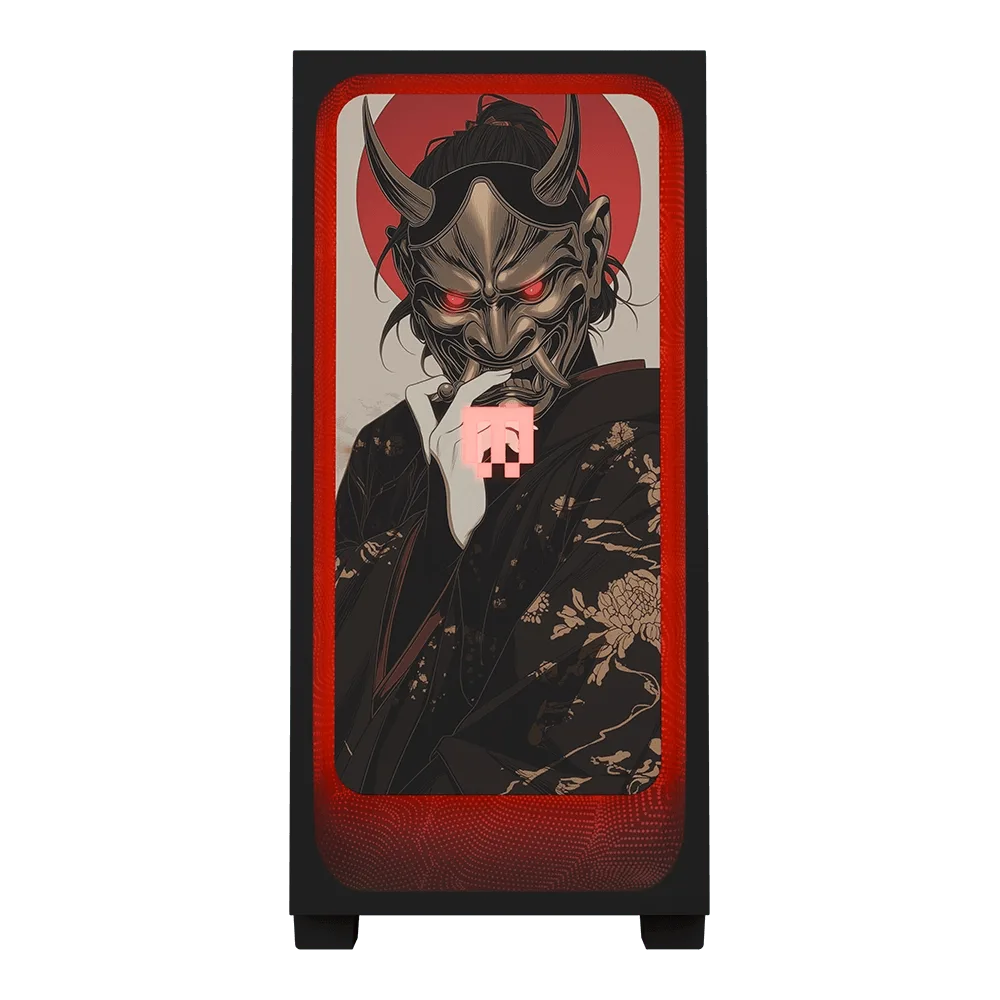
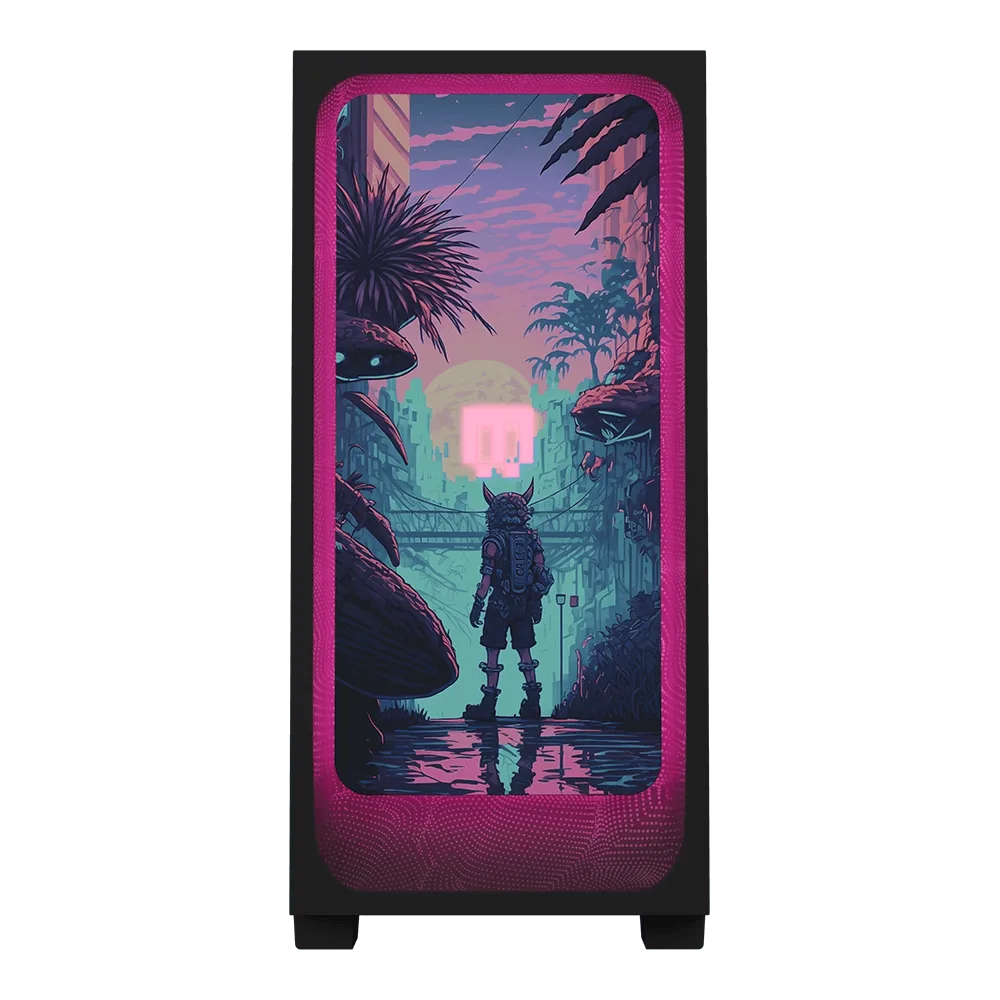
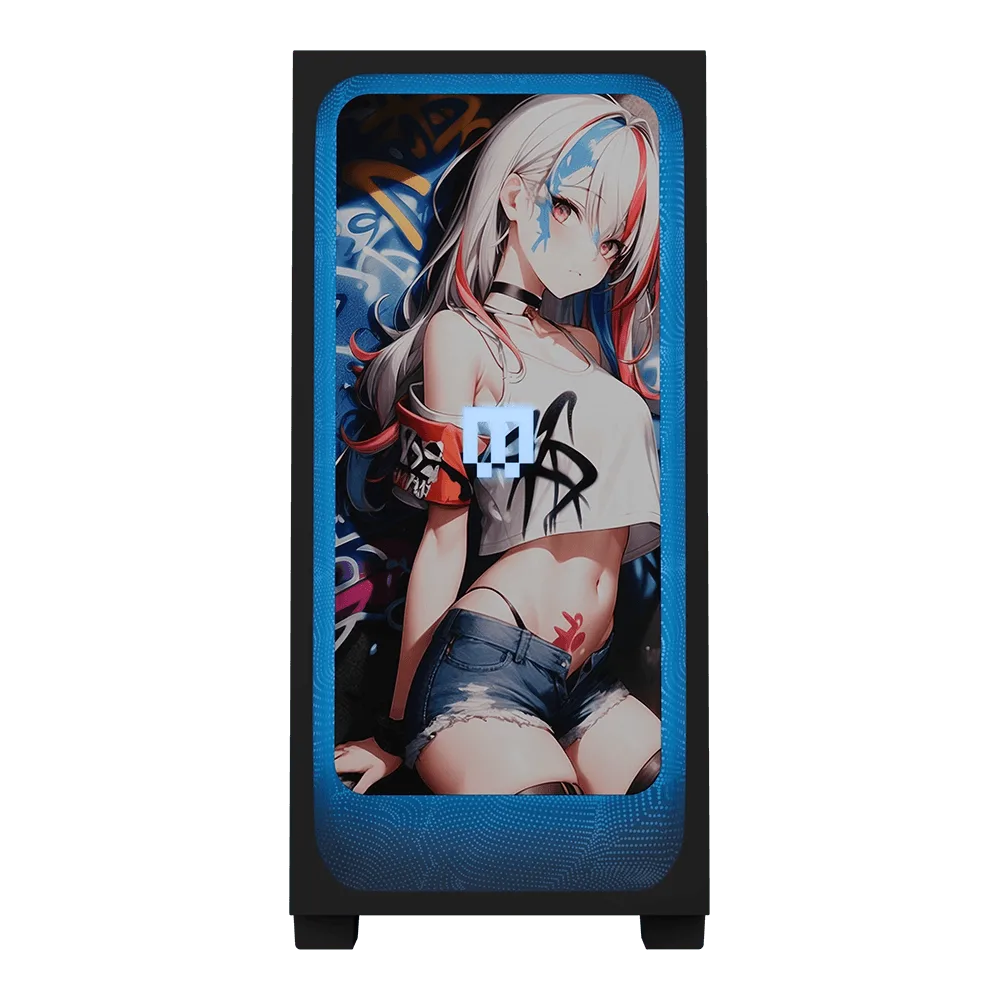
- shroud - Into The Wild: Limited edition front panel featuring original artwork from shroud's Into The Wild drop, with versions available for both the All-new MG-1 and the Classic MG-1. A themed panel for buyers who want a specific look, but you must still select the correct MG-1 version for fit.
- Air: The Air front panel is offered in two versions so you can match your build: All-new MG-1 and Classic MG-1. A straightforward option when you want a clean panel and your priority is getting the version right rather than chasing a limited design.
- Luna: Luna is also available in an ultra-limited Shiny Edition, layered with textured finishes and meticulous gloss, enhancing Luna's metallic accents, with only 50 in the world. For collectors who want a rare finish and accept that availability is extremely limited.
Who should buy which front panel
Best for
- MG-1 owners who have confirmed their exact version and want a specific look or theme
- Builders who want to refresh the front of an existing MG-1 without changing internal hardware
- Collectors interested in limited or ultra-limited finishes
Not for
- Anyone who has not confirmed whether they have an All-new MG-1 or Classic MG-1
- Buyers expecting a front panel to add USB-C or other ports on its own
- Builders who need maximum front intake and should prioritize an open panel design instead