Quick Answer
Start by defining your workshop goals and student level, then select the right mBot2 kit and add-ons. Follow a structured session plan with hands-on build and code activities, and test everything beforehand.
Why mBot2 and Add-Ons Work for Workshops
mBot2 is a programmable robot kit designed for STEAM education. Its modular design and compatibility with Makeblock add-ons let you scale activities from basic movement to sensor-based challenges. This flexibility makes it ideal for workshops with mixed skill levels.
The main trade-off: more add-ons mean more setup time and a steeper learning curve. For a first workshop, stick to one or two add-ons like the motion sensor or LED matrix to keep the session focused.
Real-World Inspiration
In summer 2024, the Cleveland Museum of Natural History ran a Circle Sampler Camp where students observed laser cutting firsthand. While that used a different tool (xTool P2), the principle applies: showing a tangible result—like a robot moving or lighting up—boosts engagement. For your workshop, plan a final demo where each student's robot performs a simple task.
Step-by-Step Workshop Plan
- Define Goals and Audience: Decide what students will learn: basic coding, sensor use, or teamwork. For beginners, aim for one clear outcome like 'robot follows a line.' Overambitious goals lead to confusion; keep it simple for first-timers.
- Select Kits and Add-Ons: Choose mBot2 as the base robot. Pick one add-on per workshop—e.g., the motion sensor for obstacle avoidance or the LED matrix for patterns. Order extras for spares. Check that all add-ons are compatible with mBot2; test the combination before the workshop.
- Prepare the Space and Materials: Set up tables with power strips, laptops/tablets, and the mBot2 kits. Print step-by-step build guides and coding cheat sheets. Have a test track ready. A common mistake is forgetting to charge batteries—charge all robots and devices the night before.
- Structure the Session: Divide into three parts: assembly (20 min), coding basics (25 min), and a challenge (15 min). Use a timer and assign helpers for troubleshooting. Students often rush assembly; remind them to follow the manual carefully to avoid wiring errors.
- Run a Final Demo and Wrap-Up: Let each student or team show their robot completing the challenge. Celebrate all attempts. Gather feedback and share resources for further learning. Without a demo, students miss the sense of accomplishment—make it a highlight.
Product Facts
-
[Workshop] Cleveland Museum of Natural History Circle Sampler Camp: The Sears think[box] served 80 students from grades 1 to 3 to observe laser cutting firsthand, witnessing their keychains being made with the xTool P2. This shows that live demonstrations of making—whether laser cutting or robotics—capture young students' attention and make abstract concepts concrete.
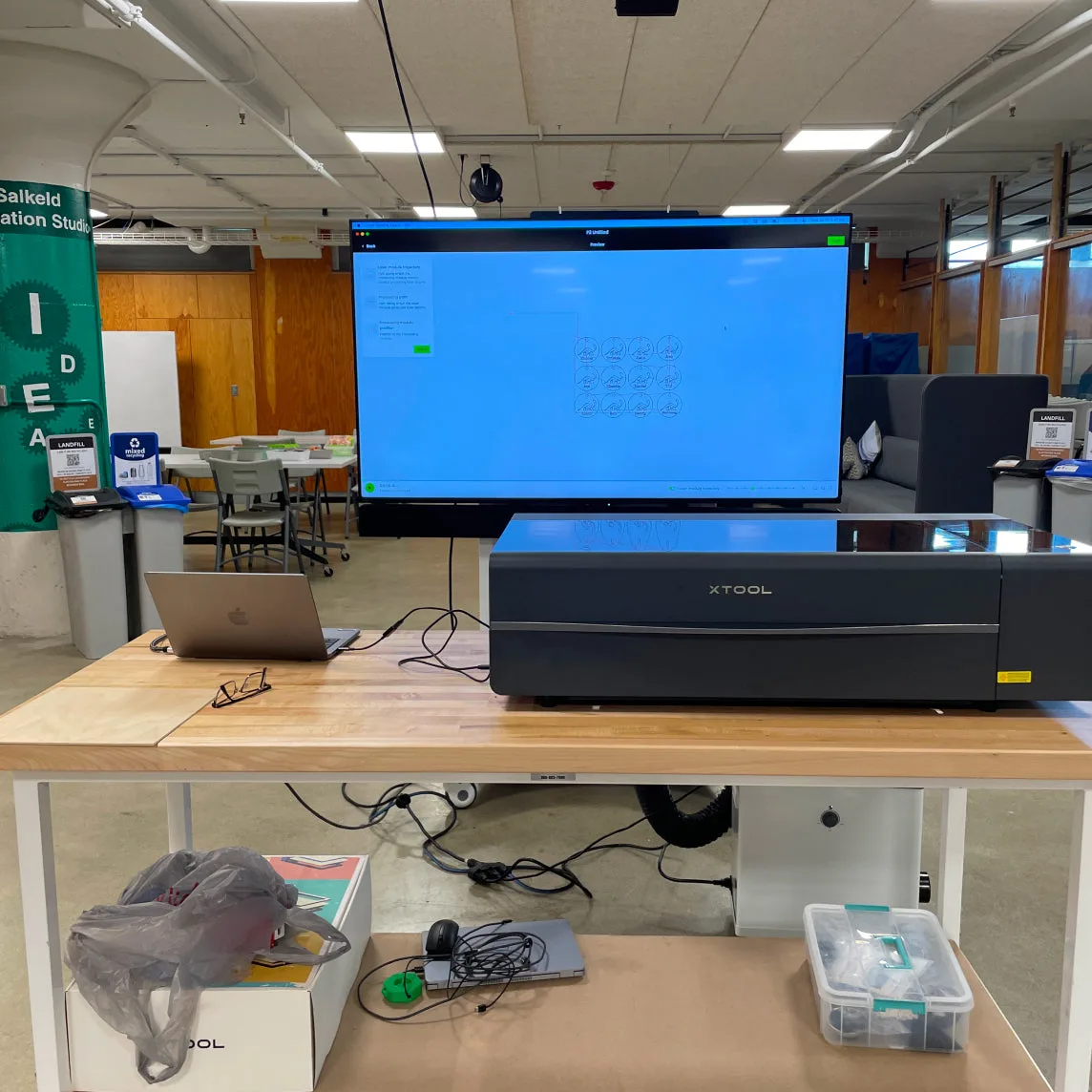
[Workshop] Cleveland Museum of Natural History Circle Sampler Camp