Quick answer
For most Arduino projects, a 9V battery with a DC plug clip offers simple portable power, while AAA NiMH rechargeables provide longer run times for sensor networks. Coin cells like the CR1632 work for low-power standalone modules.
Understanding voltage and connector types
Arduino boards typically run on 5V via USB, but many accept 7-12V through a barrel jack or DC connector. A 9V battery delivers 9V, which the board’s voltage regulator can step down. For projects that need to run for hours, a pack of 4 AAA NiMH batteries (4.8V nominal) works with a boost converter or a 5V USB power bank circuit.
The physical connector matters: a standard 2.1mm male DC plug fits many Arduino shields and power adapters. A PP3 clip snaps onto a 9V battery. If your board lacks a DC jack, you may need to solder or use a breakout board.
When to choose coin cells over larger batteries
Coin cells like the CR1632 are ideal for compact, low-power projects that run on a separate microcontroller (e.g., an ATtiny or an ESP32 in deep sleep). They deliver 3V, which is enough for many sensors and LEDs, but they cannot sustain high current for long. Use them for remote sensors or wearables where size is critical.
How to wire batteries for your Arduino project
- 1. Choose your battery type based on project needs: For a quick prototype or short demo, use a 9V battery with a DC plug clip. For extended operation (e.g., a weather station), use a 4-pack of AAA NiMH rechargeables with a voltage regulator. For a tiny wearable, use a CR1632 coin cell. Common mistake: using a 9V battery for a project that runs all day — it will drain quickly. NiMH cells last longer.
- 2. Connect the battery to the Arduino: If using a 9V battery, snap the PP3 clip onto the battery and plug the male DC connector into the Arduino’s barrel jack or a compatible shield. For AAA packs, wire the positive and negative leads to the board’s power input or a 5V regulator. Check that the DC connector’s positive tip matches your board’s polarity — most Arduino boards expect positive at the center pin.
- 3. Secure the wiring and test voltage: Use twist ties or cable management to keep wires from pulling loose. Before powering the board, measure the voltage at the connector with a multimeter to confirm it matches your board’s input range (typically 5-12V). A loose connection can cause intermittent power loss. Always tug-test each joint after assembly.
- 4. Plan for battery life and recharge cycles: For NiMH packs, recharge after each use to maintain capacity. For coin cells, calculate the expected run time by dividing the battery capacity (mAh) by the current draw (mA) of your project. For example, a CR1632 (140mAh) powering a sensor that draws 10mA would last roughly 14 hours. Don’t assume a coin cell can power a Wi-Fi module continuously — it will deplete in minutes. Use deep sleep modes instead.
Battery options for your project
-
Male DC Plug to 9V PP3 Battery Clip: This battery clip has a standard male 2.1mm DC connector at one end and a PP3 9V battery clip at the other, with wire length approximately 7.5cm. The DC connector has positive at the tip, suitable for most Arduino boards with a DC connector. It lets you connect a common 9V battery directly to an Arduino board without soldering, making prototyping quick and portable.
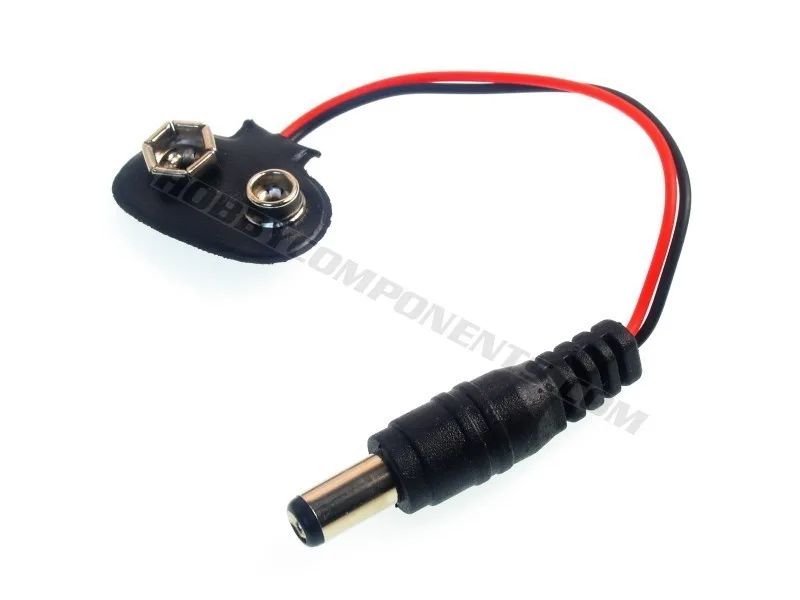
Male DC Plug to 9V PP3 Battery Clip
-
CR1632 3V Lithium Cell Battery: This 3V CR1632 lithium coin cell is 16mm in diameter and 3.2mm thick, with a nominal capacity of 140mAh. Its small size fits into compact, low-power projects like wearables or remote sensors, but its limited capacity means you should avoid high-drain loads.
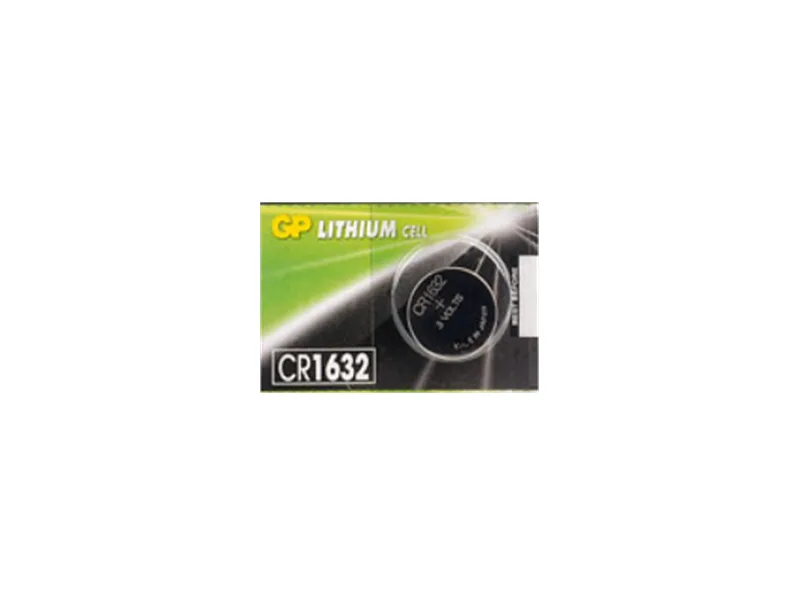
CR1632 3V Lithium Cell Battery
-
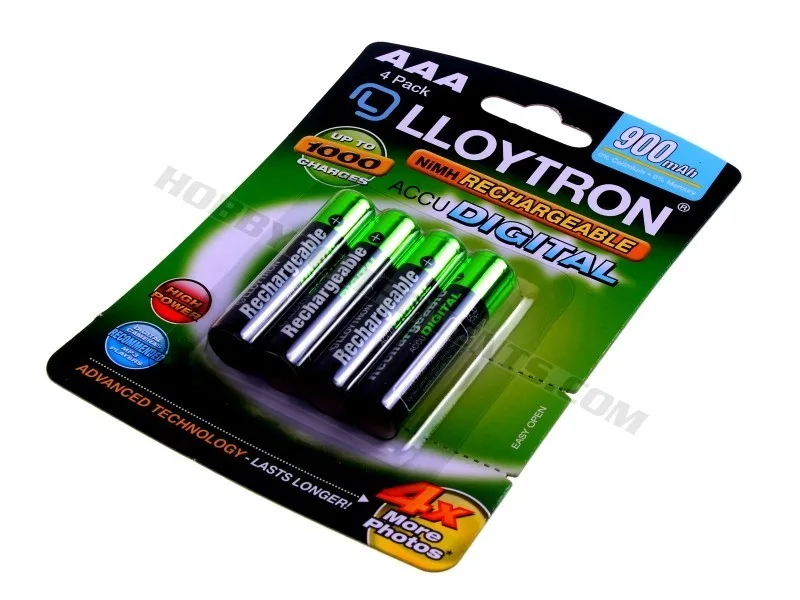
4Pk NIMH AccuDigital Battery - AAA 900mAh: This 4-pack of AAA NiMH rechargeable batteries offers 900mAh capacity per battery and is capable of approximately 1000 recharge cycles. Rechargeable AAA cells are cost-effective for projects that run frequently, and their 900mAh capacity provides longer run time than a 9V battery for moderate power draws.