Quick answer
Set up a product photography desk by choosing a Kaiser LED kit that matches your subject size, positioning the lights at 45-degree angles, and adjusting colour temperature for consistent results.
Choosing between Kaiser LED kits
The Kaiser PL24 Vario 2Kit provides two compact LED lights with variable colour temperature, making it suitable for a range of subjects from portraits to tabletop items. The Kaiser Easy-Fit LED Shooting Kit includes a foldable shooting table with a seamless background, ideal for small objects like jewellery or electronics.
If you already have a desk surface and need flexible lighting, the PL24 Vario 2Kit gives you more control over colour temperature. If you want an all-in-one solution with a built-in background, the Easy-Fit Shooting Kit saves setup time and ensures consistent reflections.
Step-by-step setup
- Choose your workspace: Clear a desk or table at least 60 cm deep. Ensure the surface is level and free from clutter. Place the Kaiser kit on a stable, non-reflective surface. A dark or neutral matte surface reduces unwanted reflections.
- Position the lights: Place one LED light on each side of the subject, angled at roughly 45 degrees. Start with both lights at the same height as the subject. For the Easy-Fit kit, clip the lights to the shooting table frame as intended. Moving lights closer softens shadows; moving them farther increases contrast.
- Adjust colour temperature: Set both lights to the same colour temperature (e.g., 5600 K for daylight balance). If your room has mixed lighting, match the temperature to the dominant source to avoid colour casts. The PL24 Vario 2Kit allows quick adjustment via its built-in controls. Use a white card or grey reference to check colour balance before shooting.
- Set the background: For the Easy-Fit kit, use the included translucent sheet as a seamless background. For the PL24 Vario 2Kit, place a sheet of white or black paper behind the subject. Ensure the background is clean and wrinkle-free. A curved background (sweep) eliminates hard horizon lines.
- Test and refine: Take a test shot with your camera or phone. Check for harsh shadows, hotspots, or colour casts. Adjust light distance or angle until the subject is evenly lit. For shiny objects, diffuse the light further by bouncing it off a white card. If highlights are blown out, move lights farther away or reduce output.
Product facts
-
Kaiser PL24 Vario 2Kit Desktop Lighting Kit: The Kaiser PL24 Vario 2Kit Desktop Lighting Kit provides two compact LED desktop lights with variable colour temperature for soft, even illumination. You can adjust the warmth of the light to match ambient conditions or create different moods without swapping bulbs.
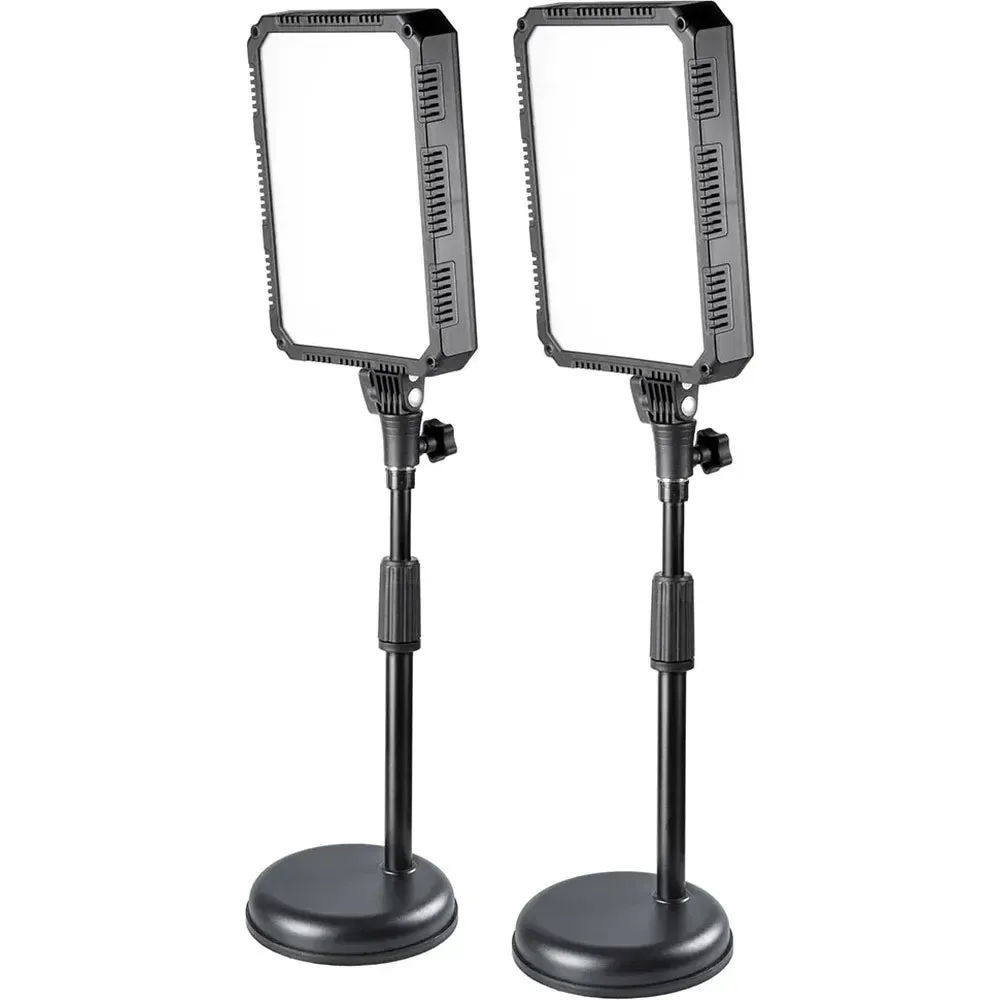
Kaiser PL24 Vario 2Kit Desktop Lighting Kit
-
Kaiser "Easy-Fit" LED Shooting Kit: The Kaiser Easy-Fit LED Shooting Kit combines a compact shooting table with two high-quality LED desktop lights, providing a seamless background and soft, even illumination. The pre-formed background eliminates the need for fabric or paper rolls, reducing setup time for small product shots.
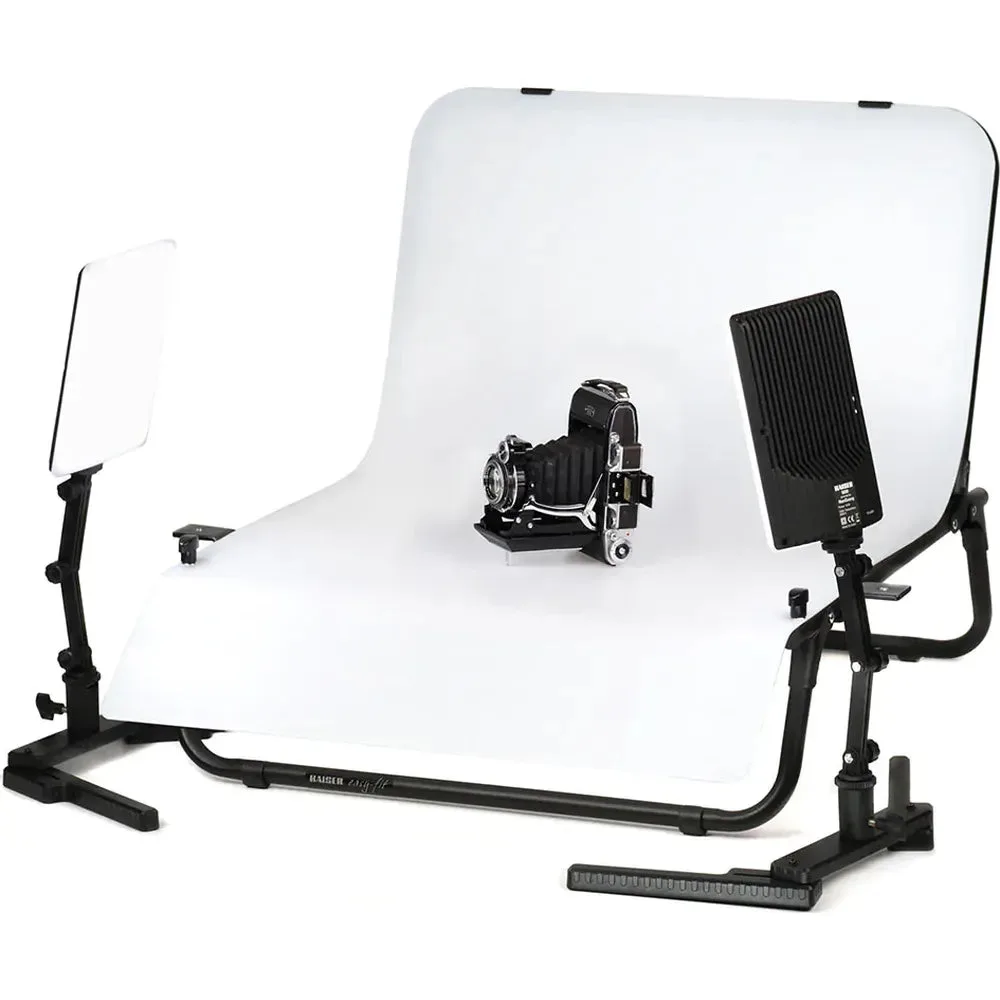
Kaiser "Easy-Fit" LED Shooting Kit