Quick answer
Start with simple sensor inputs and outputs, then build up to multi-step robot behaviors. Use the Makeblock STEM Kit's Python mode to teach variables, loops, and conditionals through hands-on projects that students can see and debug in real time.
Why Python with STEM kits works in the classroom
Python is one of the most readable programming languages, which makes it a good first text-based language after block coding. When students see their code move a robot or light an LED, abstract concepts like loops and conditionals become concrete.
STEM kits give you a shared physical context. Instead of debugging a screen-only program, students can watch the robot react, which makes errors visible and easier to discuss. This hands-on approach also keeps engagement high, especially for learners who prefer doing over reading.
A common trade-off is the learning curve: Python requires exact syntax and indentation. Plan for a few extra minutes when students first type code, and have a quick fix checklist ready for common errors like missing colons or mismatched indentation.
How to Plan a Python Coding Lesson with STEM Kits
- Define a concrete project outcome: Choose a simple robot behavior, like moving in a square or reacting to a sensor. Write the expected behavior in plain language before opening the code editor. A clear outcome keeps the lesson focused and gives students a measurable goal.
- Map Python concepts to the project: List the specific Python concepts the project will use—loops, conditionals, functions, or variables. Match each concept to a part of the robot's behavior so students see the code's purpose. If a concept has no direct application, leave it out of the lesson.
- Set up the hardware and software: Before class, connect the STEM kit to the computer, install the required Python library or coding environment, and test one sample program. A common mistake is skipping this test, which leads to dead time during the lesson. Run a quick 5-minute test with the exact devices students will use.
- Start with a guided mini-project: Begin with a small, structured project—like making an LED blink or a motor spin—to teach syntax and the upload process. Keep the first project under 20 lines of code. Have students predict the output before running the code to check understanding.
- Introduce sensors through real tasks: Use the STEM kit's sensors to show how Python reads input and controls output. For example, write a program that reacts to a button press or light level. This connects code to physical behavior. Let students change one variable at a time to see the effect—this builds debugging skills early.
- Plan a small capstone project: Have pairs design a simple robot behavior, like following a line or avoiding obstacles, using the kit's components and Python. Define the inputs, outputs, and expected behavior before coding. Set a clear success criterion so students know when the project is complete.
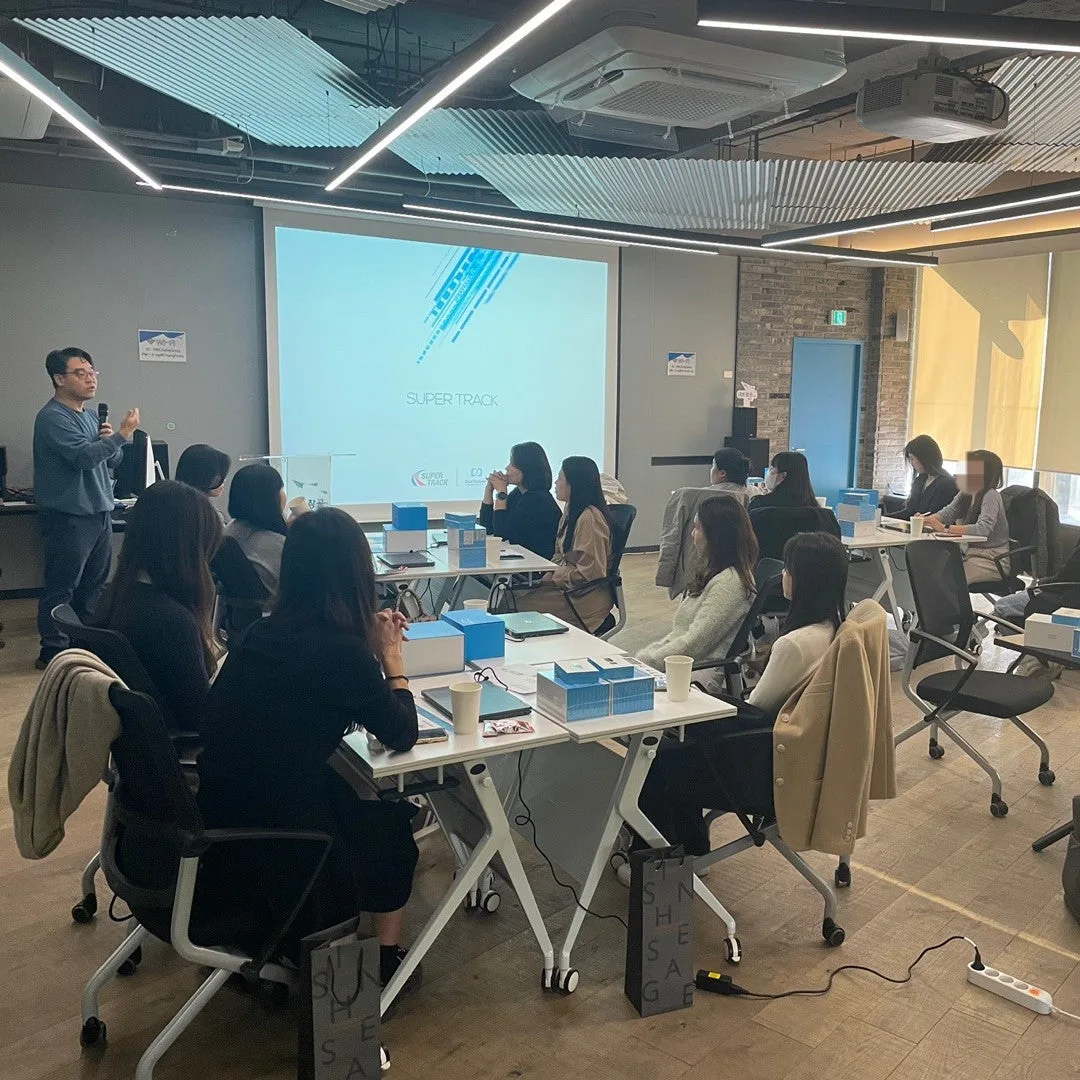
- Run a guided Python workshop: Use a structured session such as the Korean-language webinar for educators to practice Python with the STEM Kit. Prepare a short pre-built example, then let participants modify it. Collect one question or sticking point from each participant to improve the next session.
Products that support Python lessons
-
[Workshop] Exploring Python Coding with STEM Kit - Korea: This online webinar is delivered in Korean and focuses on exploring Python coding through hands-on projects with the Makeblock STEM Kit. It has already been attended by over 100 teachers. If your teaching team includes Korean-speaking educators, this session offers a practical, classroom-tested starting point for planning your own Python lessons.
[Workshop] Exploring Python Coding with STEM Kit - Korea