Quick answer
Most Raycon charging failures come from three things: dirty or misaligned contact pins, a case that has no charge of its own, or a cable and adapter that never delivered power in the first place. Clean the pins with a dry swab, then charge the case alone for 30 minutes before you test the earbuds again. If the case still shows no charging light with a known-good cable, stop troubleshooting and contact Raycon support.
Start by separating the earbuds from the case
The fastest way to find the fault is to test the two parts independently. Plug the case into a wall adapter you already trust, using a cable you have used successfully on another device, and leave the earbuds out. If the case light comes on, the case and cable are fine and the problem sits with the earbuds or the pins. If nothing lights up, the case is the suspect and the earbuds may be perfectly healthy.
Repeat the test with the earbuds seated in the case. A single earbud that refuses to charge while the other works points to a contact problem on that side, not a dead battery in the case.
Clean the charging pins and the case contacts
Skin oil, pocket lint and sweat form a thin film that blocks current without looking dirty. Use a dry cotton swab or the corner of a soft cloth on the metal pins at the base of each earbud and on the matching contacts inside the case. Do not use water, alcohol or metal tools, and do not push hard enough to bend a pin. Let both parts air dry for a minute before reseating the earbuds.
After cleaning, drop each earbud in and press gently. If the case light blinks or holds steady, the connection is restored. If it stays dark, the issue is elsewhere.
- Dry swab only, no liquids or abrasives
- Clean both the earbud pins and the case contacts
- Seat each earbud firmly and watch for the charging light
Check the case battery, cable and adapter
A charging case with a flat internal battery cannot pass power to the earbuds, even when it is plugged in. Give the case 30 minutes on a wall outlet with no earbuds inside, then try again. If it still shows no sign of life, swap the cable and the adapter one at a time rather than both at once, so you know which one was at fault.
Wireless charging pads are another variable. If your case supports wireless charging, place it centered on the pad and remove any thick phone case or metal object nearby. A pad that works for your phone may still fail on a small earbud case if the coil is misaligned.
Rule out a mismatched protective case
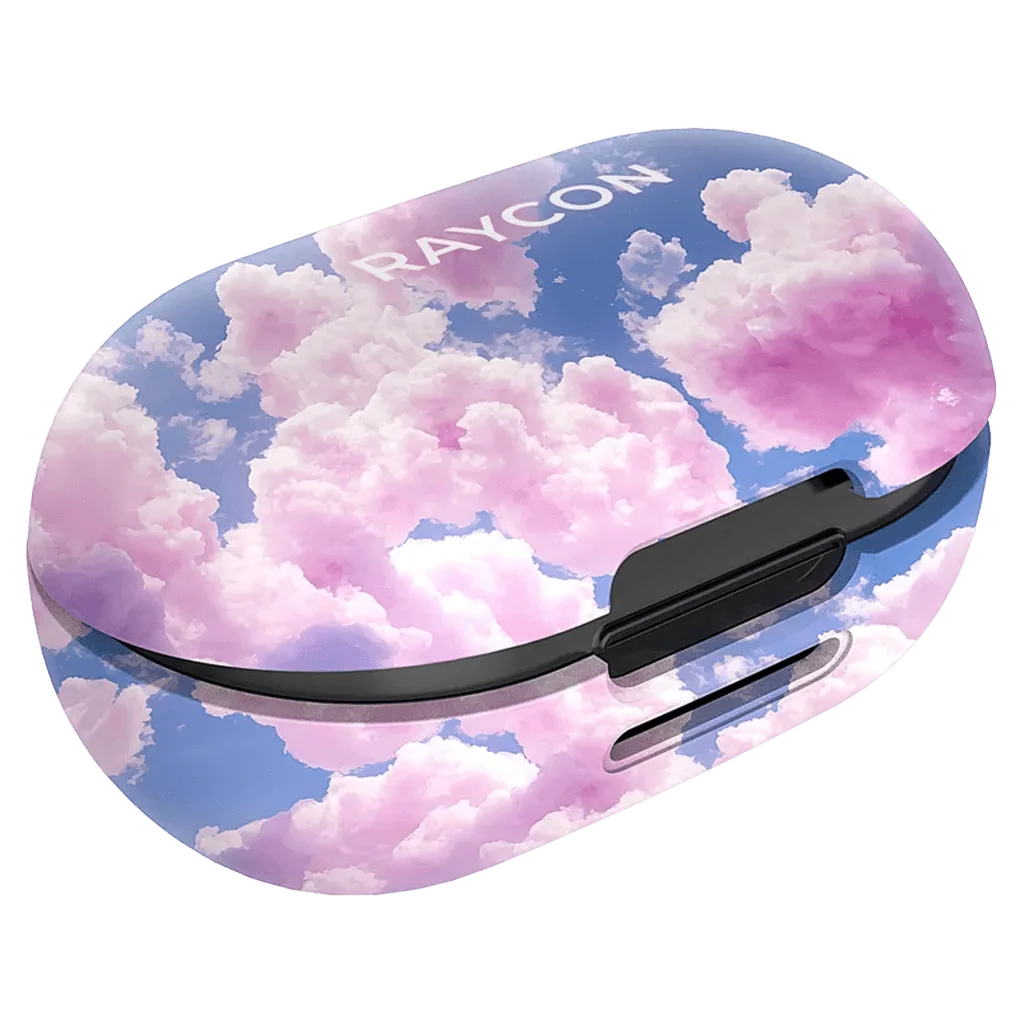
A protective case that is not made for your exact model can block the charging contacts or prevent the lid from closing fully, which stops charging without any visible damage. Raycon sells separate cases for different earbud generations, and they are not interchangeable. Check the model code printed on the bottom of your capsule before you assume the case is faulty.
If you recently added a case and charging stopped at the same time, remove the case and test the bare capsule first. That single step saves a lot of unnecessary troubleshooting.
When to stop troubleshooting and get help
If you have cleaned the pins, charged the case alone, swapped the cable and adapter, and removed any third-party case, and the earbuds still will not charge, the remaining causes are internal: a worn charging port, a swollen battery or a failed cell. Those are not user-serviceable, and continuing to poke at the hardware risks more damage than it fixes.
At that point, contact Raycon support with your model code and purchase details. If the product is out of warranty, compare the cost of a replacement against a repair, because small earbuds are rarely worth a paid repair.
Charging diagnosis: symptom, cause, action, stop point
- One earbud will not charge: Usually a dirty or misaligned pin on that side. Clean the pin and the matching case contact with a dry swab, then reseat the earbud firmly. If the light comes on for that earbud, you are done. If it stays dark after two cleanings, treat it as a hardware fault.
- Neither earbud charges and the case light is off: The case itself has no power. Charge the case alone for 30 minutes with a known-good cable and adapter, with no earbuds inside. No light after a cable and adapter swap means the case is the failure point, not the earbuds.
- Charging stopped after adding a protective case: The case may be the wrong generation for your earbuds and blocking the contacts or the lid. Remove it and test the bare capsule. If charging returns without the case, replace it with the version matched to your model code rather than repairing the earbuds.
- Earbuds charge but drain within minutes: This is a battery-capacity problem, not a charging problem. Cleaning pins and swapping cables will not restore lost capacity. Stop troubleshooting the charger and contact Raycon support about the battery.
Accessories that help you avoid charging problems
- Protective Case for Fitness Earbuds: Protective Case for Fitness Earbuds, compatible only with Fitness Earbuds 2023 (check for product code D745-23E on the bottom of your capsule); lightweight, wireless-charging compatible. A correctly matched case protects the capsule and still allows wireless charging, while the wrong generation can block contacts and cause charging failures.
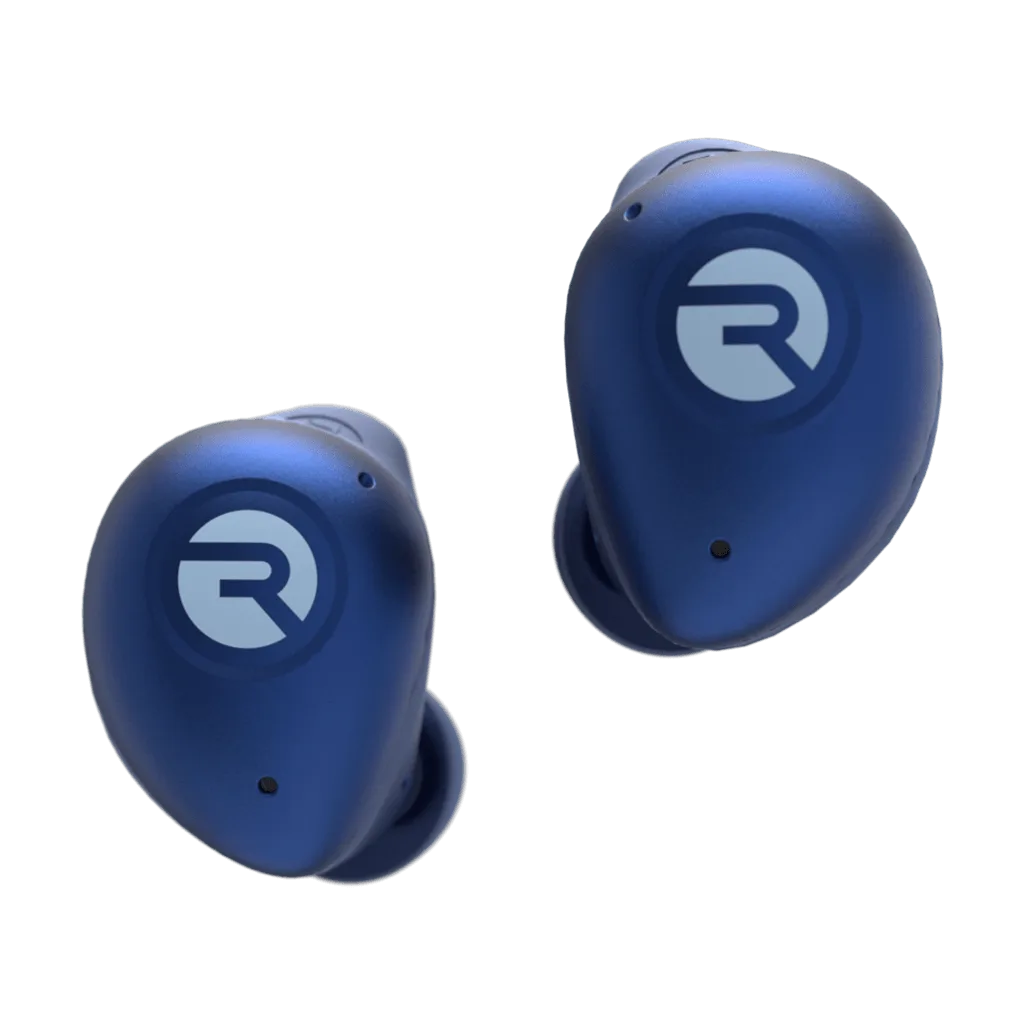
Fitness Earbuds
- Protective Case for Everyday Earbuds: Protective Case for Everyday Earbuds, compatible only with Everyday Earbuds (product code D725-21E on the bottom of your capsule); includes a lanyard and is wireless-charging compatible. If your Everyday Earbuds stopped charging after you added a case, confirm the model code before blaming the earbuds or the charging pins.