Before you plug in: what you need
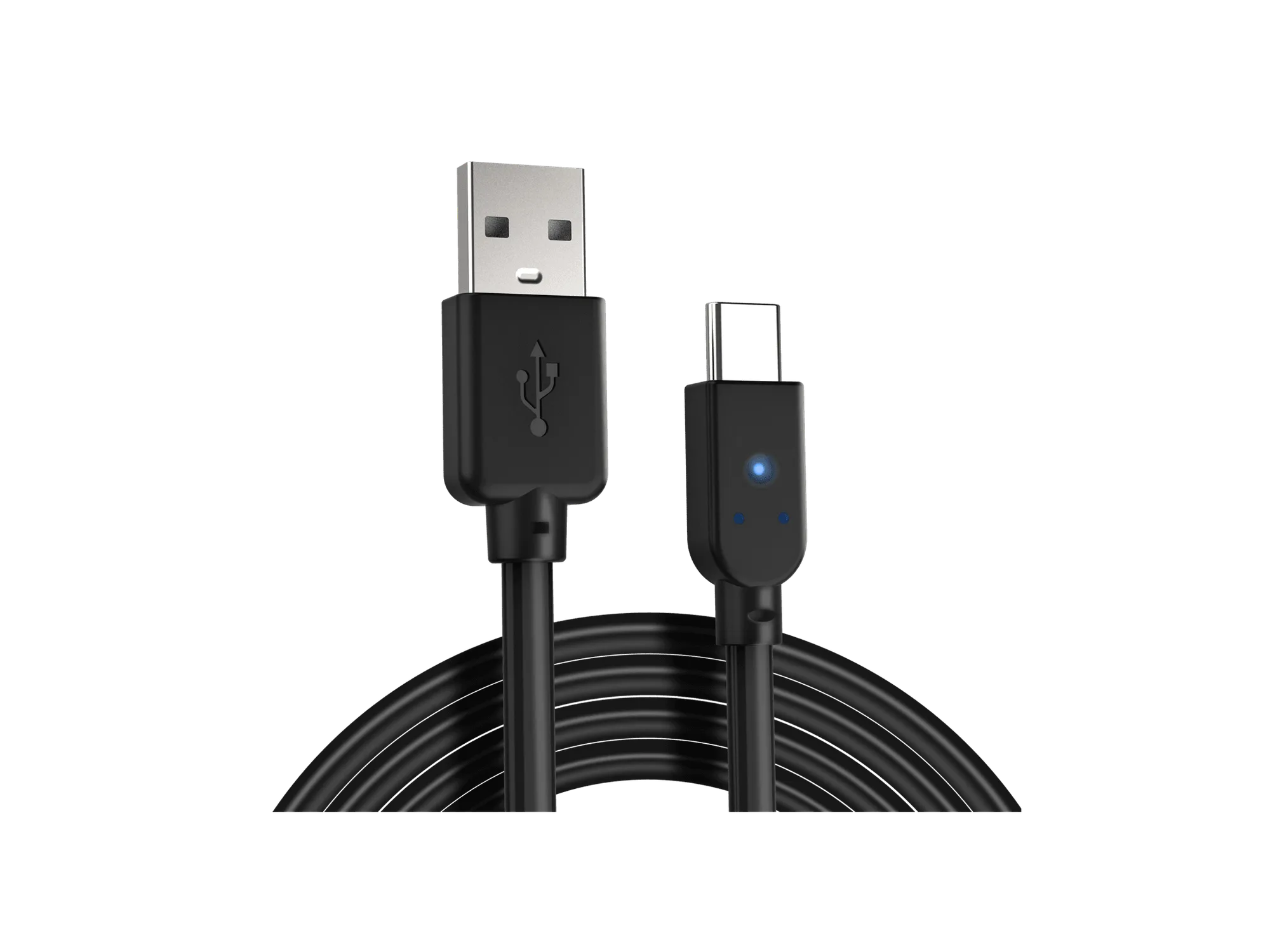
The Razer Wolverine V3 Tournament Edition is a wired controller officially licensed by Xbox, designed for Xbox Series X|S and PC. It connects via its detachable 3-meter USB Type-C cable, which provides a zero-latency wired connection. Before setup, decide whether you'll play on Xbox or PC, and make sure you have a free USB port. The controller is plug-and-play, so no additional dongle or pairing is required.
The white version you may see is the same model; color does not affect compatibility or features.
Connection and compatibility
-
Razer Wolverine V3 Tournament Ed. for Xbox X|S & PC - White: Officially licensed by Xbox, perform like the pros on Xbox and PC with speed, control, and precision that sets you up for true gaming glory. Confirms the controller works with both Xbox and PC, so you can use it across platforms.
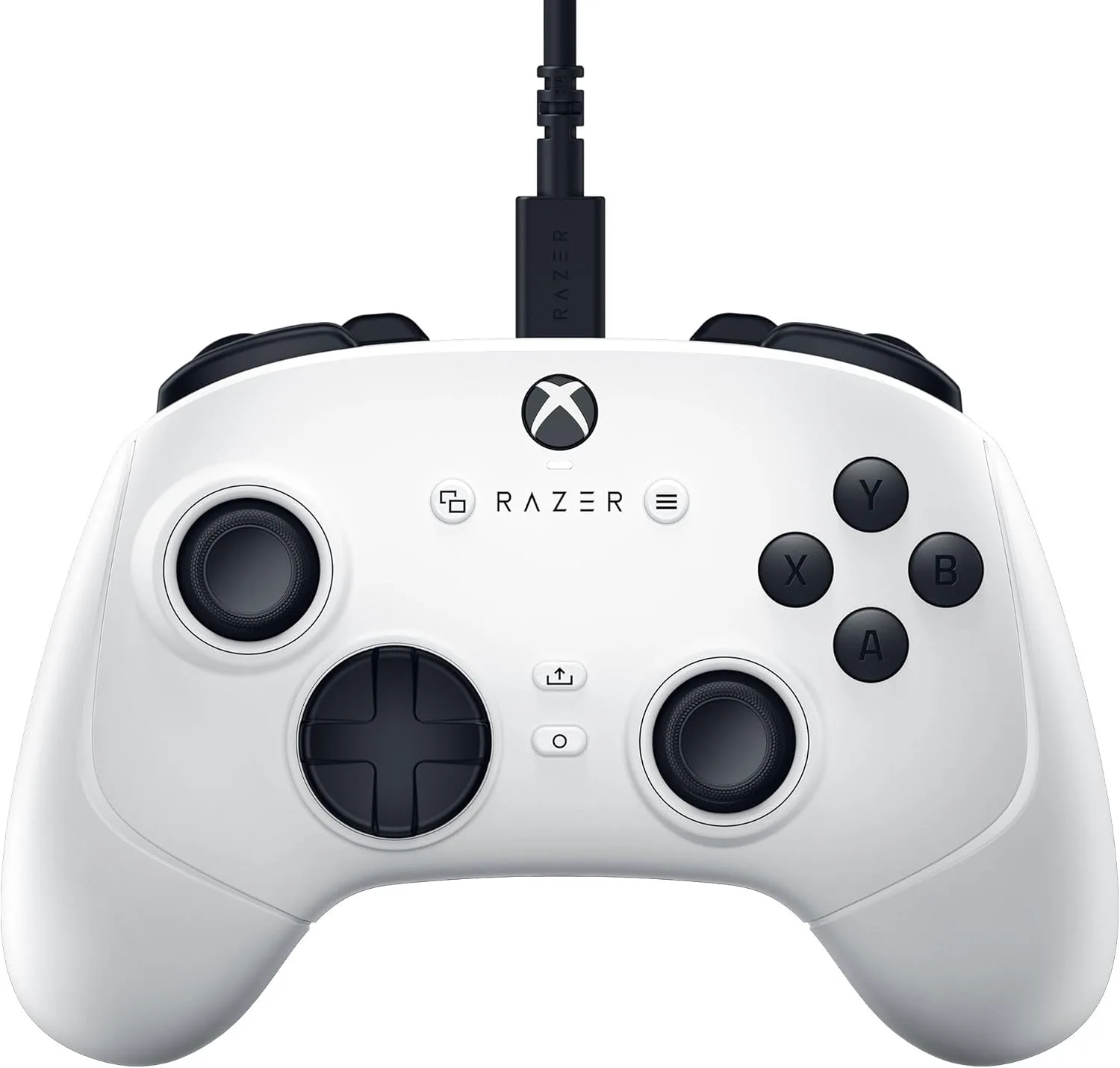
Razer Wolverine V3 Tournament Ed. for Xbox X|S & PC - White
-
Razer Wolverine V3 Tournament Ed. for Xbox X|S & PC - White: Detachable 3 meter USB Type C Cable - Tournament-Ready Convenience: Be ready to compete on Xbox or PC with a portable plug-and-play design - Hook it up and enjoy a zero-latency wired connection crucial for competitive play. Highlights the wired connection and cable length, which are key for a stable, low-latency setup.
How to connect to Xbox Series X|S or PC
The controller is plug-and-play, but follow these steps to ensure a proper connection.
- Connect the USB Type-C cable: Plug the detachable cable into the controller and the other end into a USB port on your Xbox Series X|S console or PC.
- Power on your console or PC: The controller should be recognized automatically. On Xbox, press the Xbox button to turn on the controller if needed.
- Check for detection: On Xbox, the controller's guide button will light up. On PC, Windows should recognize it as an Xbox controller. If it doesn't, try a different USB port.
Customize with the Razer Controller App
To adjust thumbstick sensitivity and create custom button layouts, use the Razer Controller App. The app lets you store a personalized profile, so you can switch between setups for different games. The controller features 6 remappable buttons: 4 mouse-click back paddles and 2 claw grip bumpers. You can reassign these buttons to suit your playstyle.
The app is available for Xbox and PC. Download it from your platform's store, connect the controller, and follow the on-screen instructions to remap buttons and adjust sensitivity.
Customization features
- Razer Wolverine V3 Tournament Ed. for Xbox X|S & PC - White: Pro-Level Customization for Xbox & PC - Via the Razer Controller App: Set your thumbstick sensitivity and create custom button layouts using our dedicated app - Store a personalized profile and be ready for any type of competition. Shows that you can tailor the controller's behavior without needing separate hardware.
- Razer Wolverine V3 Tournament Ed. for Xbox X|S & PC - White: 4 Mouse Click Back Paddles & 2 Claw Grip Bumpers - 6 Remappable Buttons to Outplay Them All: Enjoy the same ultra-responsive actuation found in our top gaming mice with 4 paddles built into the controller’s ergonomic, texturized handles - topped with 2 claw grip bumpers for even more control. Explains the remappable buttons available for custom layouts.
Tips for competitive play
Get the most out of the Wolverine V3 Tournament Edition with these practical suggestions.
- Set triggers for instant actuation: Use the Razer Pro HyperTriggers to switch between instant mouse-click actuation and ultra-precise analog control. For shooters, instant actuation can reduce travel time; for racing games, analog control offers finer input.
- Assign paddles to face buttons: Map the back paddles to actions normally on the face buttons (like jump or reload) so you can keep your thumbs on the sticks.
- Store a profile for each game: The Razer Controller App lets you save personalized profiles. Create separate layouts for different genres and switch as needed.
- Use the 8-way floating D-pad for fighting games: The D-pad provides tactile feedback and quick actuations, which can help with precise directional inputs.
What to keep in mind
The Wolverine V3 Tournament Edition is a wired controller, so you'll need to stay within cable range of your console or PC. The 3-meter cable offers some flexibility, but it's not wireless. Also, while the controller is officially licensed for Xbox and PC, it does not support other platforms like PlayStation or Switch. Button mapping and sensitivity adjustments require the Razer Controller App; without it, you can still use the controller with default settings, but customization is limited.
Key specifications
- Razer Wolverine V3 Tournament Ed. for Xbox X|S & PC - White: Hall Effect Precision Thumbsticks - Anti-Drift Accuracy with Customizable Sensitivity: Experience analog thumbsticks that are not only more accurate than traditional models, but are smoother, lighter and more durable thanks to their anti-friction rings and pro-grade materials. Hall Effect sticks can reduce drift over time, which is important for competitive longevity.
- Razer Wolverine V3 Tournament Ed. for Xbox X|S & PC - White: Razer Mecha-Tactile Action Buttons & 8-Way Floating D-Pad - Ultra-Fast Actuations with Tactile Feedback: By combining the speed of microswitches with the cushioned comfort of a rubber membrane, compete with quicker inputs that feel just as comfortable to press. Describes the button feel and responsiveness, which affect input speed.