Quick Answer
To set up the RFID Module Kit (Mifare), wire the SPI interface to your Arduino, install the MFRC522 library, and run the example sketch to read the unique ID of the included card or key tag.
Why SPI and 13.56MHz Matter
The RFID Module Kit (Mifare) uses an SPI interface, which is fast and reliable for reading 13.56MHz cards. This frequency is common for access control and payment systems, and it works well with Arduino, AVR, PIC, and ARM boards.
Unlike lower-frequency 125kHz readers, 13.56MHz offers faster data transfer and better security features, but the range is shorter—usually a few centimeters. Keep this in mind when planning your project enclosure or mounting position.
Setup and Programming Steps
- Wire the Module to Arduino: Connect the RFID module's SPI pins to your Arduino: SDA to digital pin 10, SCK to 13, MOSI to 11, MISO to 12, RST to 9, and 3.3V to the 3.3V output. Connect GND to GND. Double-check that you are using the 3.3V pin, not 5V, to avoid damaging the module. A common mistake is swapping MOSI and MISO; verify the pinout against your module's silkscreen before powering on.
- Install the MFRC522 Library: Open the Arduino IDE, go to Sketch > Include Library > Manage Libraries, search for 'MFRC522', and install the library by Miguel Balboa. This library handles the low-level communication with the RFID chip. Ensure you install the library that matches your module; most 13.56MHz modules use the MFRC522 chip, but check your module's datasheet if you are unsure.
- Upload the Example Sketch: After installing the library, open File > Examples > MFRC522 > ReadNUID. This sketch reads the unique ID of a card or tag. Upload it to your Arduino and open the Serial Monitor at 9600 baud. Hold the included card or key tag near the antenna coil; the UID should appear in the serial output. If you see nothing, check that the serial monitor baud rate matches the sketch (9600) and that the card is held close to the antenna—within a few centimeters.
- Modify the Sketch for Your Project: Once you can read UIDs, you can modify the sketch to compare the UID against a list of authorized IDs and trigger an action, such as unlocking a door or logging attendance. Store authorized UIDs in an array and use an if statement to check matches. Remember to handle the case where the card is removed; add a state variable to avoid repeating the action while the card is held near the reader.
What You Need
-
RFID Module Kit (Mifare): 13.56MHz RFID module Kit with IC card and round key chain tag. SPI interface for convenient connection to microcontrollers such as Arm/AVR/Pic/Arduino. This kit gives you both a card and a key tag to test with, and the SPI interface means you can connect it to most common microcontrollers without extra hardware.
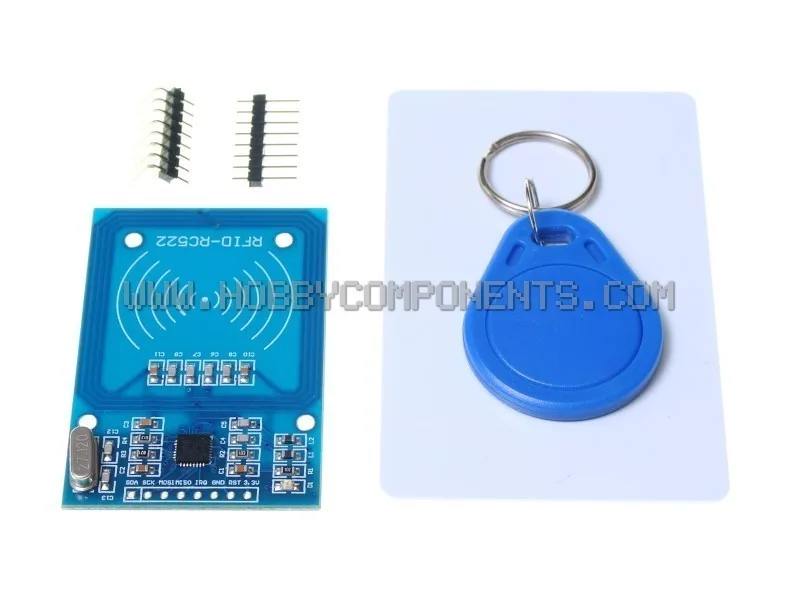
RFID Module Kit (Mifare)
-
13.56MHz RFID (IC) Card (Pack of 10): Printable blank IC smart card for Mifare 1K S50, credit card size, 0.9mm thick, compatible with ISO14443A and NXP Mifare standards at 13.56MHz. If you need more cards for multiple users, these blank cards are compatible with the kit and can be printed on for labeling, making them easy to distribute.
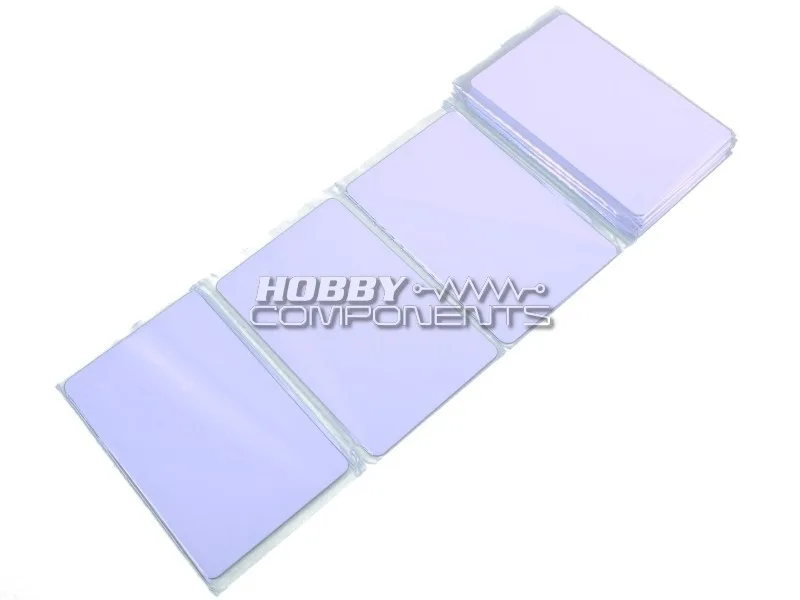
13.56MHz RFID (IC) Card (Pack of 10)


