Quick answer
Place the dock on a flat surface, connect the USB-C cable, align your RG557 with the magnetic connector, and let it snap into place for charging.
Why alignment matters
The dock's magnetic connector is designed for a precise fit with the RG557's charging port. If the console is not centered, the magnets may not engage fully, leading to intermittent charging or no connection at all.
What the dock does and doesn't do
The dock is a 3D-printed stand with integrated magnets that hold the RG557 in place while charging. It does not include a power adapter; use any standard USB-C charger. It is not a fast-charging station—charging speed depends on your adapter and console.
Setup steps
- Unbox and inspect: Remove the dock from its packaging. Check that the 3D-printed base is free of debris or loose filament. Inspect the magnetic connector for any damage. A clean connector ensures good contact and prevents charging issues.
- Connect power: Plug a USB-C cable into the dock's port and connect it to a power source (such as a wall adapter or computer USB port). The dock has no power indicator, so confirm the cable is fully inserted. Use a 5V/1A or higher adapter. Avoid using a high-wattage fast charger—it won't damage the dock but is unnecessary.
- Position the dock: Place the dock on a stable, level surface near your charging area. Ensure the cable is not strained and the dock does not wobble. A wobbly surface can misalign the magnets and interrupt charging.
- Align your RG557: Hold the RG557 horizontally and lower it onto the dock so the charging port faces the magnetic connector. Let the magnets pull the console into place. You should feel a slight click or snap. If the console does not snap into place, lift it and reposition—do not force it.
- Verify charging: Check the RG557's screen for a charging indicator (usually a battery icon with a lightning bolt). If no indicator appears, remove the console and repeat alignment. Some RG557 firmware versions show the indicator only when the screen is on. Wake the console if needed.
- Daily use tips: After charging, lift the console straight up—do not slide it off. To store, keep the dock plugged in and ready. Wipe the magnetic contacts occasionally with a dry cloth. Sliding the console off can scratch the dock's surface or misalign the magnets over time.
Product details
-
3D Printed Magnetic Charging Dock for RG557 Handheld Game Console: Designed for RG557: Custom-fit charging dock ensures precise alignment for seamless charging and display. You don't need to fiddle with cables—just drop the console onto the dock and the magnets align it automatically.
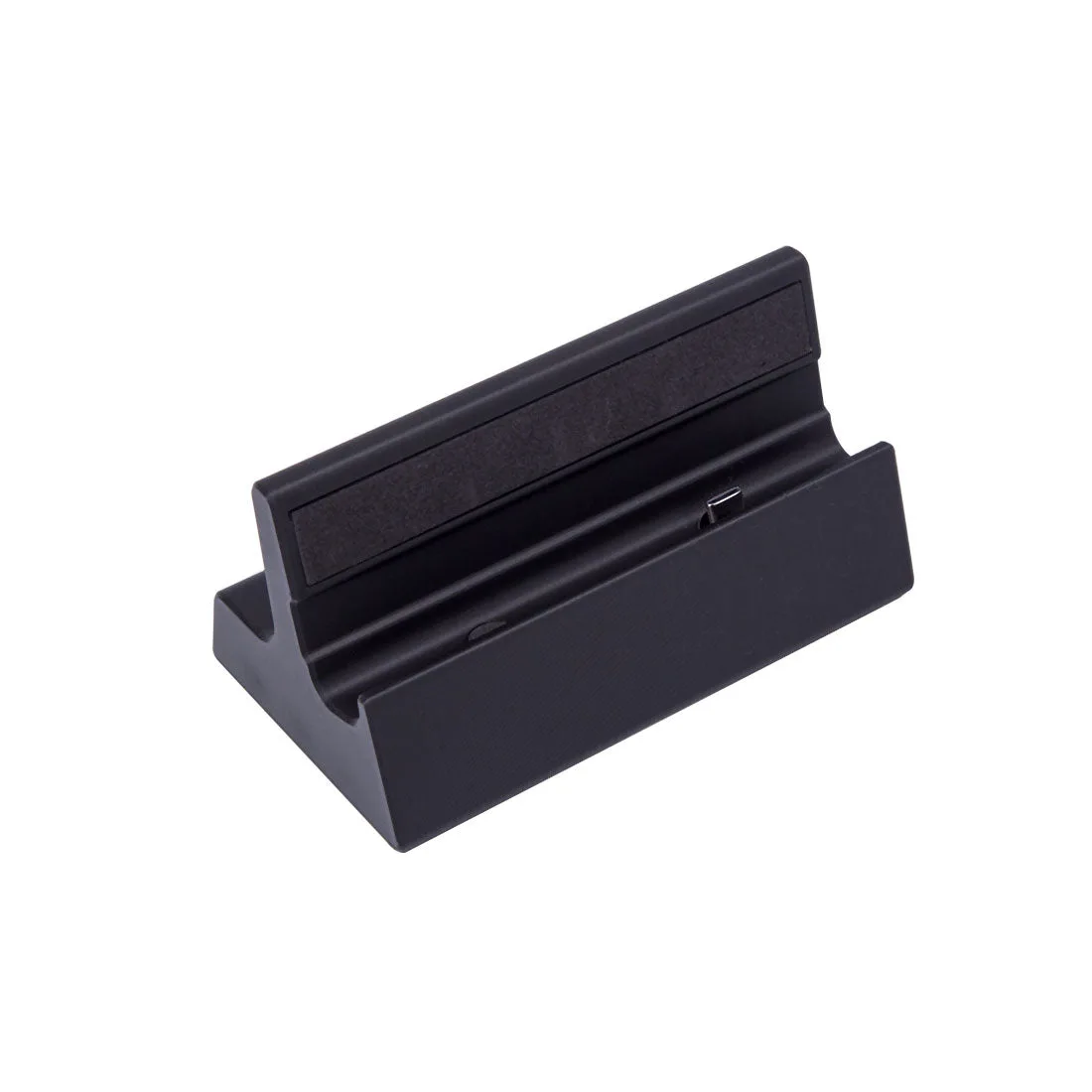
3D Printed Magnetic Charging Dock for RG557 Handheld Game Console