Quick answer
Place the RokLock base adhesive disc on a clean, flat, non-porous surface that stays out of direct sun and extreme heat, and avoid curved or textured areas. For most cars, the best spot is a smooth section of the dash or console within easy reach. If you're replacing an old disc, remove the old adhesive completely and let the new one cure for 24 hours before mounting your phone.
Why placement and surface prep decide whether the disc holds
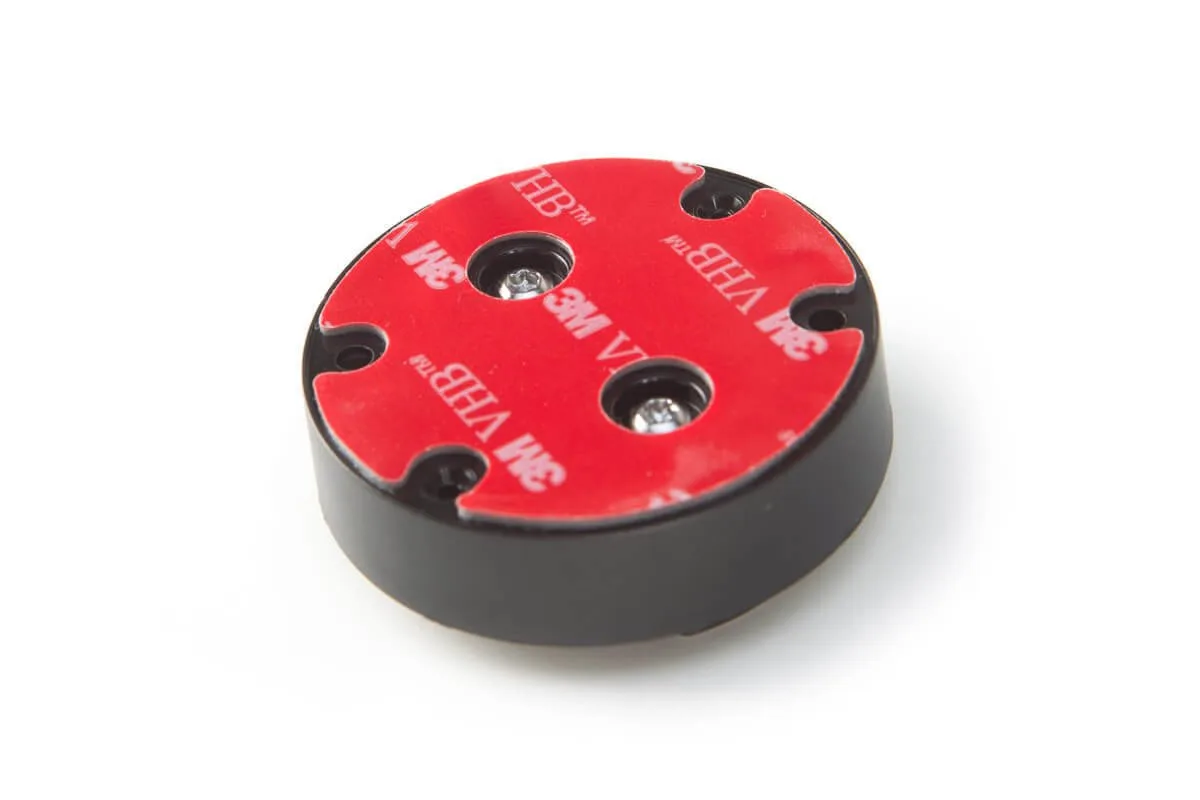
Adhesive failure is usually a surface problem, not a product defect. Dust, oils, plastic conditioners, and textured or curved panels all reduce contact area and let the disc peel over time. The RokLock base adhesive disc is a replacement for the 3M adhesive on your existing RokLock mount, so the quality of your prep directly affects how well it bonds.
Heat is the other major factor. A dashboard that bakes in the sun can soften adhesive and cause creep, especially if the disc is placed on a sloped or vertical surface where gravity pulls on the mount. Choose a spot that stays as cool and flat as possible.
What you need before you start
Gather isopropyl alcohol (70% or higher), a lint-free cloth or coffee filter, and a few minutes of patience. You do not need special tools. If you are reusing an existing RokLock mount, keep the mount itself because the replacement disc only includes the adhesive.
Step-by-step installation
- Clean the mounting surface: Wipe the area with isopropyl alcohol and a lint-free cloth, then let it dry completely. Do not use glass cleaner or dashboard protectant because they leave residue. Checkpoint: the surface should look dull and feel completely dry before you continue.
- Remove the old adhesive from the mount: Peel or scrape off the old 3M adhesive from the RokLock mount. If residue remains, clean it with isopropyl alcohol and let it dry. Common mistake: leaving old adhesive on the mount, which prevents the new disc from sitting flat.
- Test-fit the disc in your chosen spot: Hold the disc against the surface without removing the backing. Make sure the mount will not block your view or interfere with controls, and that the surface is flat and non-porous. Avoid curved, textured, or leather surfaces; they reduce contact area and cause peeling.
- Apply the new adhesive disc: Peel the backing and press the disc firmly onto the cleaned surface for 30 seconds. Apply steady pressure across the whole disc, not just the center. Checkpoint: the disc should sit flush with no air bubbles or lifted edges.
- Let the adhesive cure before use: Wait 24 hours before attaching the mount or your phone. Full cure time depends on temperature and humidity, so avoid cold or damp conditions during installation. Common mistake: mounting your phone immediately, which weakens the bond.
- Attach the RokLock mount and check stability: After curing, snap your RokLock mount onto the disc and test it with your phone. If you notice any wobble, press the disc again firmly or consider a different location. If the disc still lifts, the surface may be too curved or contaminated; move to a flatter spot.
Product facts
- RokLock® Base Adhesive Disc: Replacement RokLock® Base Adhesive Disc compatible with the RokLock® Car Dash Mount and the Extended RokLock® Car Dash Mount. It restores the adhesive on your existing RokLock mount instead of replacing the whole mount.
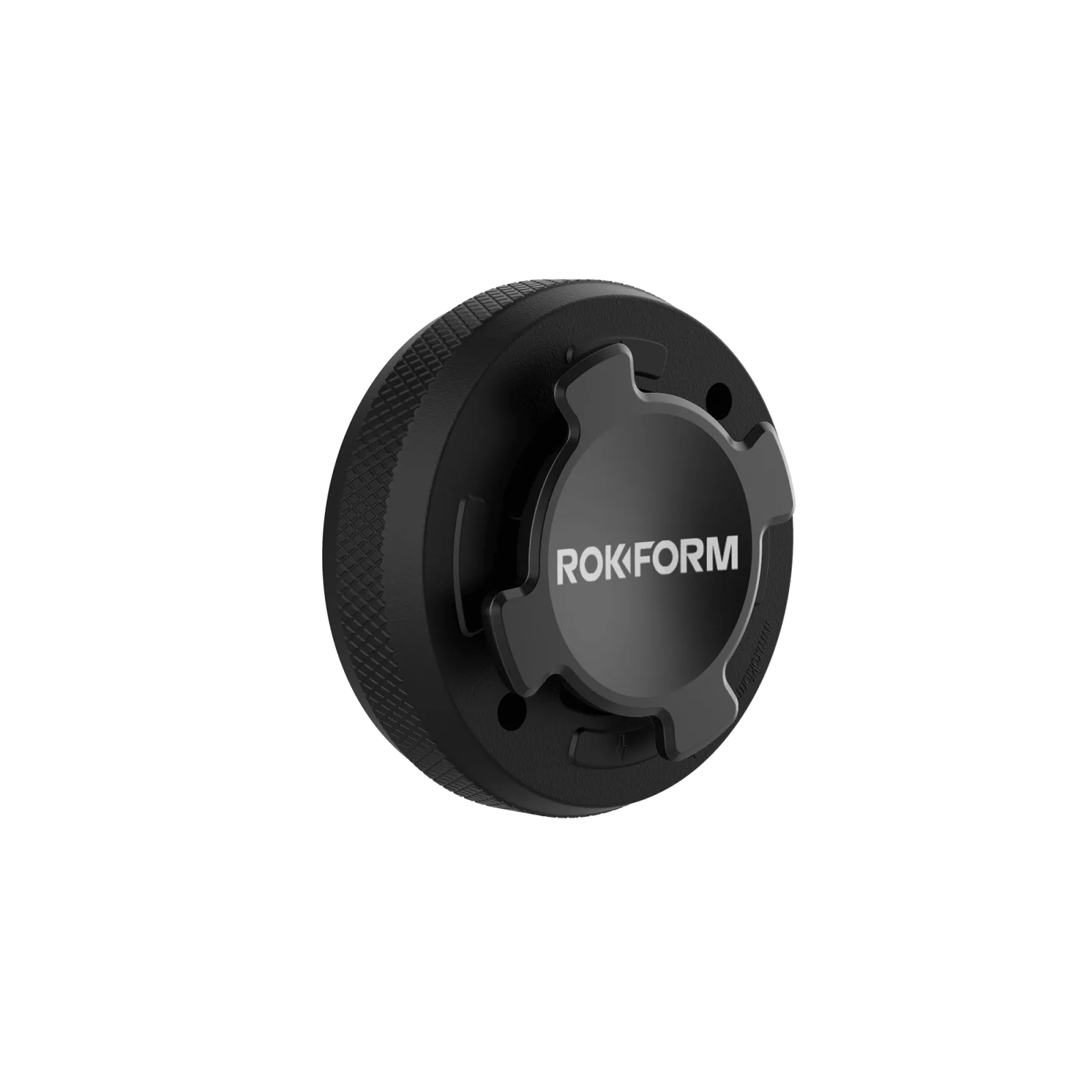
RokLock® Car Dash Mount
- RokLock® Base Adhesive Disc: The disc only replaces the 3M adhesive; you keep your RokLock mount and apply the new adhesive to it. You must remove the old adhesive thoroughly before installing the new disc, or the bond will fail.