Quick answer
Clean the lens with a dry microfiber cloth and mild soapy water only when needed, check mounts and seals every season, keep solar panels free of shade and debris, and review footage and power status monthly. These four habits prevent most performance drops and help you extend security camera life without special tools.
Gather the right tools before you start
You do not need a service kit. A microfiber cloth, a soft brush or canned air, a Phillips screwdriver, and a ladder are enough for most wireless cameras. For solar models, add a damp cloth for panel glass. Avoid paper towels, abrasive pads, and household glass cleaners, which can scratch lens coatings or leave residue that blurs night footage.
- Microfiber cloths: one dry for lenses, one damp for solar panels
- Soft brush or canned air for vents, speaker grilles, and screw threads
- Phillips screwdriver that matches your mount hardware
- Ladder rated for the height of your highest camera
Clean the lens without damaging the coating
Dust, pollen, and spider webs are the most common causes of hazy or blurry video. Wipe the lens in a circular motion with a dry microfiber cloth. If a spot remains, breathe on the lens and wipe again. Use a mild soap-and-water solution only for stubborn debris, then dry immediately. Never spray liquid directly onto the camera body, and never open the housing to clean the sensor.
- Check the lens after storms, lawn mowing, or construction nearby
- Inspect the rubber seal around the lens and housing for cracks
- If night vision looks dim after cleaning, the issue is likely a setting or power problem, not dirt
Inspect mounts, seals, and cable entry points
Wind, temperature swings, and tree branches loosen mounts over time. Once a season, gently push the camera housing to check for wobble, then tighten the mount screws. Look at where cables enter the camera or wall: a gap or worn grommet lets water in, which is a common cause of intermittent failures. For indoor/outdoor cameras used on a porch or under an eave, confirm the camera still points at the area you want to monitor after any adjustment.
- Tighten, but do not overtighten, plastic mount threads
- Replace cracked or missing rubber grommets
- Trim branches that rub the housing or block the field of view
Solar panel camera care for consistent power
Solar panels lose output when dust, bird droppings, or leaf litter covers the glass. Wipe the panel with a damp microfiber cloth, then dry it. Check that the panel still faces the sun and is not shaded by new growth. In winter, clear snow promptly and expect shorter daylight to reduce charging. If a solar camera drops offline repeatedly despite a clean panel, the battery may be aging or the panel angle may need adjustment.
- Clean solar panels monthly in dusty or tree-heavy locations
- Verify the panel angle matches the season and your latitude
- Keep the charging port cover closed and free of debris
Review footage and power status monthly
A monthly check catches problems before they become failures. Open the app and confirm live view, night mode, and motion alerts still work. Look for signs of trouble: grainy footage at night, frequent disconnects, or a battery percentage that drops faster than usual. If you use 24/7 recording, verify that the camera is actually recording continuously and that storage is not full. Adjust motion zones if you see repeated false alerts from swaying trees or passing cars.
- Test night vision by checking footage after sunset
- Confirm recording schedules and storage status
- Update firmware when the app prompts you
Seasonal maintenance steps
- Step 1: Clean the lens and housing: Wipe the lens with a dry microfiber cloth, then brush dust from vents and speaker grilles. Mistake to avoid: spraying cleaner directly on the camera or using paper towels that scratch the lens coating. Checkpoint: night footage should look clear, not hazy.
- Step 2: Tighten mounts and check seals: Push the housing gently to test for wobble, tighten mount screws, and inspect rubber seals and cable grommets. Mistake to avoid: overtightening plastic threads, which can crack the mount. Checkpoint: the camera holds its aim after a firm but gentle push.
- Step 3: Clean solar panels and confirm angle: Wipe panel glass with a damp cloth, dry it, and confirm the panel still faces the sun without new shade. Mistake to avoid: ignoring partial shade from a growing branch, which quietly reduces charging. Checkpoint: battery percentage recovers on sunny days.
- Step 4: Review footage, alerts, and power: Open the app, test live view and night mode, check storage and recording schedules, and adjust motion zones for false alerts. Mistake to avoid: assuming alerts mean recording is working without checking stored clips. Checkpoint: you can play back a recent clip and see the battery or power status.
- Step 5: Update firmware and log issues: Install firmware updates when prompted and note any recurring problems, such as disconnects or battery drain, so you can spot patterns. Mistake to avoid: skipping updates that fix connectivity or power bugs. Next step: if a camera fails two seasonal checks, replace it rather than continuing to troubleshoot.
Camera features that reduce maintenance demands
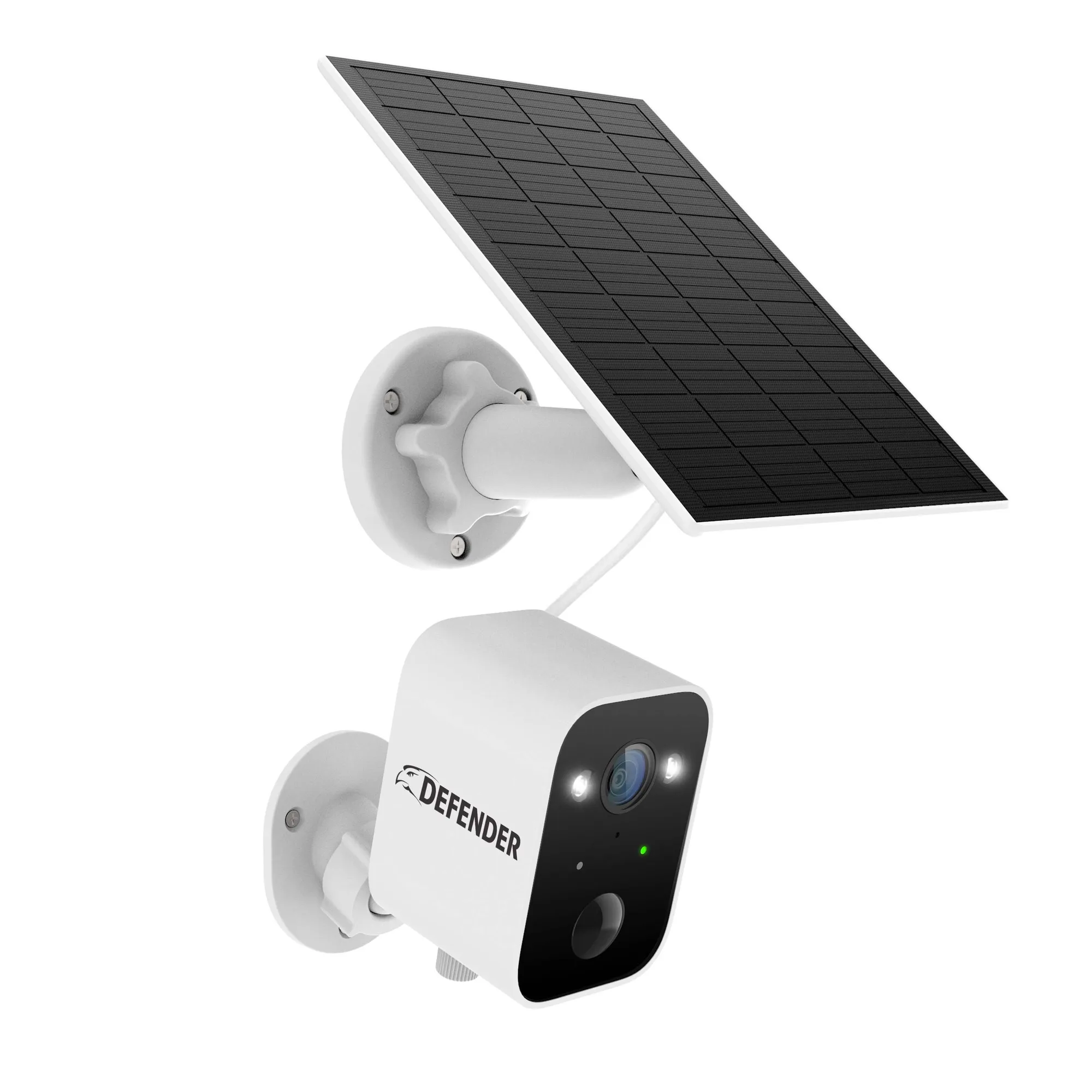
- Defender AI GO 24/7 Recording 2.5K Wireless Camera with Solar Panel: The Defender AI GO records continuously at 2.5K resolution and includes an integrated solar panel to help maintain power. Continuous recording means you should check storage and power status monthly; the solar panel reduces how often you need to recharge, but panel glass still needs cleaning.
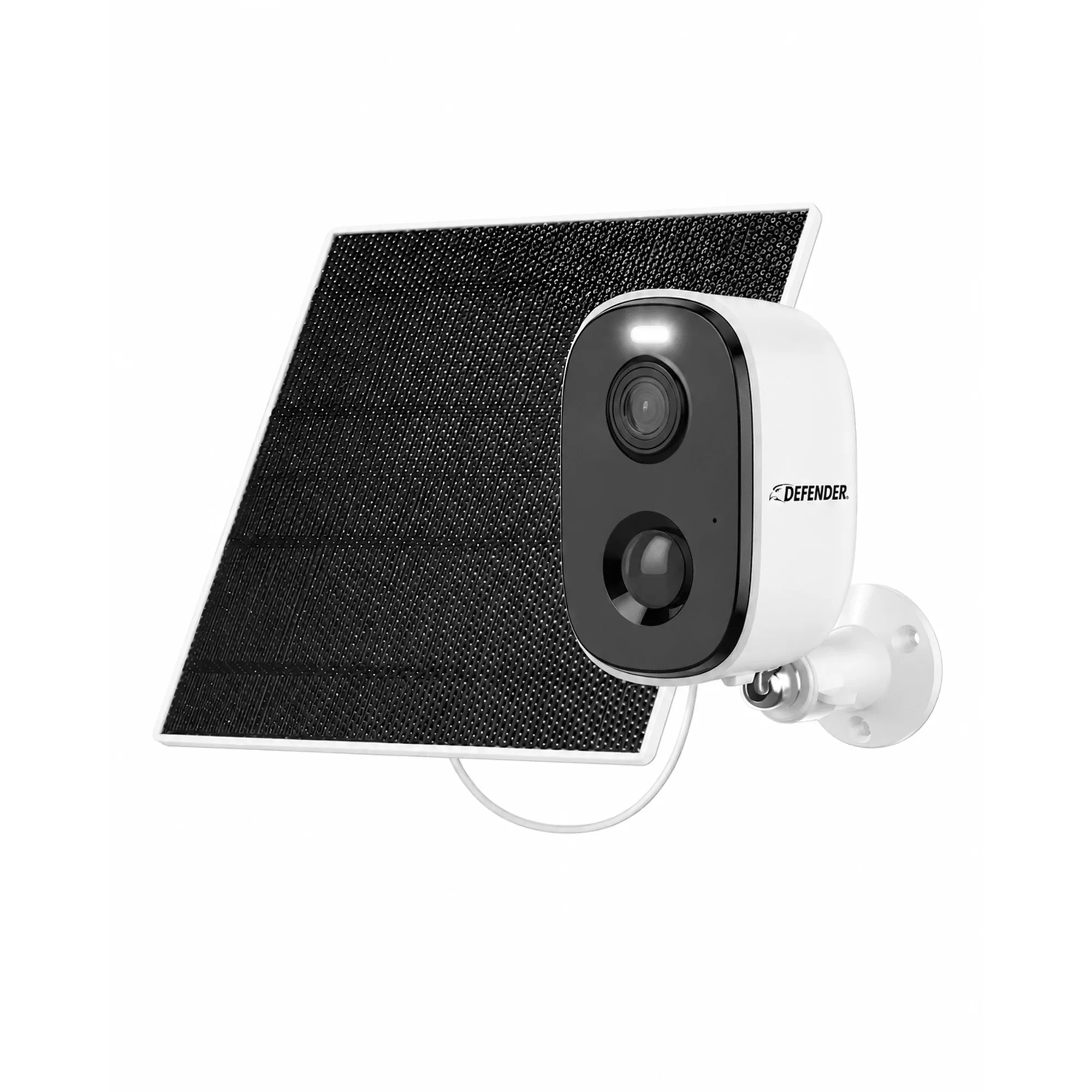
- Solar Powered 4K AI EverWatch Wireless Security Camera, 3W Solar Panel: The Defender Solar Powered 4K AI EverWatch uses a 3W solar panel and 4K resolution. Higher resolution shows lens smudges and focus problems more clearly, so a quick lens wipe matters more on 4K models; the 3W panel benefits from regular cleaning and shade checks.
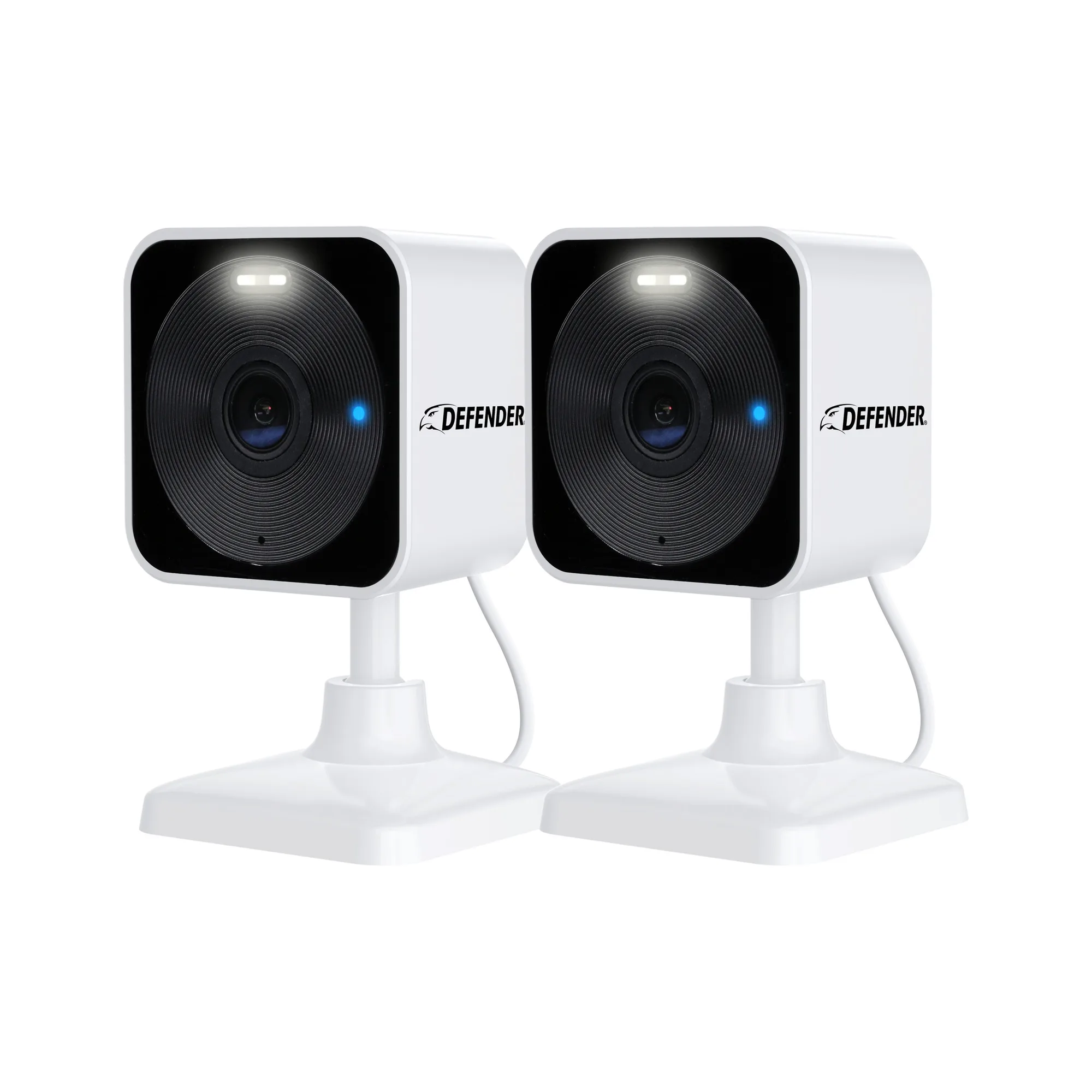
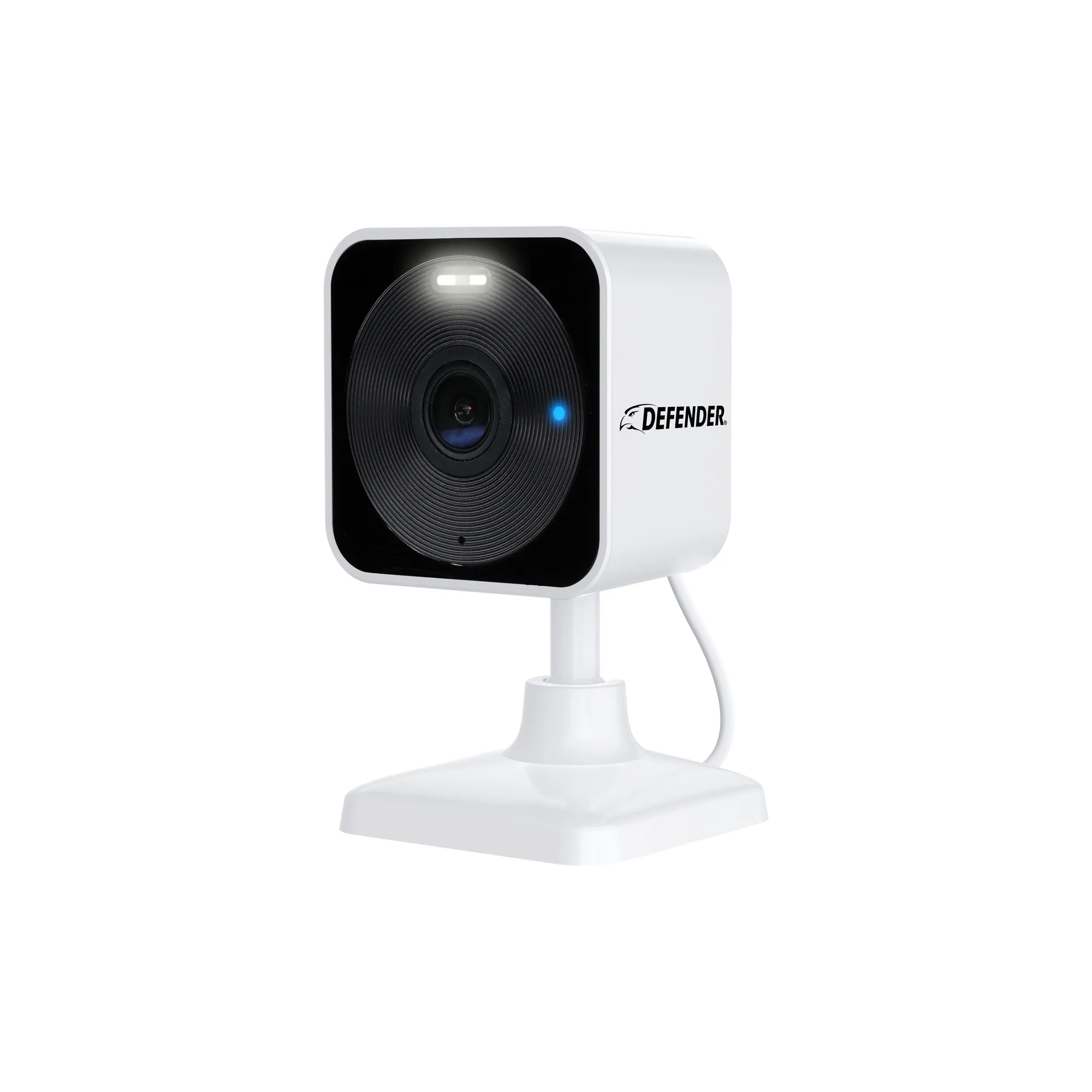
- Defender GO 2K AI POWERED WiFi Indoor/Outdoor Home, Business, Pet, Baby Security Camera, 2 Pack: The Defender GO 2K AI Powered WiFi Camera comes in a two-pack and works indoors or outdoors. A two-pack lets you rotate cameras between indoor and outdoor positions, which simplifies seasonal cleaning and mount inspections.