Quick Answer
For persistent Sega CD issues like disc read errors, skipping audio, or failure to power on, a professional send-in repair is your most reliable fix. Powr Up Gaming's Sega CD service can restore your console to working condition, often with a full capacitor replacement.
Why Professional Repair Beats DIY
Retro consoles like the Sega CD are aging, and their internal components—especially capacitors—are prone to failure. While some fixes are simple, such as cleaning the lens, others require soldering and specialized knowledge. A professional send-in repair ensures the job is done correctly and safely, avoiding further damage to your console.
The Cost of Repair vs. Replacement
Replacing a Sega CD can be expensive and doesn't guarantee a working unit. A send-in repair is often more cost-effective, especially if your console has sentimental value or is a specific model. Our service includes a thorough diagnosis and targeted fixes, so you pay for what your console actually needs.
Diagnose Your Sega CD Issue
- Symptom: Disc read errors or 'Please Insert Disc': Likely cause: Dirty or misaligned laser lens, or failing capacitors affecting the disc motor. Corrective action: Clean the lens with a soft cloth and isopropyl alcohol; if the issue persists, send in for professional calibration and capacitor replacement. If cleaning doesn't help, a send-in repair is the next step.
- Symptom: Audio skipping or distorted sound: Likely cause: Deteriorated capacitors in the audio circuit. Corrective action: This is a hardware issue that requires soldering; send in for a capacitor replacement service. Do not attempt DIY capacitor replacement unless you have soldering experience.
- Symptom: Console powers on but no video or audio: Likely cause: Faulty capacitors or a loose connection between the Sega CD and the Genesis. Corrective action: Check the connection and reseat the unit; if the issue remains, send in for a full diagnostic and repair. If reseating doesn't fix it, professional service is needed.
- Symptom: Intermittent freezing during gameplay: Likely cause: Overheating or failing capacitors affecting the disc motor. Corrective action: Ensure proper ventilation; if freezing continues, send in for a capacitor replacement and servicing. Persistent freezing indicates a hardware fault that requires professional attention.
Our Sega CD Repair Service
-
Sega CD Services: The Sega CD Services include a detailed description of each addon modification offered, with return shipping calculated at checkout. You can see exactly what will be done to your console and there are no hidden shipping costs.
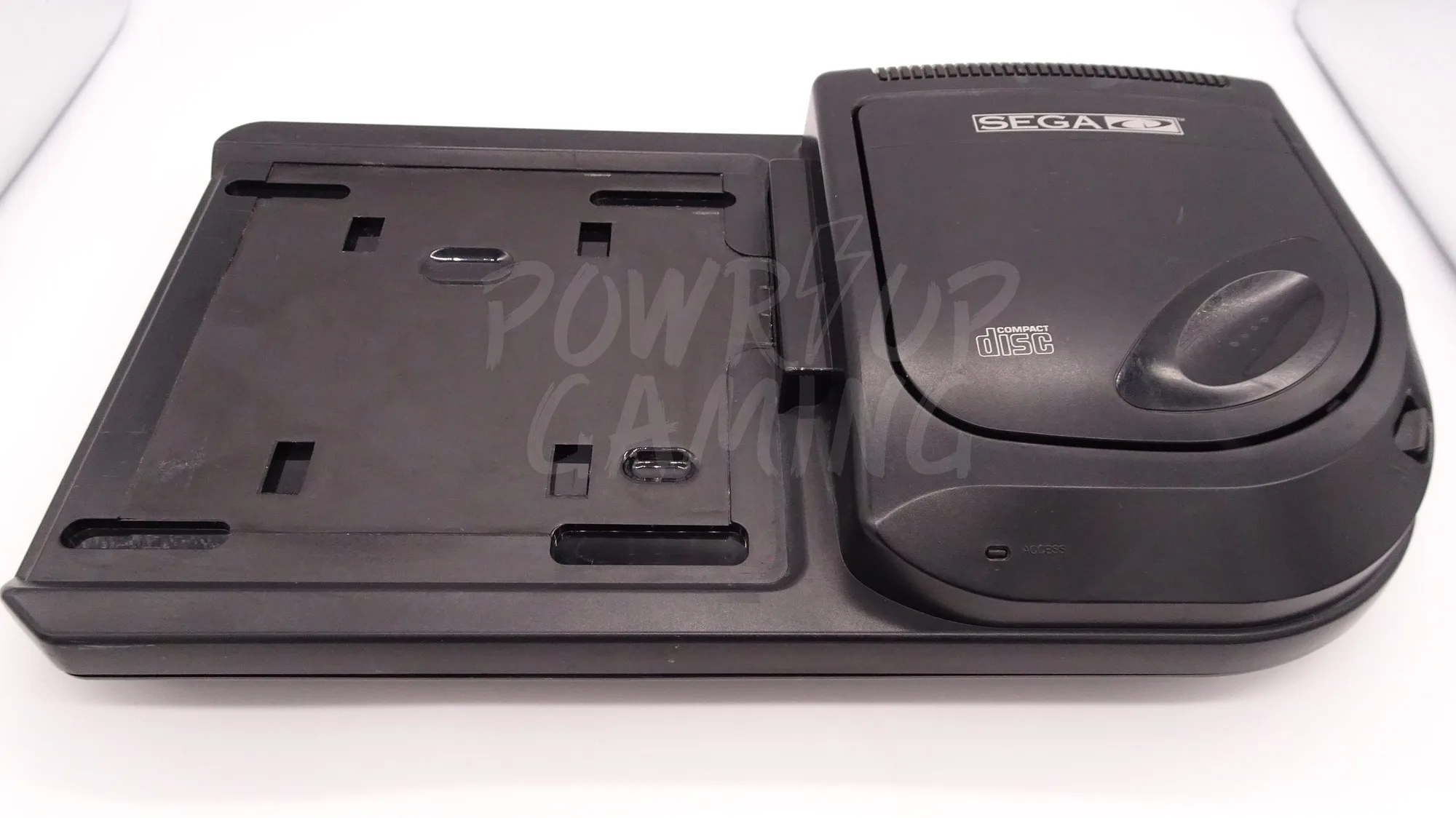
Sega CD Services