Quick answer
Set up your Sennheiser MOMENTUM True Wireless 4 earbuds by charging the case, removing the protective film, pairing via your device's Bluetooth menu, and customizing sound in the Smart Control app.
Before you start: what to check
Make sure your phone or music source supports Bluetooth 5.0 or later to take full advantage of the MOMENTUM 4's stable connection and features like Auracast and LE Audio. If your device is older, you may not see all audio quality improvements.
The earbuds ship with a protective film on the charging contacts inside the case. Remove it fully before placing the earbuds back in the case; otherwise they won't charge.
Step-by-step setup guide
- 1. Charge and prepare: Place the earbuds in the included charging case and connect the case to a USB-C power source. Wait until the case LED shows solid green. Common mistake: forgetting to remove the protective film from the charging pins inside the case. Always peel off the film before first use.
- 2. Pair with your device: Open the case lid (do not remove the earbuds). Press and hold the button on the back of the case for 2 seconds until the LED flashes blue. On your phone, go to Bluetooth settings and select 'Sennheiser MOMENTUM TW 4'. Common mistake: trying to pair with the earbuds already removed from the case. Keep earbuds in the case during pairing.
- 3. Install Smart Control app: Download the Sennheiser Smart Control app from your app store. Open it and allow it to detect your earbuds. Use the app to update firmware, adjust EQ, and toggle adaptive ANC. Common mistake: skipping firmware updates, which can cause connectivity issues. Always update firmware before customizing sound.
- 4. Test and adjust fit: Try the included silicone ear tips. The earbuds should sit snugly without causing pressure. Use the app's fit test (if available) or play a bass-heavy track to check seal. Common mistake: using tips that are too small, which reduces bass and ANC effectiveness. A good seal is essential for sound quality and noise cancellation.
- 5. Enable Auracast (optional): If your phone supports Auracast, open the Smart Control app, go to 'Wireless' settings, and enable Auracast. This allows sharing audio with other Auracast-compatible earbuds nearby. Common mistake: assuming Auracast works with any Bluetooth device. Auracast requires both source and receiver support.
Product facts
-
Sennheiser MOMENTUM True Wireless 4 - Open Box: Supports Auracast and LE Audio for next-generation wireless audio quality. If your phone supports these newer standards, you get better sound and lower latency compared to standard Bluetooth codecs.
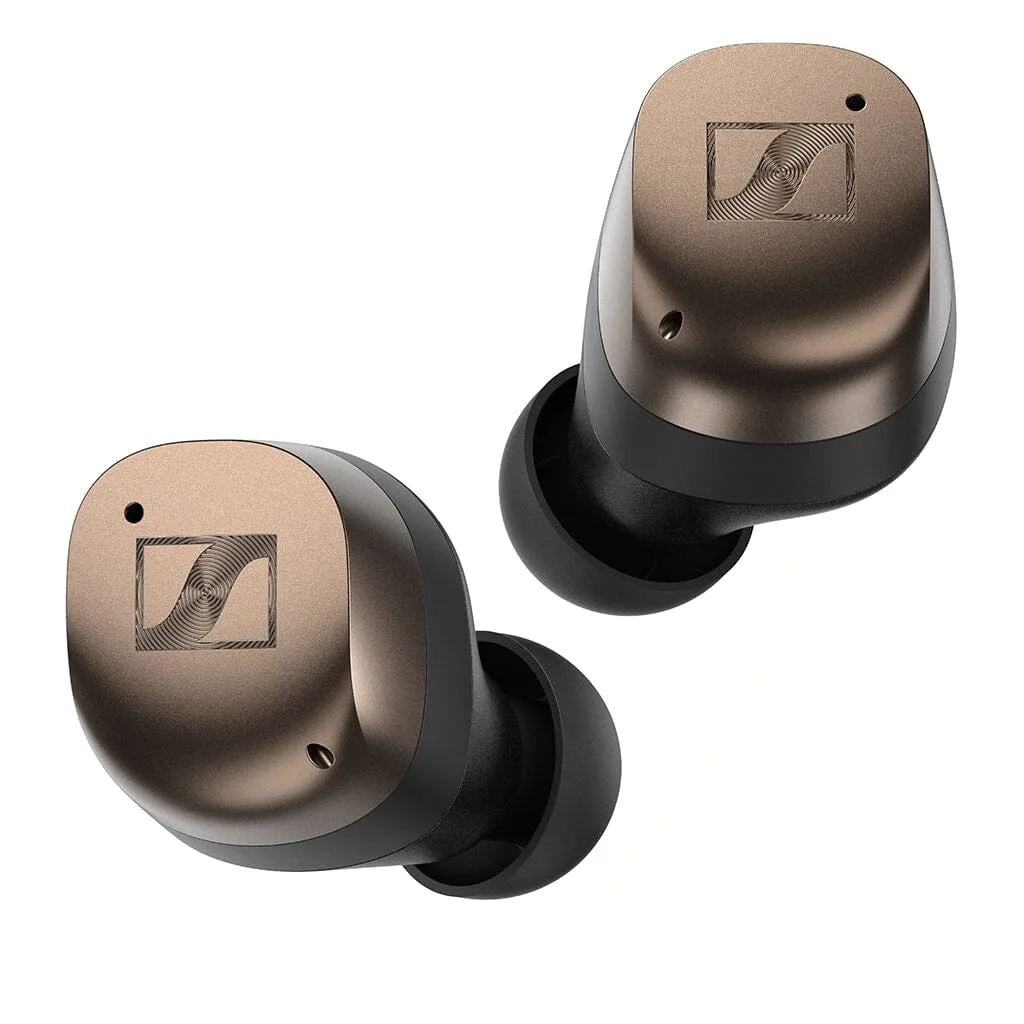
Sennheiser MOMENTUM True Wireless 4 - Open Box