Quick answer
Most sim racing wheel button failures come from loose quick-release contacts, outdated firmware, or a software conflict, not a dead wheel. Start by reseating the wheel and checking cables, then update firmware and test in a clean game profile. If buttons still fail after those steps, the issue is likely internal and needs repair or replacement.
You are mid-stint, reach for a button, and nothing happens. Button failure is one of the most frustrating sim racing problems because it can look like a dead wheel when the real cause is a loose connection or a settings clash. The good news is that most cases are fixable without sending anything back.
This guide walks through the likely causes in the order you should check them, from quick-release contacts to firmware and game bindings. It also covers when to stop troubleshooting and consider repair or a different wheel, so you do not waste a weekend chasing a hardware fault that is not there.
Start with the connection between wheel and base
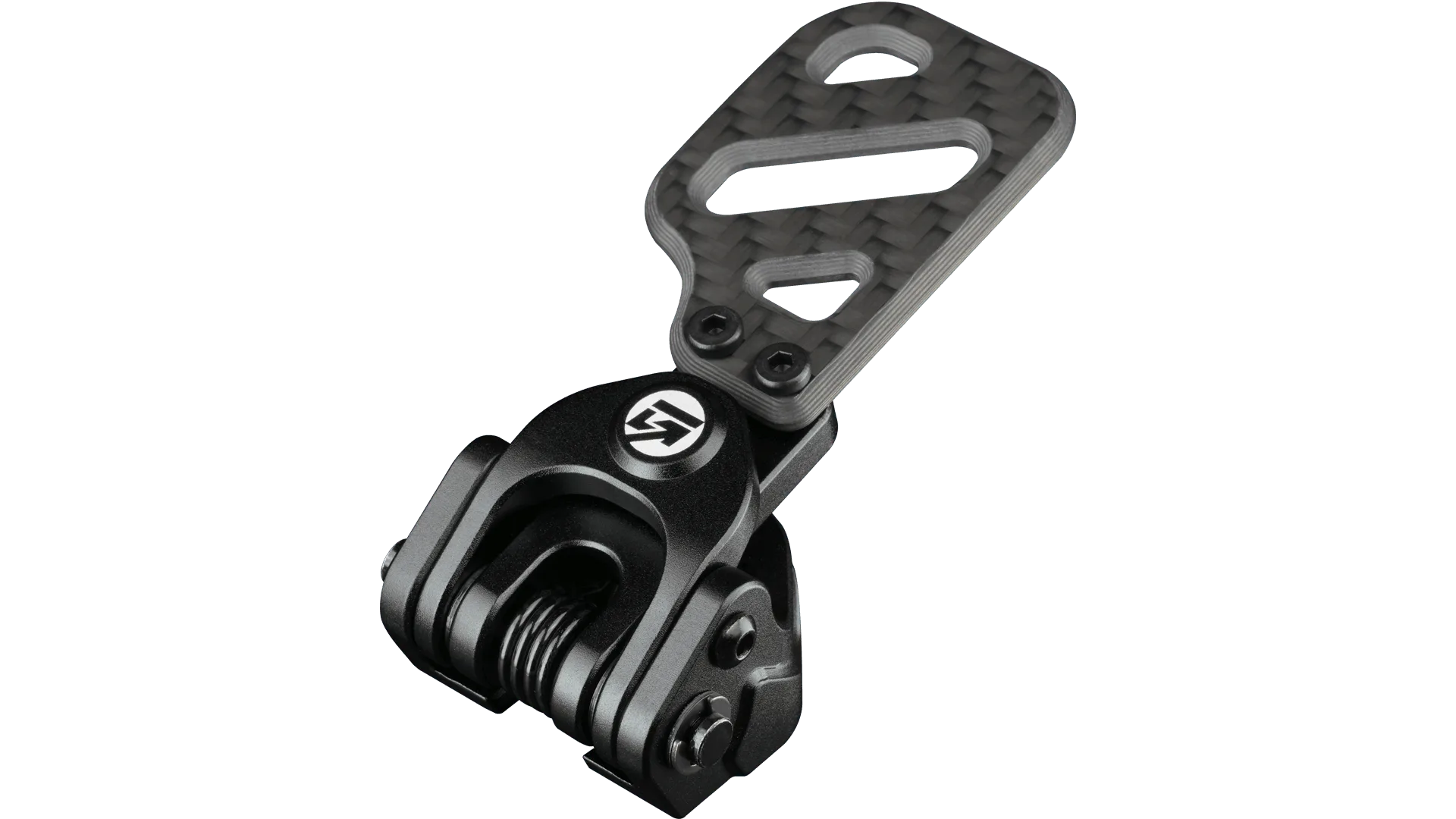
The most common reason sim racing wheel buttons stop working is a poor electrical contact at the quick release or wheel-side connector. Even a small amount of play can interrupt the data pins that carry button signals. Power down, remove the wheel, inspect the pins and contacts for dirt or wear, then reseat it firmly until it clicks or locks.
If your wheel uses a coiled cable or USB pass-through, check both ends. A cable that is pinched, kinked, or strained at full lock can fail intermittently. Test by holding the wheel at center and pressing each button, then repeat at 90 degrees left and right. If buttons drop out only at certain angles, the cable or connector is the likely culprit.
- Power off before reseating any connector to avoid shorting pins.
- Look for bent pins, dark marks, or debris in the quick-release contacts.
- Test buttons at different steering angles to catch intermittent cable faults.
Rule out software and firmware before blaming hardware
A button that works in the manufacturer's control panel but not in-game is almost always a software issue. Open your wheel's configuration software and confirm each button registers. If it does, the problem is in the game's control bindings, a conflicting profile, or a background app that has captured the input.
Firmware mismatches can also cause partial button failure, especially after a base or wheel update. Check that your wheel base and wheel firmware are on compatible versions. Reflash if the manufacturer provides a recovery method, and avoid unplugging during the update. After updating, recalibrate and reassign buttons in a fresh game profile.
- Test in the manufacturer's control panel first to isolate hardware from game settings.
- Create a clean game profile rather than editing an old one with possible conflicts.
- Close overlays, streaming tools, and macro software that may grab button inputs.
Check for physical wear and environmental causes
If the connection and software are fine, look at the buttons themselves. Dust, sweat residue, and repeated heavy presses can wear dome switches or membrane contacts. Buttons that feel mushy, stick down, or require extra force are usually worn internally. In that case, no amount of reseating will fix them.
Heat and vibration also matter. A wheel left in a hot garage or used on a rig with excessive flex can develop intermittent solder joints or connector issues over time. If only one or two buttons fail while the rest work, the problem is likely localized to those switches or their traces, not the whole wheel.
- Clean around button edges with isopropyl alcohol and a soft brush, never soaking the wheel.
- Note which buttons fail; a single dead button points to a local fault.
- Check that your rig does not flex enough to strain the wheel connector during use.
When to repair, replace, or choose a different wheel
If a button fails only under specific conditions and reseating fixes it temporarily, you can often live with it by avoiding that angle or adding a strain relief. But if multiple buttons fail, the wheel is under warranty, or the failure affects critical functions like shifting or clutch, stop troubleshooting and contact support. Do not open a wheel under warranty unless the manufacturer explicitly allows it.
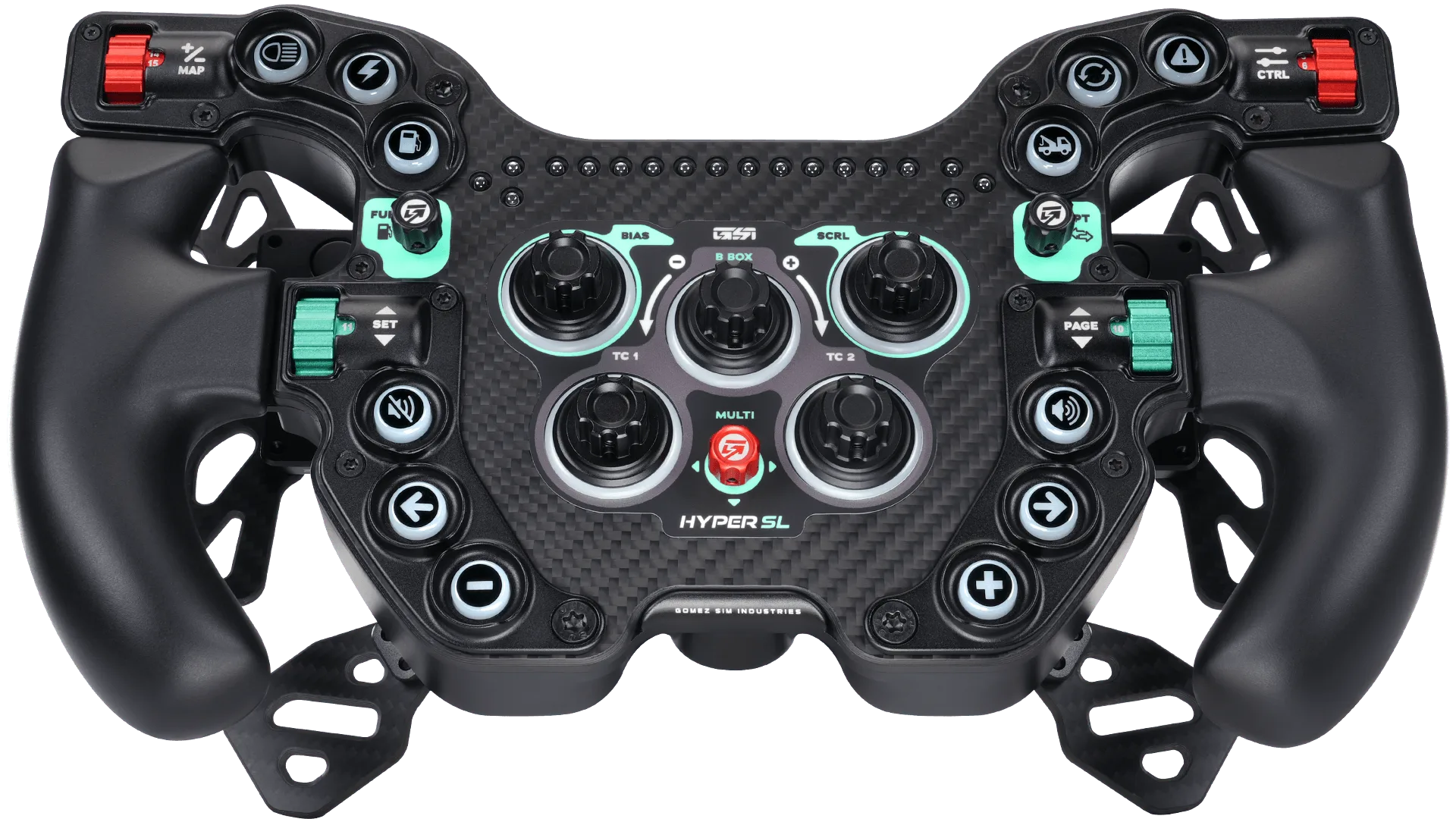
For older wheels where repair is not practical, replacement may be more cost-effective than a repair bill. When choosing a replacement, look for a wheel that matches your base and driving style. A screenless wheel like the Hyper SL keeps things simple and reliable, while the GT-MAX32 uses a continuous molded carbon fiber construction that reduces weight and can reduce long-term flex at the rim.
Hyper SL
- Check warranty terms before opening any wheel; many are voided by user disassembly.
- If repair costs approach half the price of a new wheel, replacement often makes more sense.
- Match any replacement wheel to your base's quick-release system and firmware support.
Button failure diagnosis checklist
- Symptom: buttons work in control panel but not in game: The wheel is sending signals, so the fault is in game bindings, a conflicting profile, or background software capturing input. Fix the game profile and close overlays before touching hardware.
- Symptom: buttons cut out at certain steering angles: A cable or quick-release contact is likely strained or loose, interrupting data when the wheel turns. Reseat the connector and add strain relief; replace the cable if the fault persists.
- Symptom: one or two buttons feel mushy or need extra force: Those specific switches are worn or contaminated, while the rest of the wheel is fine. Clean carefully if allowed; otherwise plan a repair or replacement for those buttons.
- Symptom: multiple buttons fail after a firmware update: A firmware mismatch or incomplete flash can disable button mapping across the wheel. Reflash both base and wheel to compatible versions, then recalibrate.
- Stop point: nothing works after reseating, firmware, and clean profile: The fault is likely internal and beyond safe user repair, especially under warranty. Contact support or consider a replacement wheel rather than opening the unit.
GSI wheels built for reliable button feel
- Hyper SL: The Hyper SL is GSI's most advanced screenless wheel, built with premium materials and a focus on functionality and elegance for serious sim racers. Fewer screens and complex electronics can mean fewer failure points, making it a strong choice if you want a pure, reliable button layout without distraction.
- GT-MAX32 (Rev B): The GT-MAX32 uses a continuous molded carbon fiber face and outer rim as a single unit, with handles over-molded in silicone for grip and strength while reducing weight. A one-piece carbon structure can reduce flex and stress on internal connections, which helps button reliability over years of heavy use.
Most button failures are connection or software problems, not dead hardware. Work through the checklist in order, and stop when you hit a warranty or internal fault. A reliable wheel keeps you focused on lap times, not troubleshooting.