Quick answer
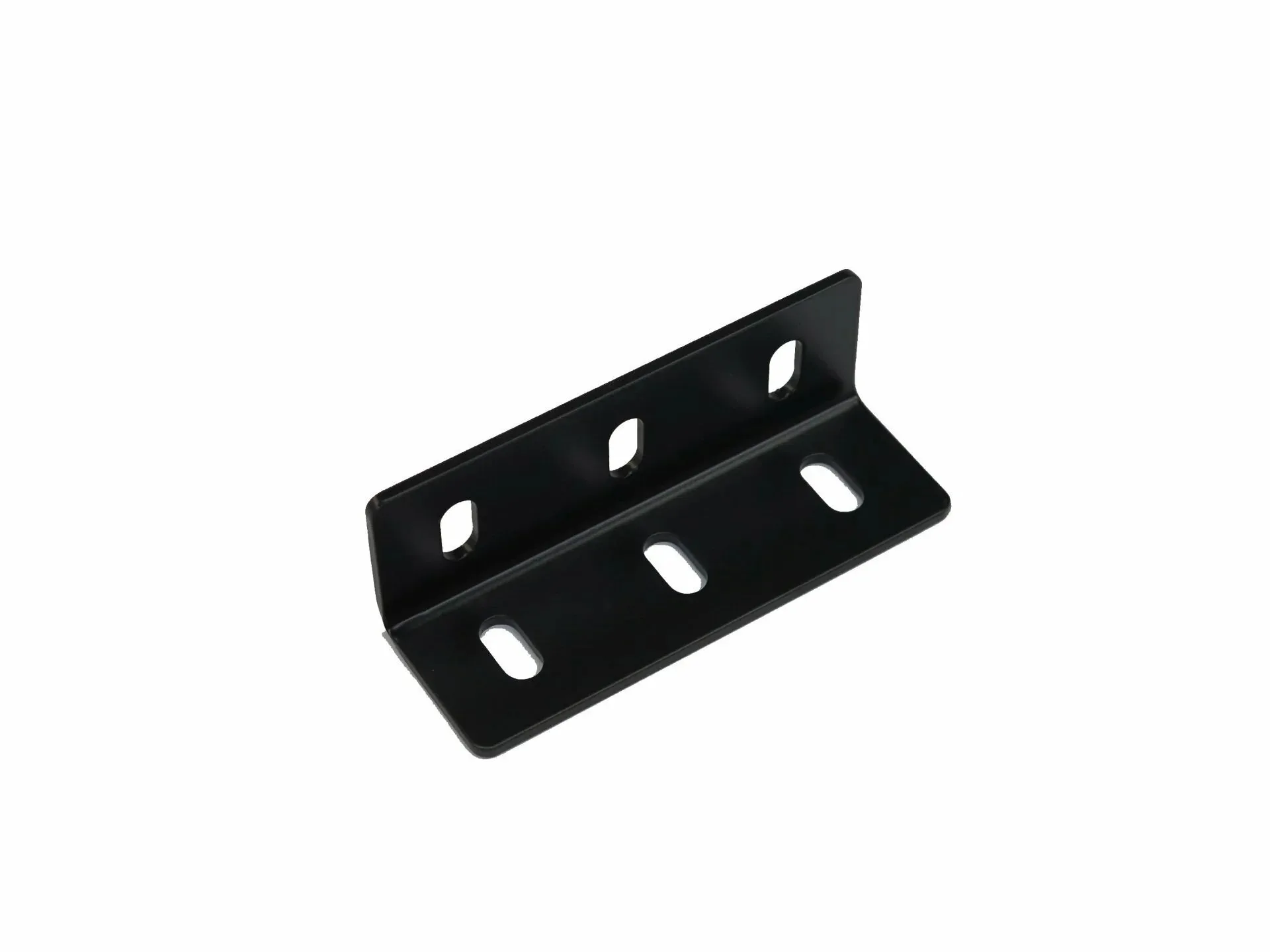
The SimXPro 4x Corner Bracket 40120 Black is a simple, effective way to add rigidity to your sim racing cockpit by reinforcing 90-degree joints between aluminum profiles. Use it at key stress points like the pedal deck, wheel base mount, and seat base to reduce flex and improve consistency.
Why corner brackets matter for cockpit rigidity
Sim racing cockpits built from aluminum profiles are strong, but every joint can flex under heavy braking or steering input. The longer the profile span, the more noticeable the flex. Adding a corner bracket at the joint transfers load across two profiles, making the structure stiffer without adding much weight.
The SimXPro 4x Corner Bracket 40120 Black is designed specifically for cockpit and rig builds. Its clean mounting and practical fitment make it a straightforward upgrade for any rig that uses 40x40 profiles. If you feel the cockpit twisting during hard braking or the wheel deck vibrating, a corner bracket is often the first fix to try.
Where to use the bracket for maximum benefit
Not every joint needs a corner bracket. Focus on areas that carry the most load: the pedal deck where you push hard, the wheel base mount that transfers steering forces, and the seat base that holds your weight. Adding brackets to these points gives the most noticeable improvement in rigidity.
You can also use the bracket to square up a new build. If a frame is slightly out of square, tightening a corner bracket can pull it into alignment. This makes assembly easier and prevents uneven stress on the profiles.
Diagnosing and fixing cockpit flex
- Symptom: You feel the cockpit twisting or vibrating during hard braking, cornering, or when turning the wheel aggressively. Identify the exact joint where flex is most noticeable before buying brackets.
- Likely cause: Weak or unsupported 90-degree joints between aluminum profiles. Long spans without reinforcement allow the frame to flex under load.
- Corrective action: Install the SimXPro 4x Corner Bracket 40120 Black at the affected joints. Use T-nuts and bolts that match your profile size, align the bracket square to the profiles, and tighten evenly. Start with the pedal deck and wheel base mount for the biggest improvement. After installation, retest the rig. If flex persists, check that all bolts are tight and consider adding brackets to other stress points.
- When to stop or choose another option: If your rig already has corner brackets and still flexes, the issue may be the profile size (e.g., 40x40 vs. 80x40) or the wheel base itself. In that case, consider upgrading to a stiffer profile or a higher-end cockpit rather than adding more brackets.
Product facts
-
SimXPro 4x Corner Bracket - 40120 Black: Designed for cockpit and rig builds, the SimXPro 4x Corner Bracket 40120 Black helps you create a clean, practical and reliable racing simulator setup. This bracket is purpose-made for sim rigs, so it fits standard 40x40 profiles and gives you a solid, wobble-free connection at joints.
SimXPro 4x Corner Bracket - 40120 Black