Quick Answer
To make sunstars pop cleanly in Photoshop, start by removing lens flare and restoring true colors, then enhance the starburst with targeted contrast and clarity adjustments.
Why a clean sunstar edit matters
Shooting into the sun often introduces lens flare and washed-out colors, which can dull the starburst effect. Cleaning up these issues first lets the sunstar stand out without looking artificial or messy.
A clean sunstar edit keeps the scene natural while emphasizing the sun’s rays, so the final image feels dramatic but believable.
Trade-off: clarity vs. halos
Boosting clarity and contrast around the sunstar makes the rays pop, but too much can create halos or harsh edges. Work with a mask or brush to apply the effect only to the sunstar area, not the whole sky.
This targeted approach preserves the rest of the image and avoids the over-processed look that can come from global adjustments.
Clean Sunstar Editing Steps
- Remove lens flare first: Use the Spot Healing Brush or Clone Stamp to remove visible lens flare from the sky and around the sun. Checkpoint: Zoom to 100% to confirm no flare remnants remain.
- Restore true colors: Open a Curves or Levels adjustment layer and correct the color cast caused by the sun. Target neutral whites and grays in the sky. Checkpoint: Compare before/after to ensure the sky looks natural, not overly warm or cool.
- Enhance the starburst: Apply a Clarity or Contrast adjustment, then mask it to affect only the sunstar and its immediate rays. Increase clarity moderately to make the rays pop without creating halos. Checkpoint: Check edges for halos and reduce opacity if needed. If the sunstar still looks flat, try a second pass with a smaller brush on the mask for extra precision.
Tools That Help
-
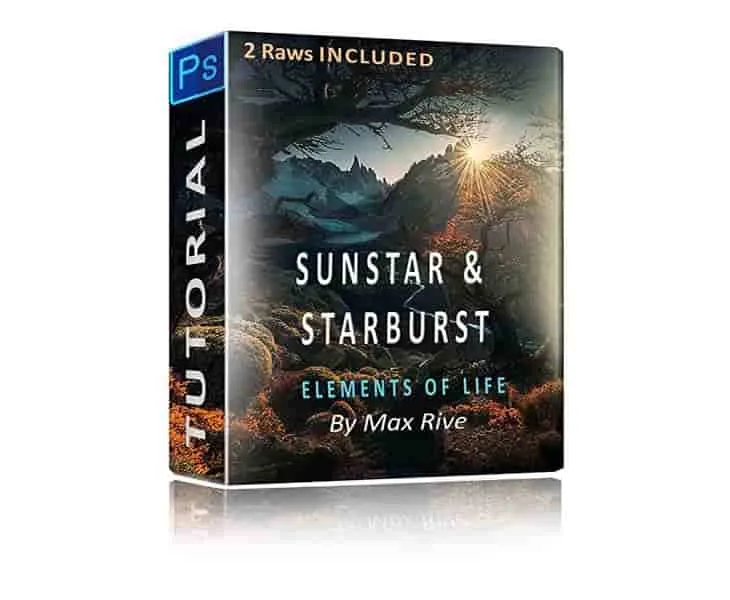
Photoshop Sunstar and Starburst Editing Tutorial: This Photoshop tutorial demonstrates unique techniques for removing lens flare, restoring colors, and creating a sunstar effect when shooting into the sun. It gives you a structured method to achieve a clean, natural-looking starburst without guessing at the editing steps.
Photoshop Sunstar and Starburst Editing Tutorial


