Quick answer
For most RPG tables, plan for enough terrain coverage to fill the combat footprint plus a 6-inch border for movement and staging. A 3x3-foot play area is a good baseline; add modular pieces and scatter to expand encounters without rebuilding the whole table. Buy coverage in layers: floors first, then walls and roofs, then dressing and lighting.
Terrain coverage questions come up at every stage, from first purchase to packing for game night. The answers below focus on practical decisions: how much to buy, how to plan a layout, and which pieces earn their space in the bin.
These answers assume you are building for tabletop RPGs or skirmish games, where the table is shared with dice, character sheets, and snacks. Where a specification is not supplied, the answer notes that limitation instead of guessing.
How much terrain coverage do you actually need?
Start with your typical encounter footprint, not the size of your table. If most fights happen in a 24x24-inch area, you need coverage for that area plus a border for approach and staging. A 3x3-foot play area gives you room for a main encounter and a side scene without crowding player space.
Coverage is not only floors. Walls, roofs, and elevation change how much table space a build consumes. A compact dungeon with walls may cover less table than a sprawling village with multiple buildings, even when the floor count is similar. Plan by scene type, then add modular pieces to expand.
- Measure your most common encounter footprint before buying.
- Reserve 6 inches of border for miniatures, dice, and cards.
- Count walls and roofs as part of the coverage budget, not just floors.
Should you buy sets or individual pieces for coverage?
Sets give you a predictable core layout and usually a better cost per piece. Individual pieces are for filling gaps, replacing a damaged piece, or adding a specific feature without buying a full set. Most players end up with a core set plus a small box of singles.
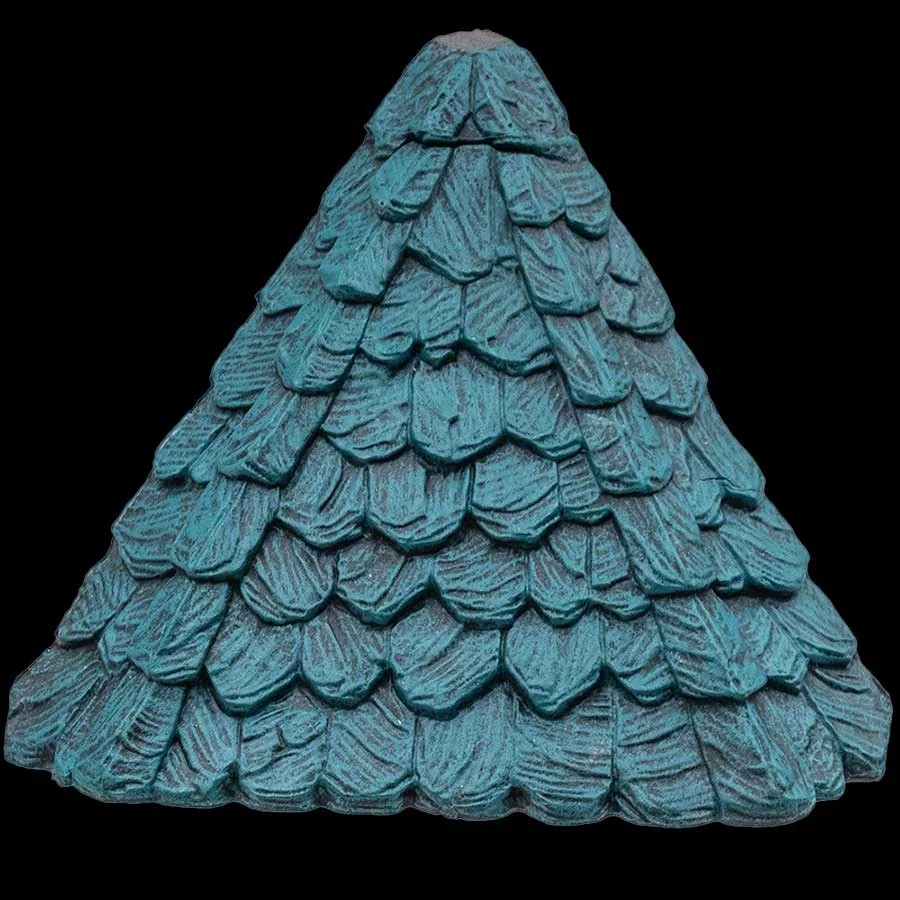
If you are building toward a specific scene, buy the set that matches the theme first, then use individual pieces to extend it. For example, a green unpainted roof can extend a city build without committing to another full building set.
- Buy sets for the core layout and singles for gaps.
- Match individual pieces to the theme you already own.
- Keep a small singles box for repairs and last-minute additions.
How do you plan coverage for a modular layout?
Sketch the footprint in 2x2-inch or 1-inch grid squares, then count how many floor tiles each room needs. Add corridors and doorways before you add dressing. This keeps the build playable and prevents a beautiful layout that no miniature can move through.
Build in zones: a main encounter zone, a transition zone, and a staging zone. The main zone gets the most coverage and detail. The staging zone can be simple floors or a mat. This approach lets you reuse the same core pieces across sessions.
- Sketch the footprint before you place a single tile.
- Count corridors and doorways as part of the plan.
- Use zones to decide where detail matters most.
What is the difference between table coverage and scatter terrain?
Table coverage is the structural base: floors, walls, roofs, and platforms that define the play space. Scatter terrain is the loose dressing that adds story and visual interest without changing the footprint. You need coverage first; scatter makes it feel lived-in.
Scatter is also the easiest way to change a scene between sessions. A street scene can become a market or a crime scene with the same floors and different dressing. This is why coverage and scatter should be planned together but bought separately.
- Coverage defines the play space; scatter tells the story.
- Buy coverage for structure and scatter for variety.
- Swap scatter to reuse the same coverage across sessions.
How do you handle lighting and special effects in a coverage plan?
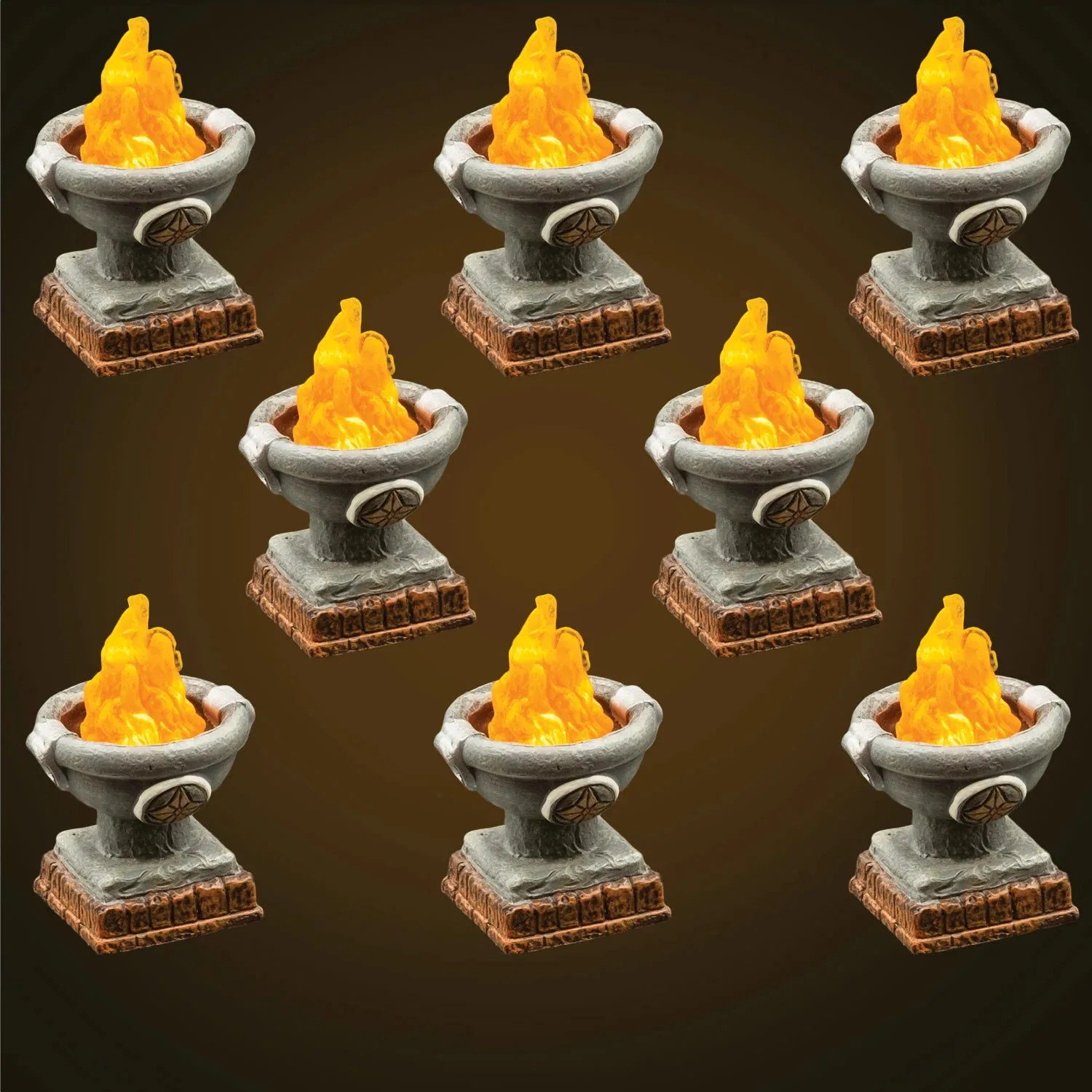
Lighting changes how much coverage you perceive. A dim table with a few lit pieces feels larger and more atmospheric than a fully lit table. Plan power or battery access before you place lit pieces, and keep them near the edge or under removable floors for access.
Special effects components can also change the mood without adding floor area. If you use filters or light accessories, check compatibility with your existing sculpts before buying, because not every effect works with every piece.
- Plan power access before placing lit pieces.
- Use lighting to stretch perceived coverage.
- Verify compatibility between effects and sculpts.
How do you store and transport coverage without damage?
Store by size and shape, not by set. Flat floors stack, walls go on edge, and fragile pieces go in a separate bin with padding. Label bins by function so you can find the pieces you need without unpacking everything.
For transport, use a hard-sided case with removable trays. Keep heavy pieces at the bottom and light dressing on top. If you use magnets, check that they are secure before travel; loose magnets can scratch painted surfaces.
- Sort by size and shape for faster builds.
- Pad fragile pieces separately.
- Put heavy pieces at the bottom of the transport case.
Coverage planning checkpoints
Measure the encounter footprint
Write down the length and width of your most common combat area, then add a 6-inch border for staging. This number is your minimum coverage target.
Layer your purchase
Buy floors first, then walls and roofs, then dressing and lighting. This order keeps the table playable at every stage. Stop when the table plays well, not when the bin is full.
Test one new piece before a full set
Use an individual piece such as a roof or window insert to see how it fits your existing build before buying more. A small test prevents a large mismatch.
Pieces that solve common coverage questions
- Large Round Crenellations (Unpainted): Crenellations to protect the top of a large (6-inch diameter) tower, including a variety of roof platforms for barbicans, half towers, and other defensive configurations. If your coverage plan includes a tower, this set adds a defensible top and platform options without buying a full new building.
- Diagonal Hip Roof - Green (Unpainted): Unpainted green Diagonal Hip Roof, individual piece format, compatible with biscuits and pegs (not included), and includes anchor magnets and biscuit system features. A single roof piece lets you extend an existing city or village build and test a roofline before committing to a larger set.
- Lowtown Phantasmal Filters: Component set designed to work with The Light Puck and any compatible sculpt, part of the Lowtown line and Dwarven Forge's table coverage and special effects offerings. Useful when you want to change the mood of a covered area without adding floor tiles, provided your sculpts are compatible.
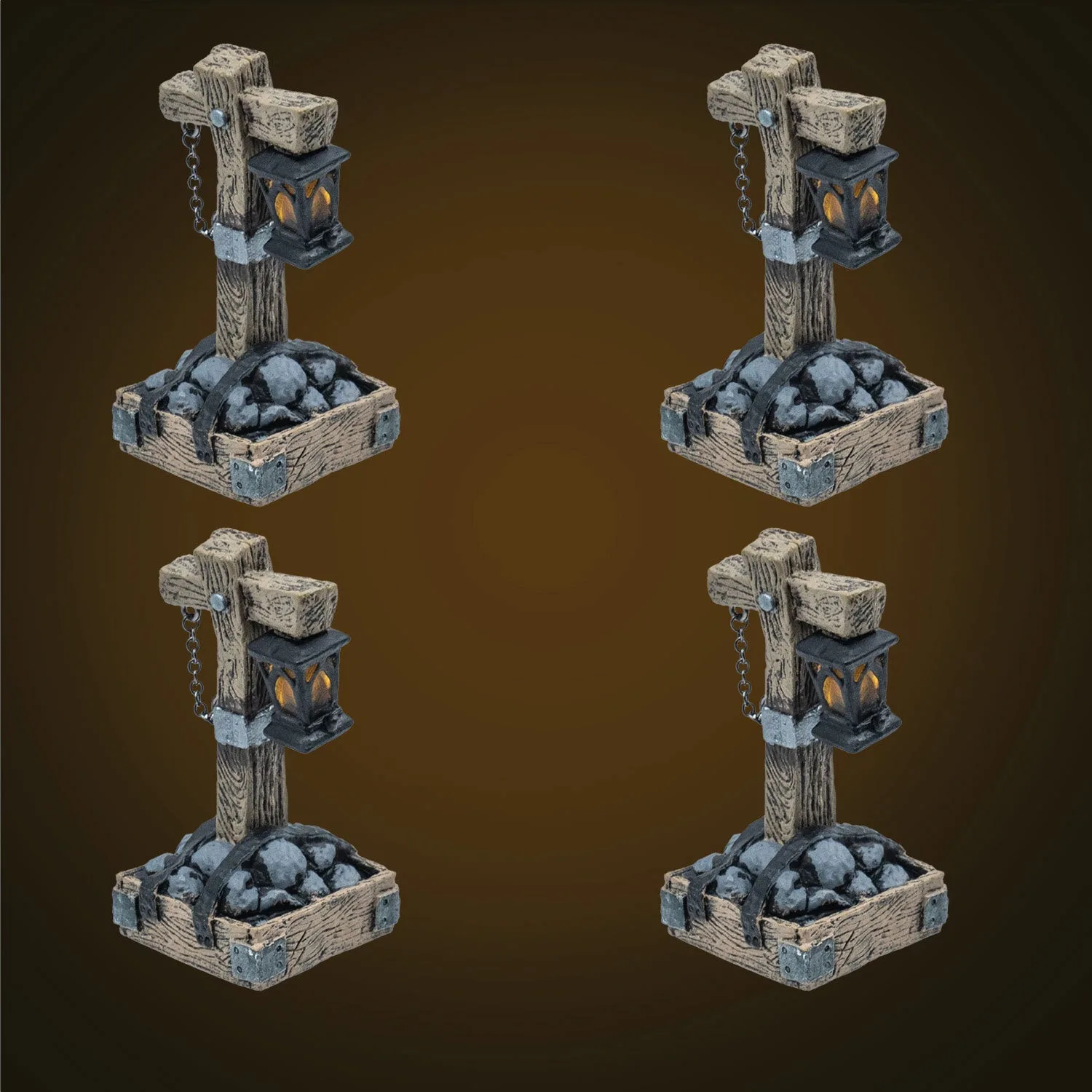
- LED Lowtown Lamppost (Unpainted): A new built-in LED lamppost helps light the dingy Lowtown streets. A single lit piece can make a street scene read clearly at the table and guide player attention without expanding the footprint.
Coverage planning gets easier when you measure first, buy in layers, and treat scatter and lighting as separate decisions. Start with the footprint you actually play on, add pieces that solve a specific table problem, and expand only when the current layout stops working.